Clothing
Hiwa Three Casual Outfits Tomodachi Life Pattern Sheets
Published 2026-06-29
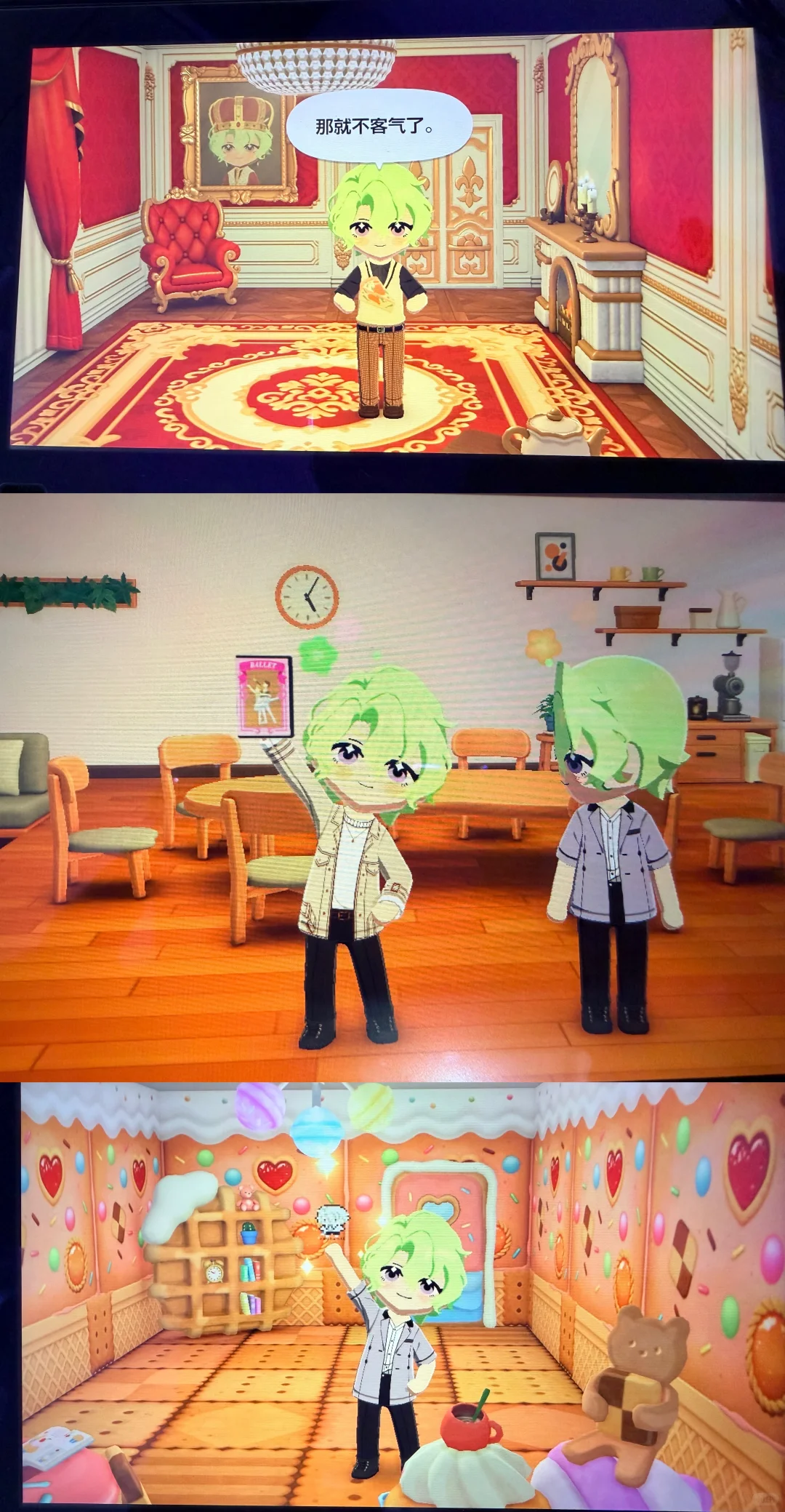
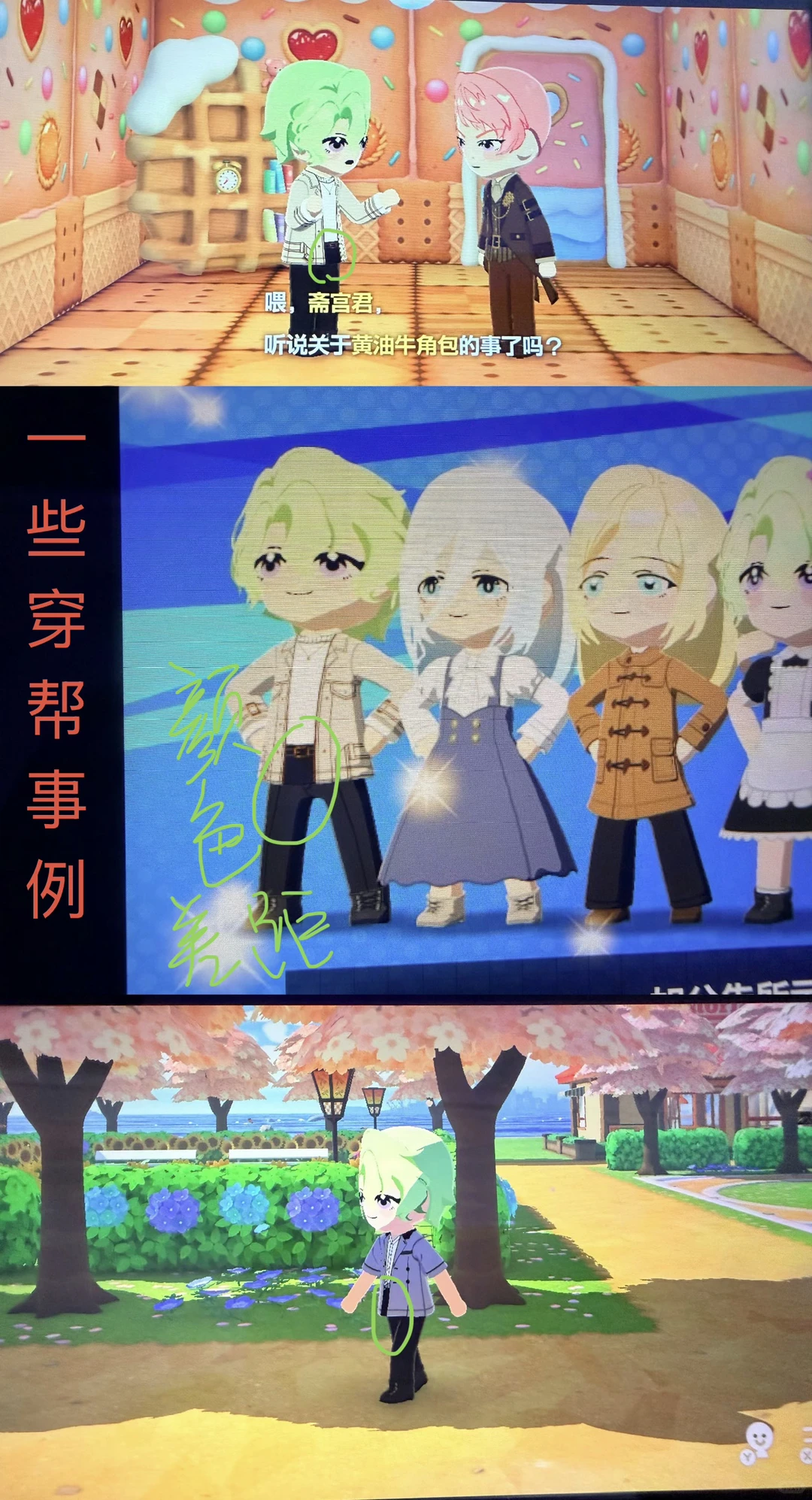
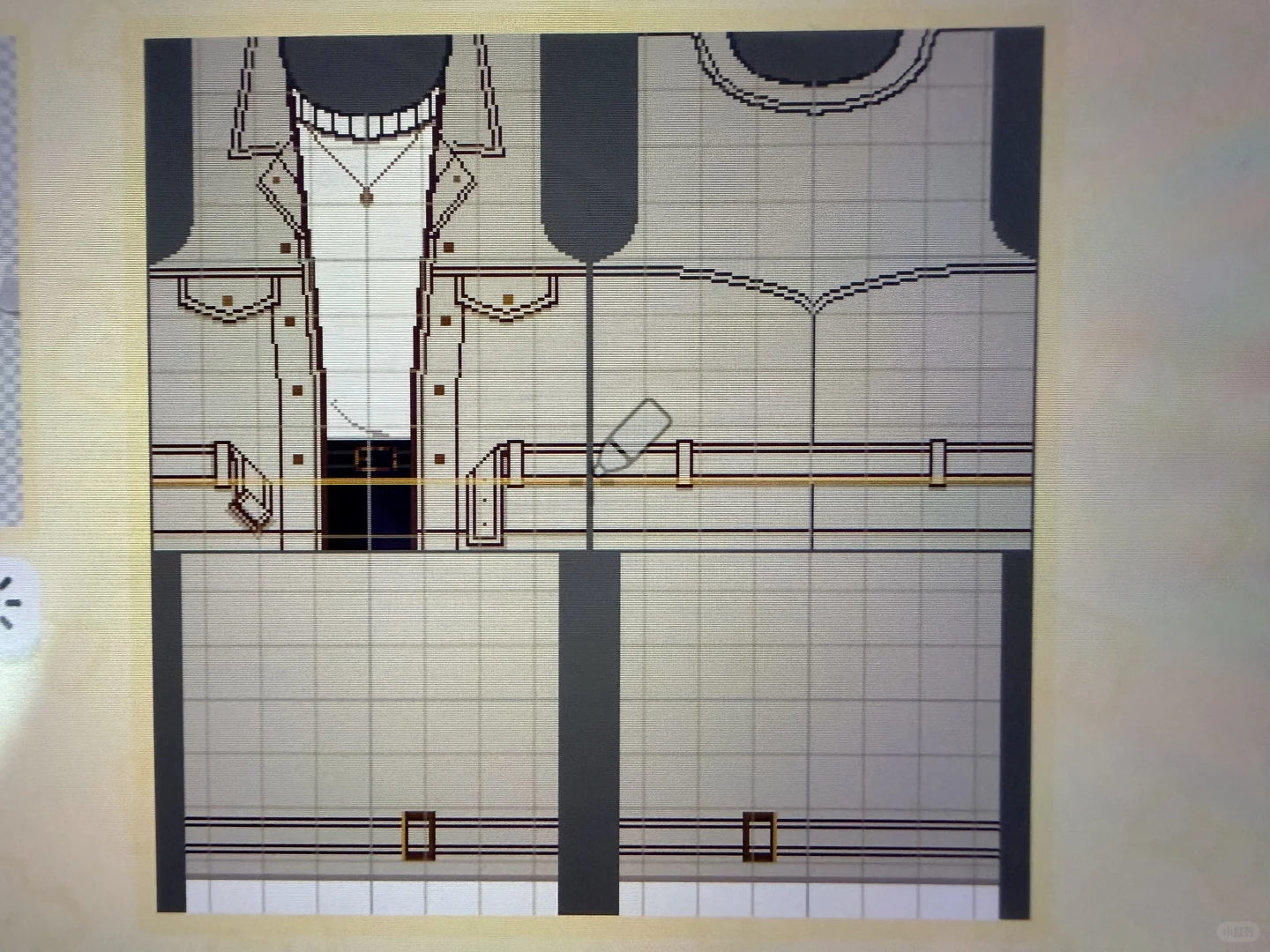
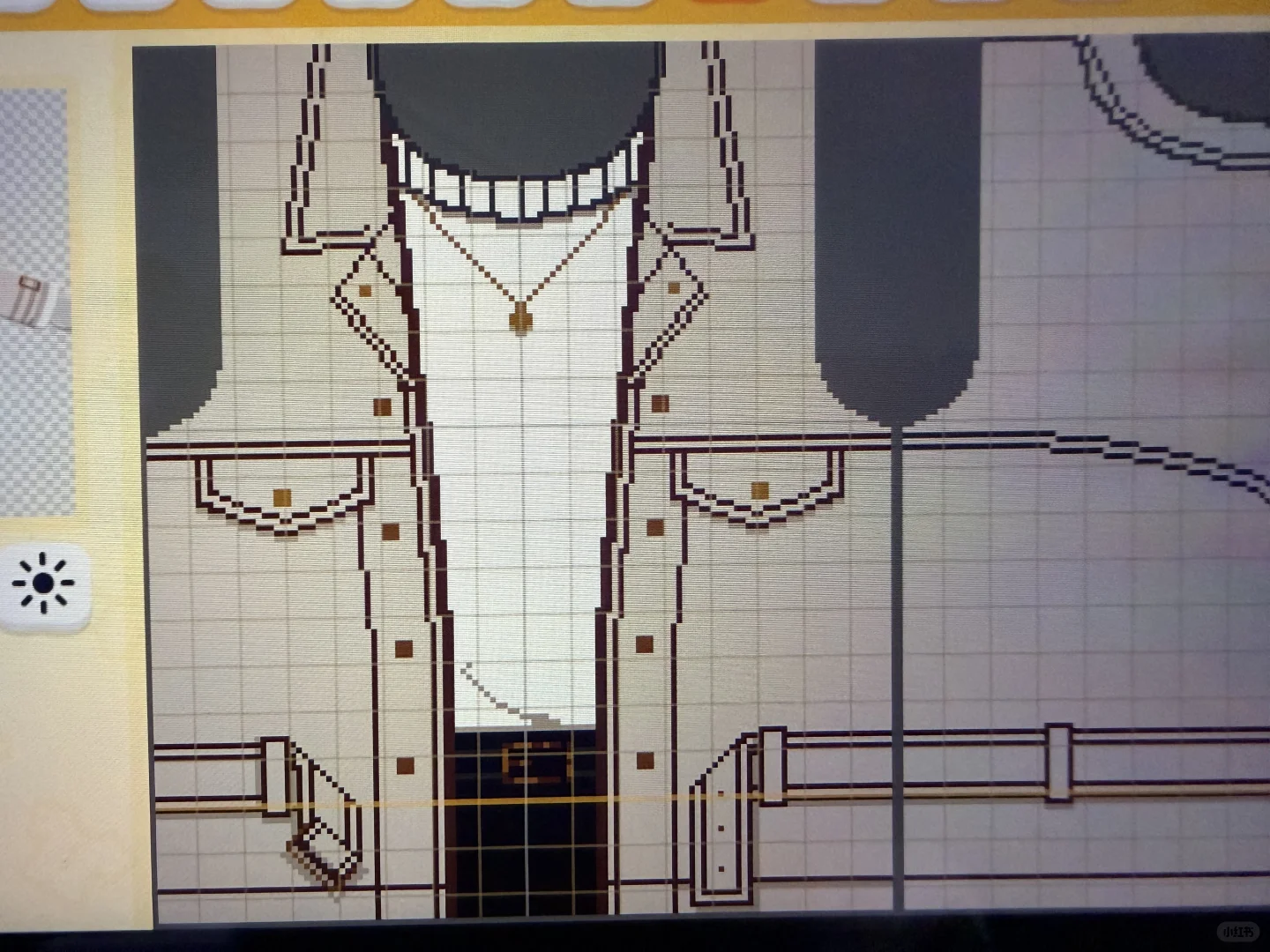
Pattern sheets for Hiwa's three casual outfits. Uses mostly straight-line tool with tips on color and symmetry.
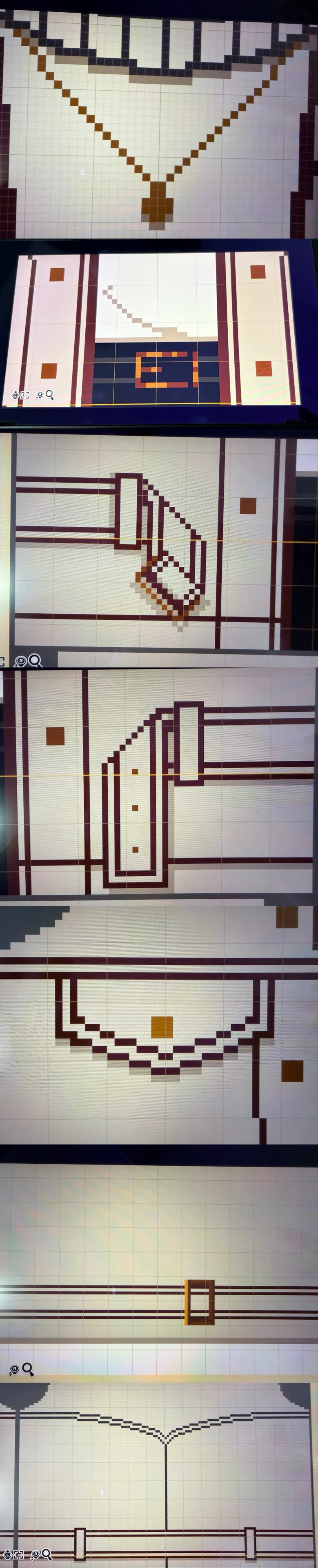
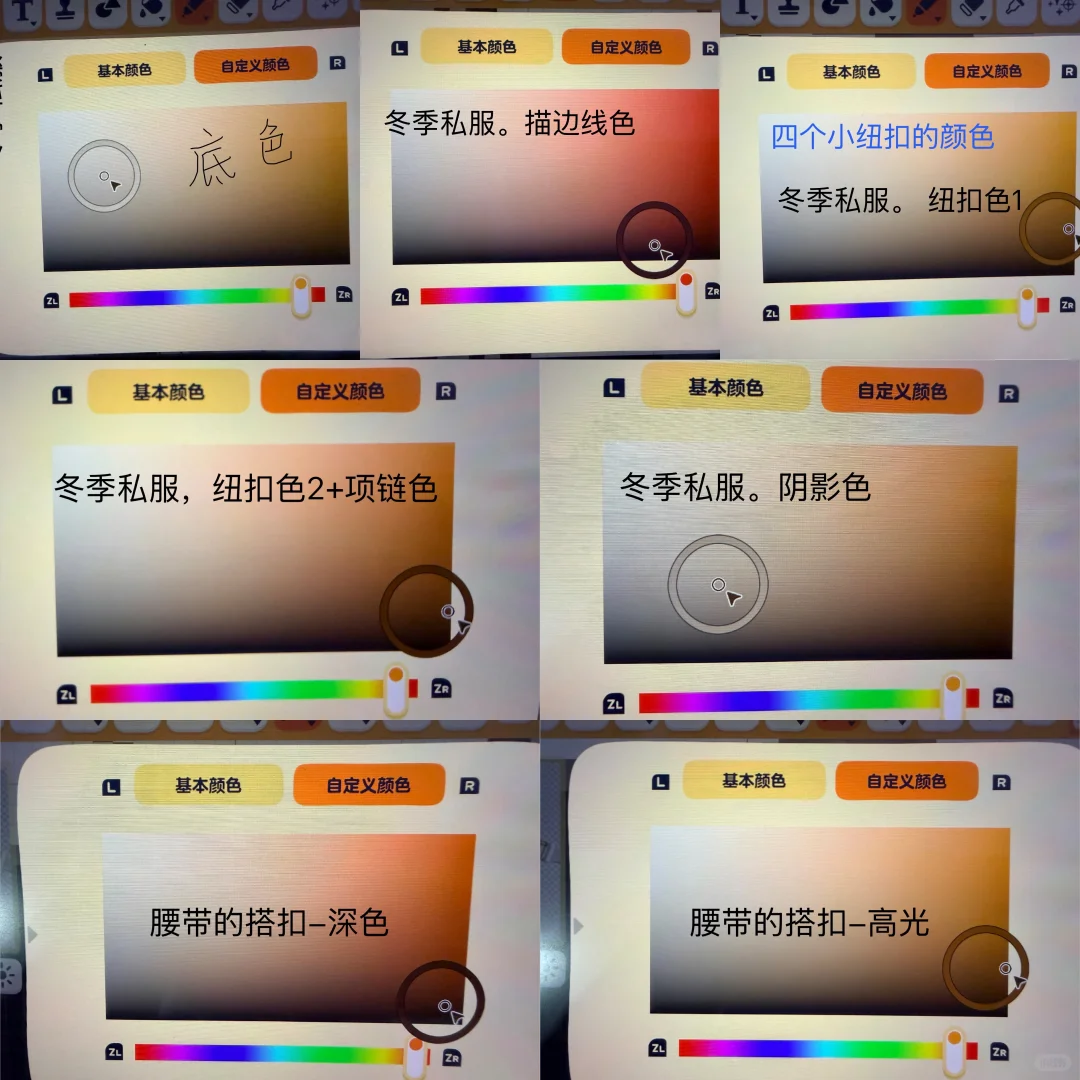
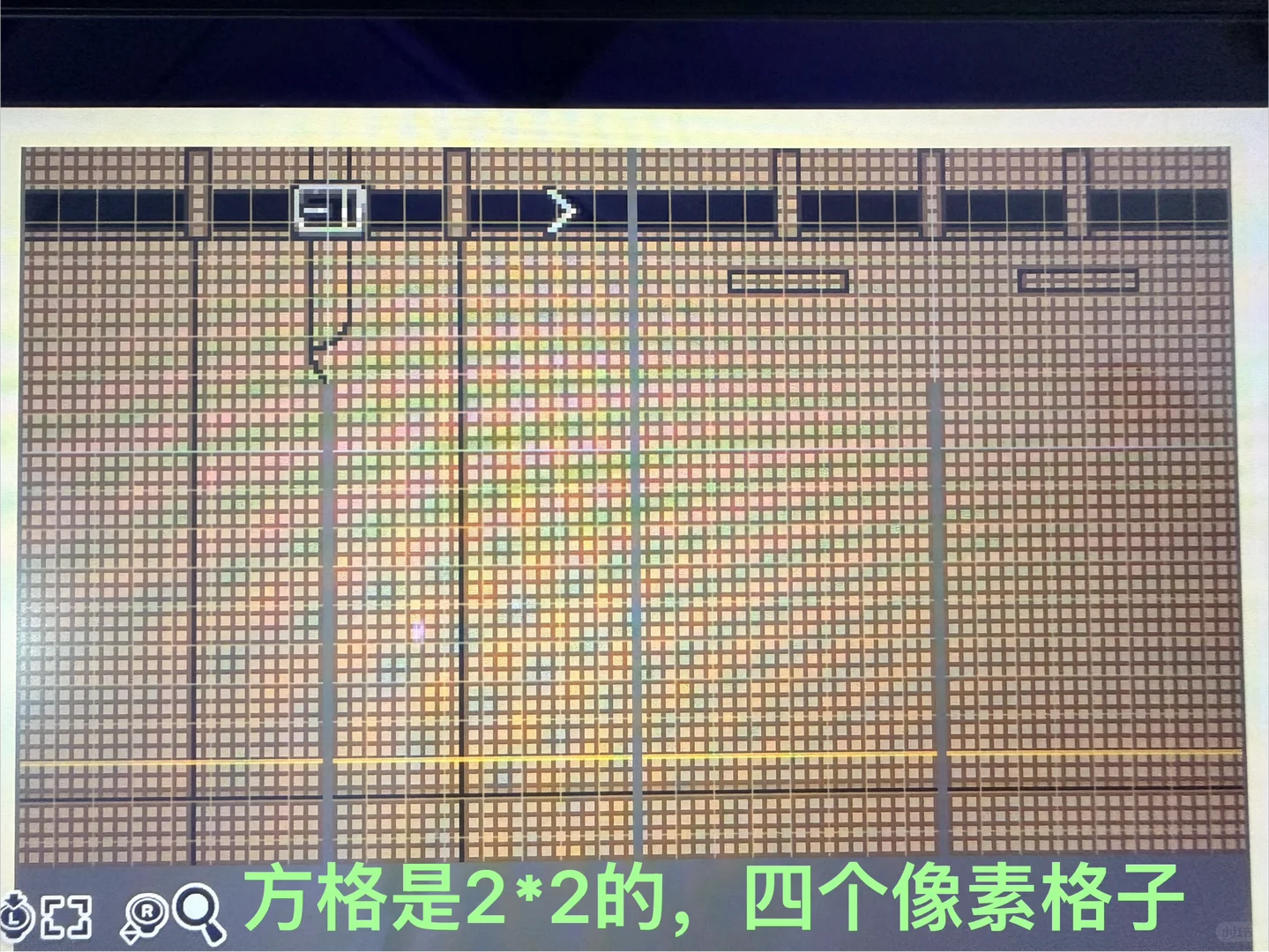
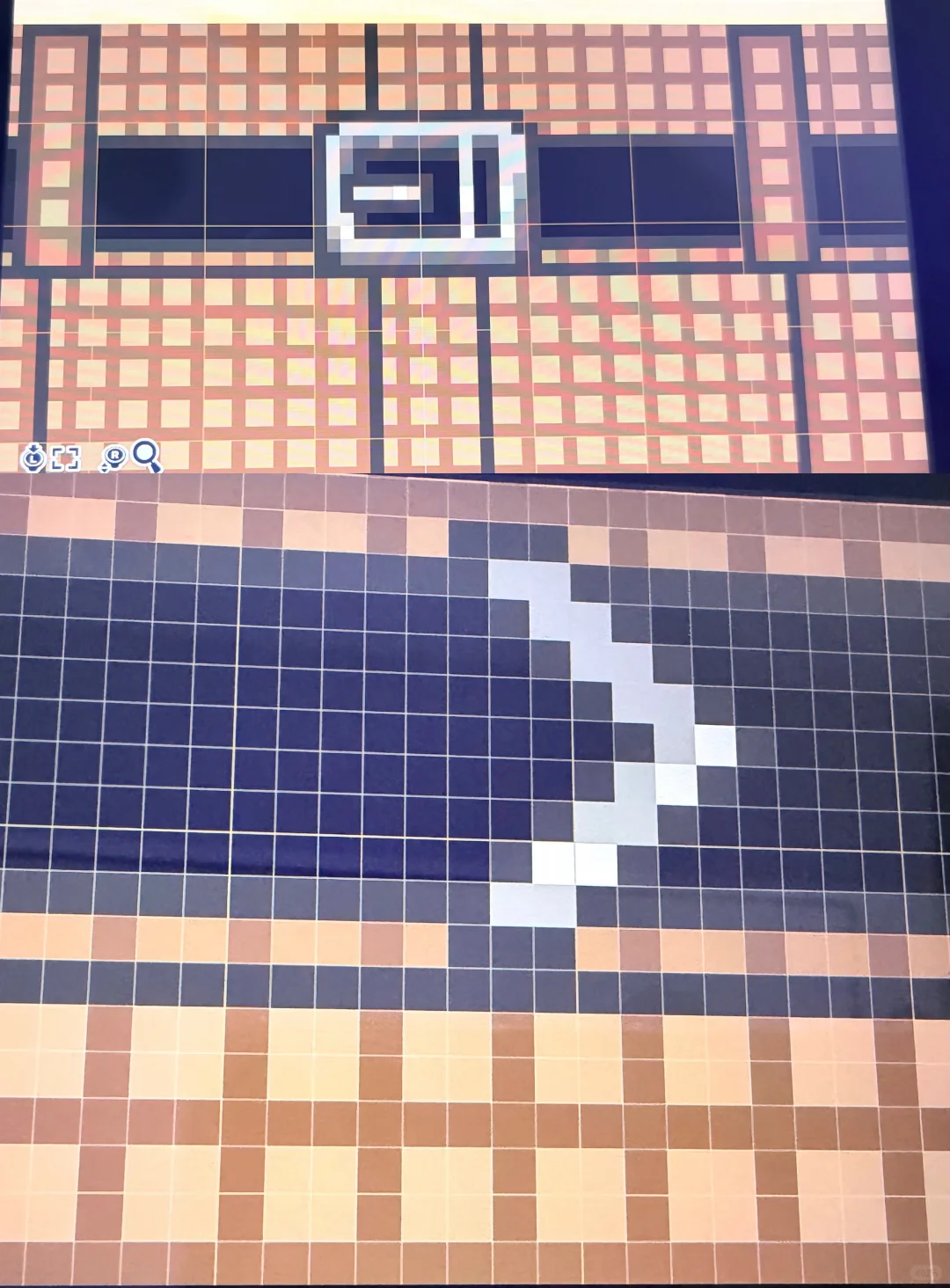
Original Post Text
About This Design
Pattern sheets for Hiwa's three casual outfits. Uses mostly straight-line tool with tips on color and symmetry.
How to Use This Design
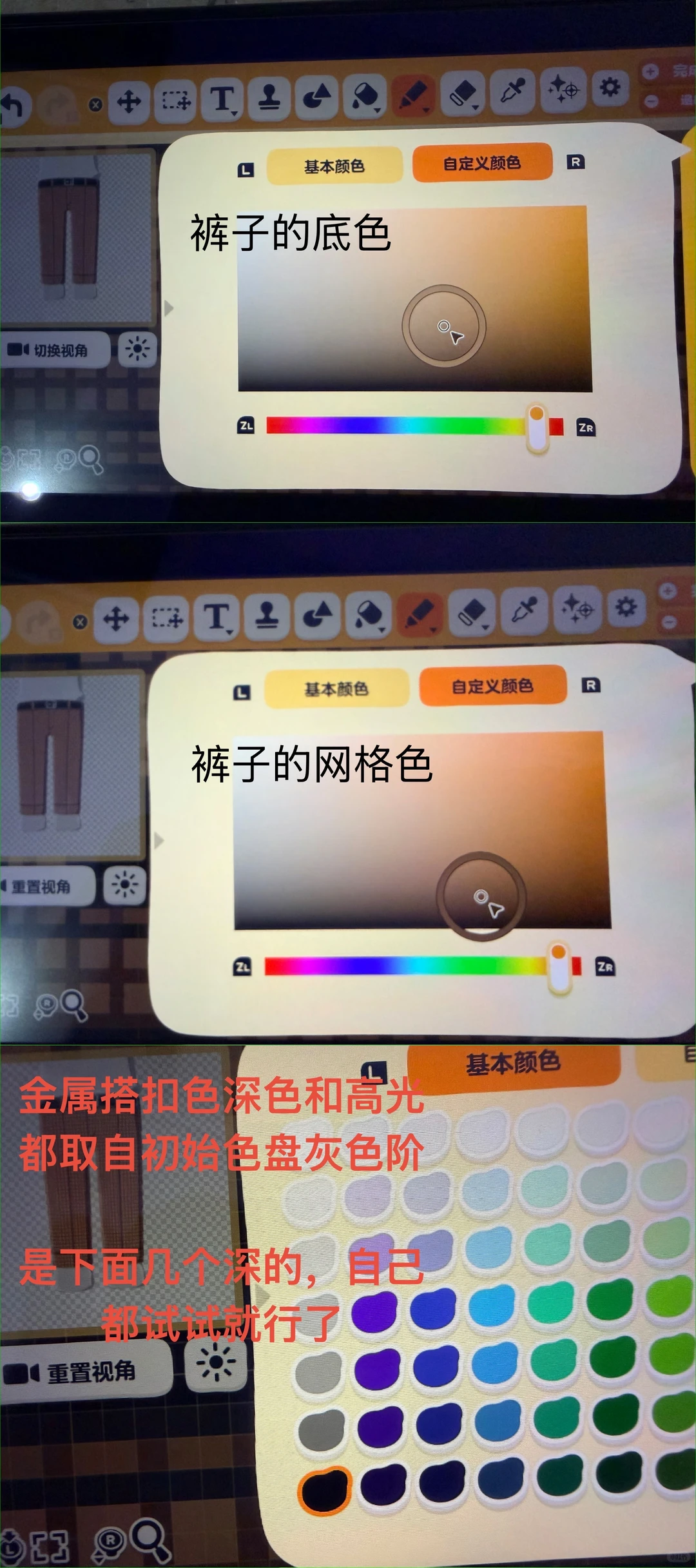
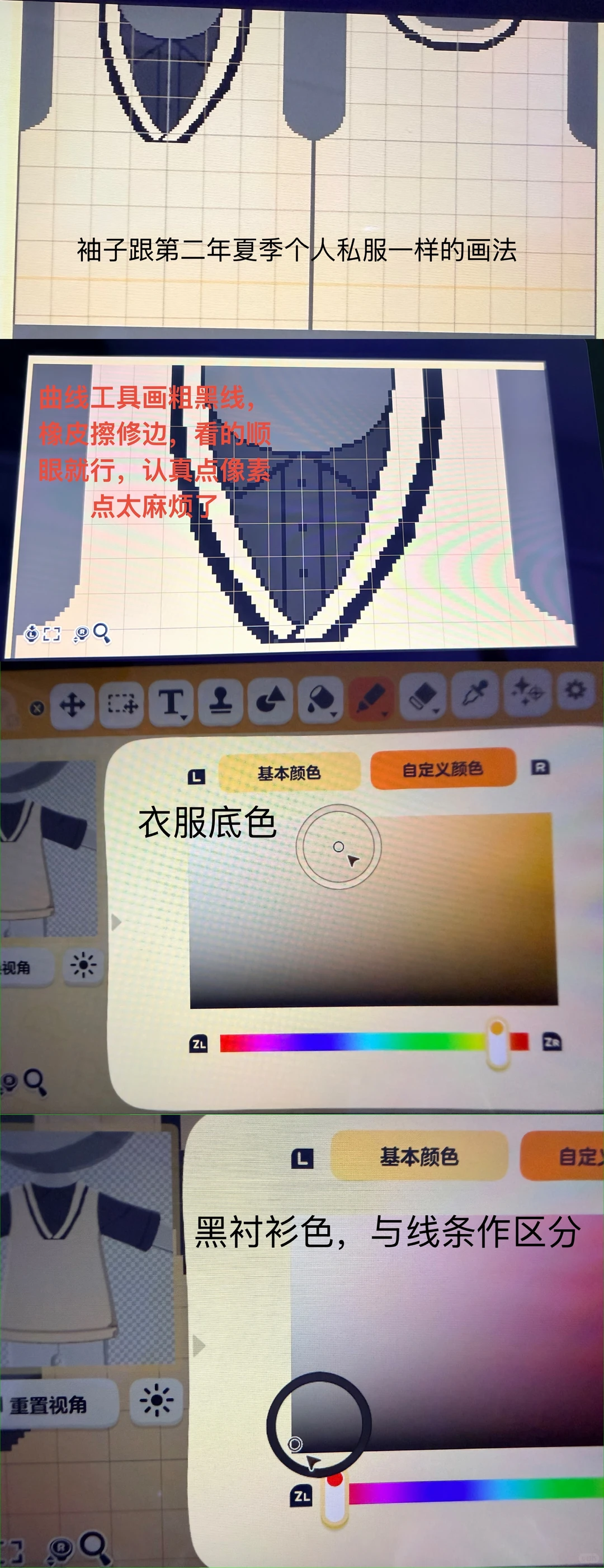
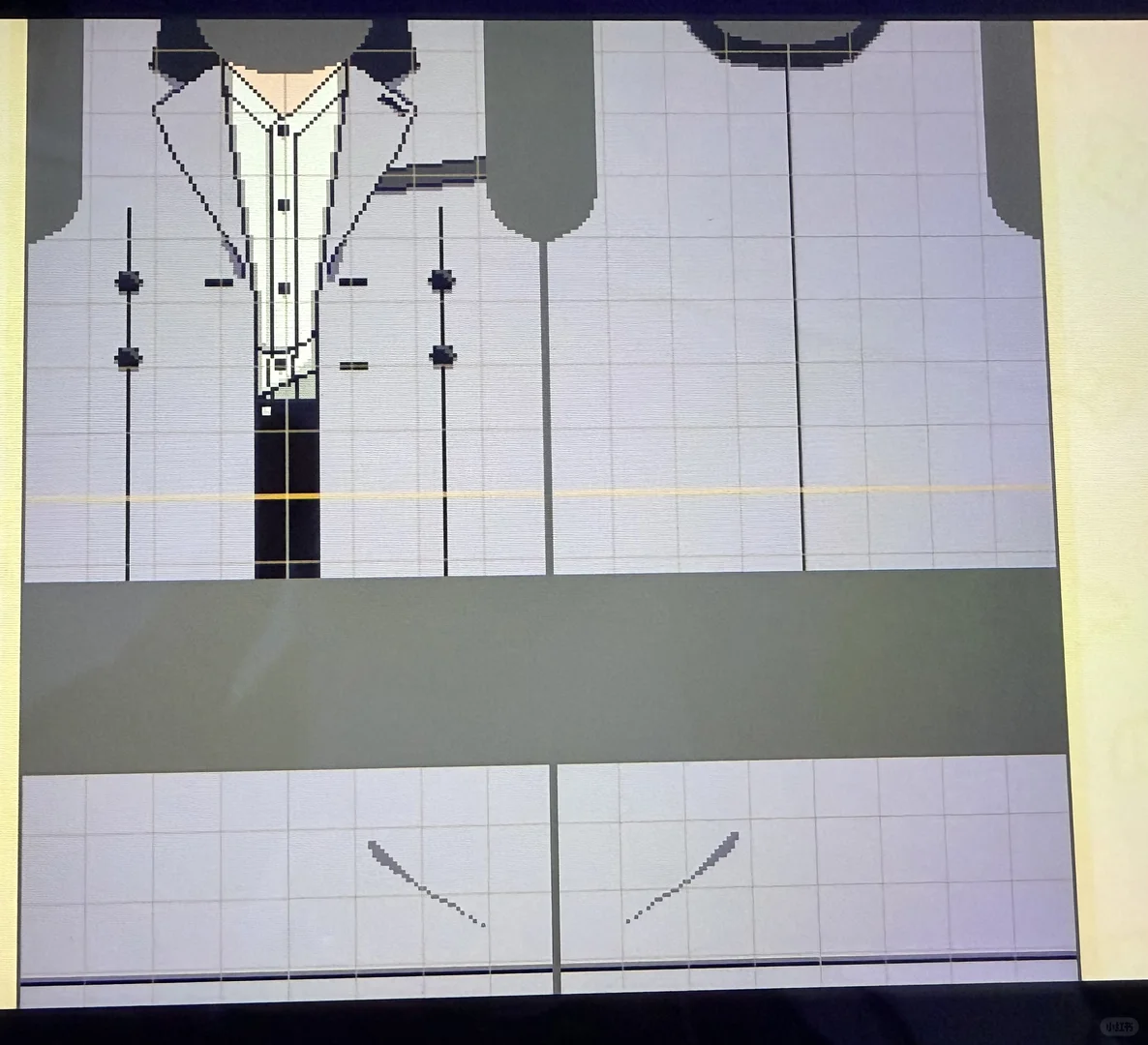
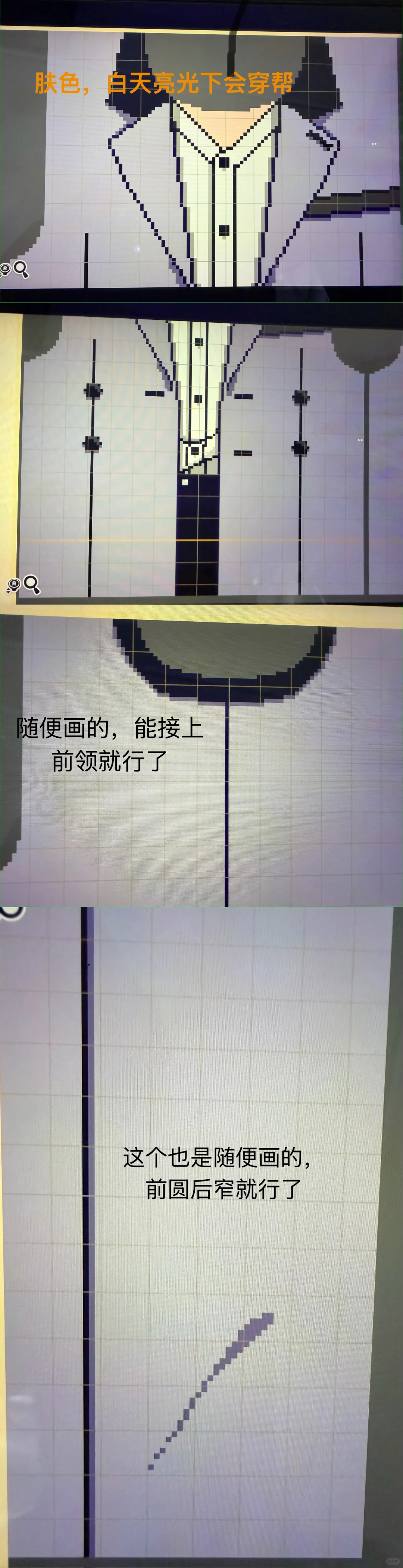
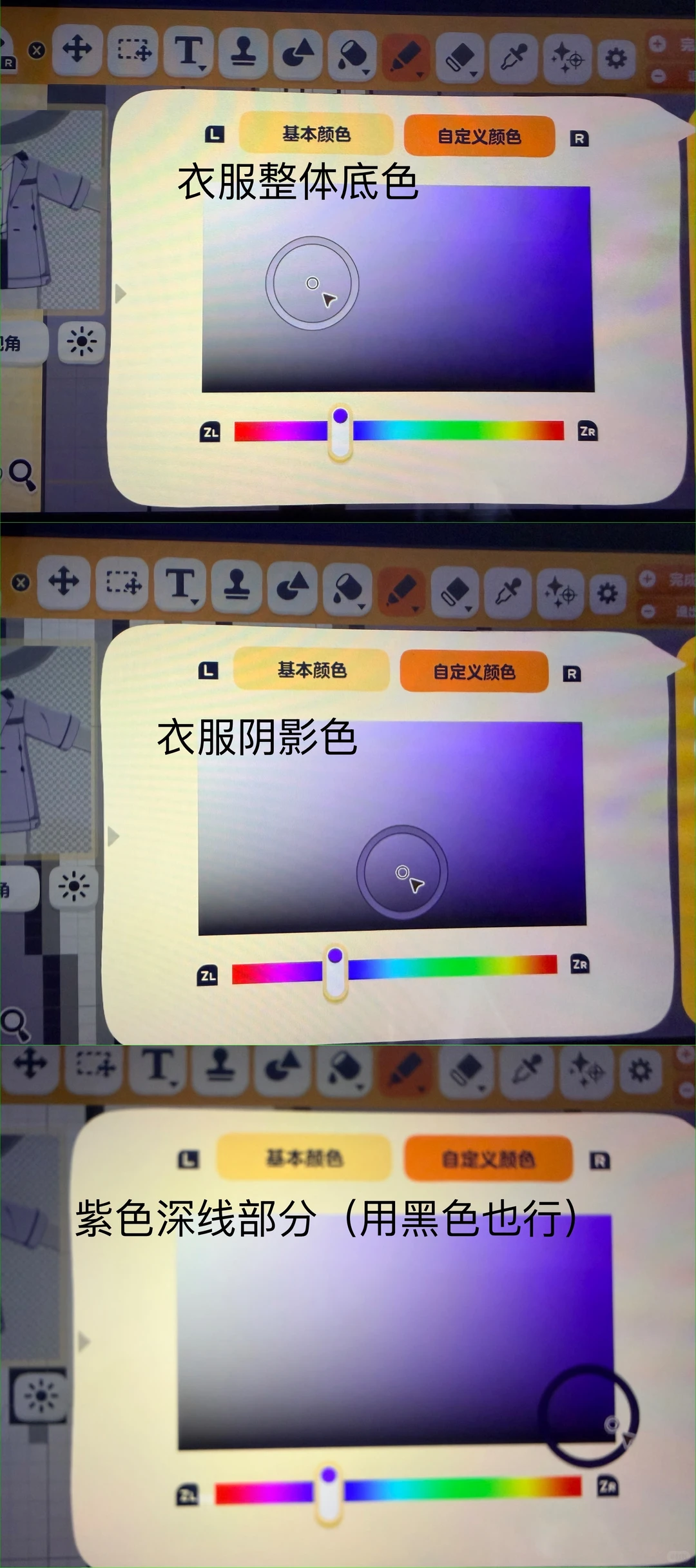
*Use the straight-line tool throughout. *Colors don't need to be exact — trust your eye; for shadow tones, shift slightly toward a deeper hue, a little right and halfway down. *For symmetric parts, draw only one half and mirror with the symmetry tool. *For Year 1 summer pants grid, draw a section then copy-paste, keeping the grid pattern aligned. *After finishing, use blur pen (overlay, high-saturation orange) along the bottom edge of the outfit. *When equipping the top, press the L stick to tuck it into the pants. *For Year 1 winter outfit, if the legs look short, extend the pants section upward.
Tags
Related patterns
Tomodachi Life Cow Print Outfit Pattern Sheet Share
by 马桶水挂面炒
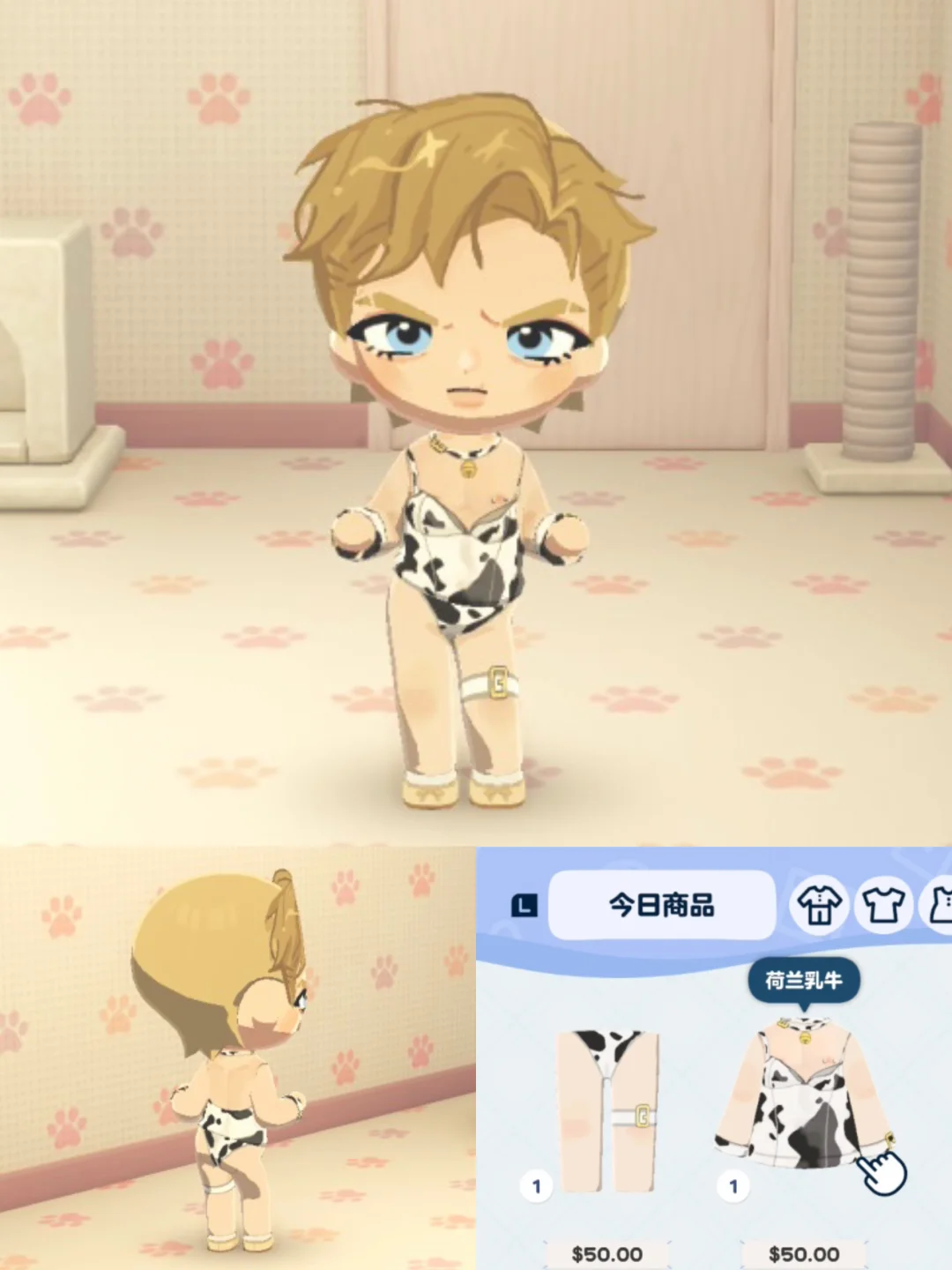
A newly drawn cow print outfit with a realistic thick-paint style. Pattern sheet details on p2 are ready to copy.
View Pattern Sheet →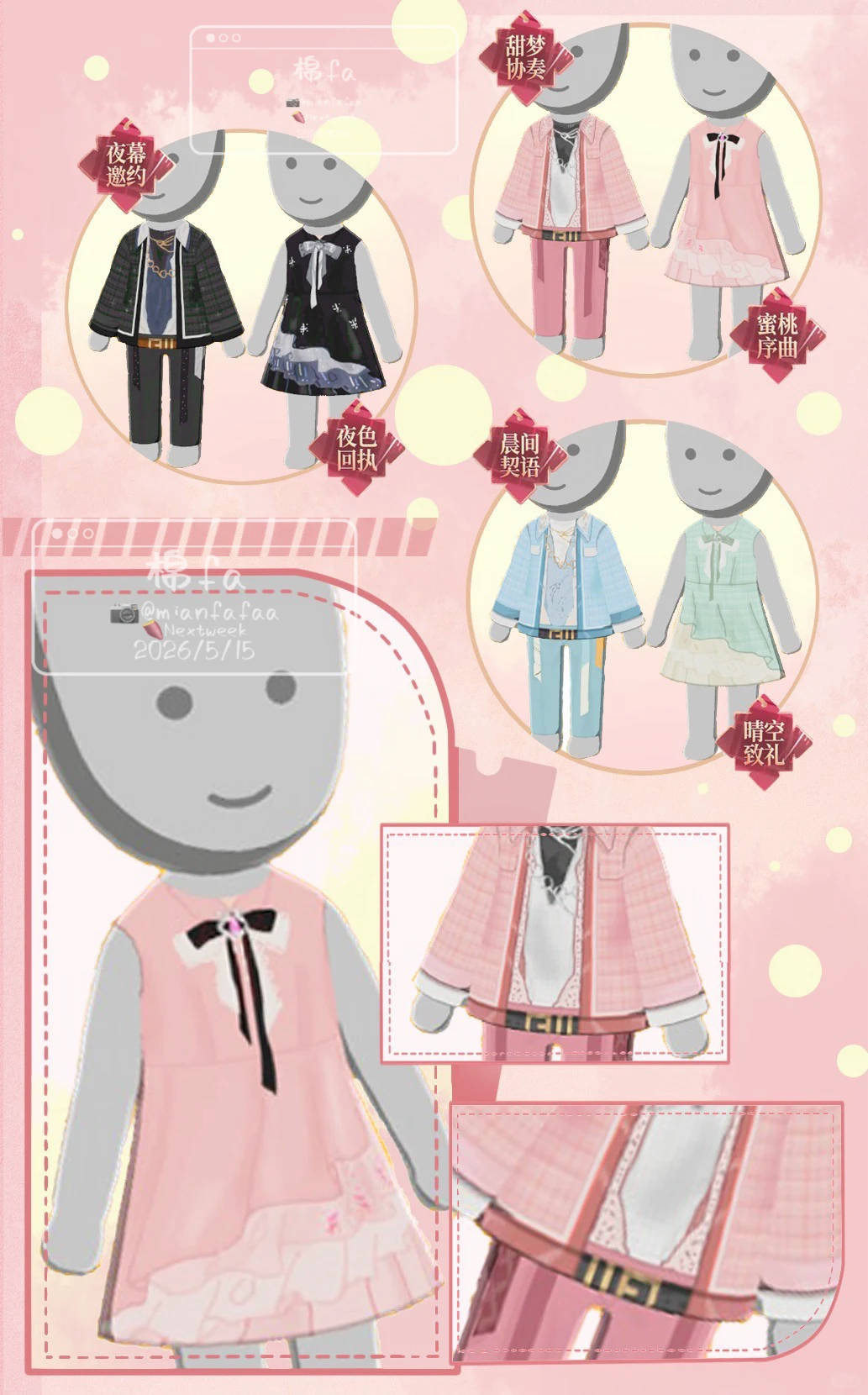
Colorful Prelude Outfit Combination Pattern Sheet Available
by NextWeek🍏(偷喝🍎溫泉水版)
A pretty pink pastel general fashion set, pattern sheets now available for players to use.
View Pattern Sheet →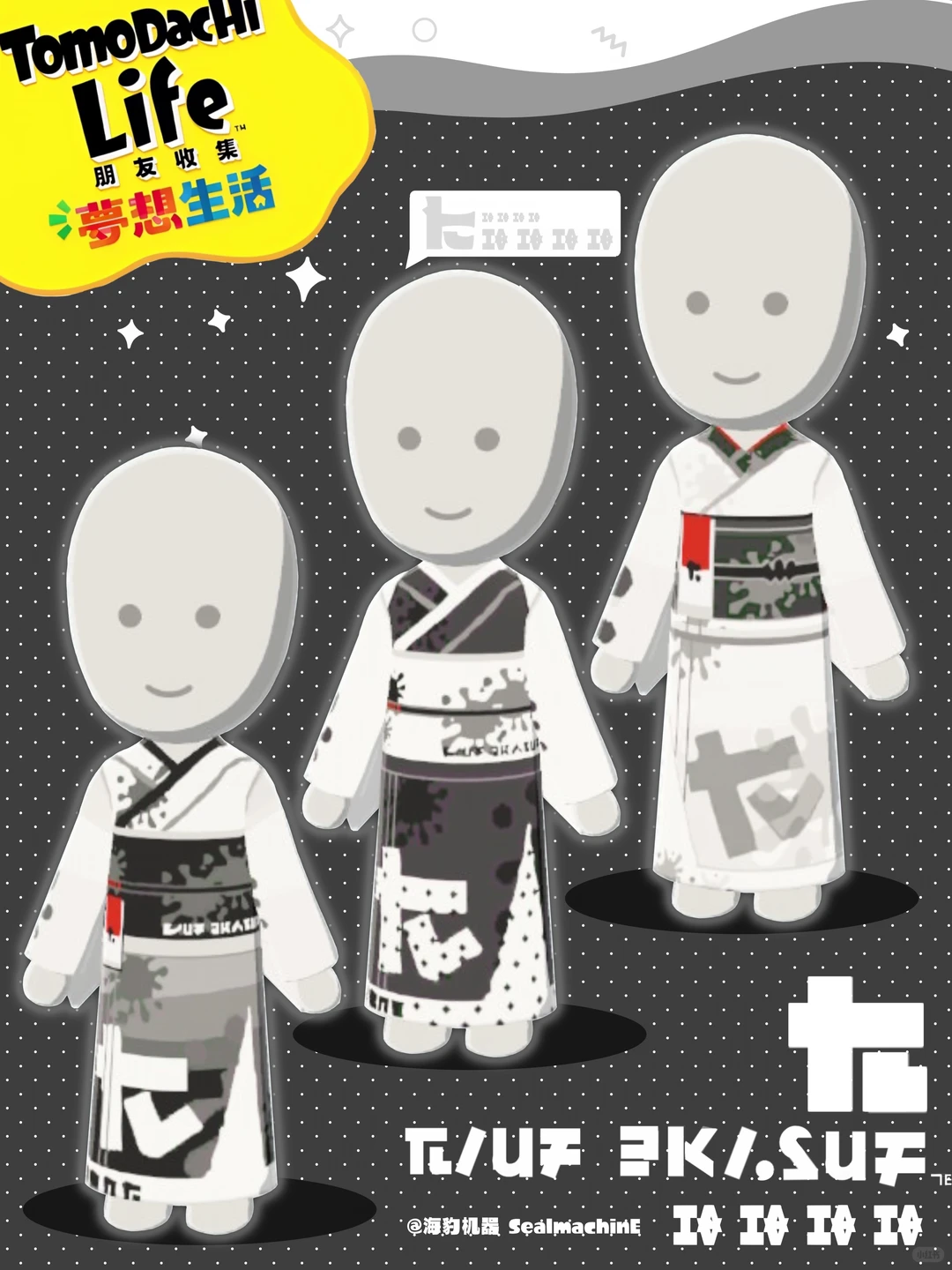
Original Kimono Pattern with Bow and Metal Clasp Design
by 海豹机器 _SealmachinE
Original pattern inspired by a brand fanart, recreating the back bow with metal clasps and ribbons.
View Pattern Sheet →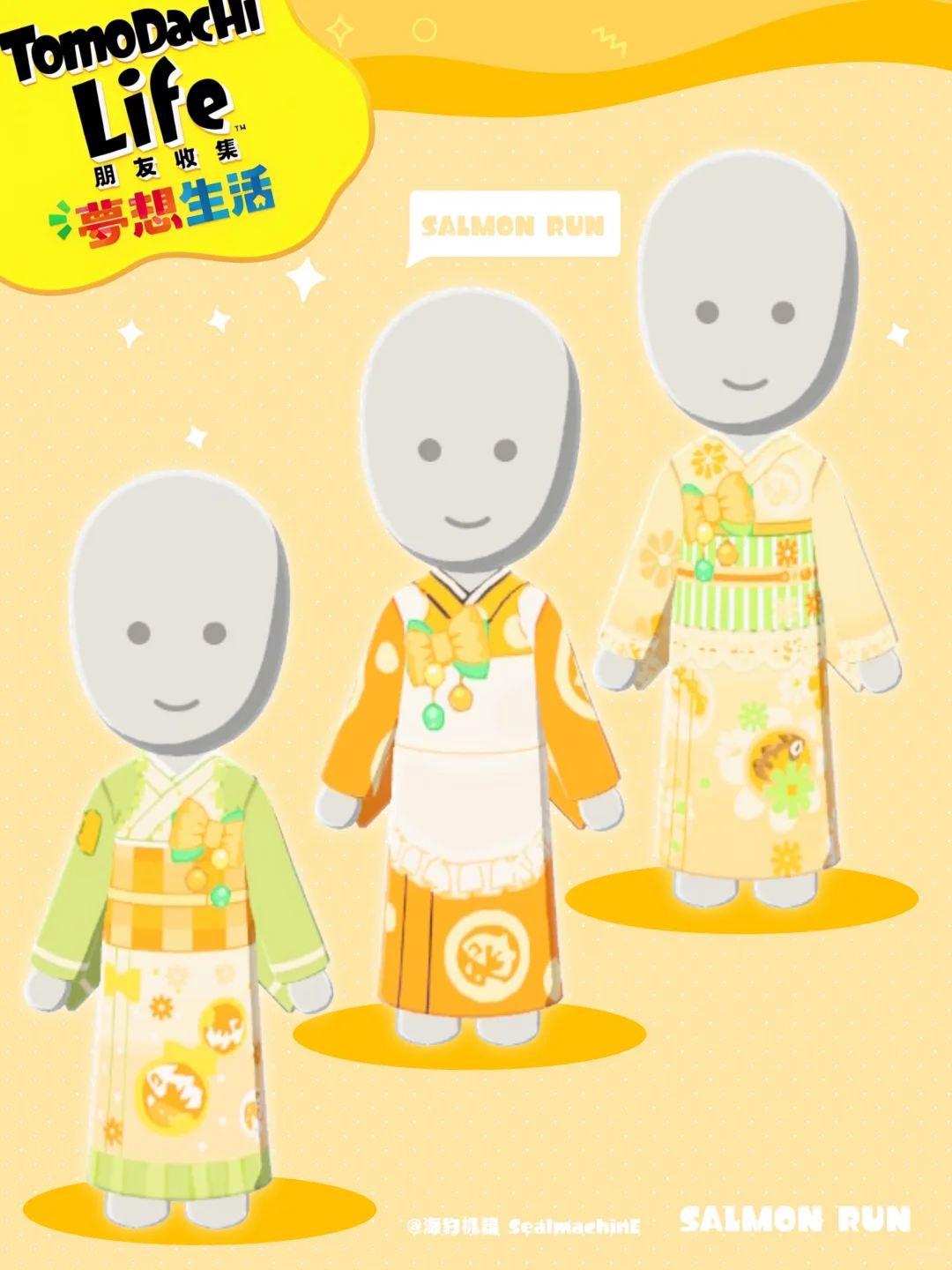
Original Salmon Roe Fan-Art Kimono Pattern Sheet Included
by 海豹机器 _SealmachinE
An original kimono pattern inspired by salmon roe fan-art. Free to use and modify, but no re-uploading.
View Pattern Sheet →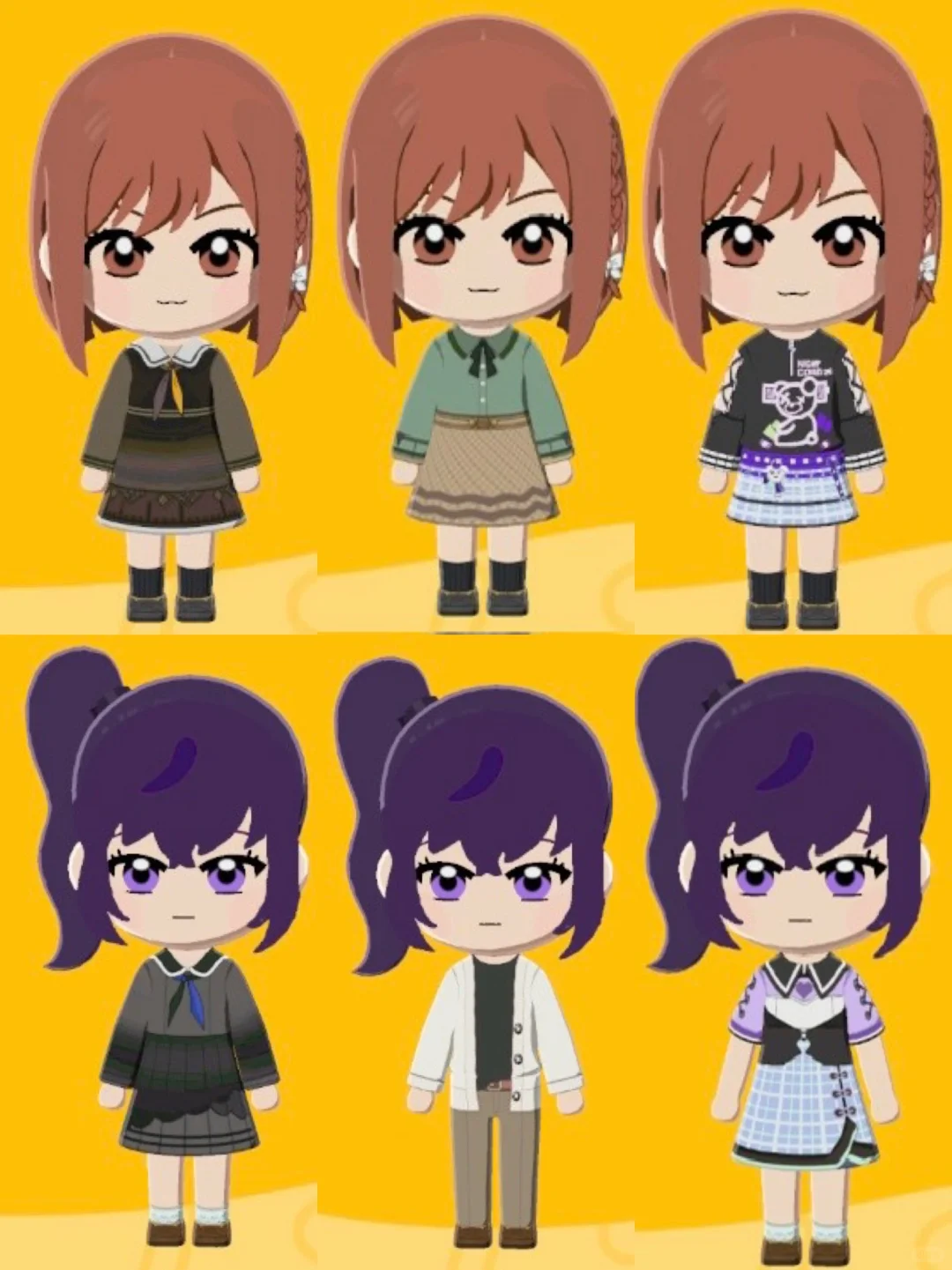
Tomodachi Life mfen Clothing Pattern Sheets Share
by 别玩丝了快学习
Hand-drawn pattern sheets for mfen's outfits, with some personal modifications. Draw as you see fit.
View Pattern Sheet →