Clothing
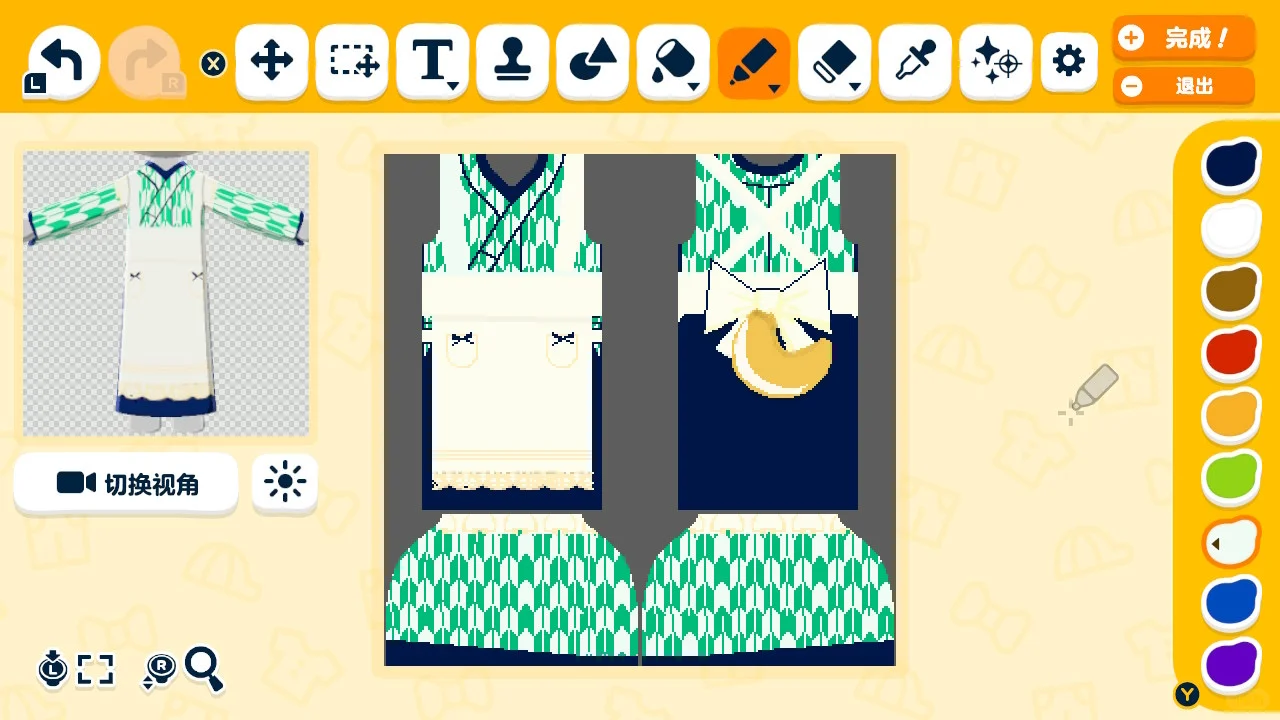
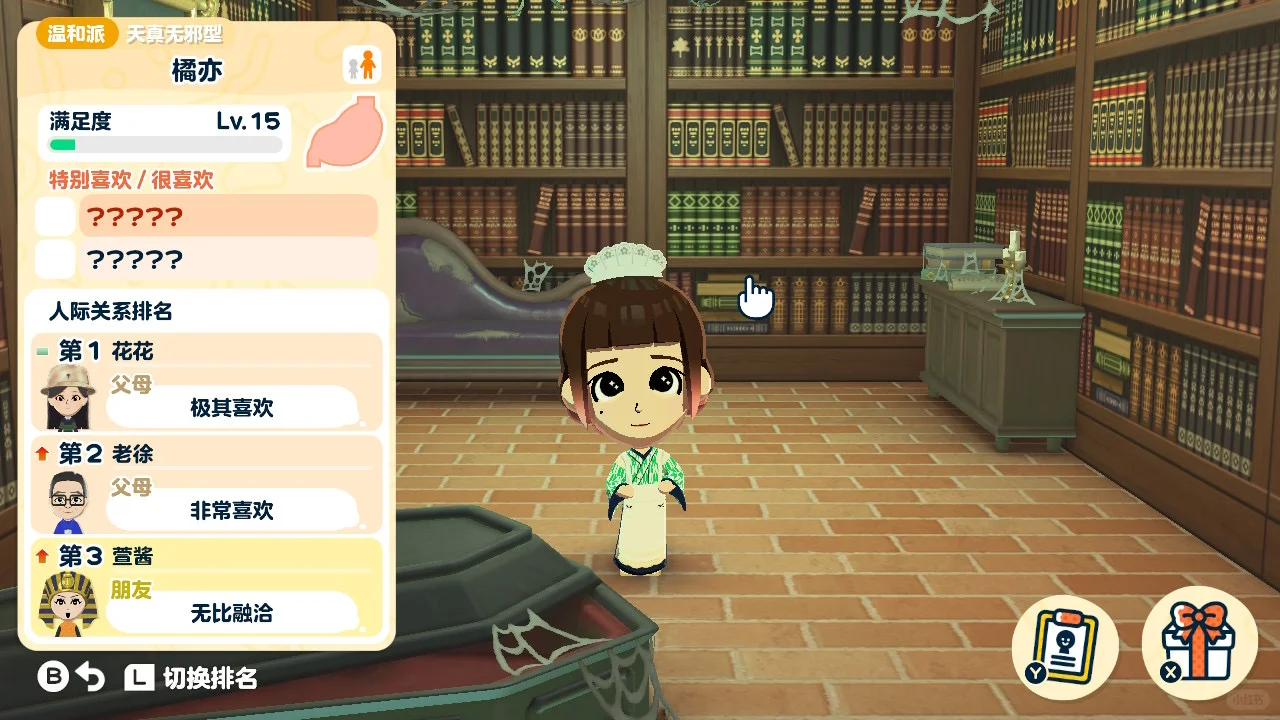
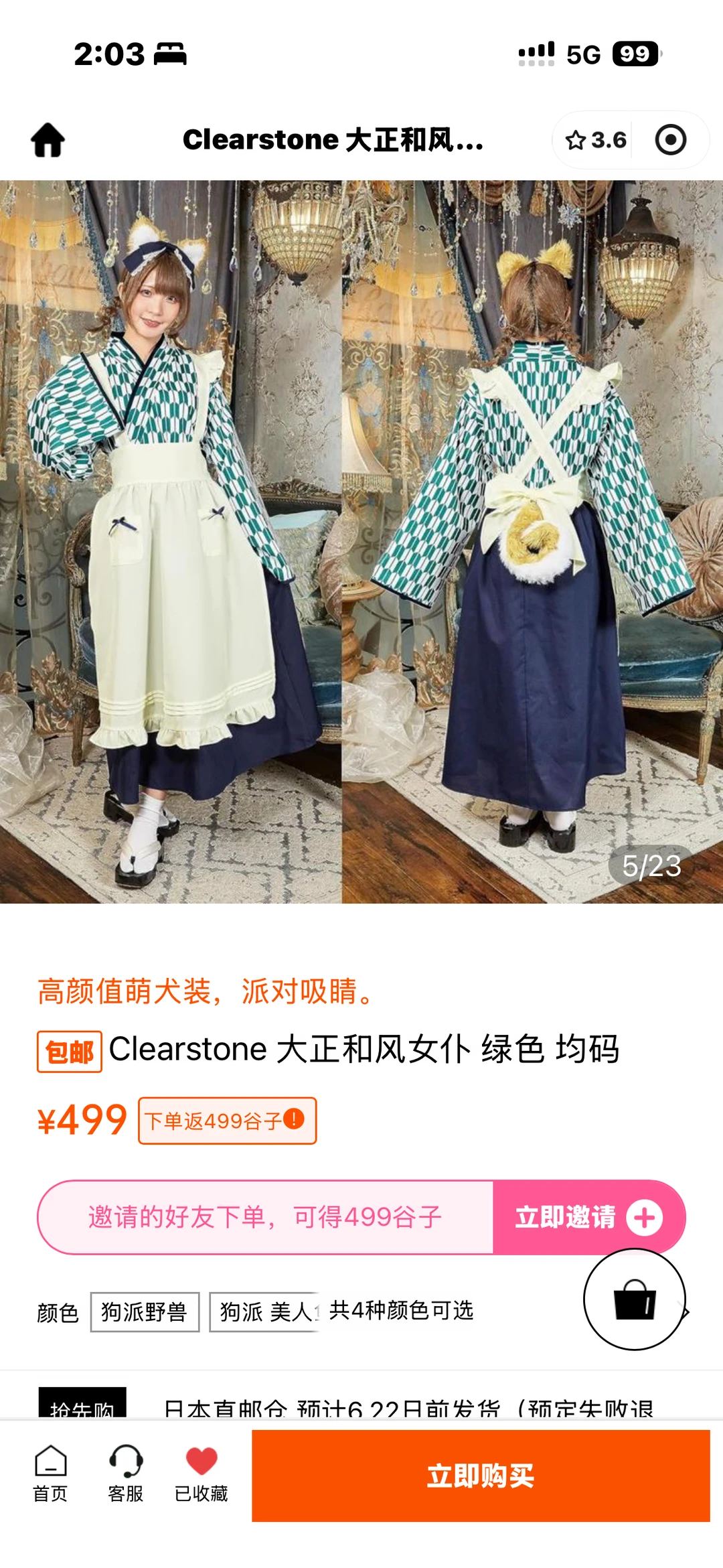
Clearstone's Taisho Japanese-Style Maid Outfit
Published 2026-06-23
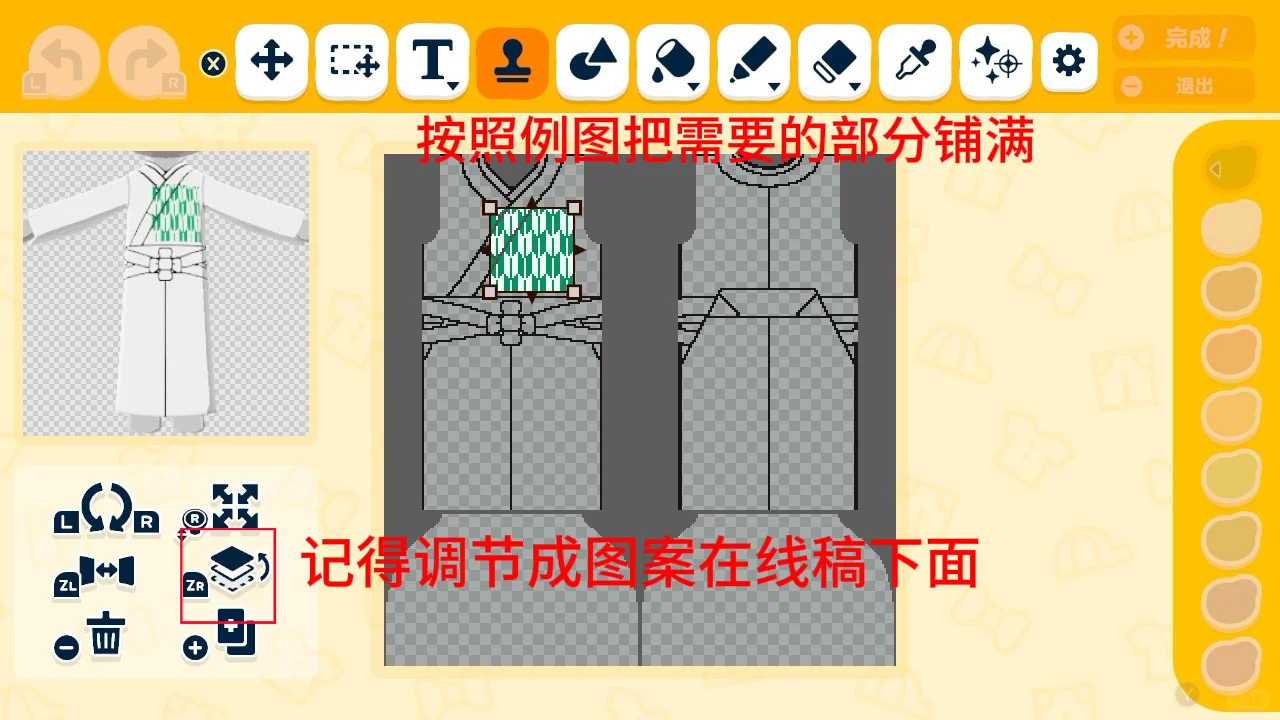
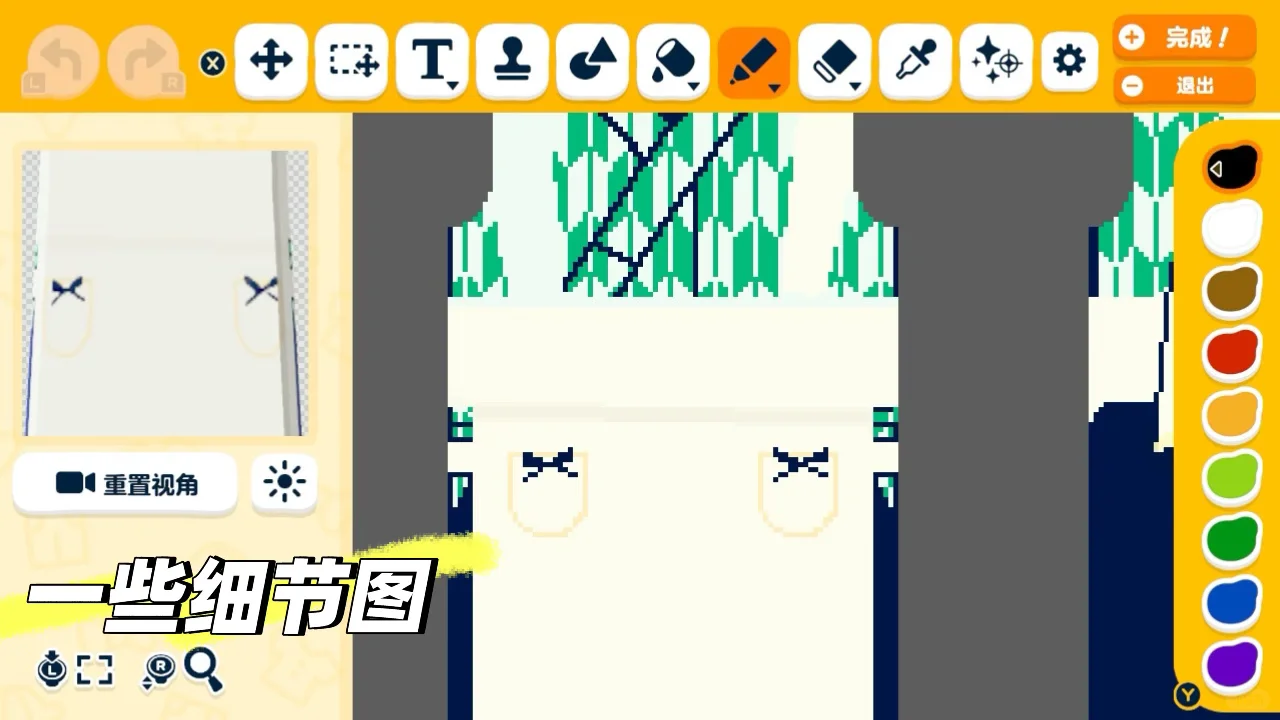
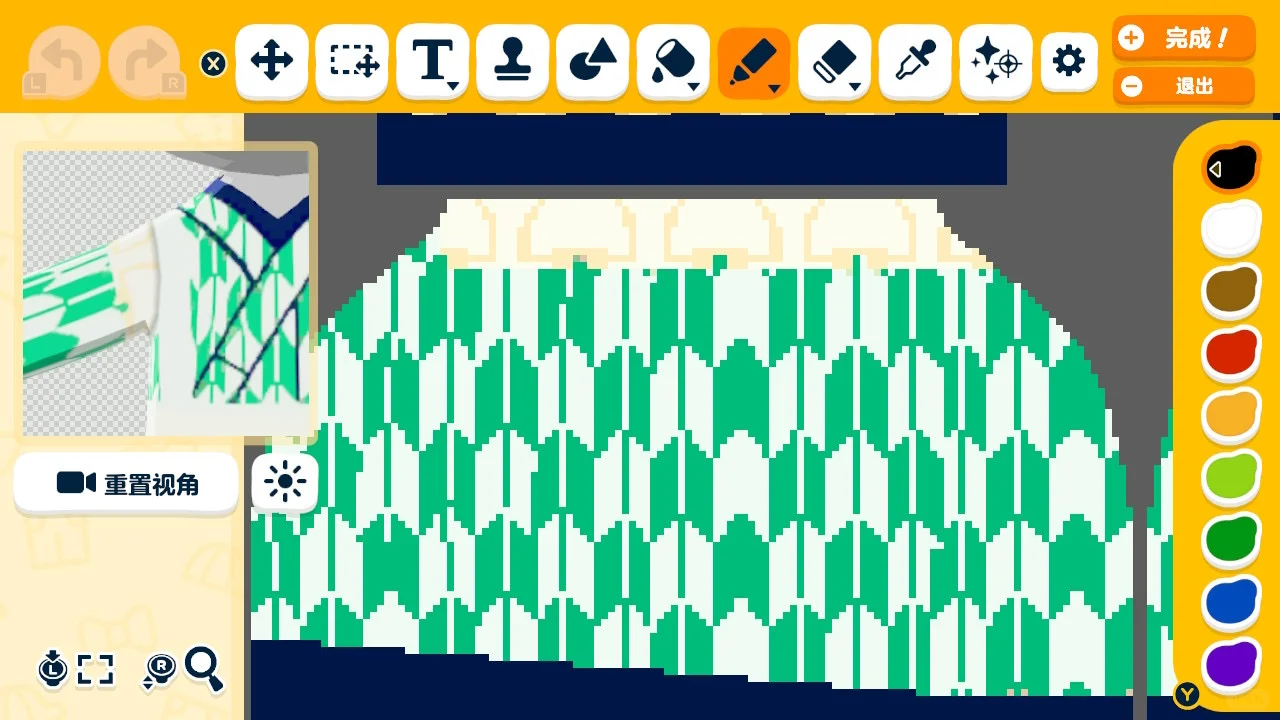
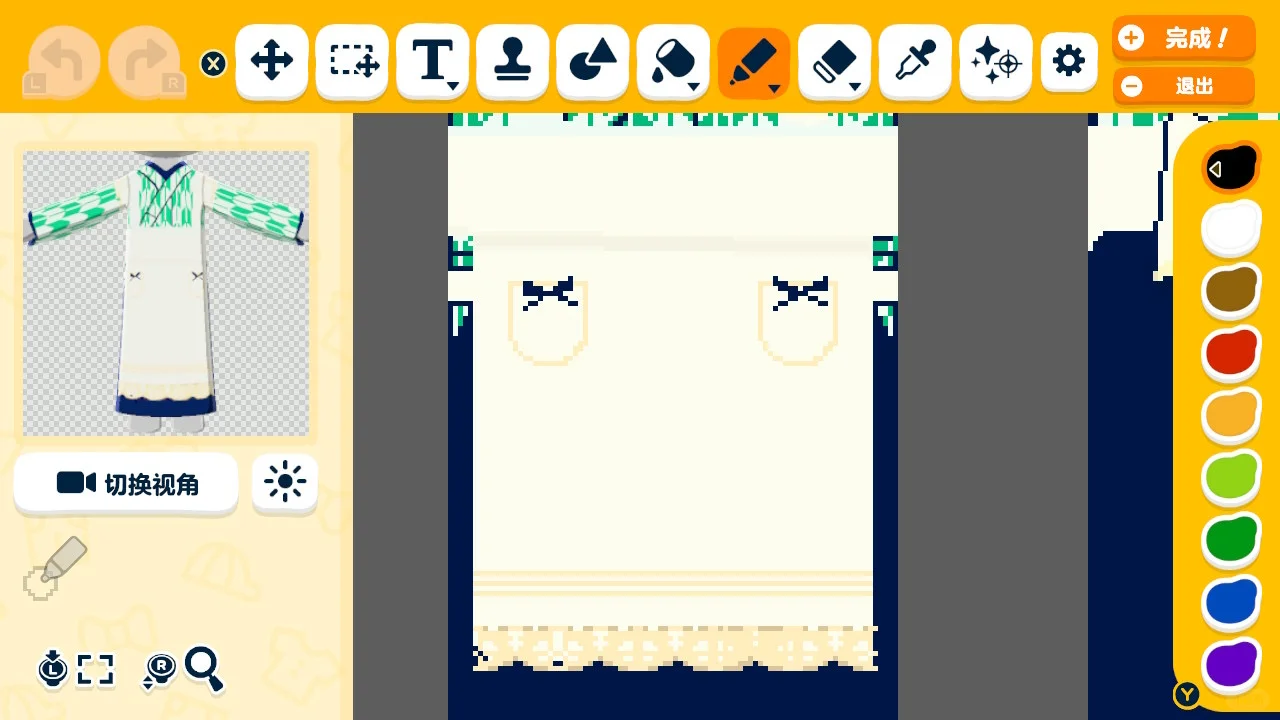
Create a custom arrow feather pattern, apply it to a hakama kimono robe with the stamp tool, adjust layering, and add geometric accents for a Taisho-era maid look.
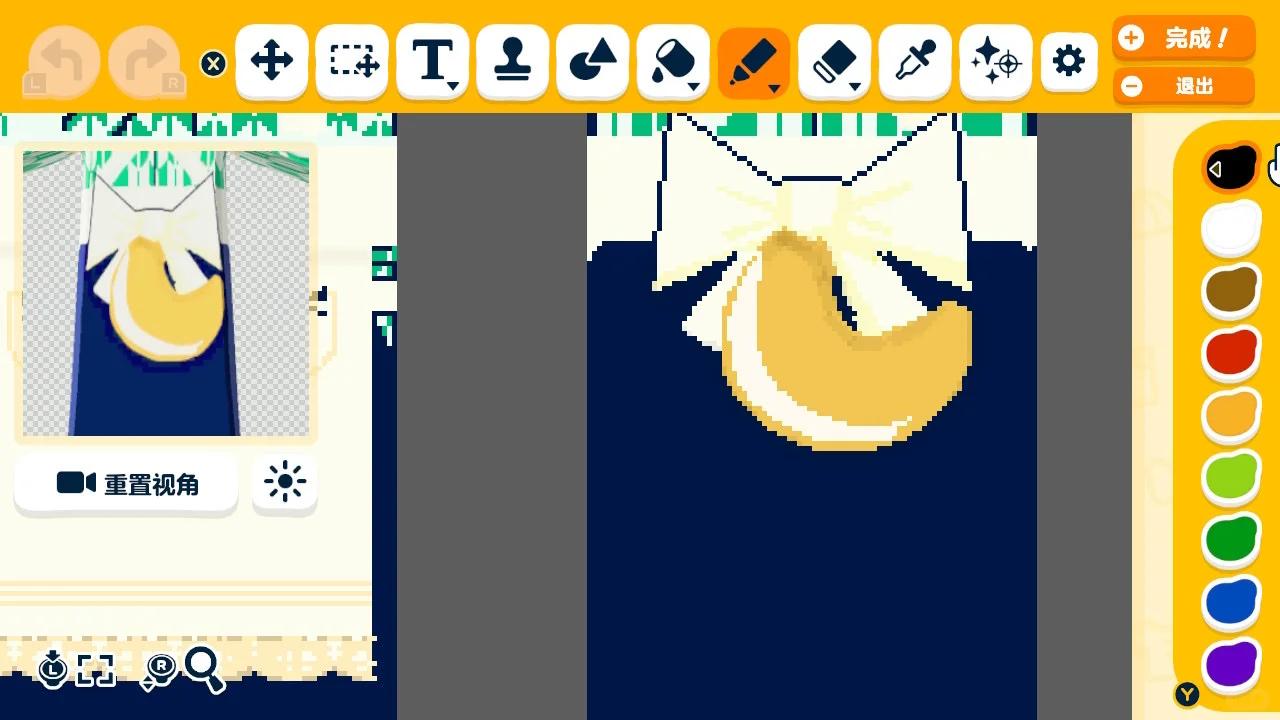
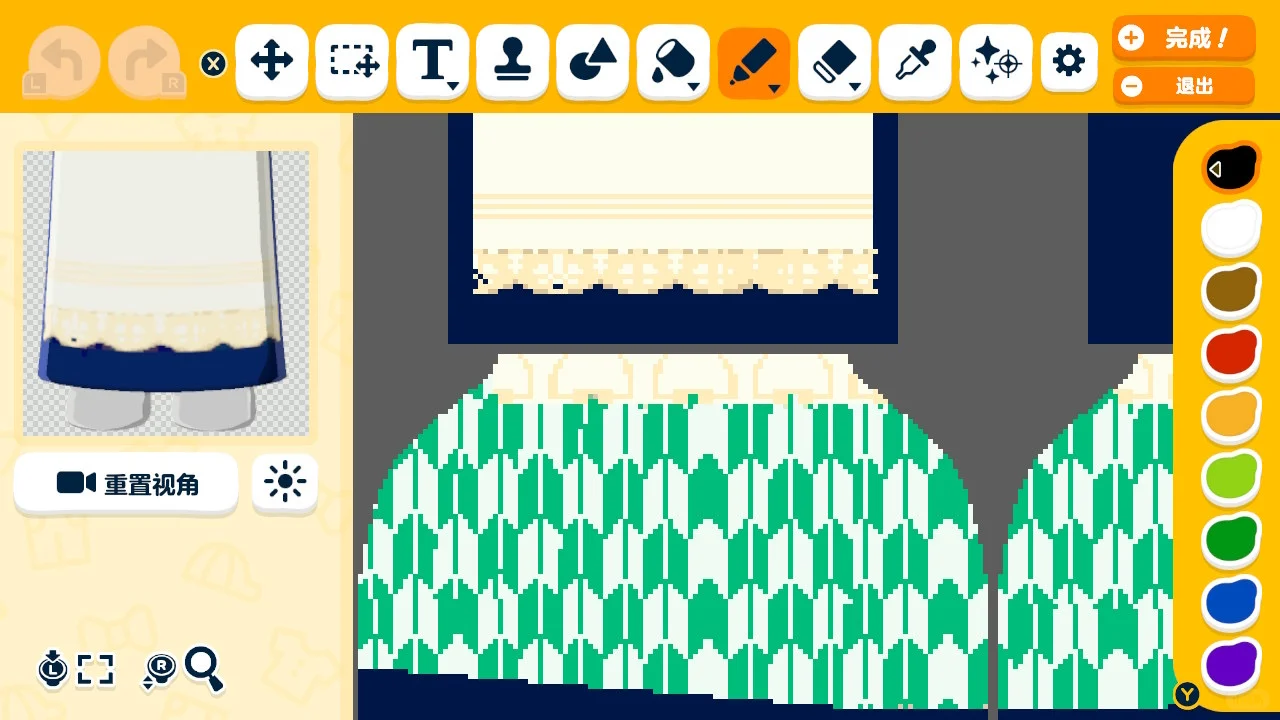
Original Post Text
About This Design
Create a custom arrow feather pattern, apply it to a hakama kimono robe with the stamp tool, adjust layering, and add geometric accents for a Taisho-era maid look.
How to Use This Design
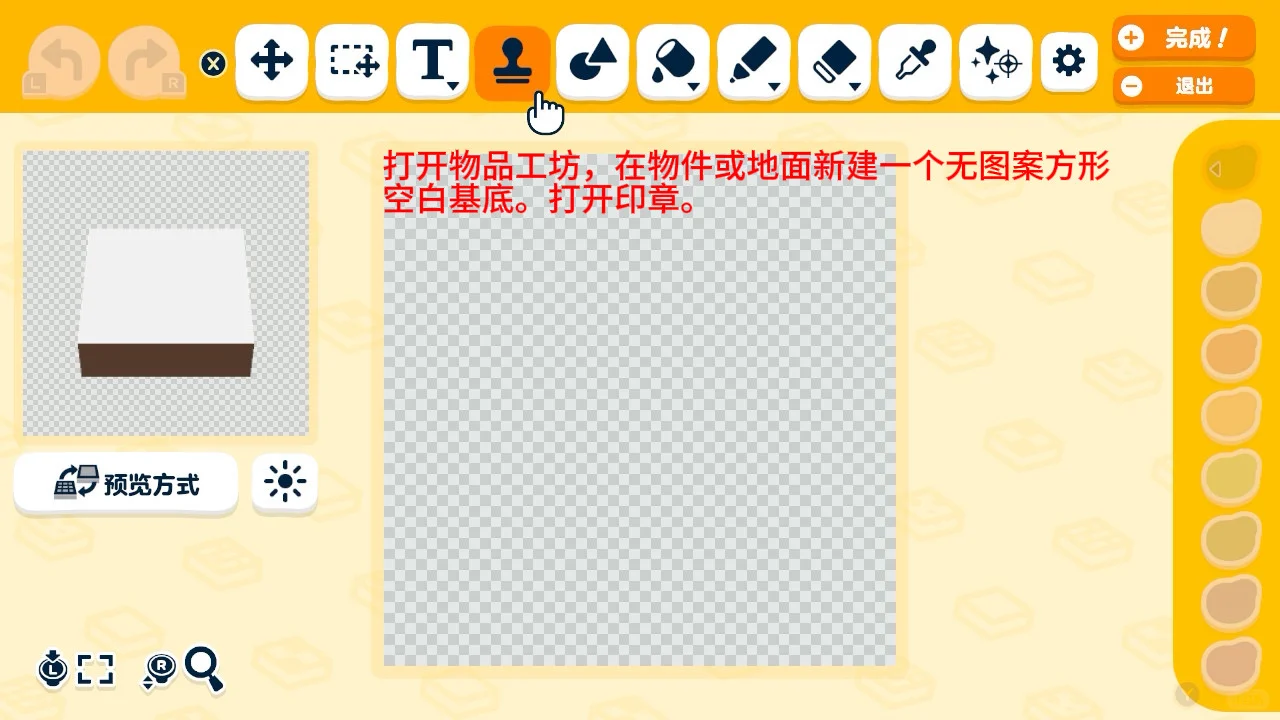
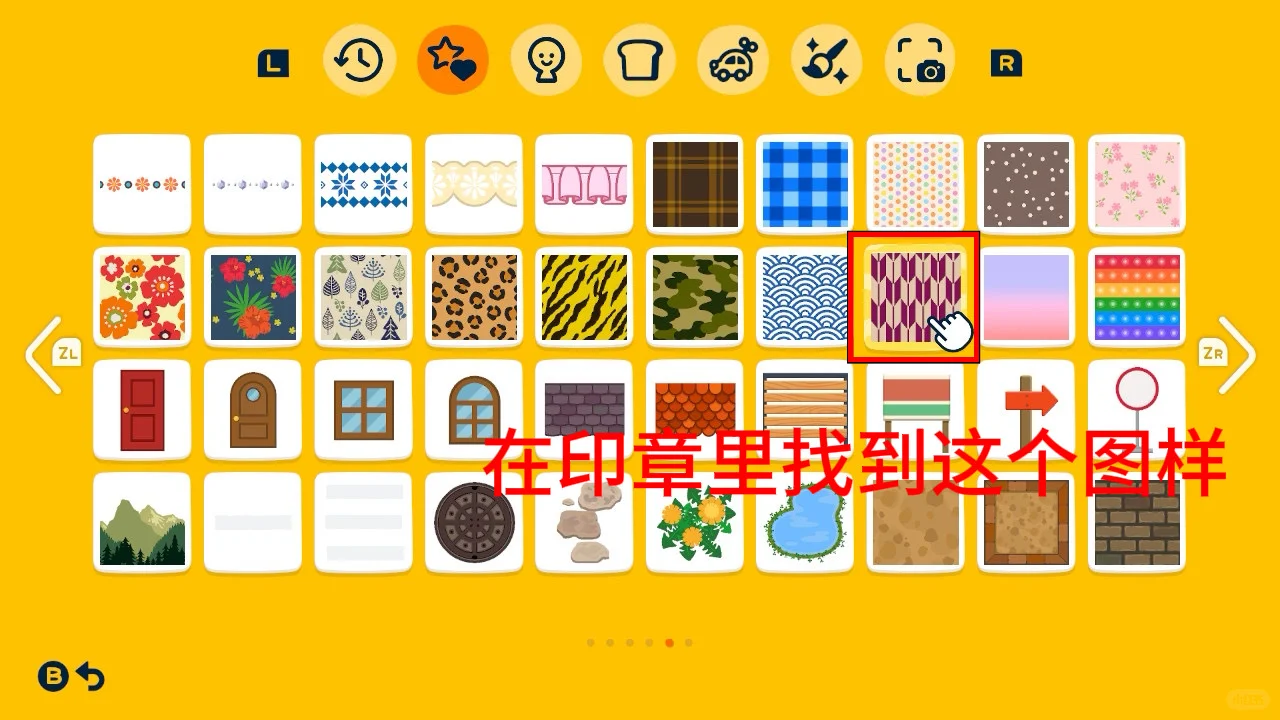
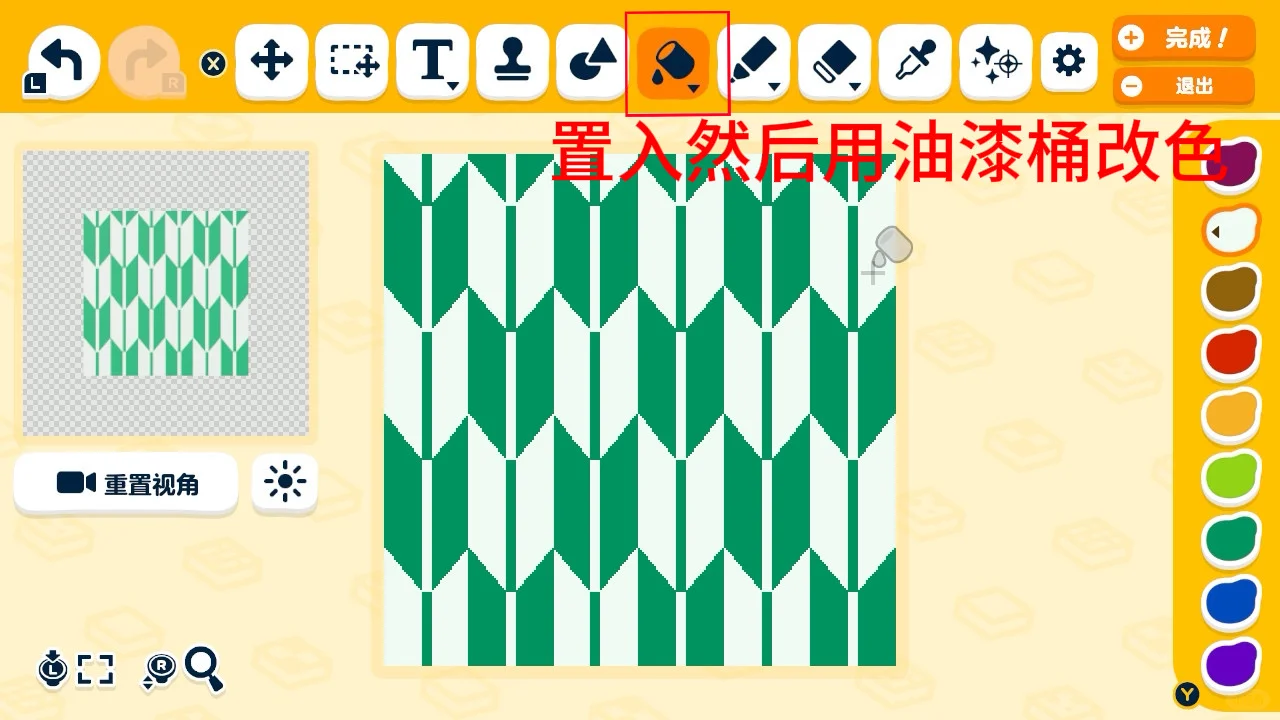
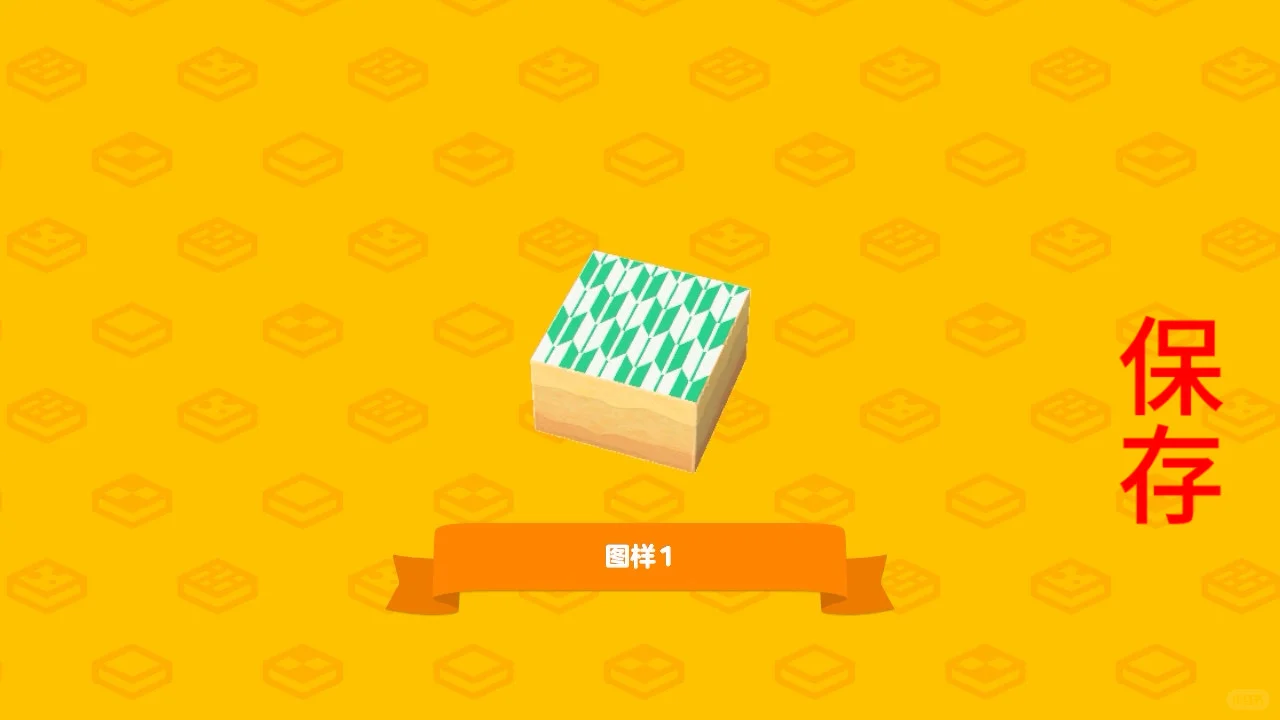
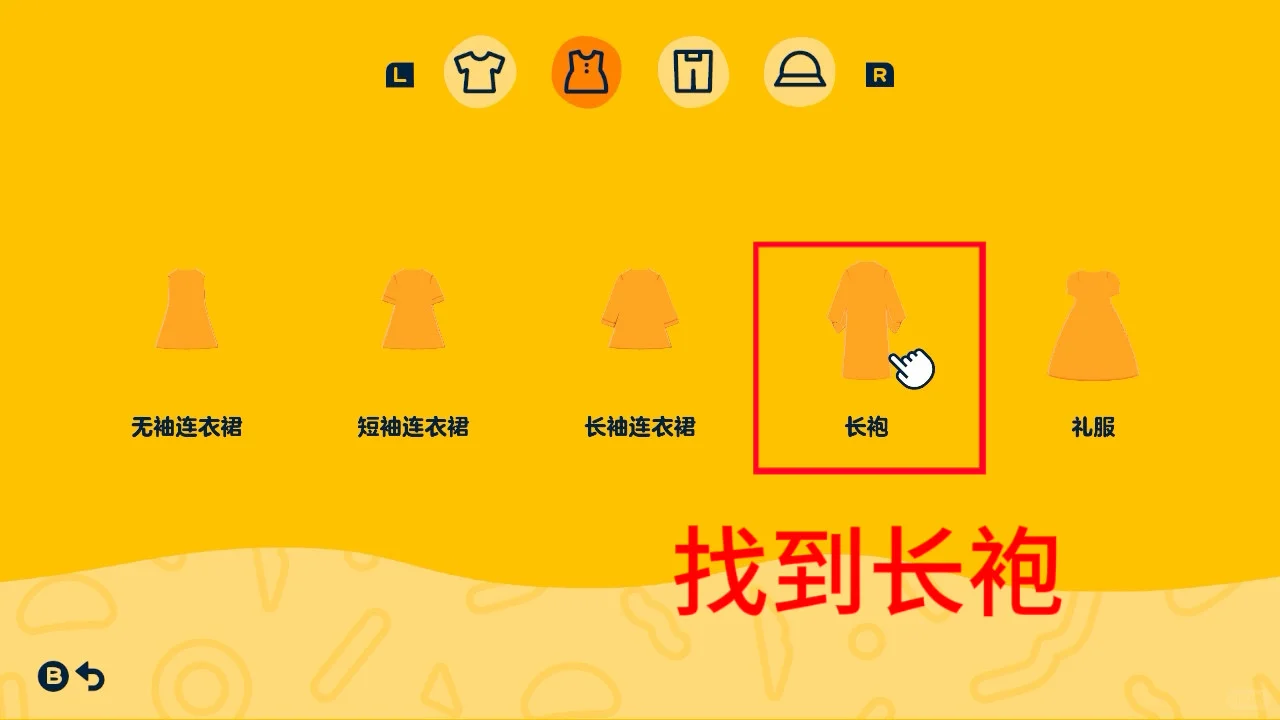
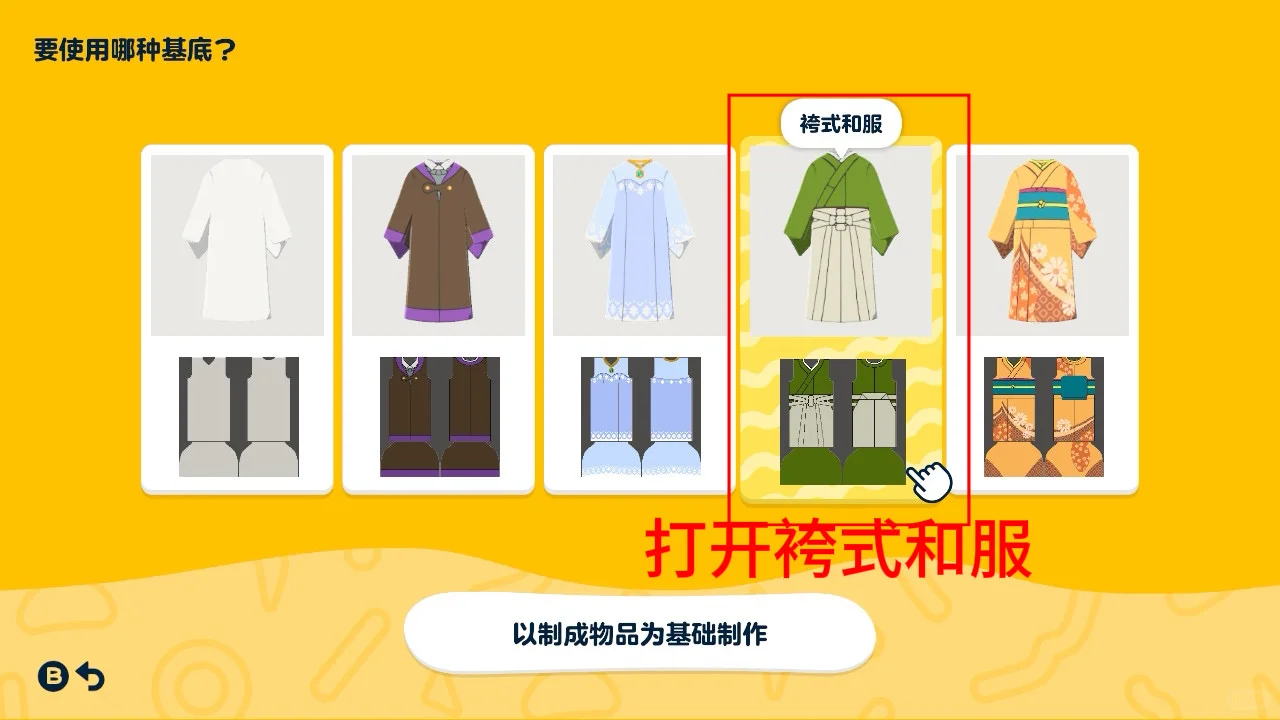
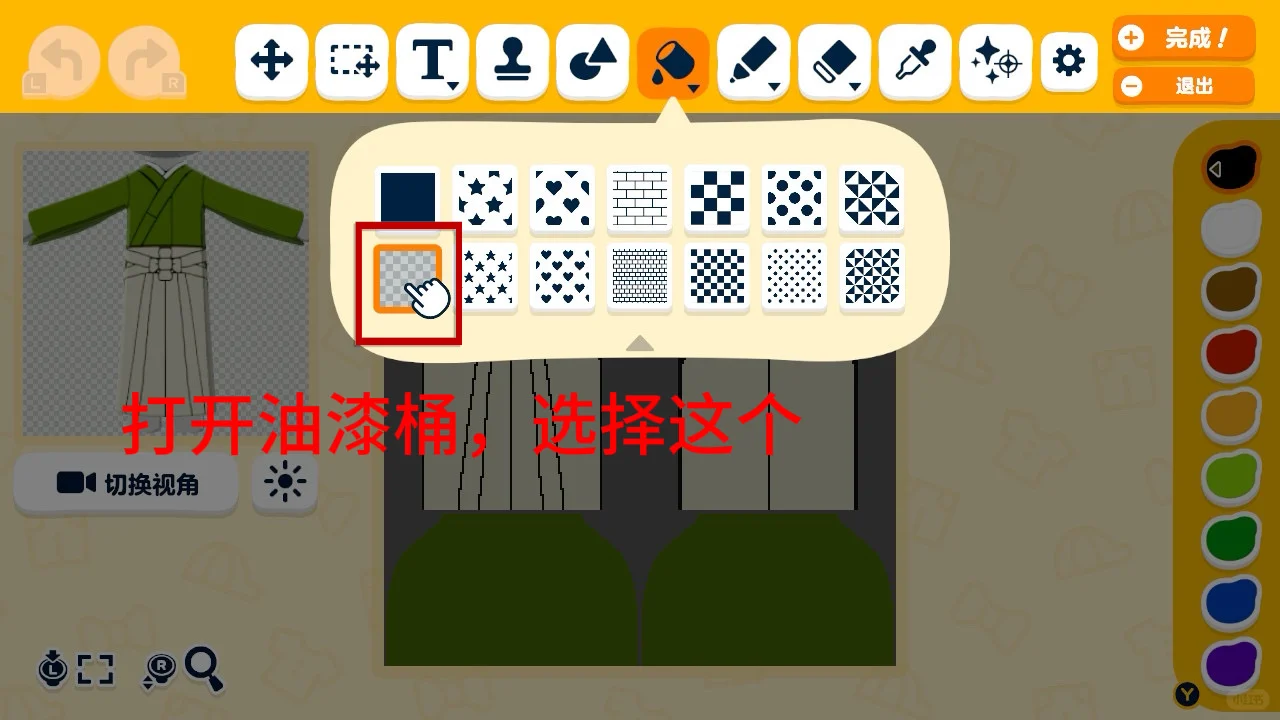
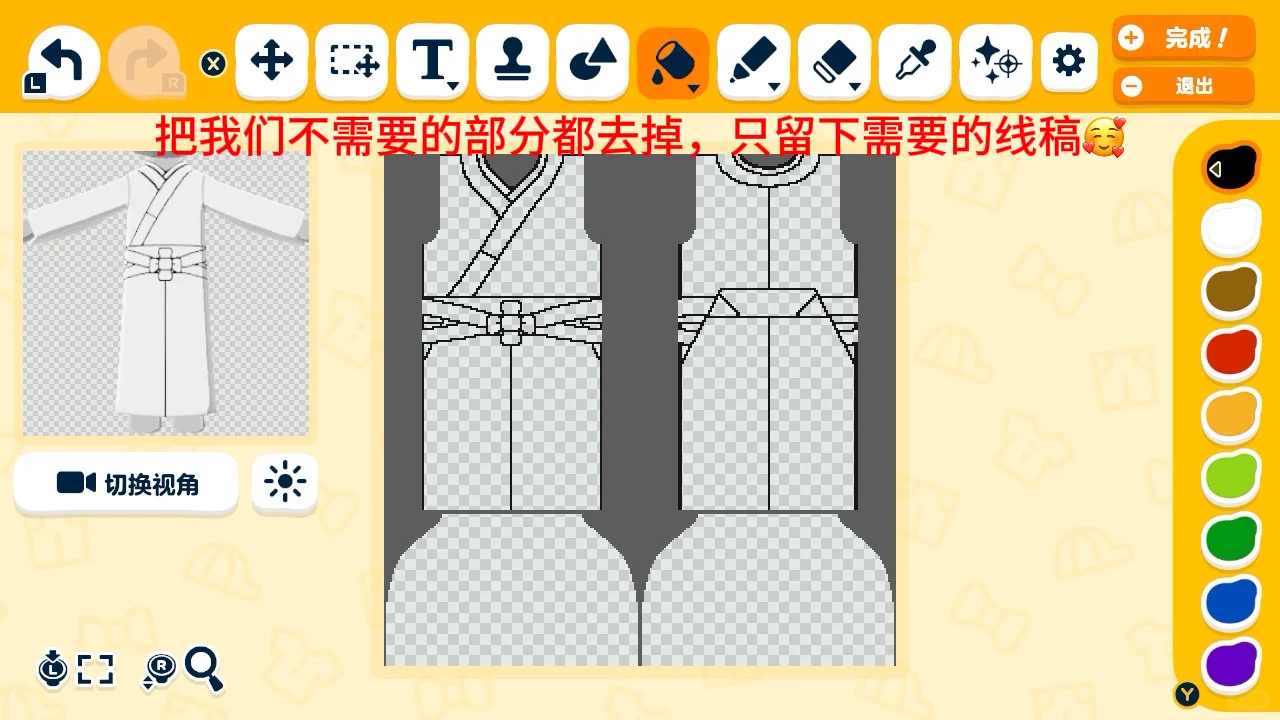
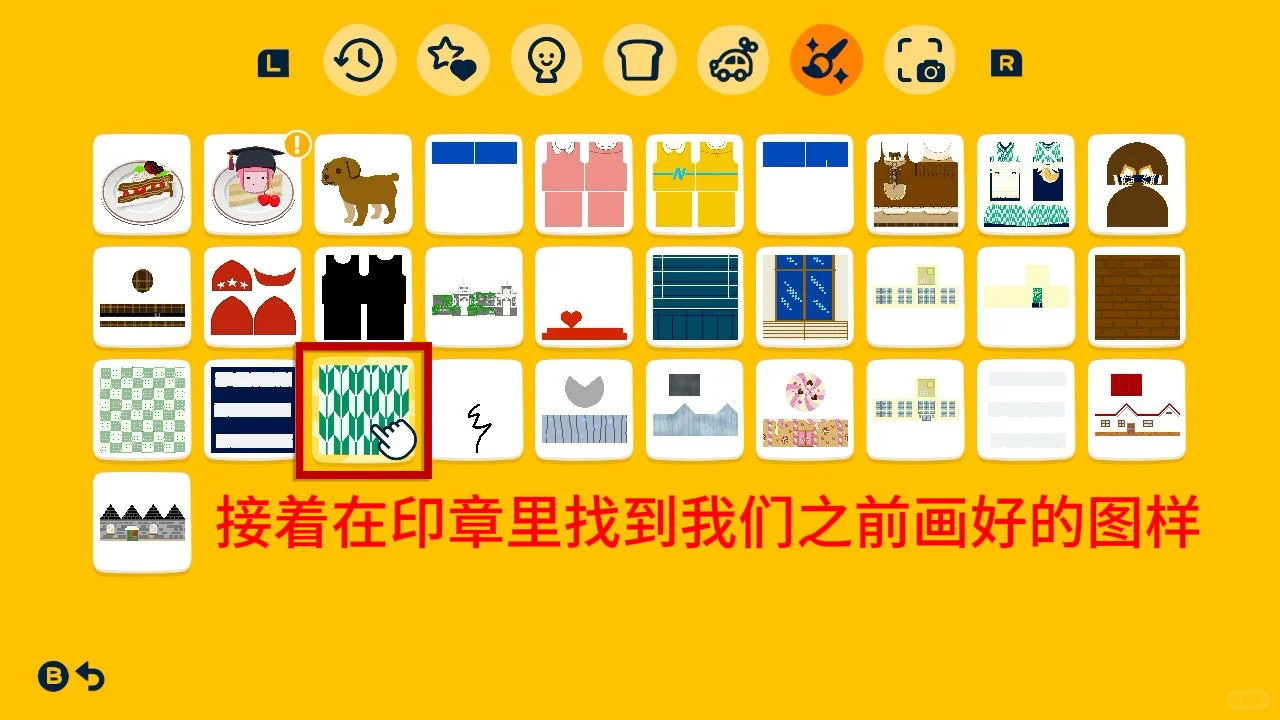
1. Use stamp tool and paint bucket to create arrow feather pattern canvas, save. 2. Select hakama kimono robe, transparency fill to clear base. 3. Stamp pattern, layer under outlines. 4. Add geometric accents with rectangle tool.
Tags
Related patterns

Japanese Maid Apron Dress with Sailor Collar Pattern Sheet
by 盐粒猫
A cute kappougi-style apron dress paired with a sailor collar, with cream lace details. Pattern sheet on page 5.
View Pattern Sheet →
Original Kimono Pattern with Bow and Metal Clasp Design
by 海豹机器 _SealmachinE
Original pattern inspired by a brand fanart, recreating the back bow with metal clasps and ribbons.
View Pattern Sheet →
Tomodachi Life Pattern Sheet: Coffee Brown Academic Style Outfit
by 红薯王
A simple academic-style outfit in coffee brown. Beginner-friendly with basic palette colors.
View Pattern Sheet →
Sacred Maid Outfit Inspired by Kitakawa Hime from Oshi no Ko
by ai率百分百
Two maid outfits referencing Kitakawa Hime's costume designs, based on a prize figure and a lottery standee.
View Pattern Sheet →
Rich Girl Chanel-Style Tops Two Pattern Sheets
by 红薯王
Two Chanel-inspired tops: a diamond-quilted design and a tweed texture, with copy-paste tips for details.
View Pattern Sheet →