Food
Lando Monster and Red Bull Can Pattern Sheets
Published 2026-05-24
Monster and Red Bull can pattern sheets with color-picking and highlight tips.
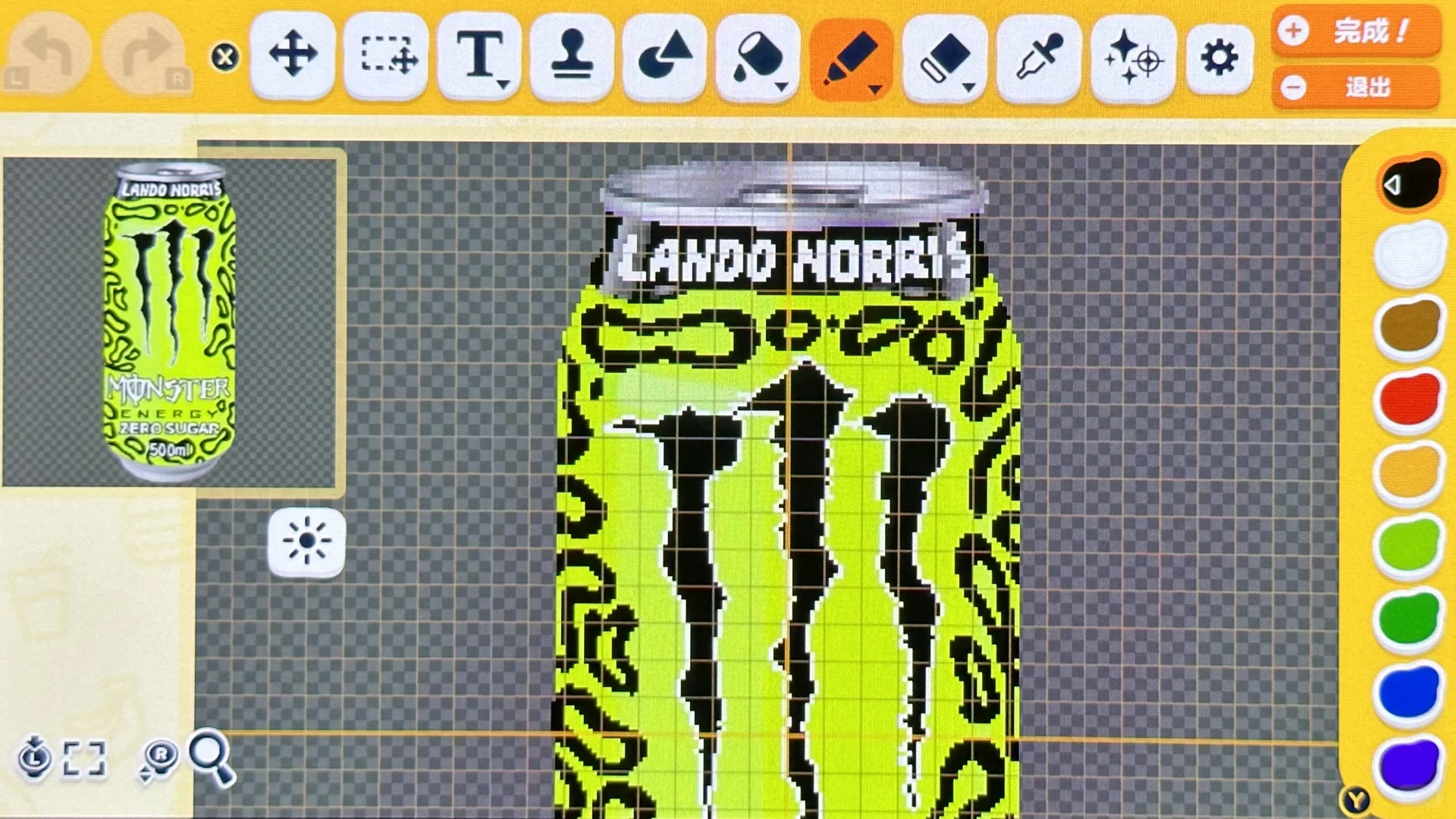
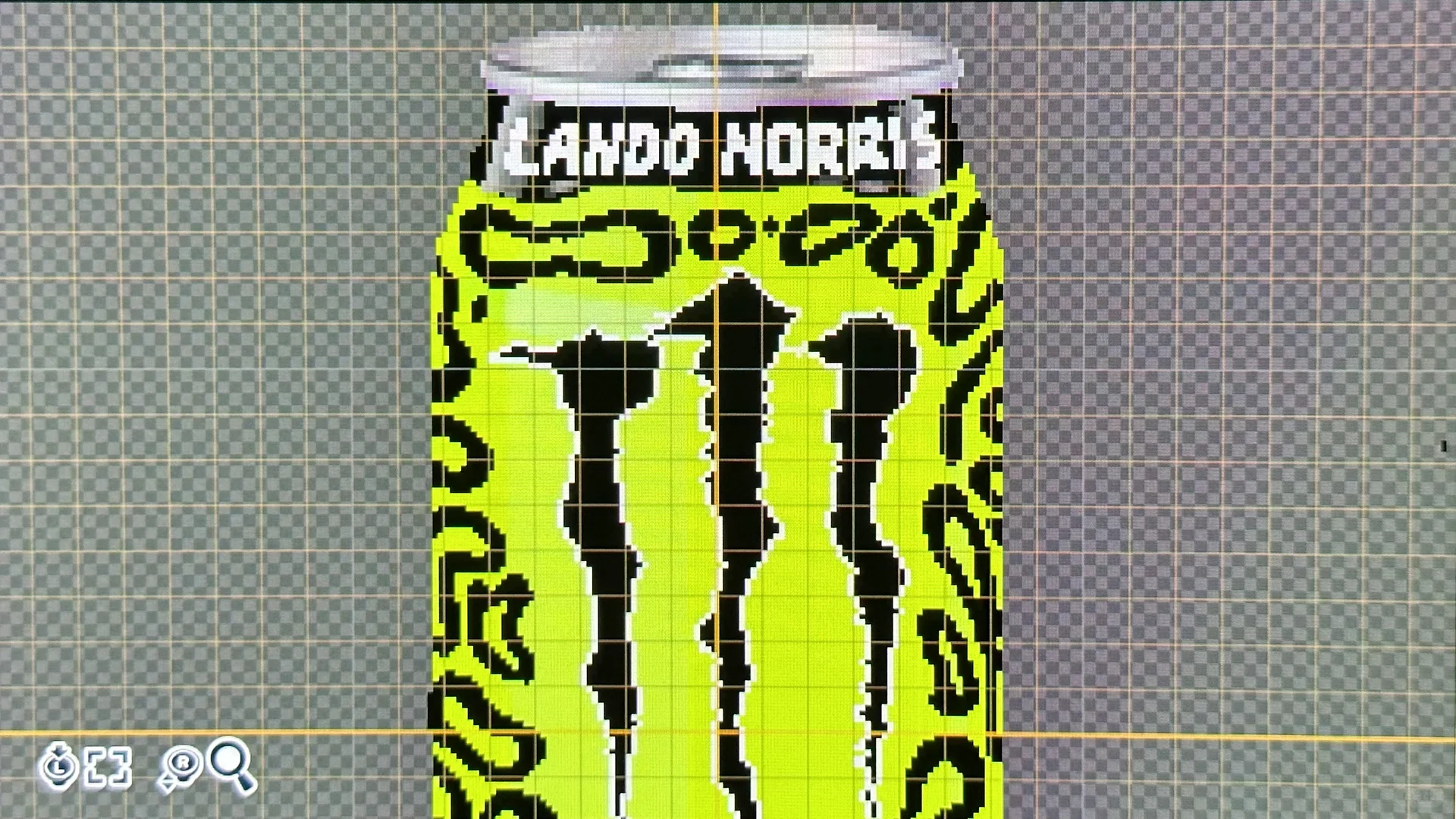
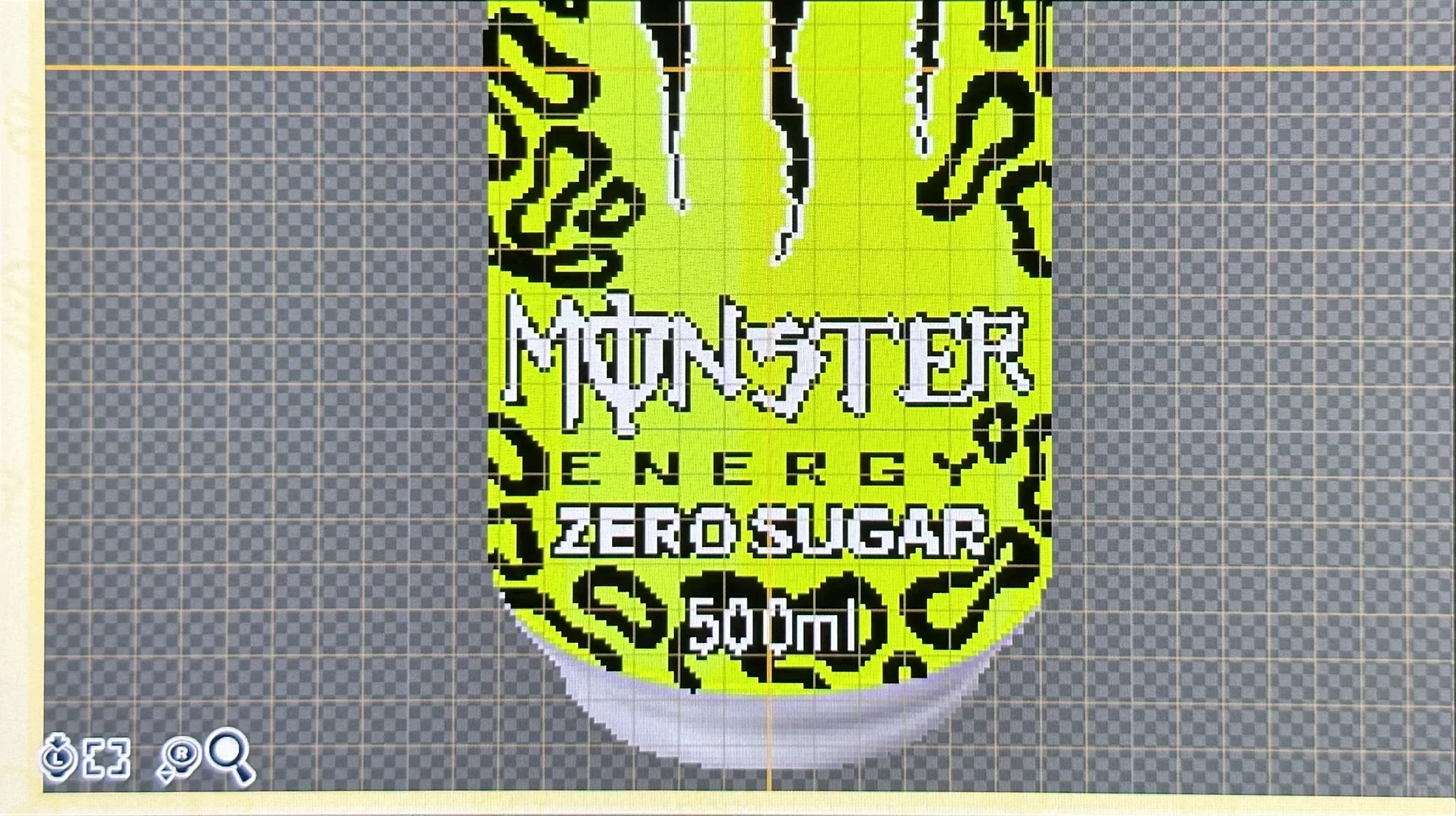
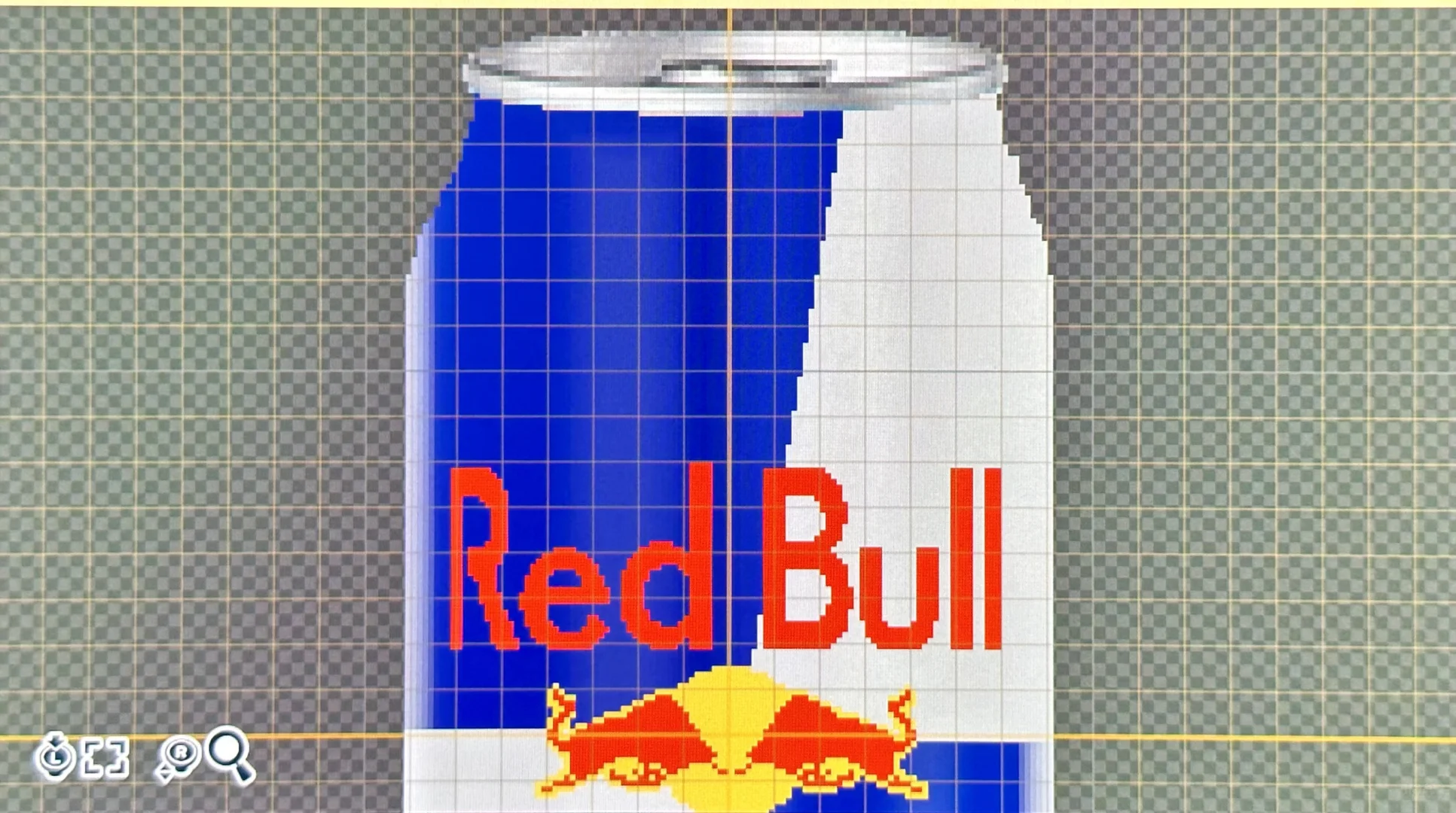
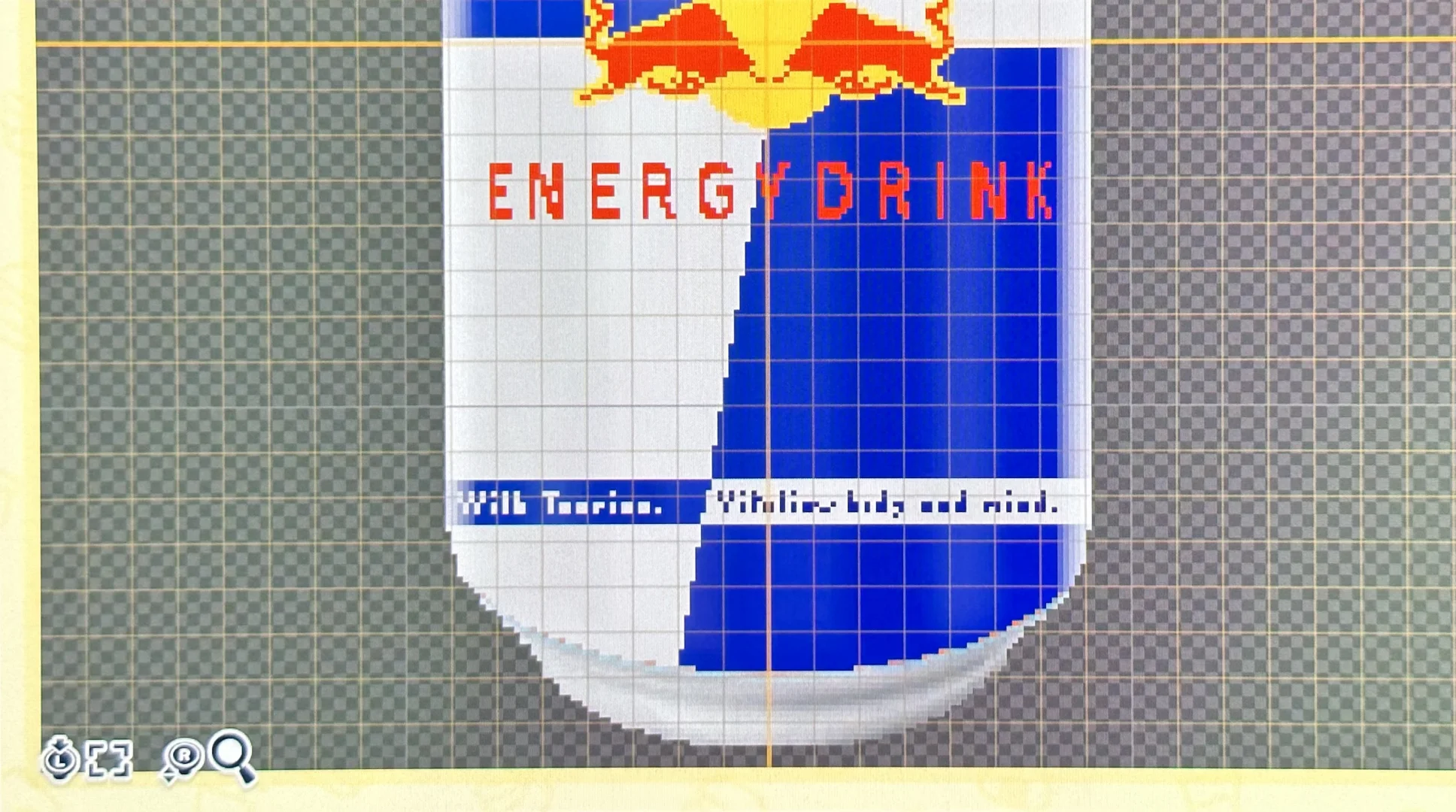
Making Steps
Editorial notes based on creator, source, or submitter information.
Editorial review: Jul 9, 2026
Recreation Notes ?
Tags
Recreation tips from the community
Share what you tried, tricky spots, unclear parts, or adjustment tips for this design.
Comment guidelines
Only share variations or links when the original creator allows copying, edits, or derivative works.
Keep comments on topic. No trading requests, attacks, harassment, spam, or inappropriate content.
Comments appear after review. Published notes are visitor experiences, not official verification.
No published comments yet.
Related patterns
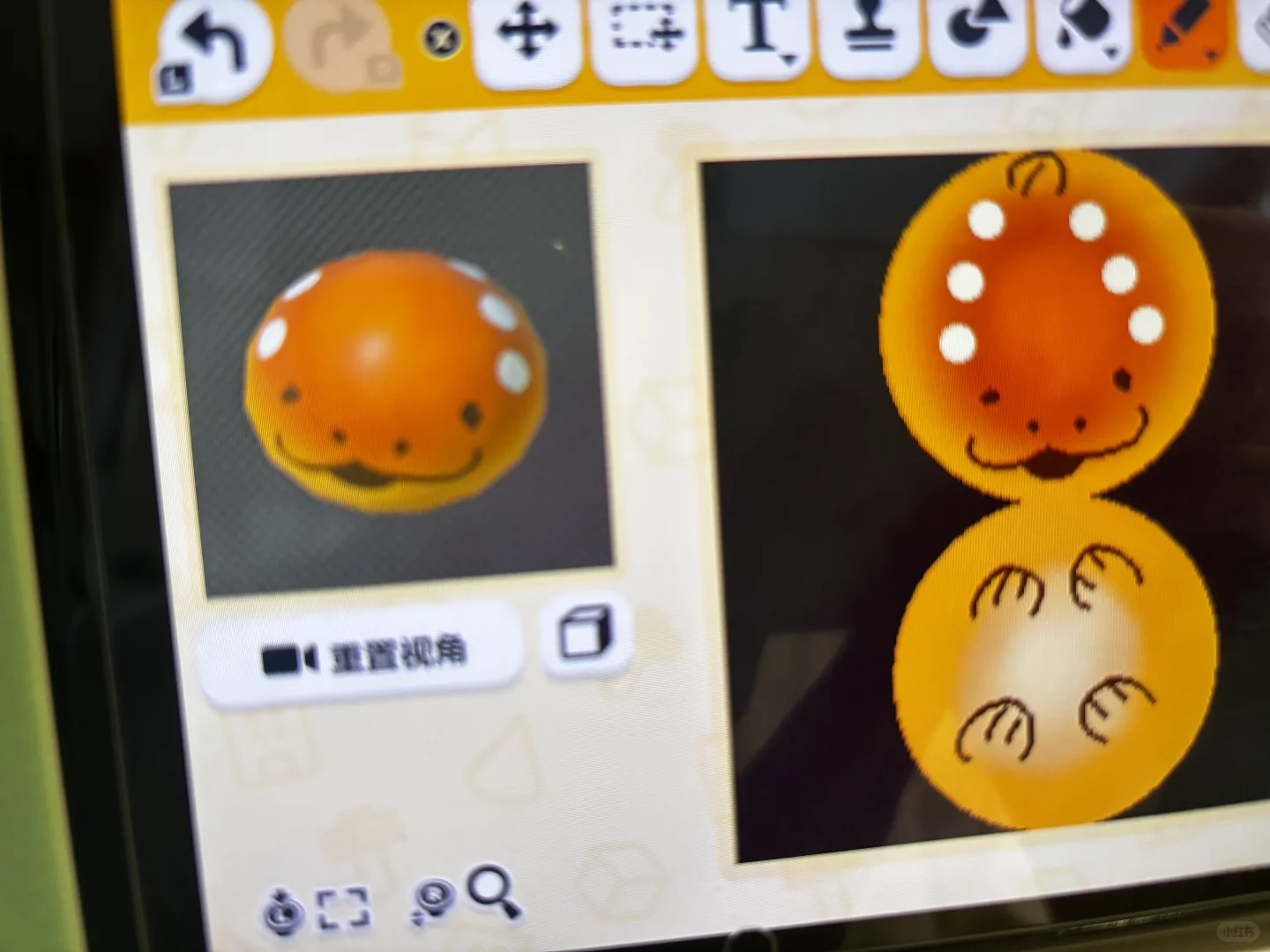
Undertale Toriel Bread Pattern Sheet for Tomodachi Life
by 点心精灵路过
Pattern sheet for Toriel's bread from Undertale. Please credit the source when saving or sharing.
View Pattern Sheet →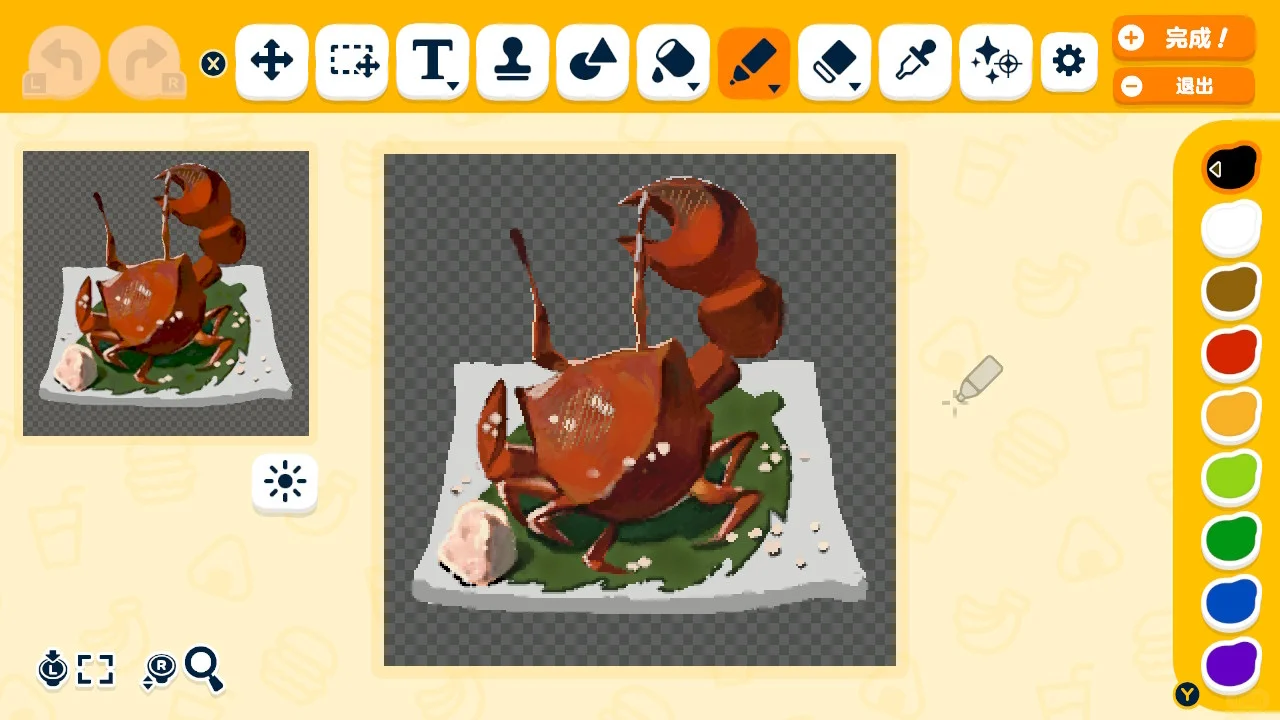
Tears of the Kingdom Rock Salt Crab Pattern Sheet
by 子子
A pattern sheet for the rock salt crab dish from the Tears of the Kingdom recipe.
View Pattern Sheet →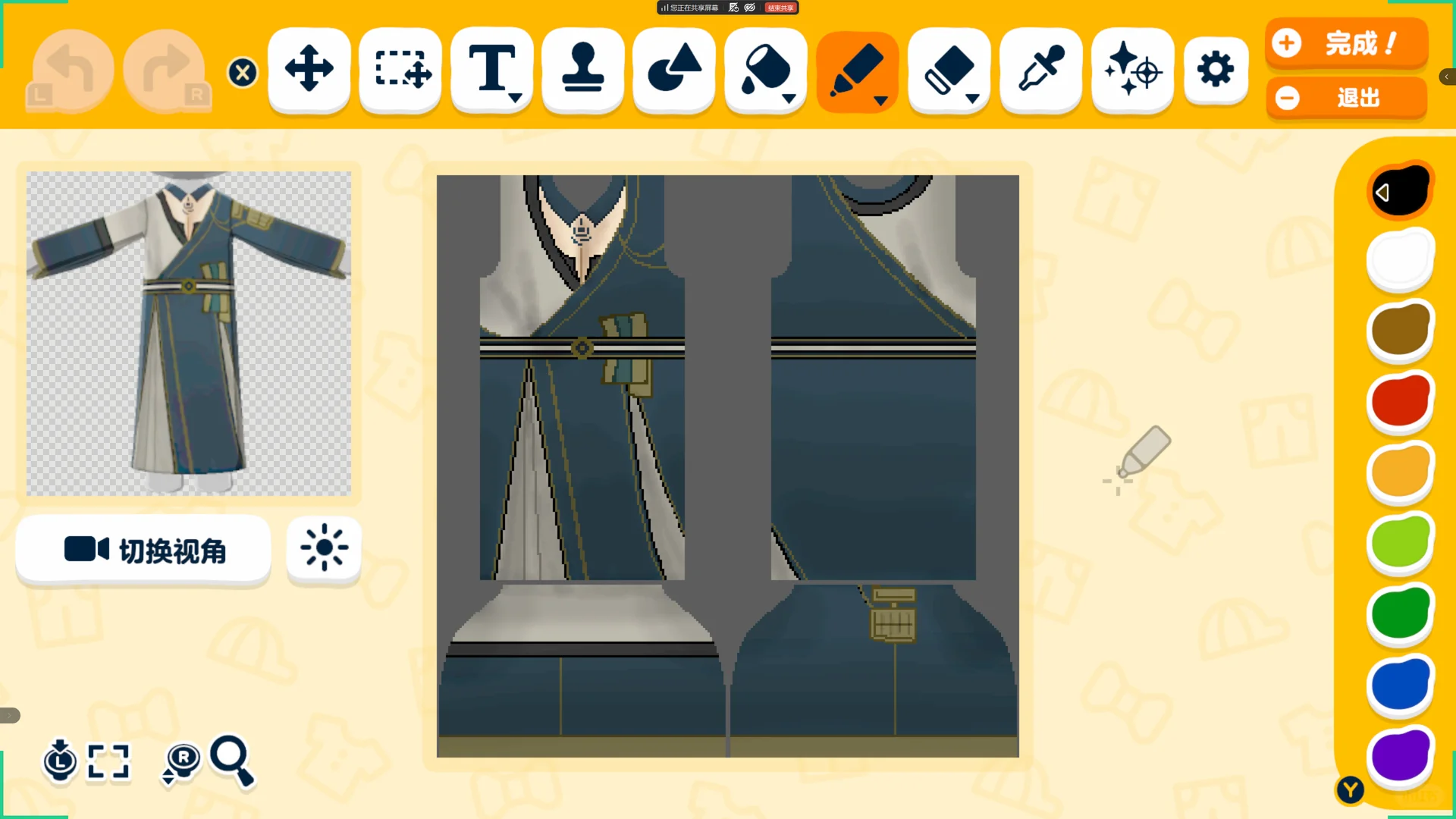
xdcf Tomodachi Life Clothing Pattern Sheet
by -COMAKIKU-
Made based on the standing illustration. Please credit the author when sharing, feel free to edit. - ⩊ -
View Pattern Sheet →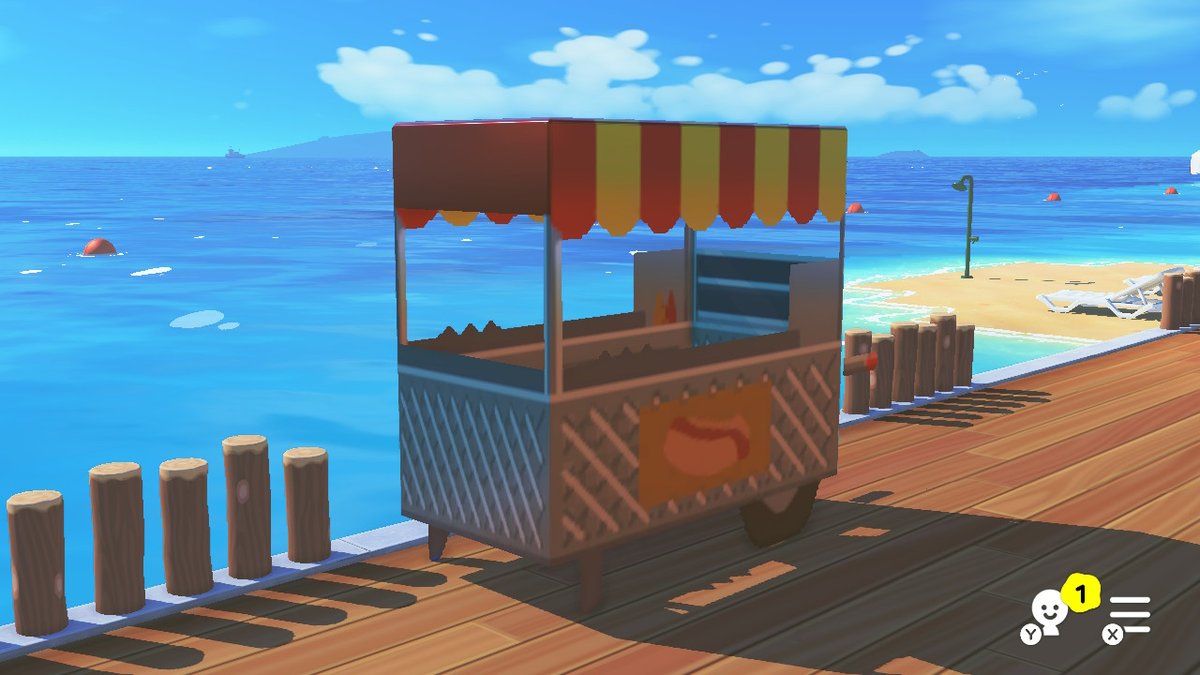
Hot Dog Stand Design
by ryangosmii
A hot dog stand build with settings and paint images in the replies.
View Pattern Sheet →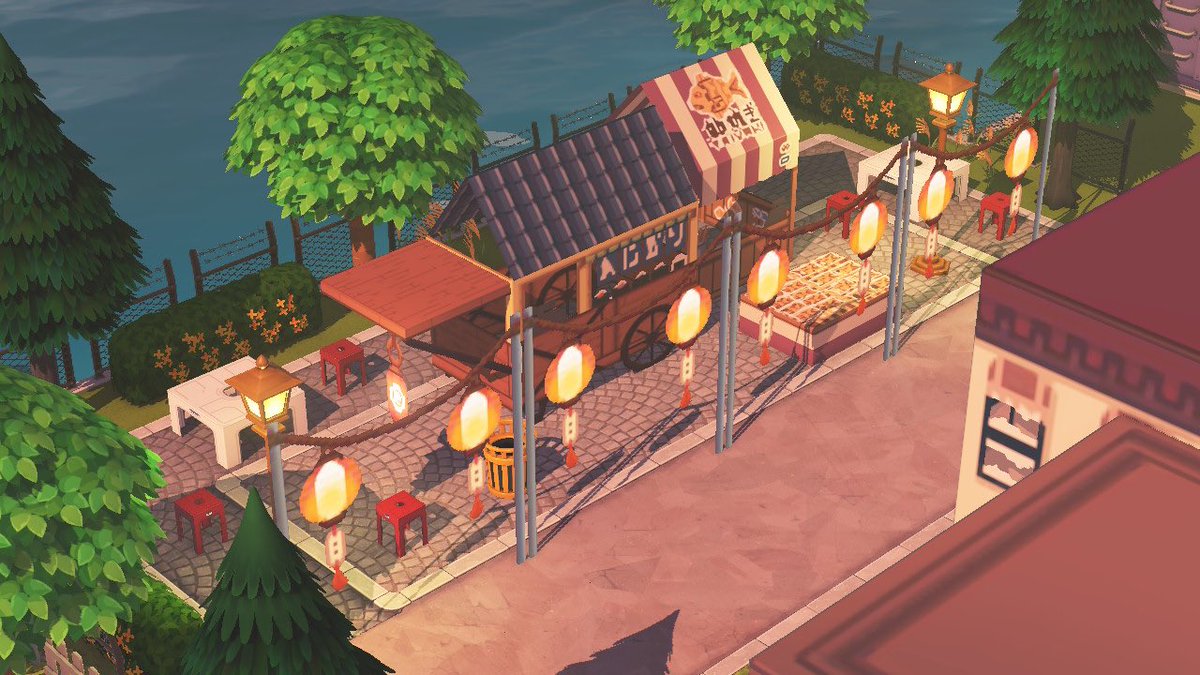
Mini Japanese Food Stall Lane
by bei🪽
A mini Japanese-inspired food stall lane with settings and paint images in the replies.
View Pattern Sheet →