Tutorial
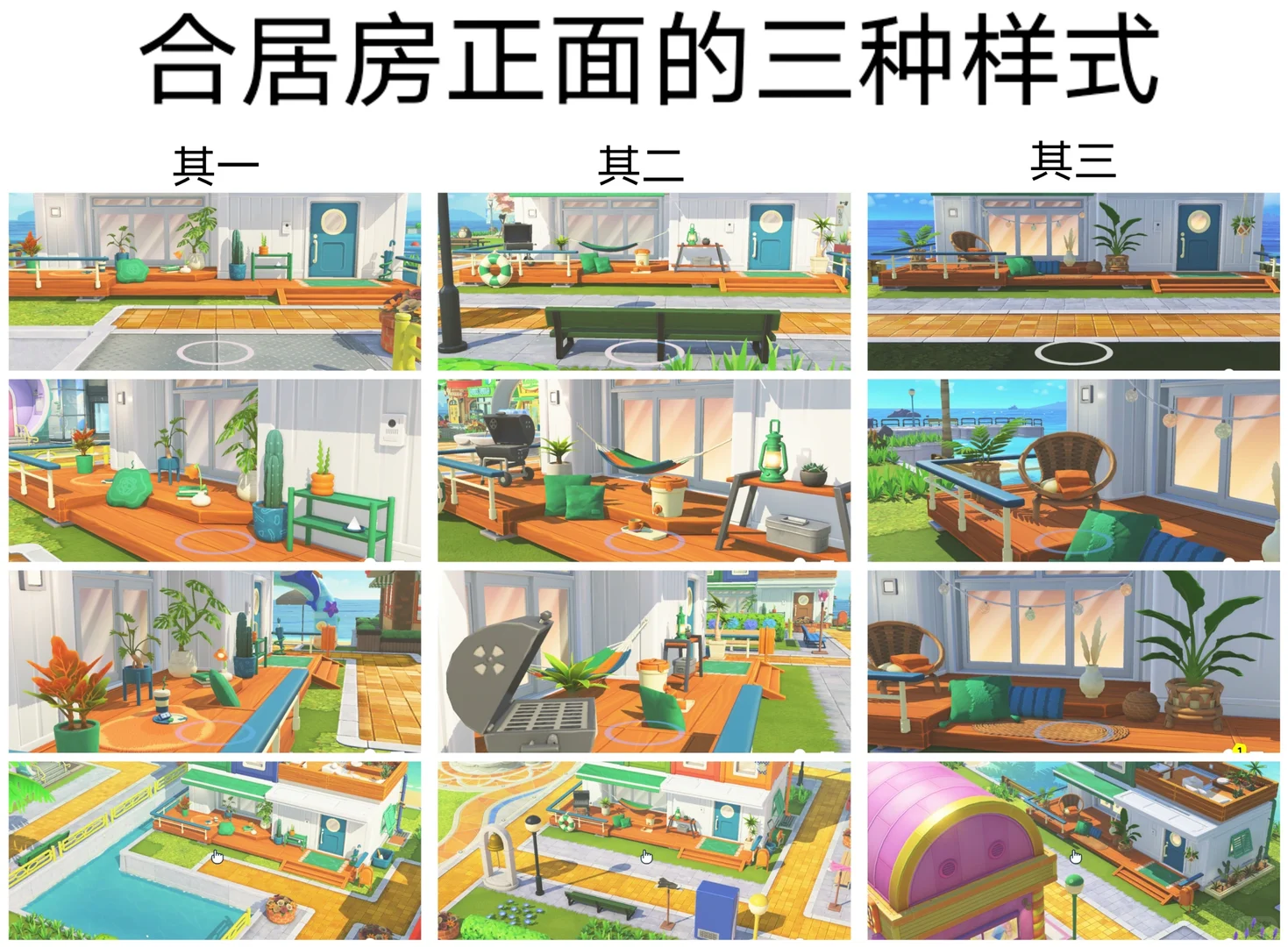
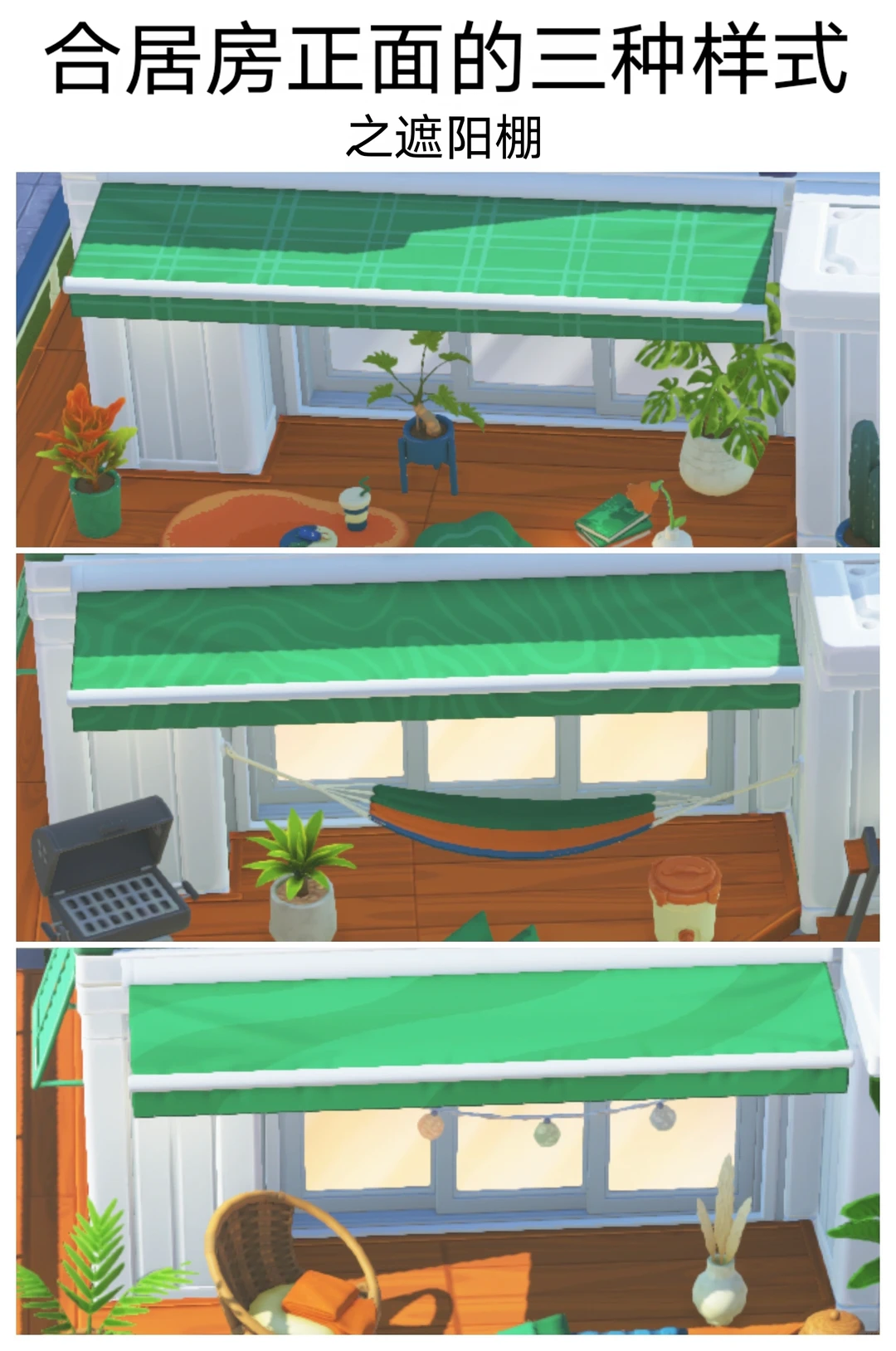
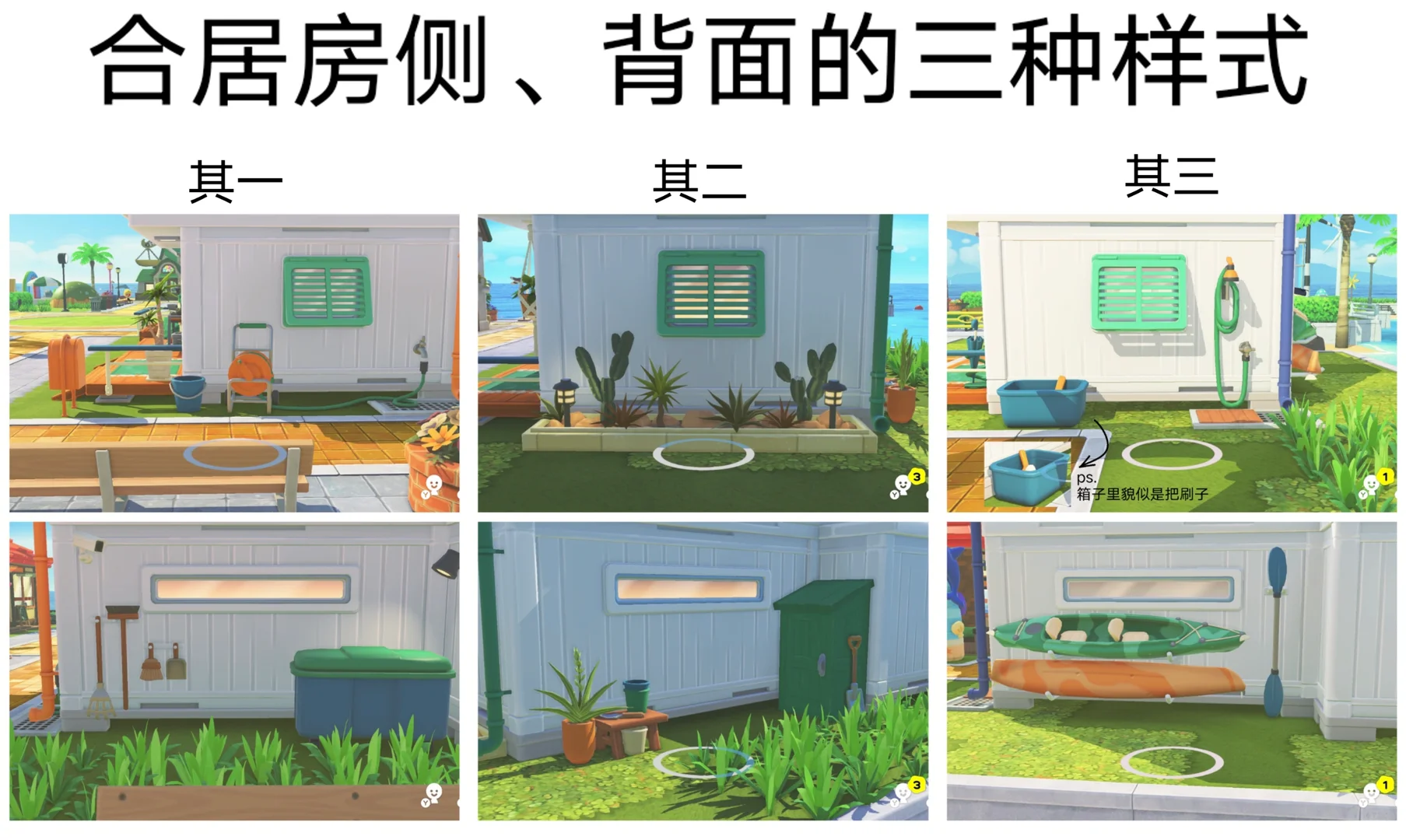
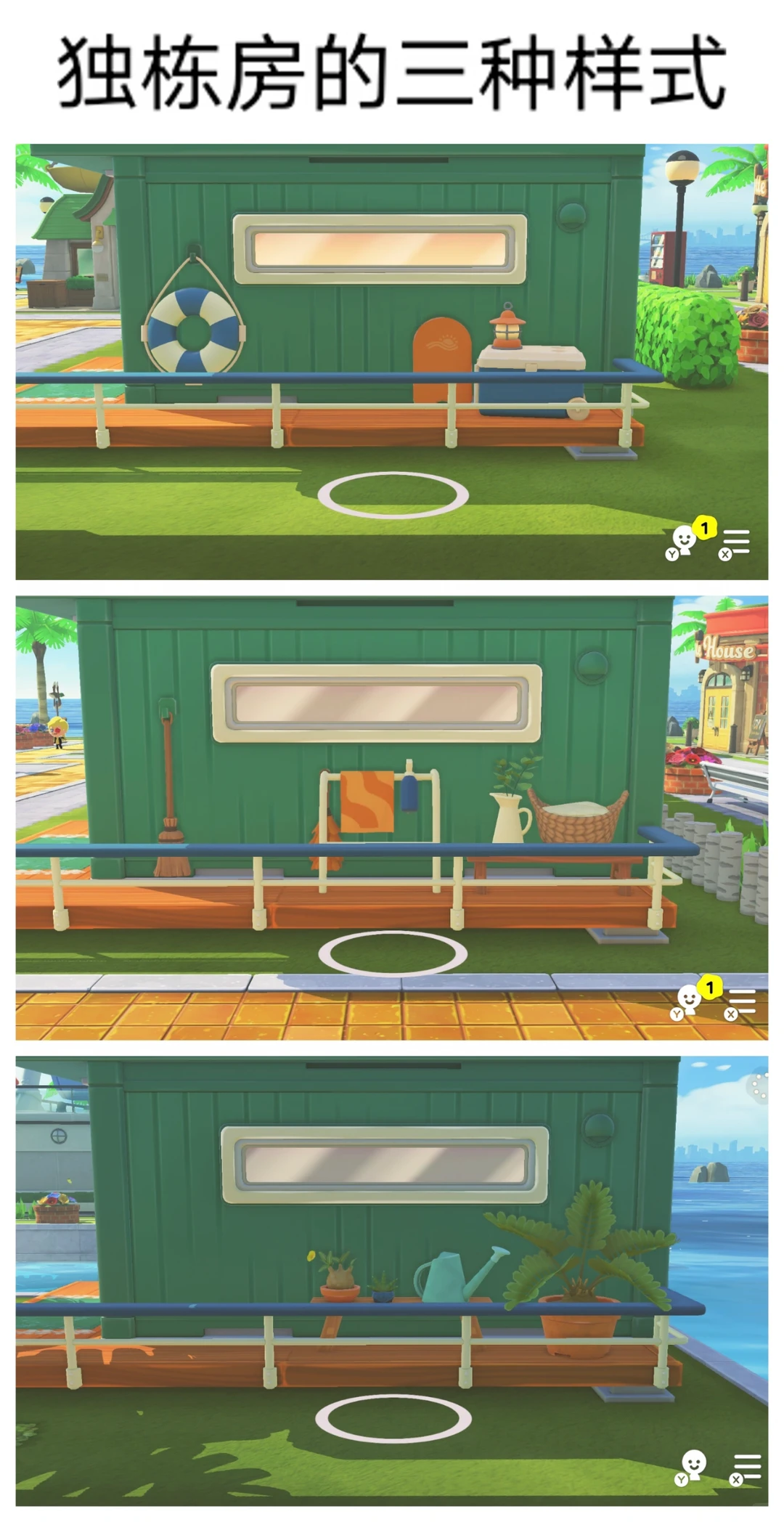
Tomodachi Life Default Container House Trivia Guide 3.0
Published 2026-06-21
A trivia guide covering default container house styles, shared house variants, and how to reroll house appearances in Tomodachi Life.
Original Post Text
About This Design
A trivia guide covering default container house styles, shared house variants, and how to reroll house appearances in Tomodachi Life.
How to Use This Design
1. There are 3 house categories (detached, shared-front, shared-side/back), each with 3 sub-styles; styles are purely random with no cross-category correlation. 2. To reroll: ①Make a custom exterior in the Item Workshop; ②Apply it to the target house; ③Quit the game (save); ④Re-enter and revert to default — a random style appears; save if satisfied, otherwise repeat steps 3–4. 3. To reroll only the side/back, do NOT save in step 3; to also reroll the front, save in step 3.
Tags
Related patterns
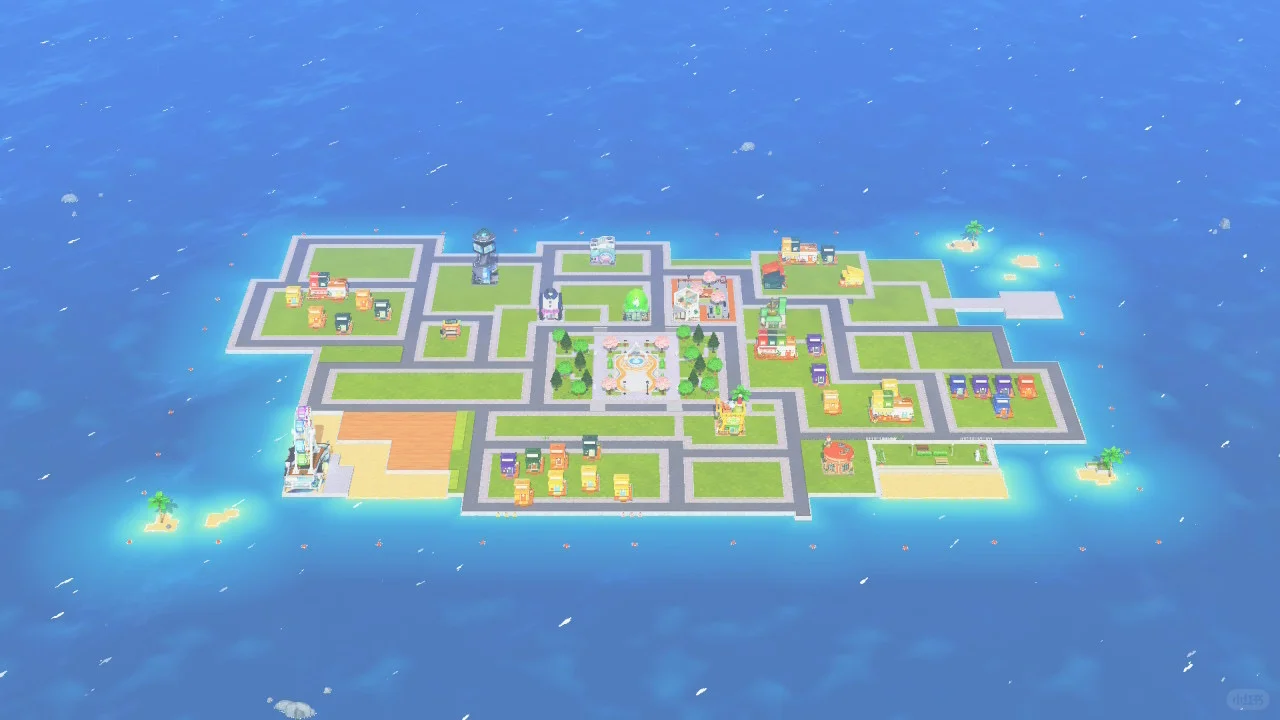
Beginner Island Building Guide with Zero Experience
by 红糖辞宝
A simple 3-step island layout guide for players who don't know where to start. No advanced design skills needed.
View Pattern Sheet →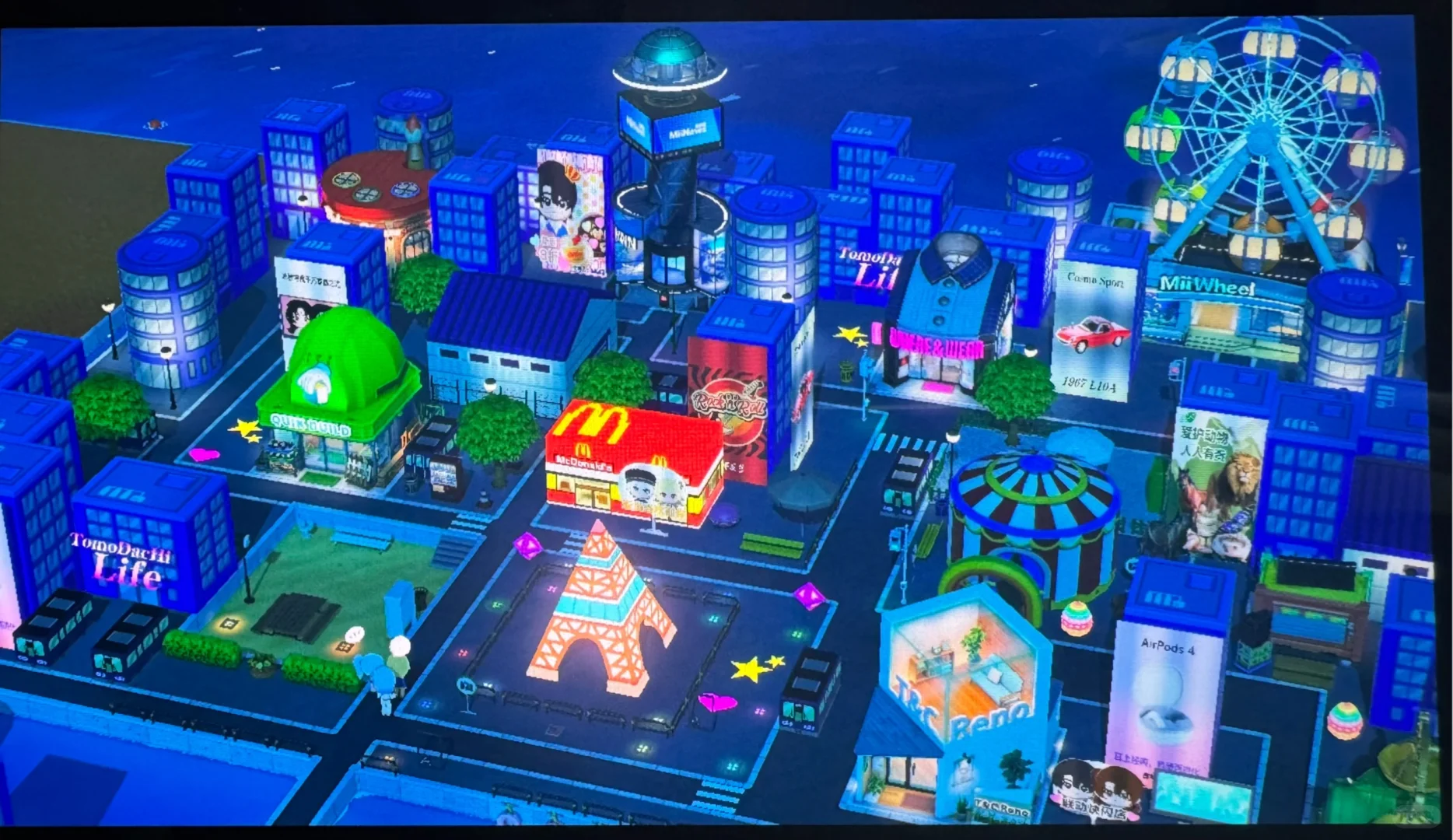
Zero Drawing Required Urban Cityscape Build Tutorial
by 喷三的奴下奴
A beginner-friendly cityscape build using in-game objects — no drawing needed. Arrange items freely for a great effect.
View Pattern Sheet →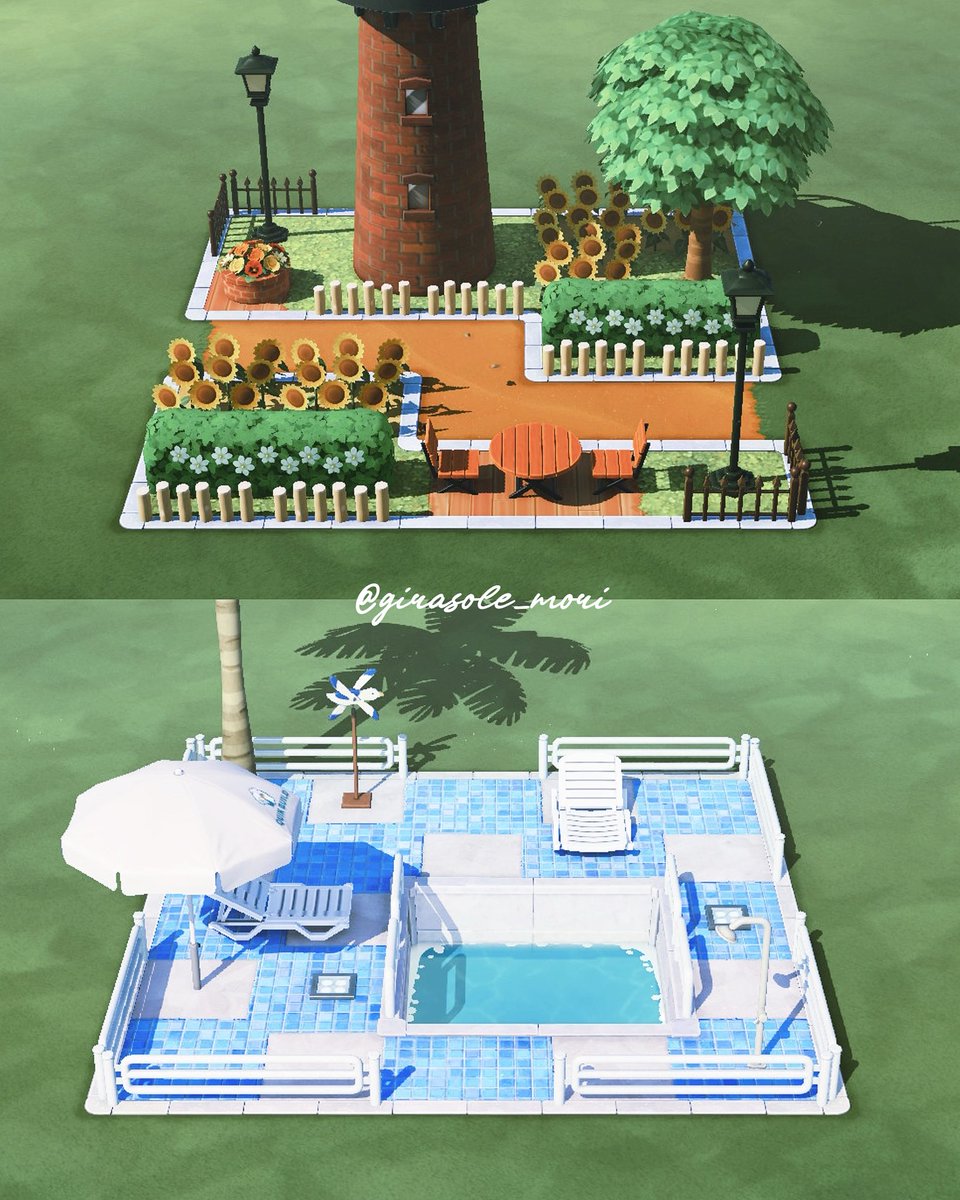
Four Layout Ideas for Leftover Spaces
by 🌼ぴよ🌼
A video sharing four layout ideas for making better use of leftover island spaces.
View Pattern Sheet →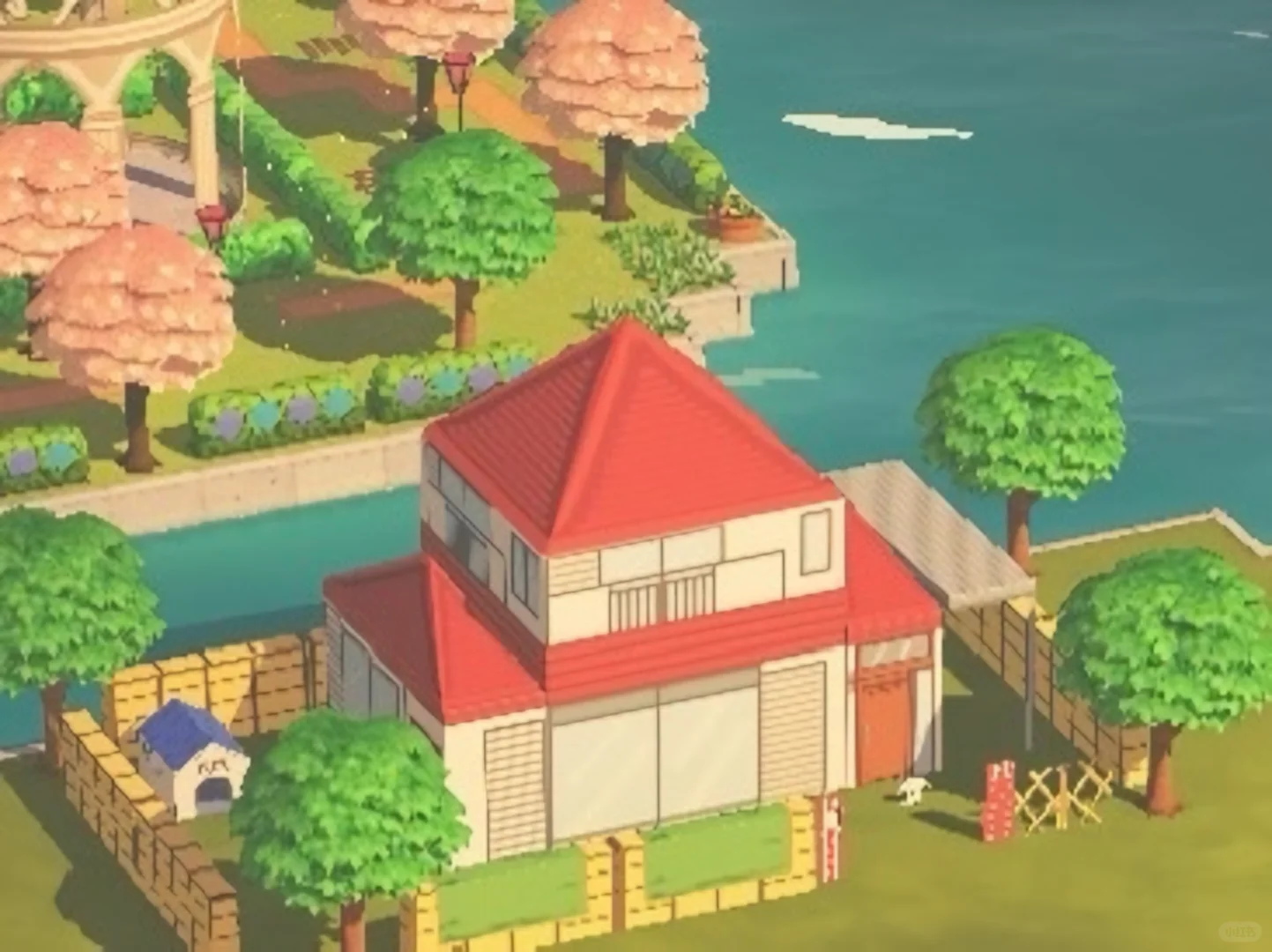
Nohara Family House with Tutorial and Pattern Sheet
by - ^ -
A recreation of the Nohara family home. The yard layout is still being adjusted, and the right/back sides of the house are unfinished.
View Pattern Sheet →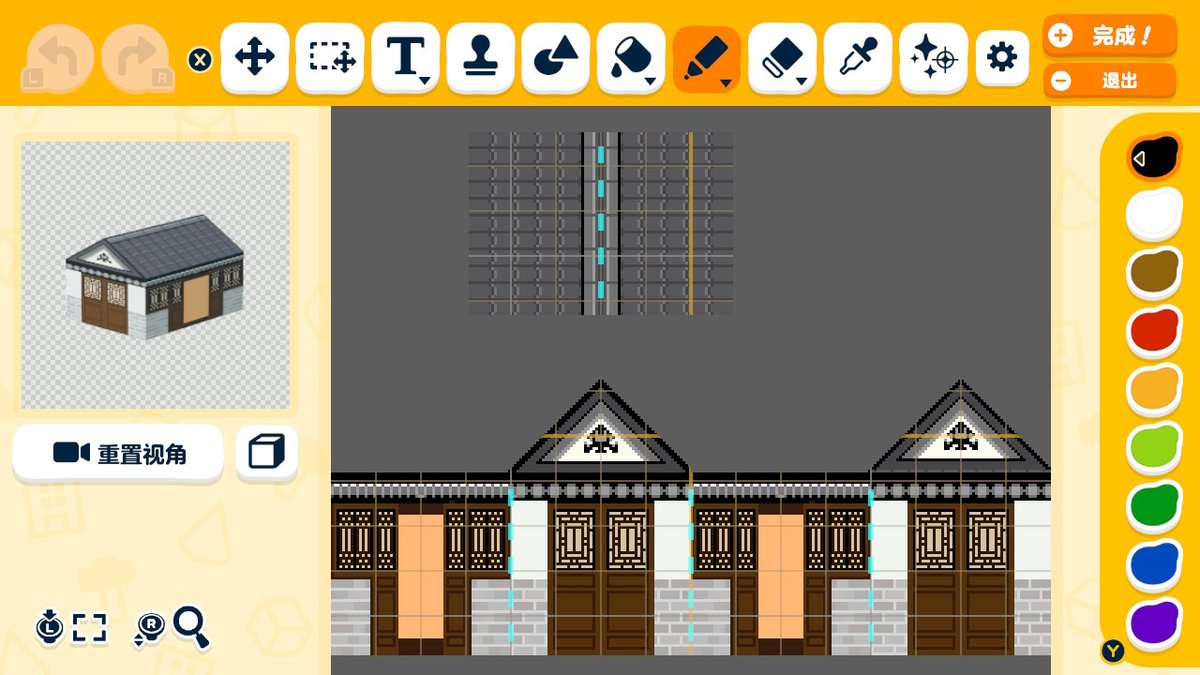
Simple Tutorial for a Traditional Chinese Island
by WS✦CommissionsCLOSED
A simple tutorial for building a traditional Chinese-style island in Tomodachi Life.
View Pattern Sheet →