Tutorial
Beginner Island Building Guide with Zero Experience
Published 2026-06-10
A simple 3-step island layout guide for players who don't know where to start. No advanced design skills needed.
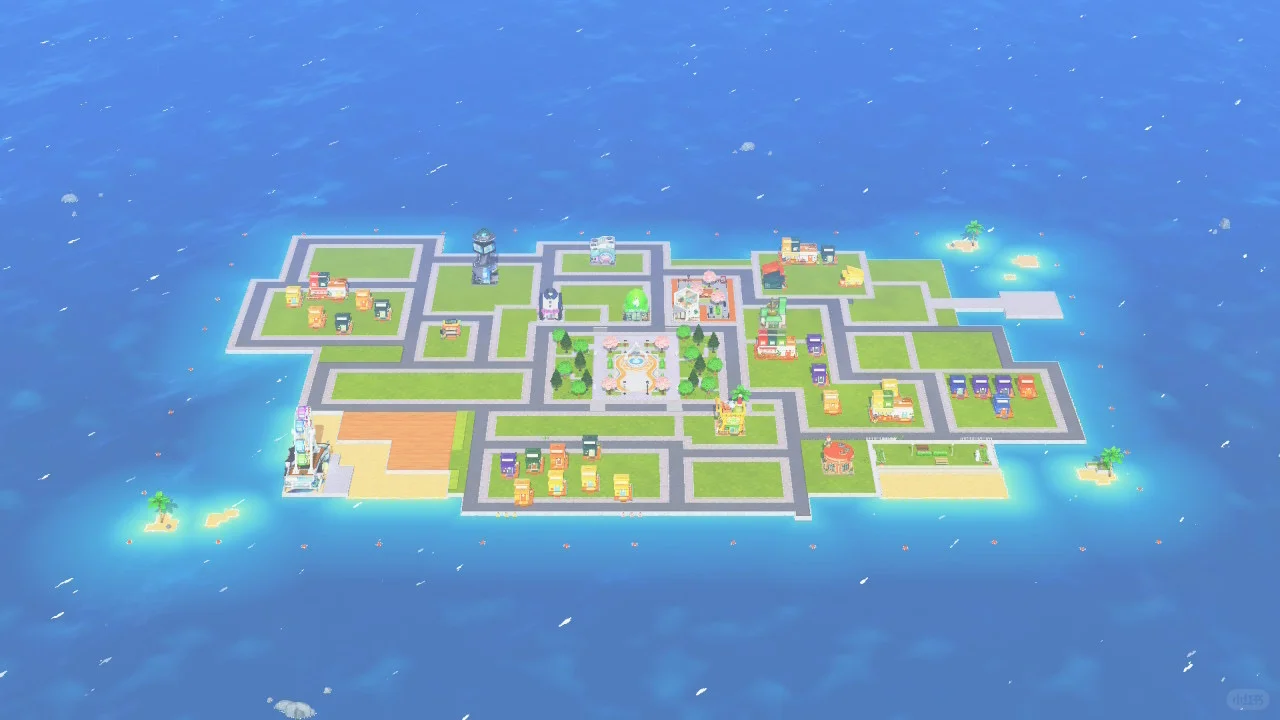
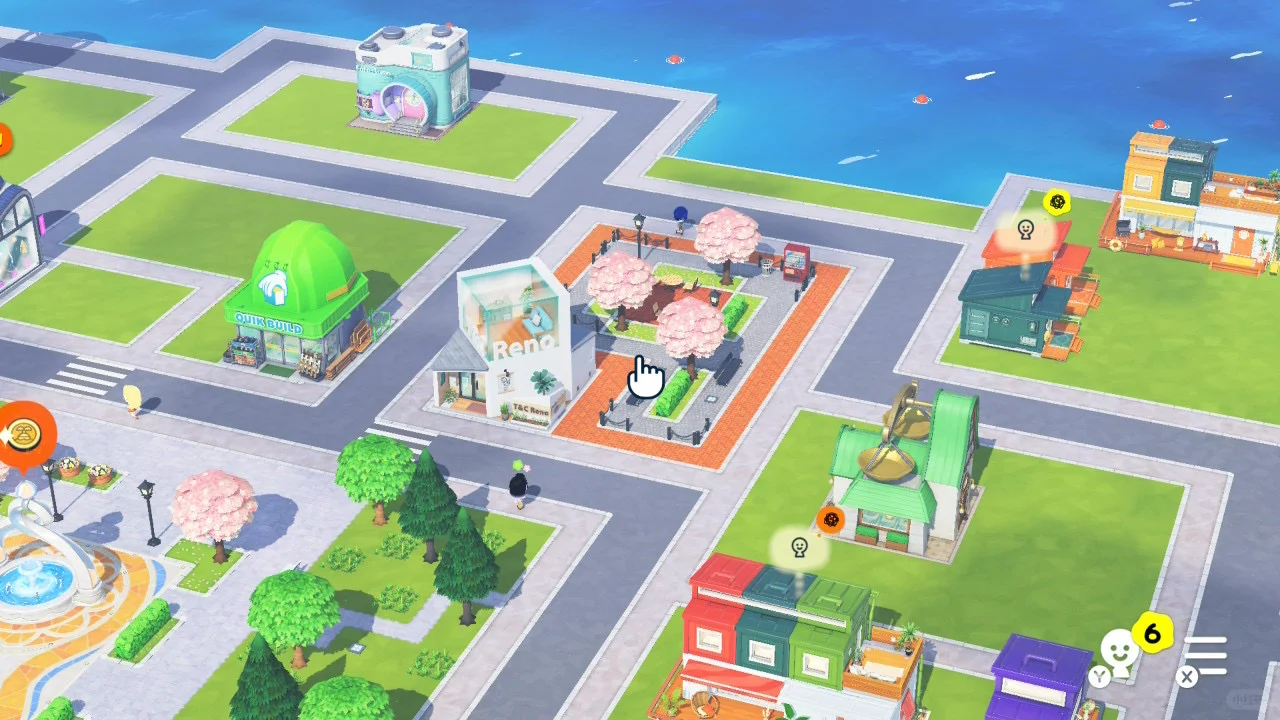
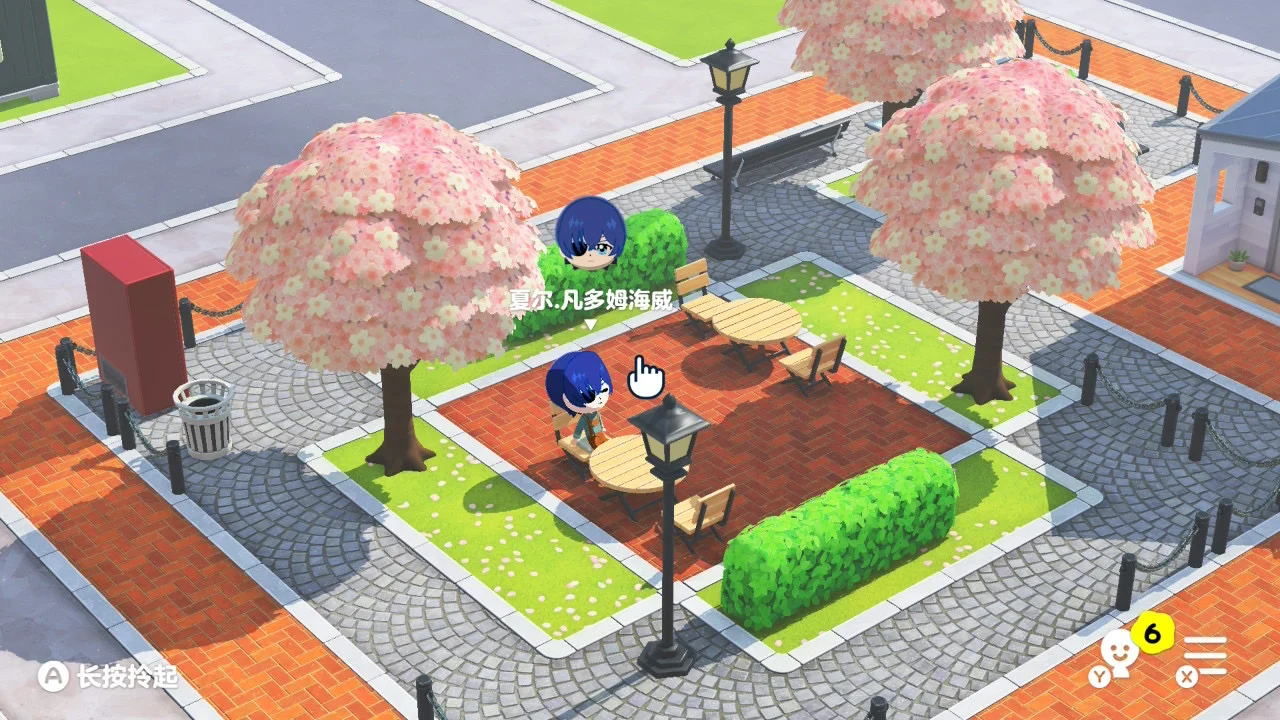
Making Steps
Editorial notes based on creator, source, or submitter information.
Editorial review: Jul 9, 2026
Recreation Notes ?
Tags
Recreation tips from the community
Share what you tried, tricky spots, unclear parts, or adjustment tips for this design.
Comment guidelines
Only share variations or links when the original creator allows copying, edits, or derivative works.
Keep comments on topic. No trading requests, attacks, harassment, spam, or inappropriate content.
Comments appear after review. Published notes are visitor experiences, not official verification.
No published comments yet.
Related patterns
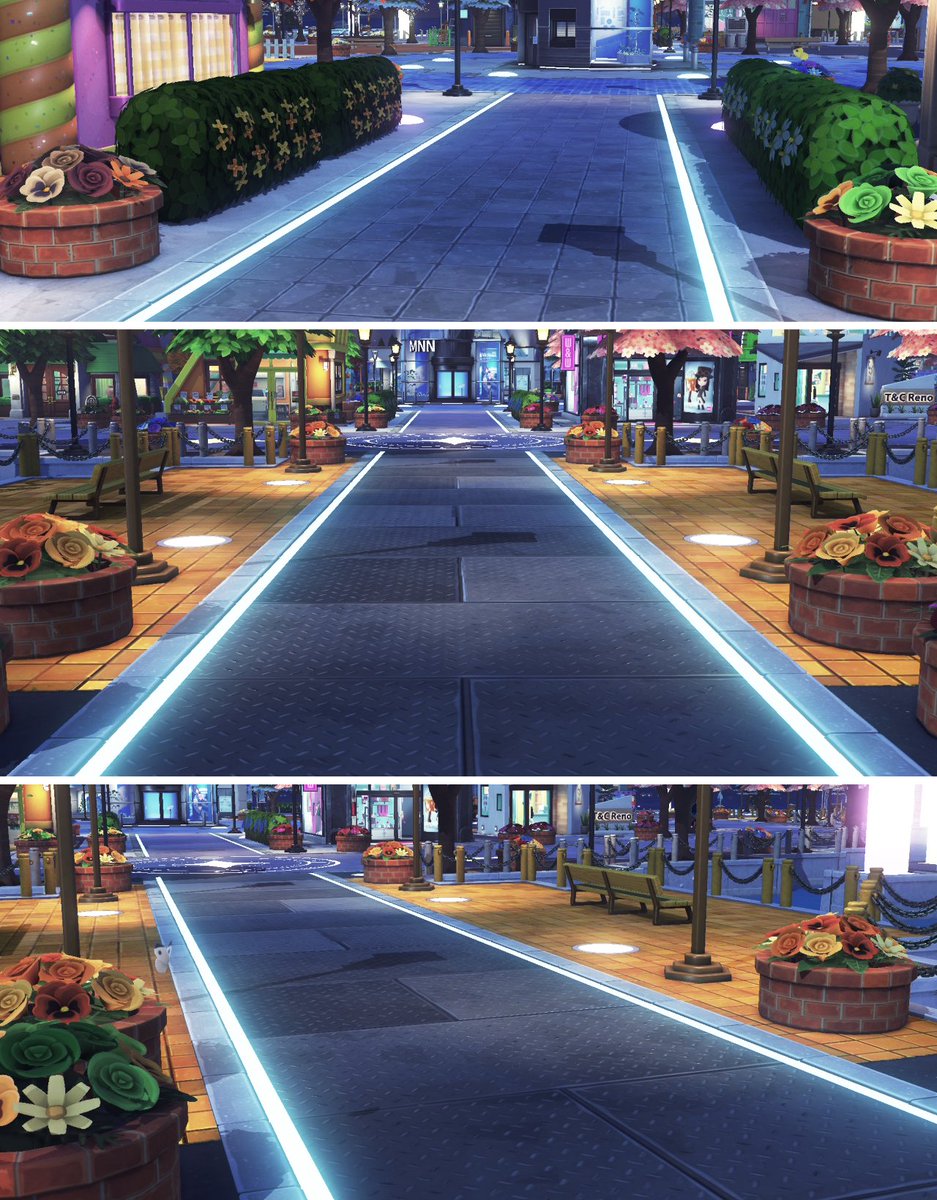
Easy Way to Light Up Both Sides of a Path
by Sub Puzzle
A simple technique to illuminate both sides of a path. For non-straight paths, draw one side, then rotate and place it.
View Pattern Sheet →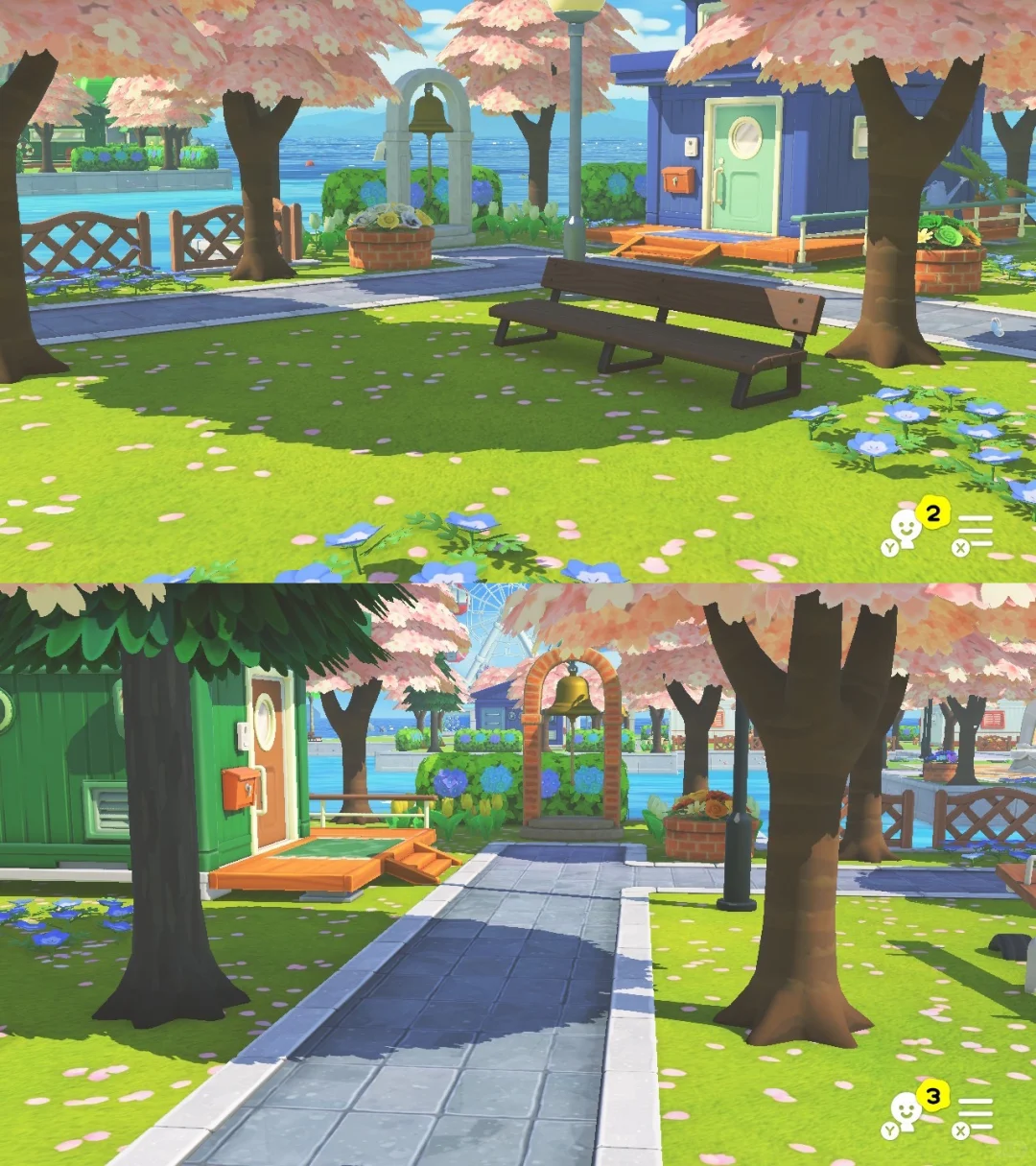
Minimalist Island Build for Natural Mii Interaction
by 咕了个咕
A 20-Mii island with a central residential zone and outer entertainment ring, designed to maximize open space for natural Mii interactions.
View Pattern Sheet →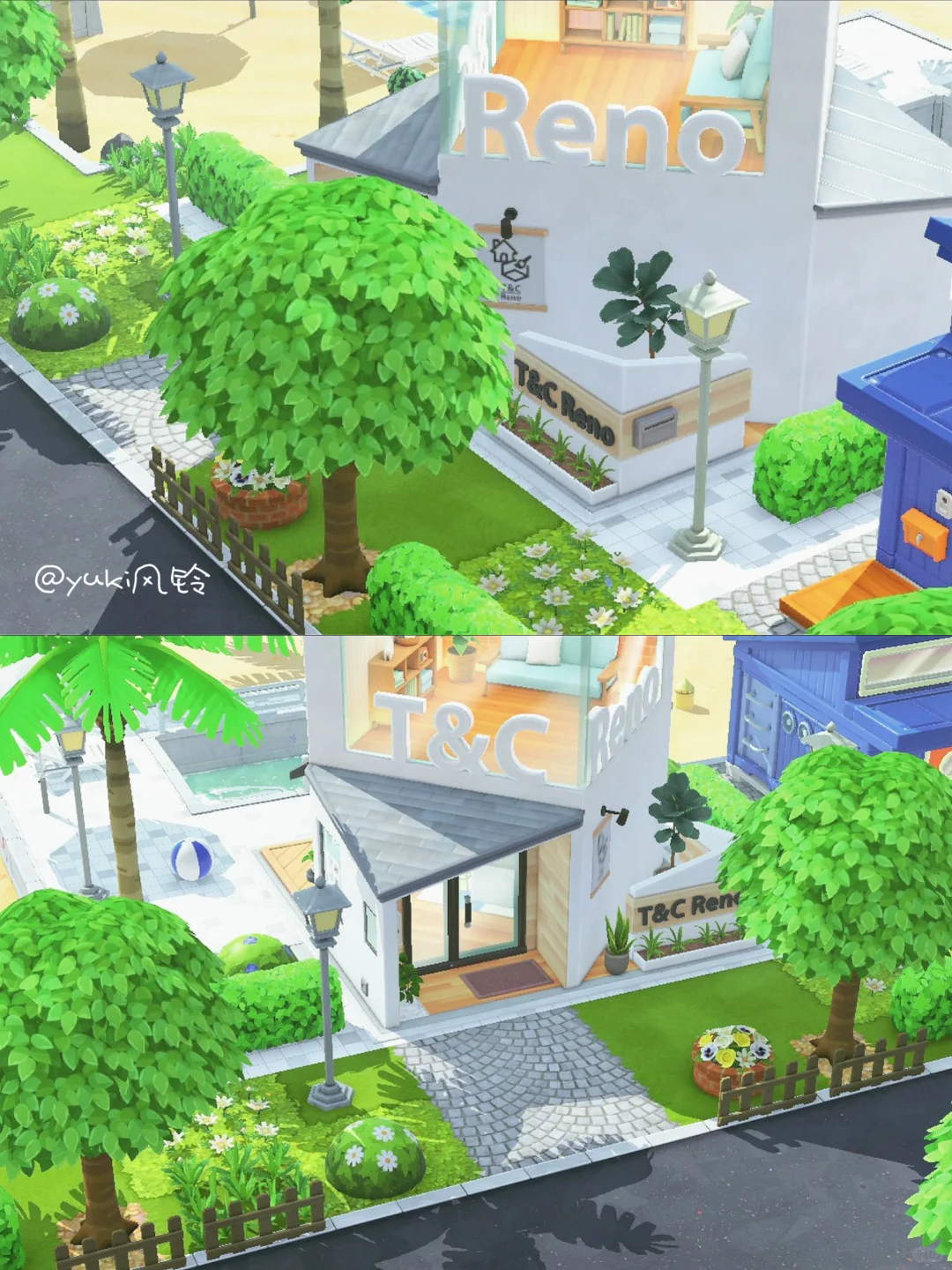
Beachside Road Transition Island Design 🏘️
by yuki风铃
I really love this design! One door connects to a beach pool, the other to a city road, creating a wonderful sense of space.
View Pattern Sheet →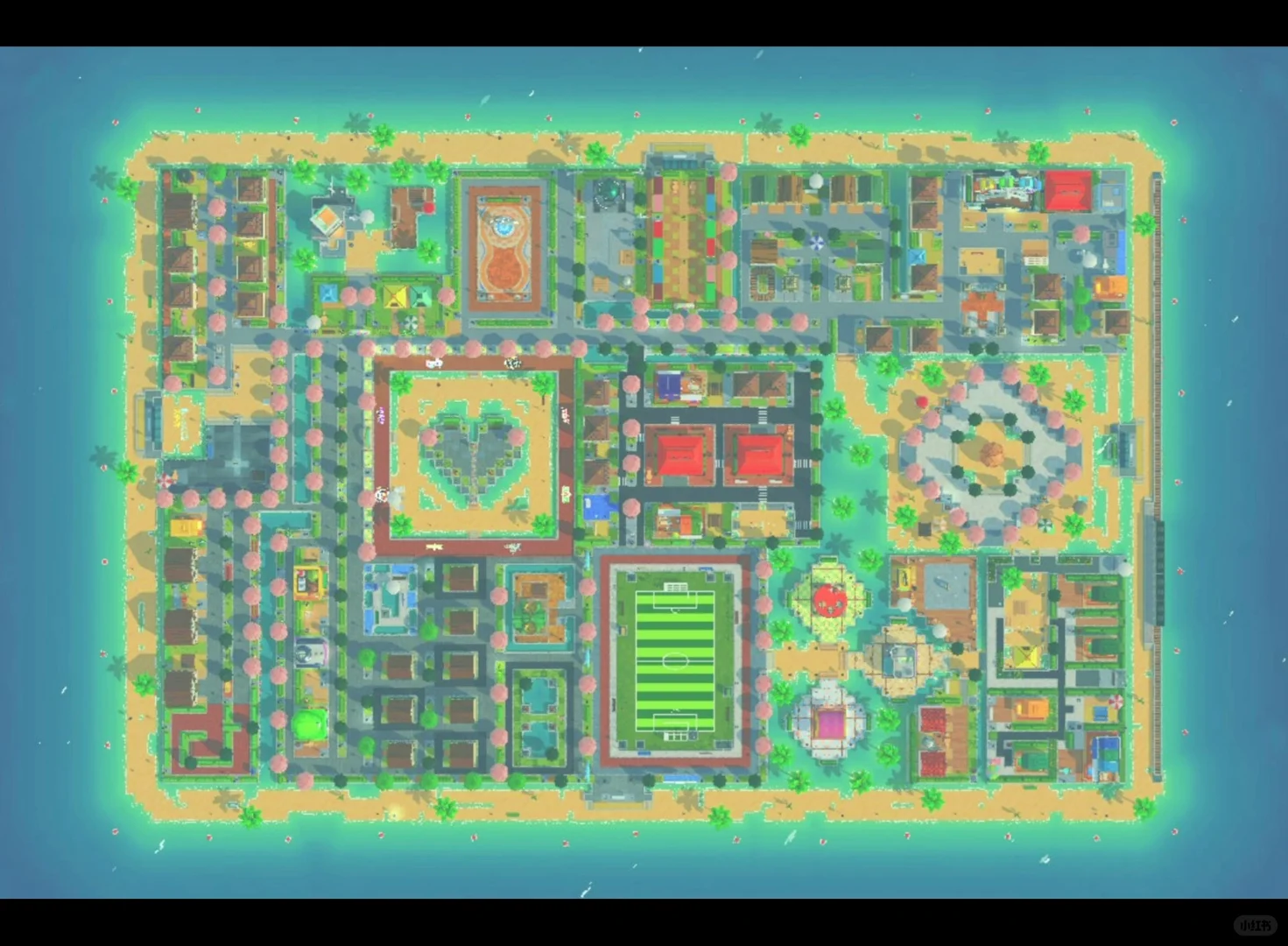
Island Building Done! All 70 Slots Filled with Neat Ground Design
by ㅇㅅㅇ
All 70 child slots occupied on my island with a tidy ground layout. Residential areas are grouped by character IPs, and I love seeing my favorites live together.
View Pattern Sheet →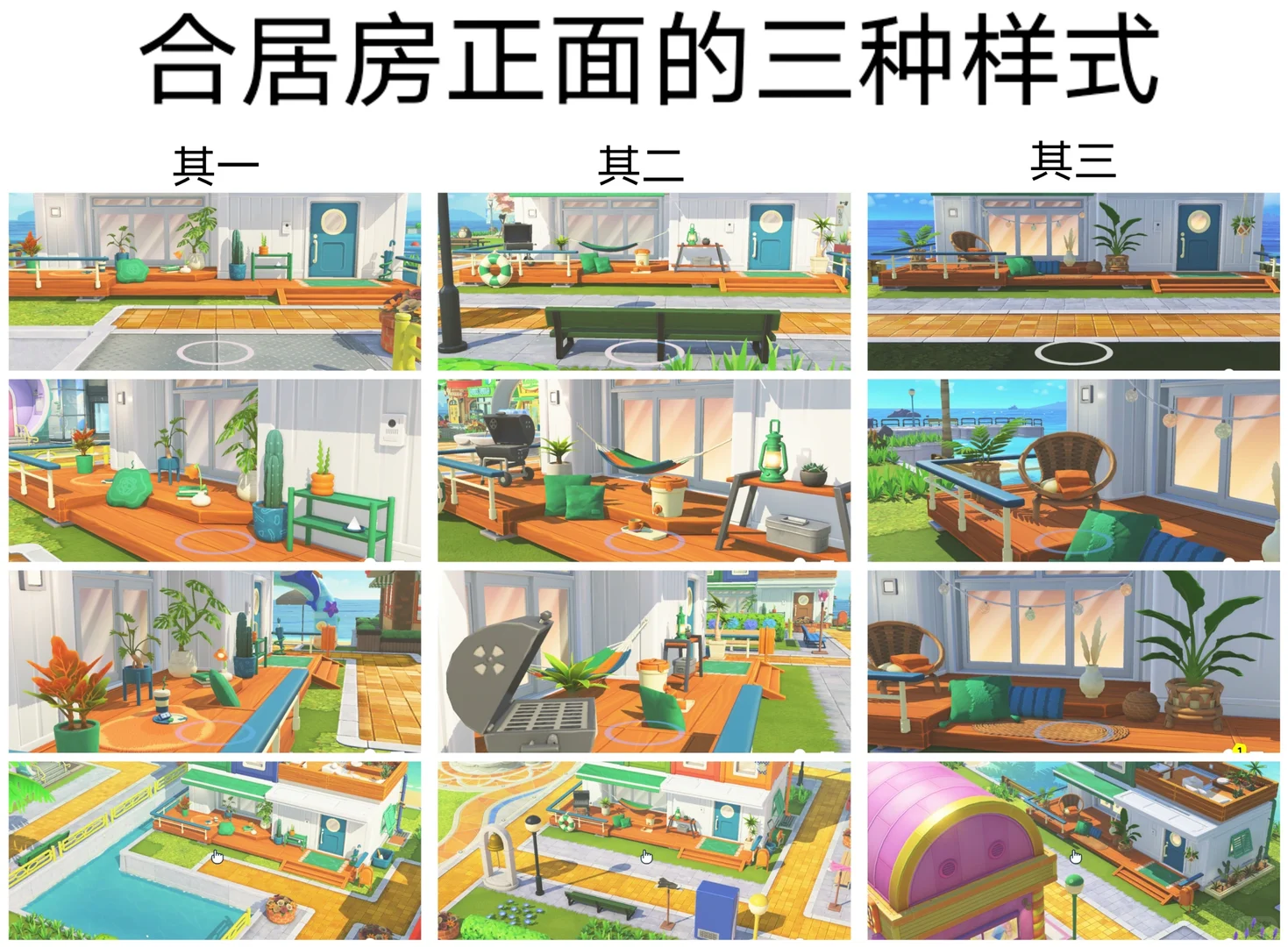
Tomodachi Life Default Container House Trivia Guide 3.0
by 星阳Xingyang
A trivia guide covering default container house styles, shared house variants, and how to reroll house appearances in Tomodachi Life.
View Pattern Sheet →