Stamp Tool
Auto-Pattern Drawing Tool Steps
Published 2026-05-10
A Tomodachi Life automatic drawing tool workflow guide.


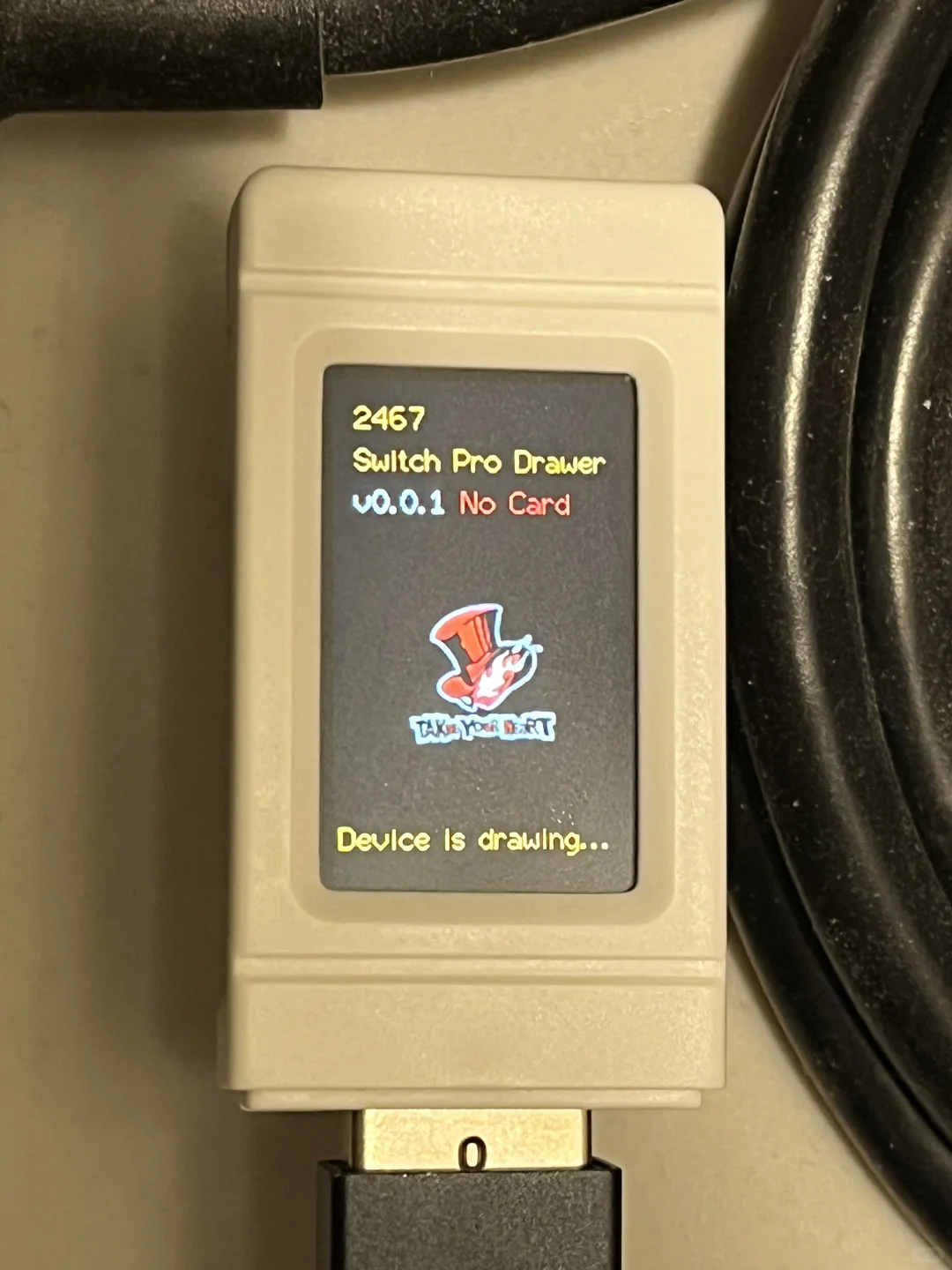
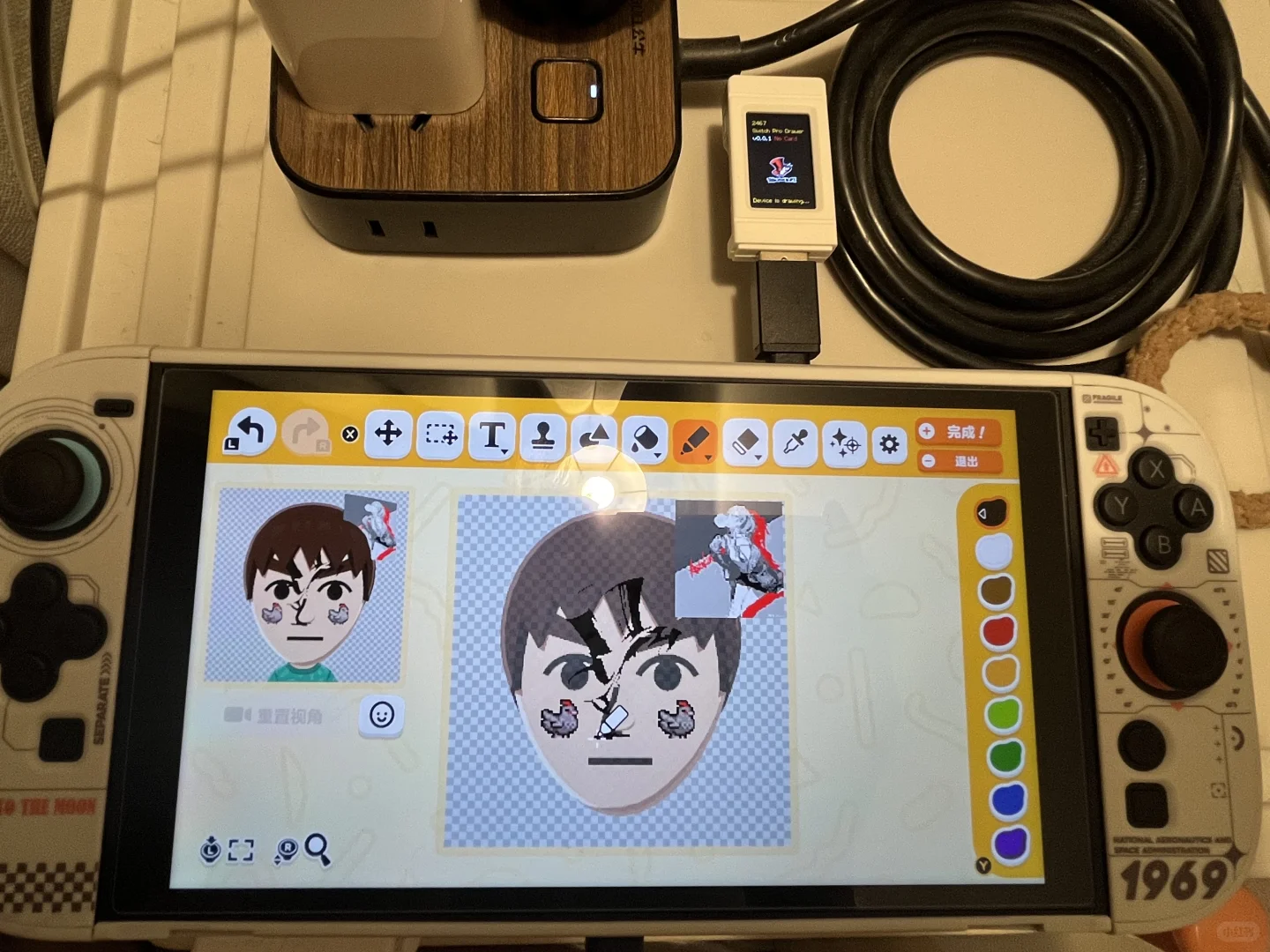
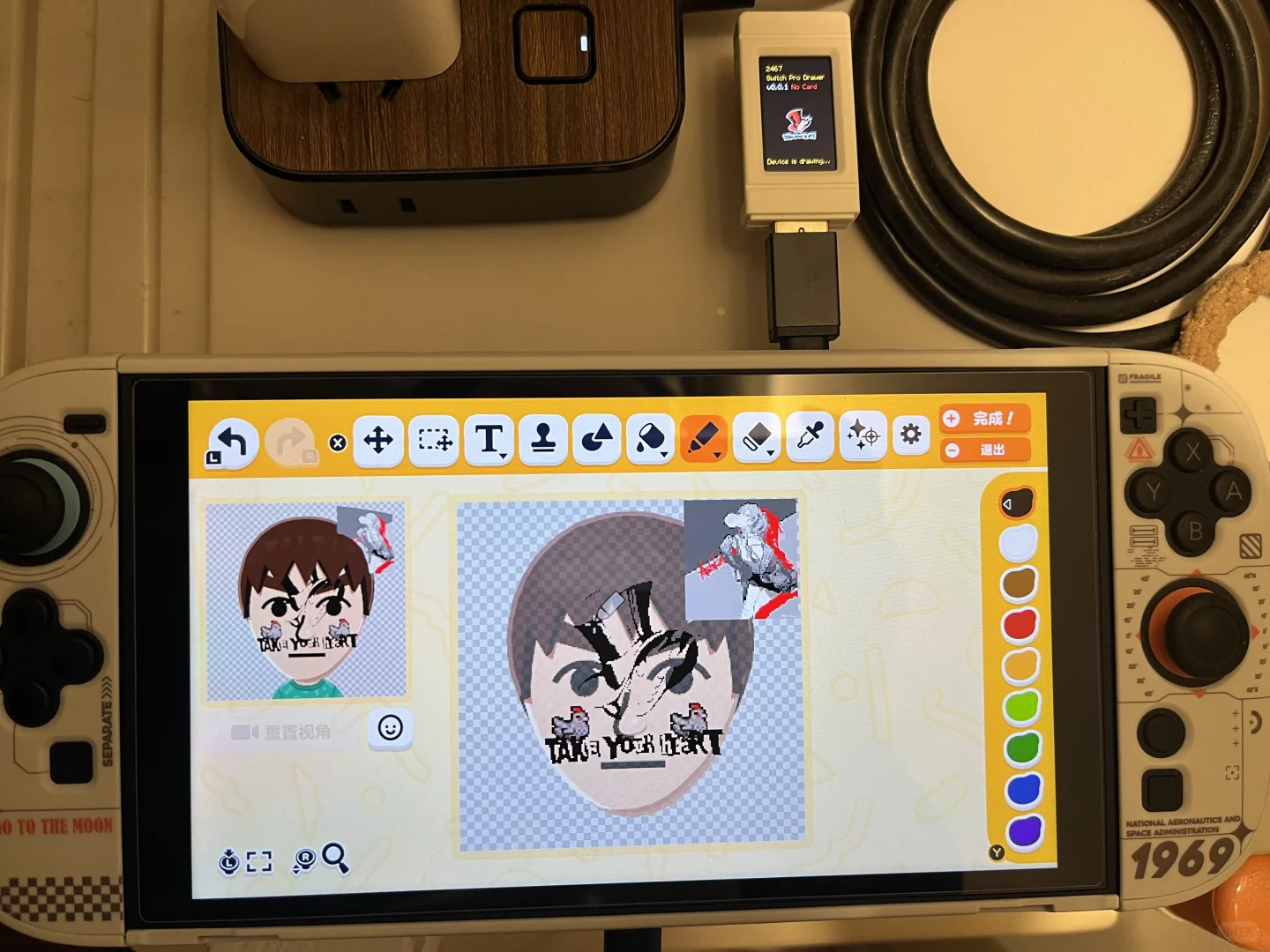
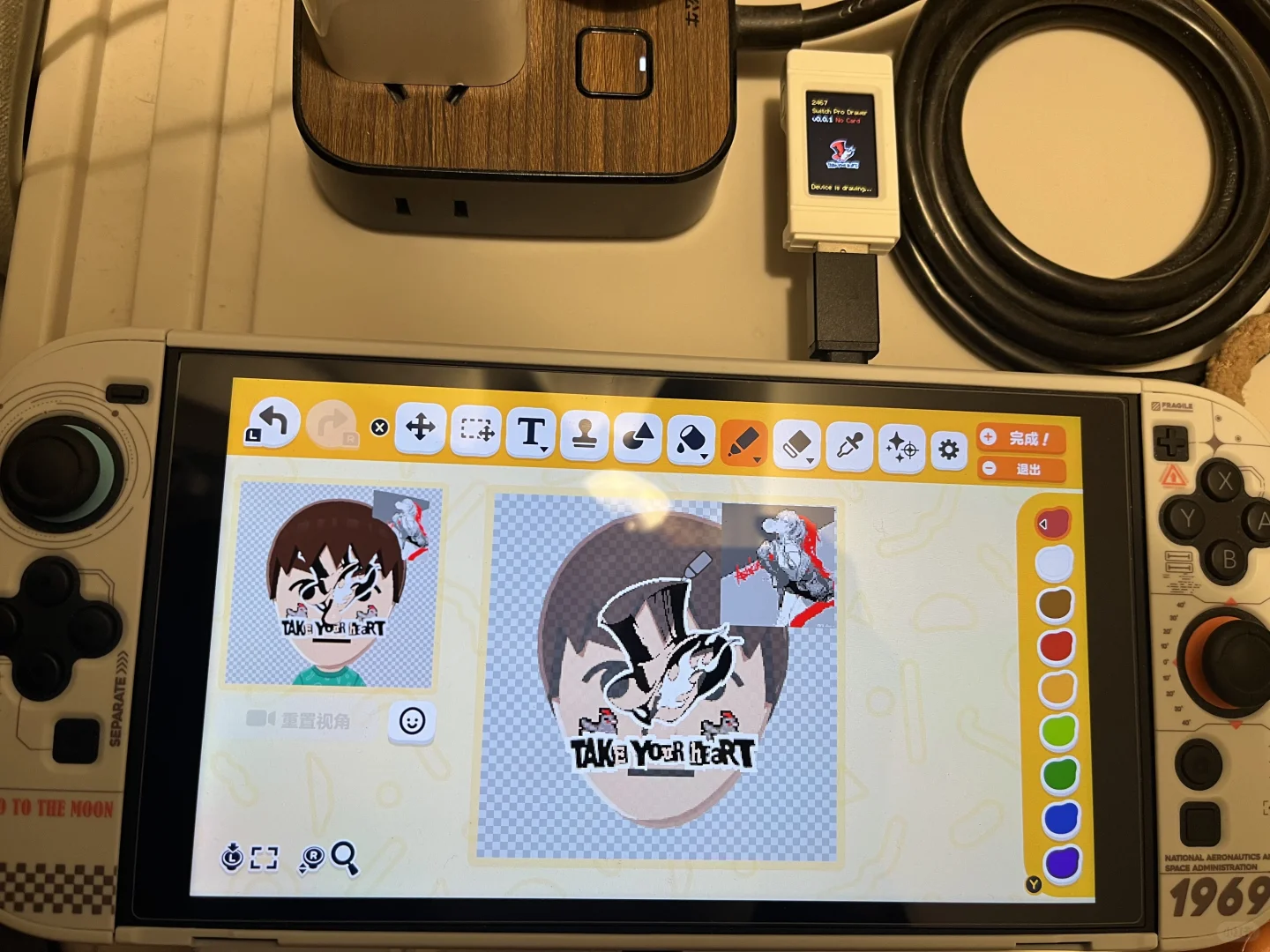
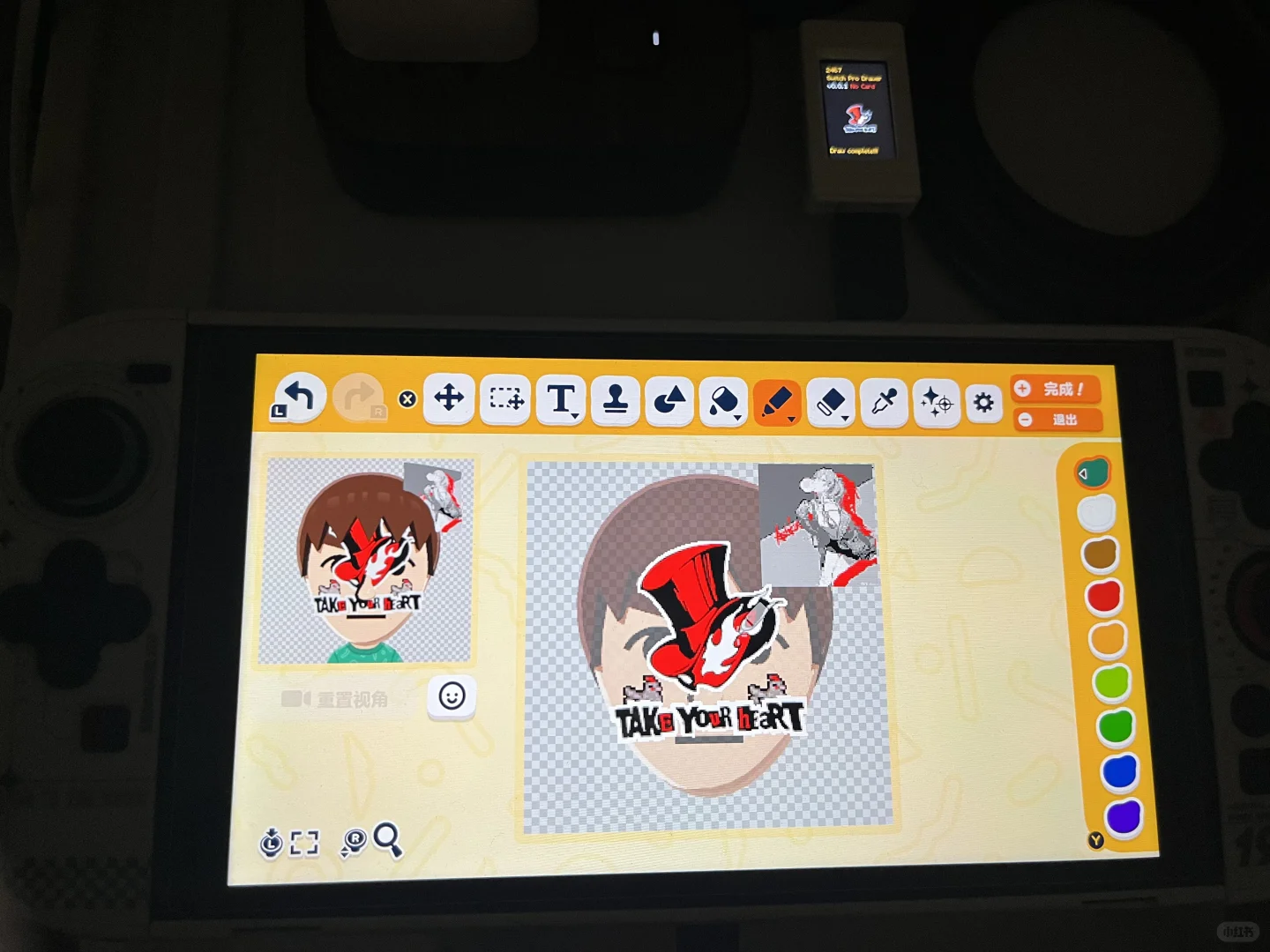

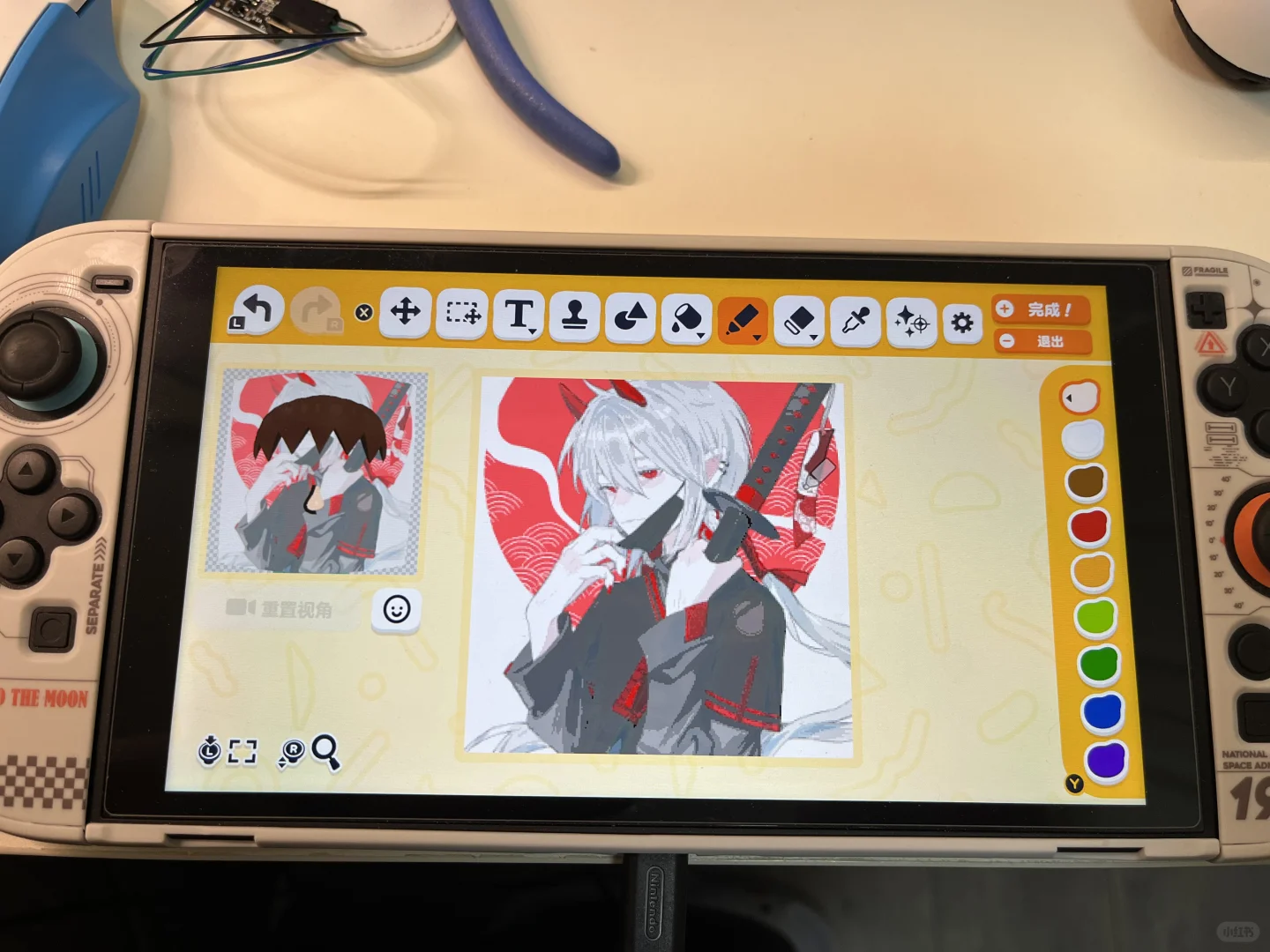
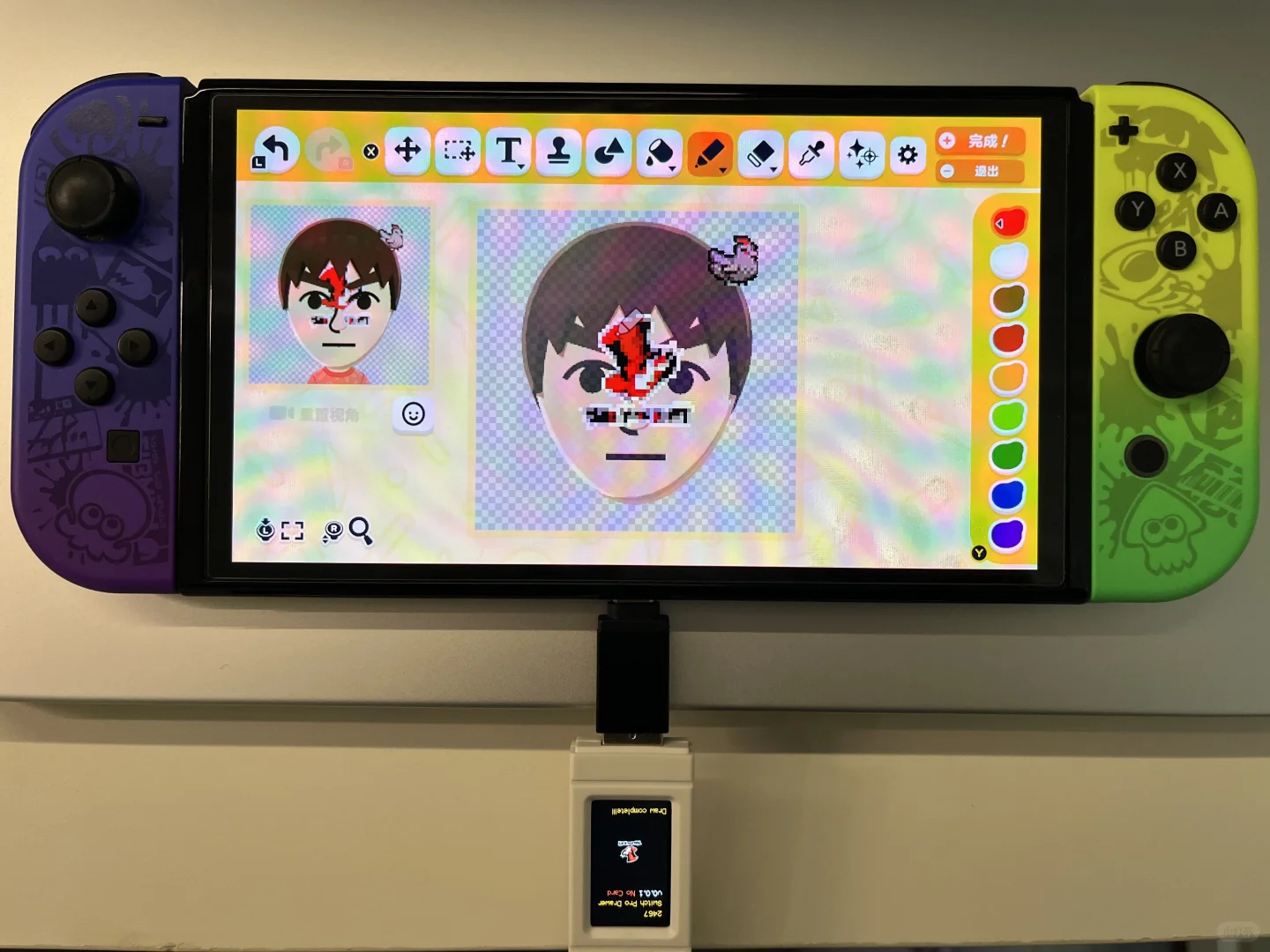
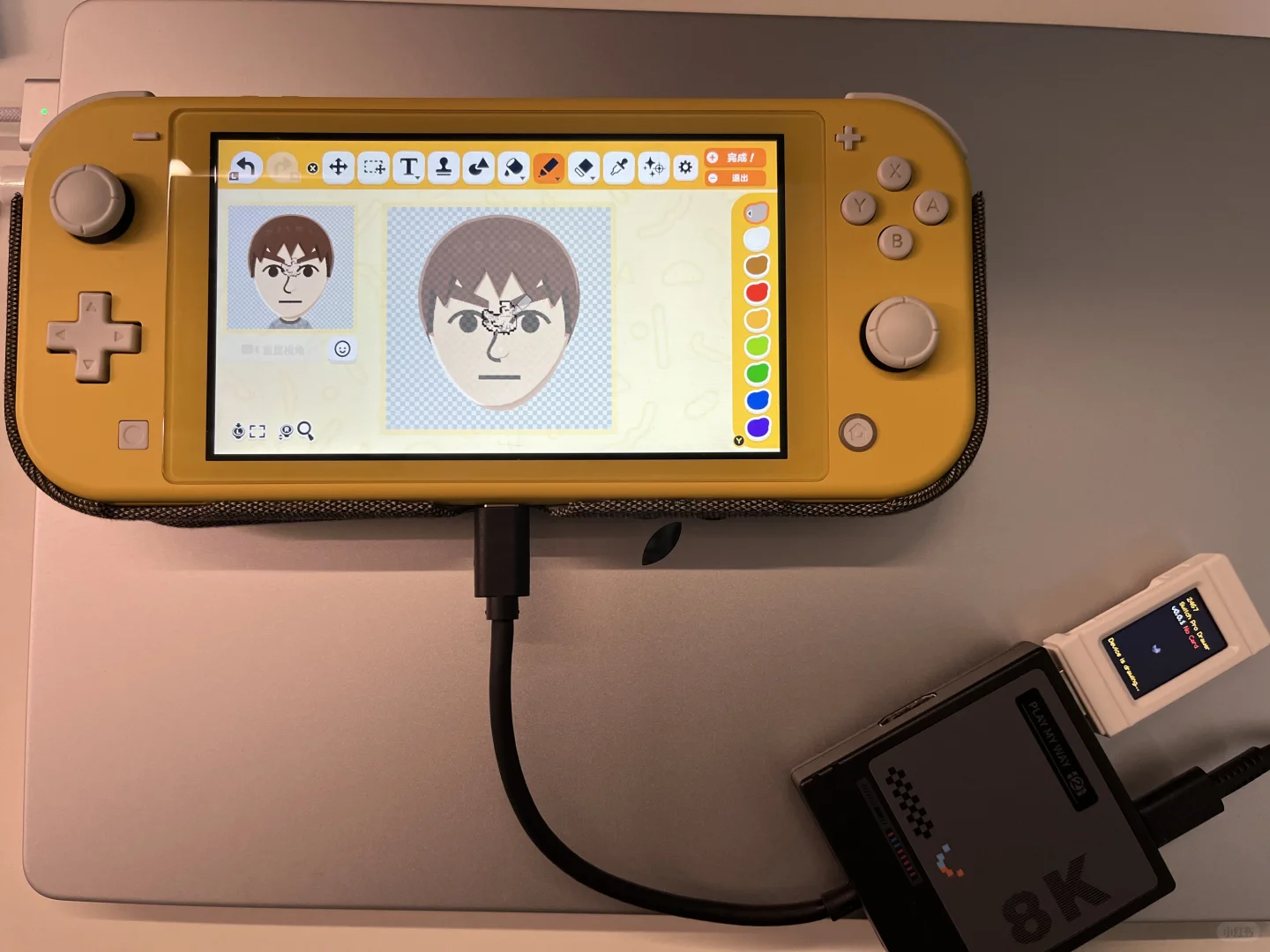
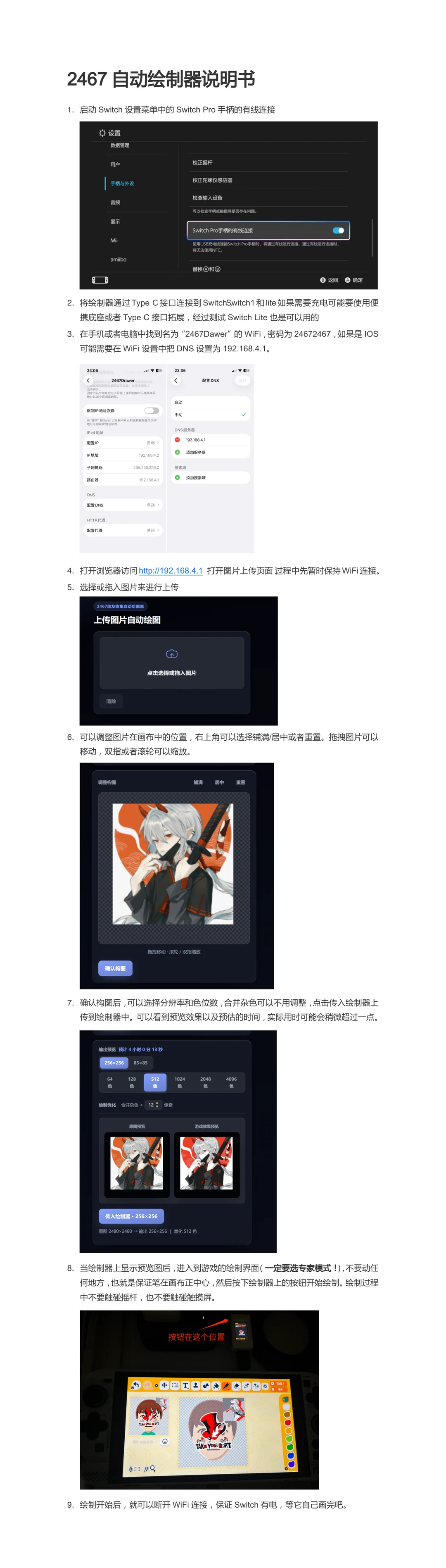
Recreation Notes ?
Tags
Recreation tips from the community
Share what you tried, tricky spots, unclear parts, or adjustment tips for this design.
Comment guidelines
Only share variations or links when the original creator allows copying, edits, or derivative works.
Keep comments on topic. No trading requests, attacks, harassment, spam, or inappropriate content.
Comments appear after review. Published notes are visitor experiences, not official verification.
No published comments yet.
Related patterns
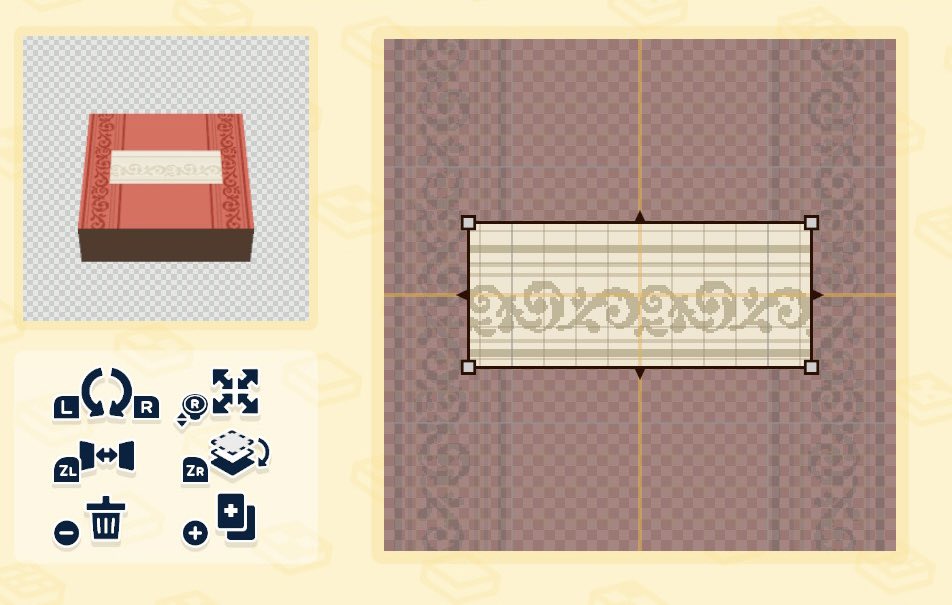
How I Made a Carpet Using Stamps
by chandler 𖦹 living the dream
Use a trim stamp on both sides of the canvas, then use the paint bucket to fill in empty spaces and add shading.
View Pattern Sheet →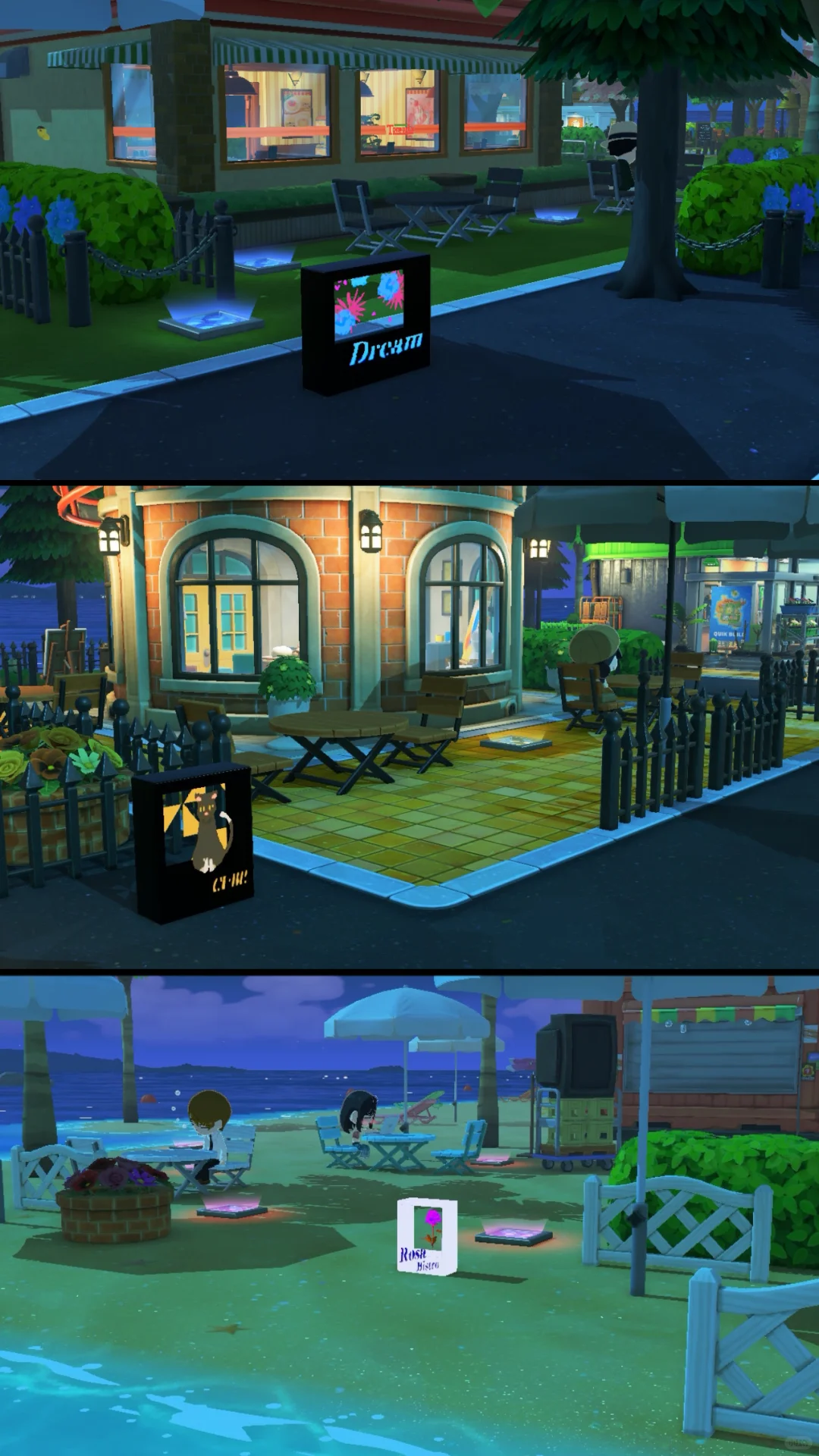
7 Light Box Designs Made with the Stamp Tool
by CATi07
A showcase of 7 light box designs using the stamp tool, each with tips and a pattern sheet included.
View Pattern Sheet →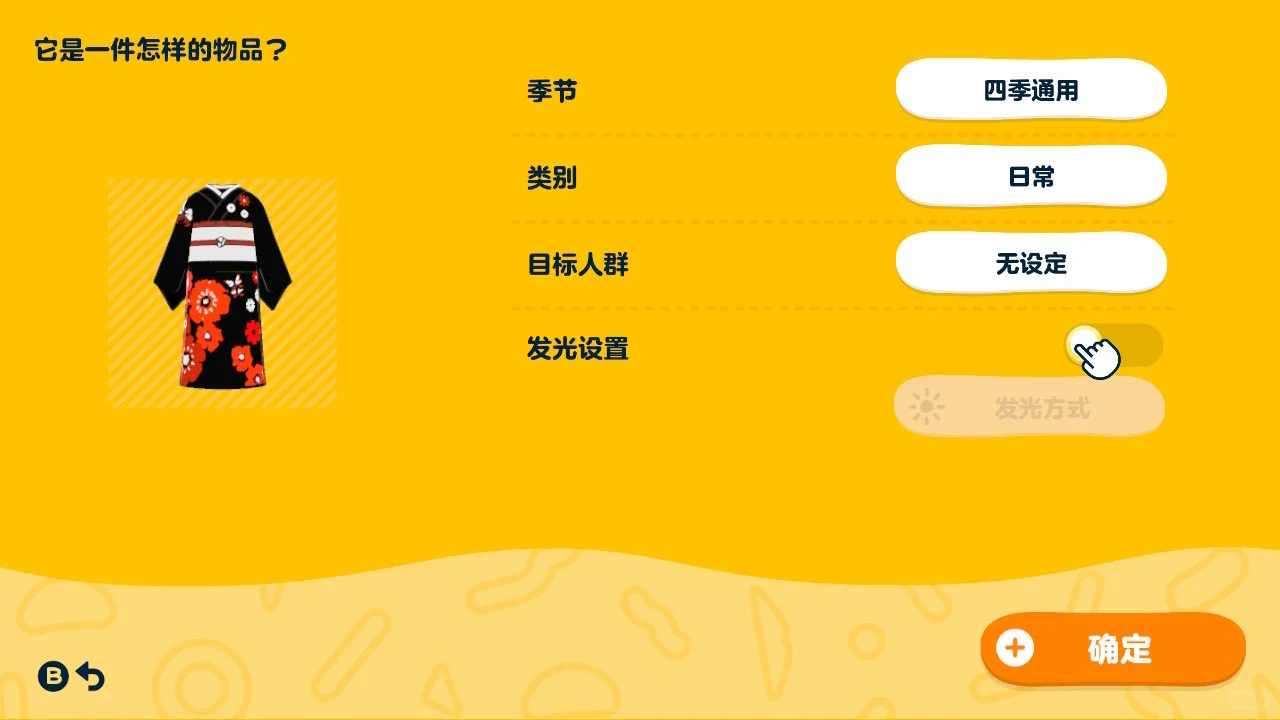
Kimono Created Without Drawing a Single Stroke
by 朝霧海
Create a lovely kimono effortlessly using only the stamp tool. No drawing required!
View Pattern Sheet →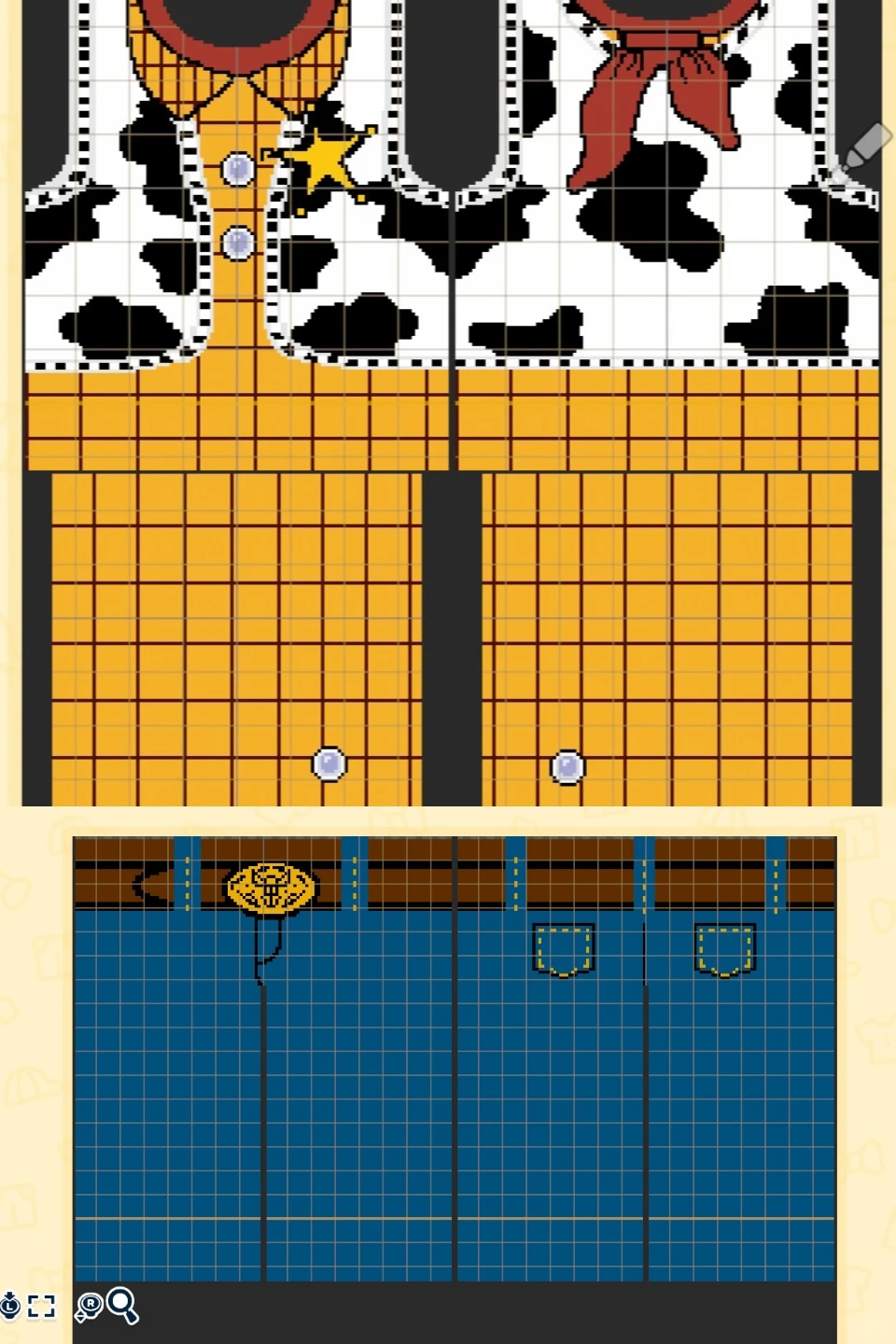
DIY Woody's Grandpa Outfit ◐⩊◑
by momo
First, draw the outer vest and save it as a stamp. Then draw the inner plaid shirt, and finally place the saved vest stamp on top.
View Pattern Sheet →
Top Pattern: Diamond Grid and Stamp Tool
by momo
Stretch the square grid into diamonds, fill in colors, then refine the lines. The last image is a reference.
View Pattern Sheet →