Island Object / Building
Build a Treehouse Without Drawing in Tomodachi Life
Published 2026-06-10
Modify house presets to create treehouses of various shapes using the stamp tool and filters.
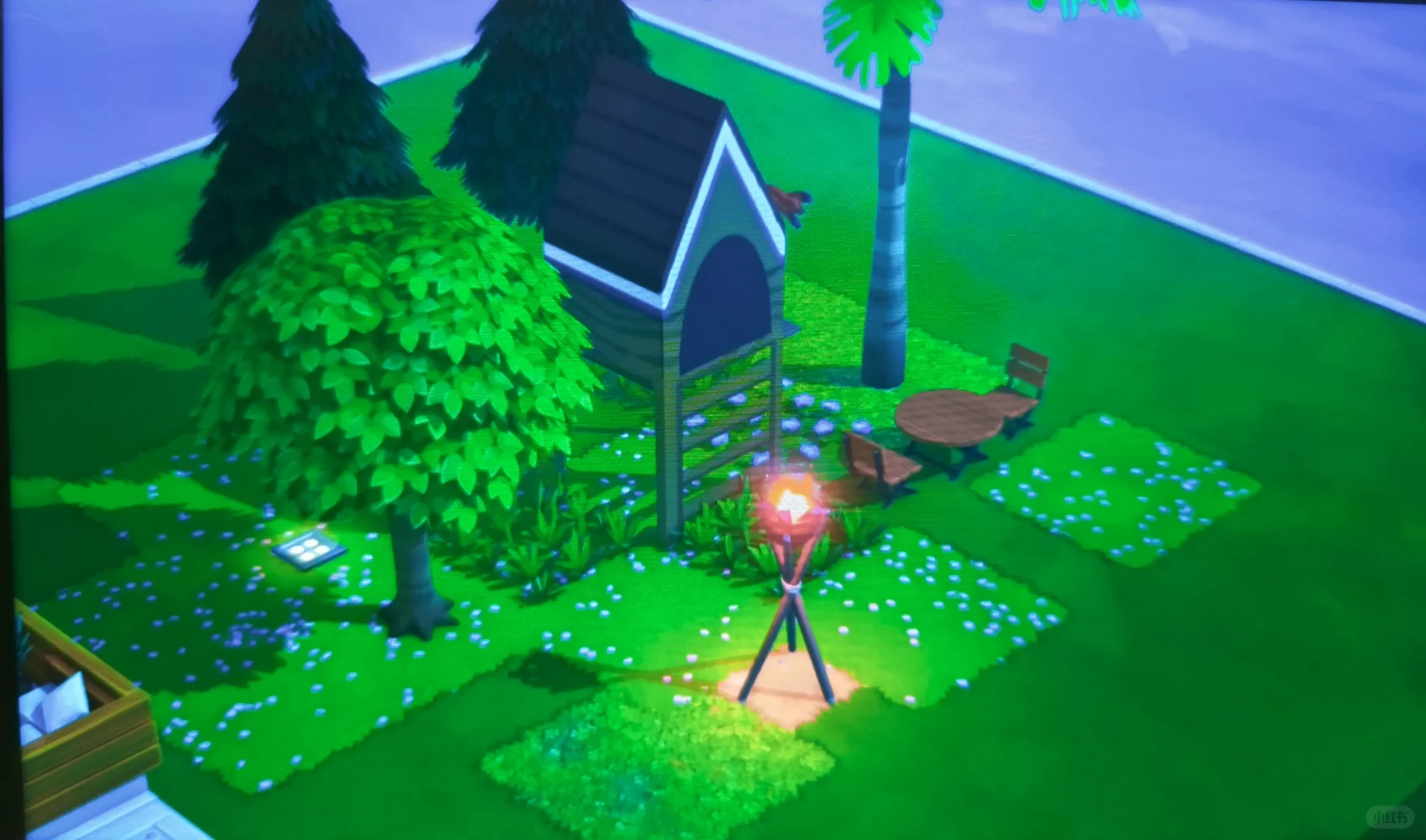
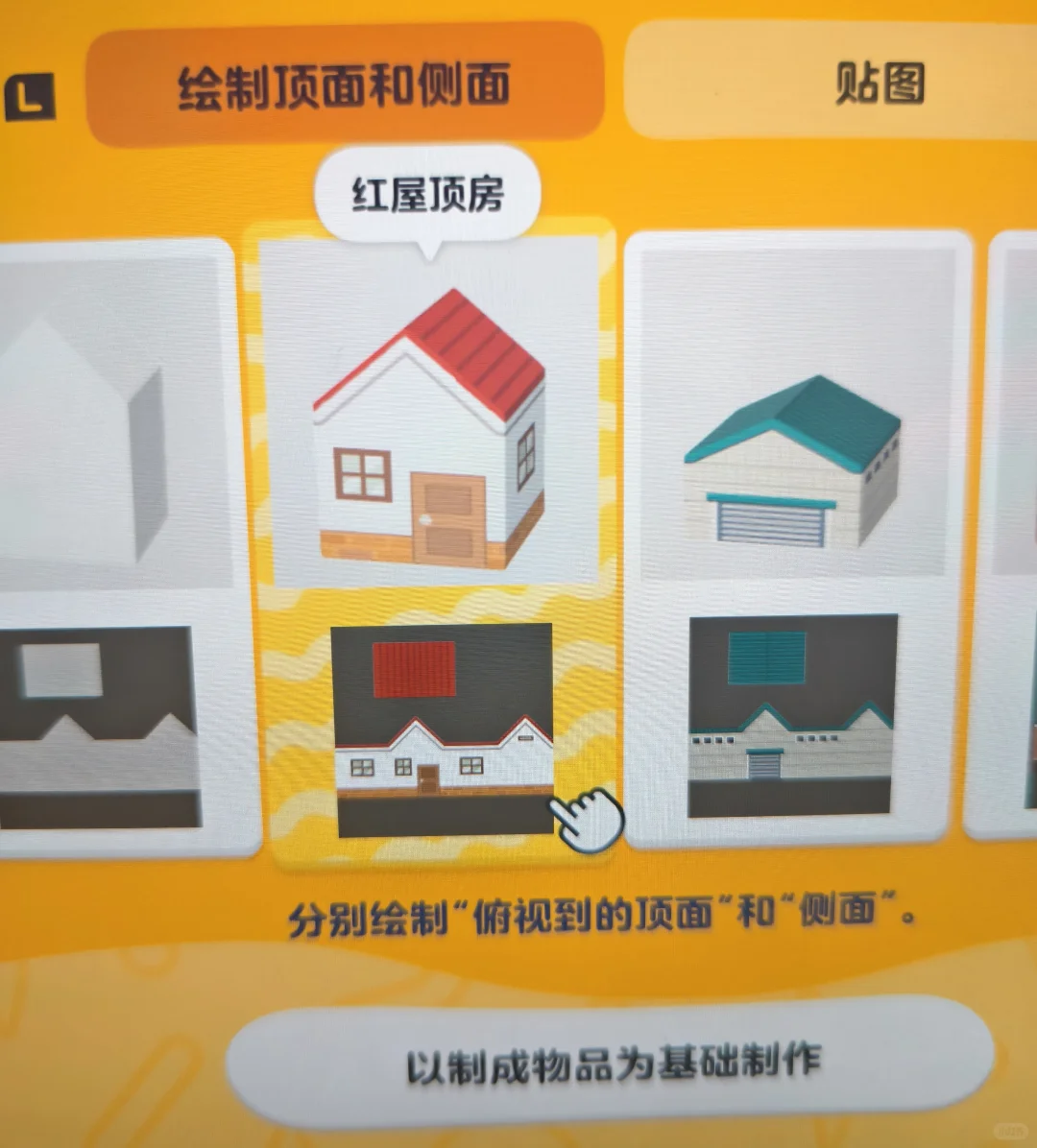
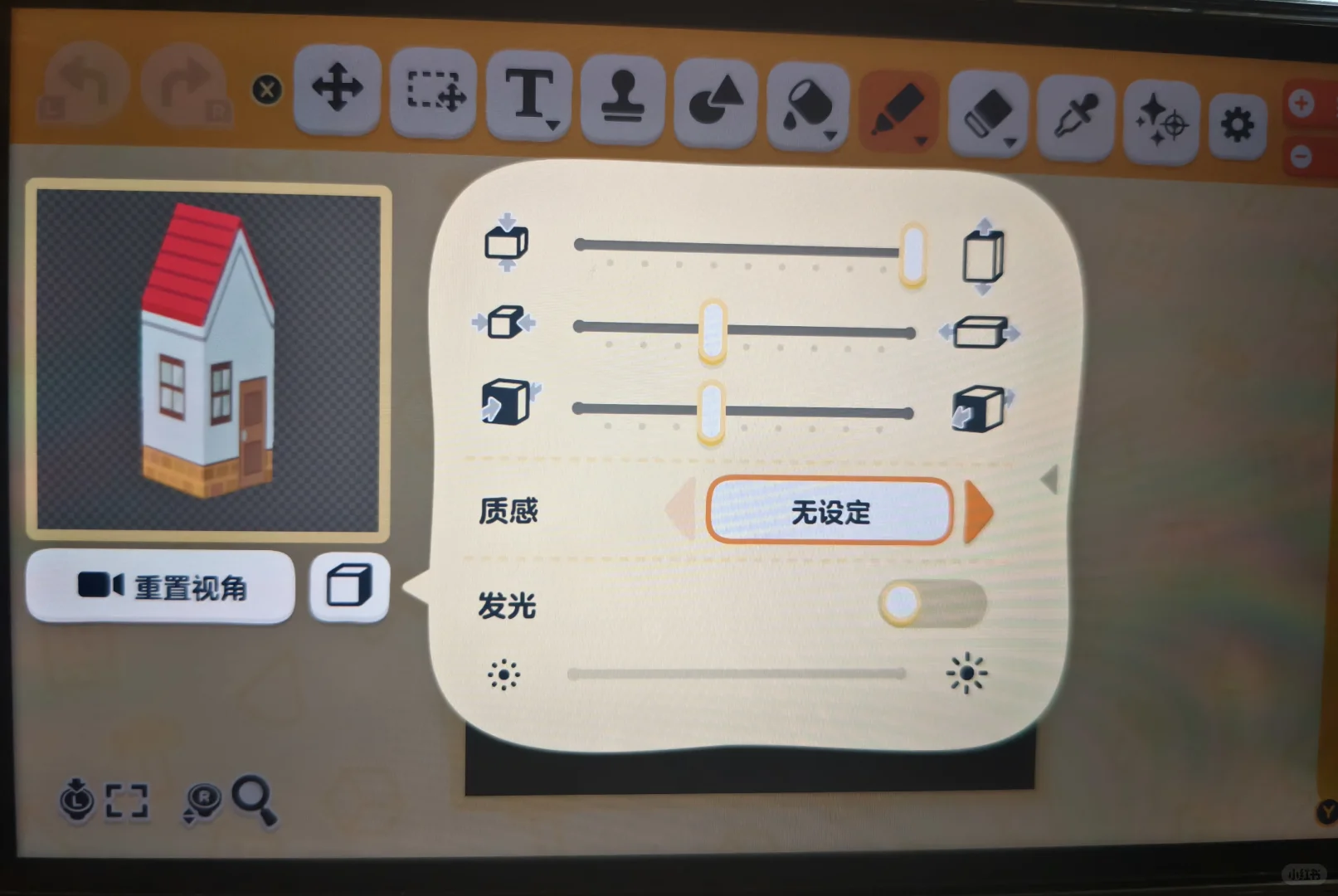
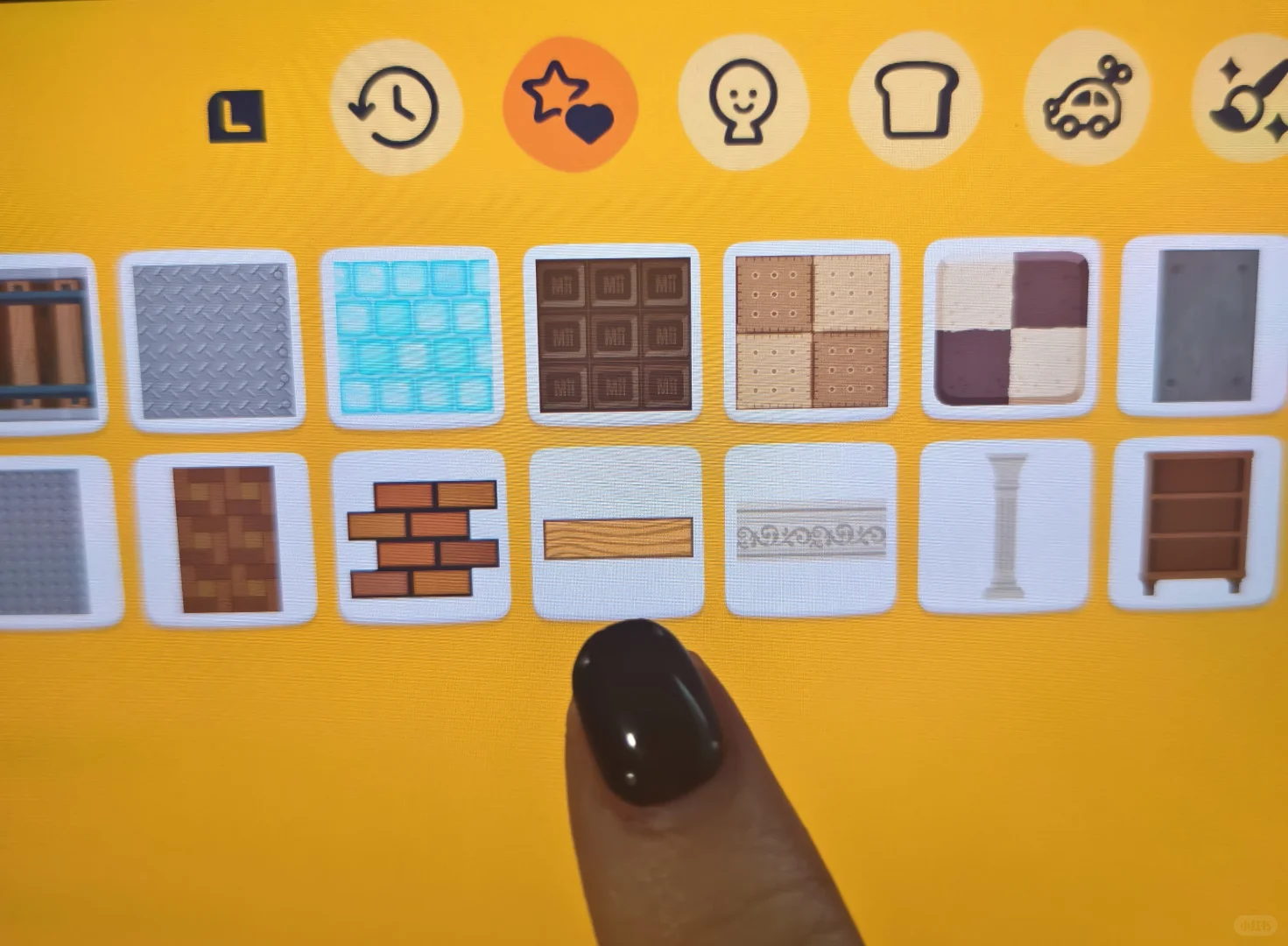
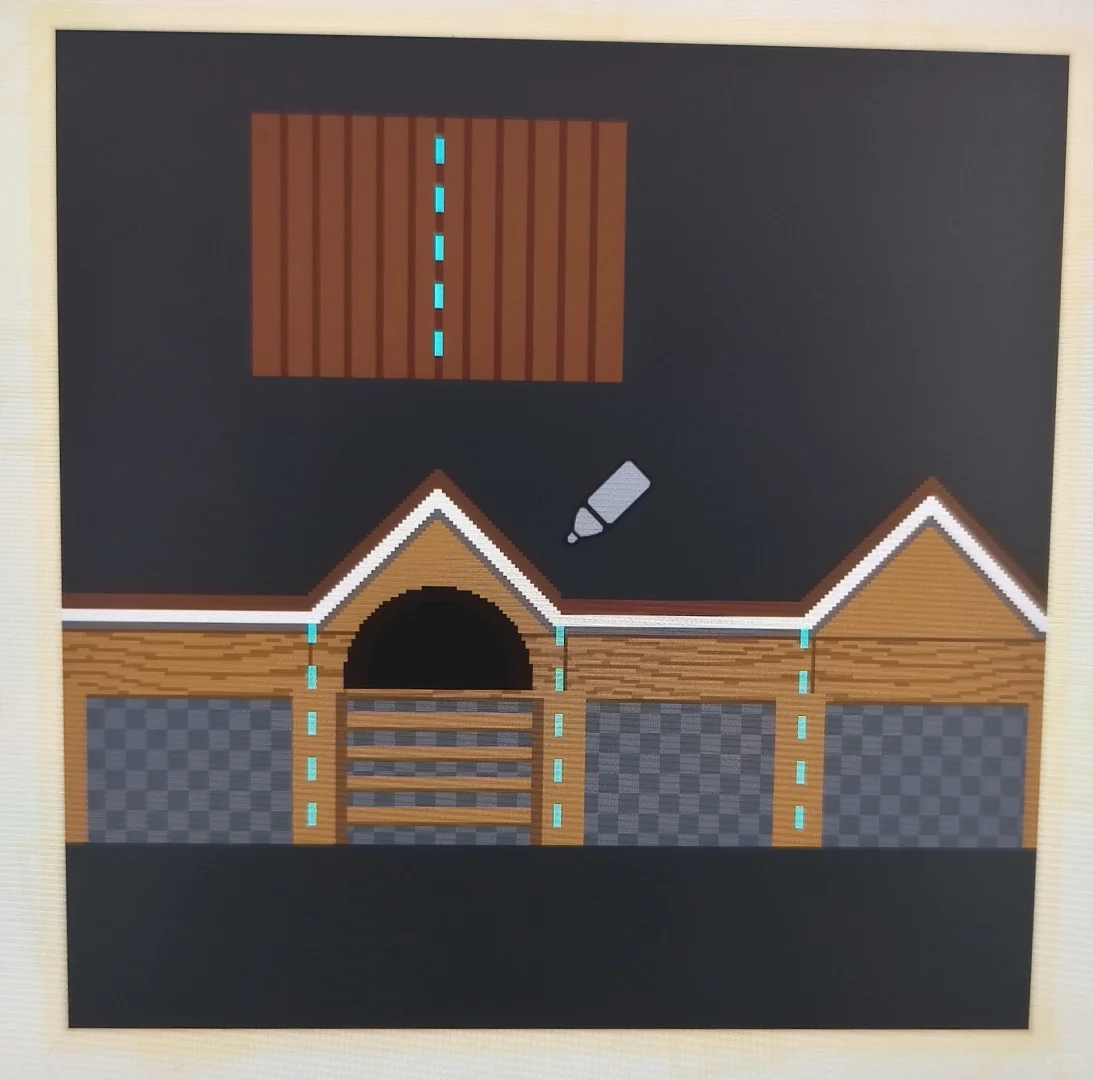
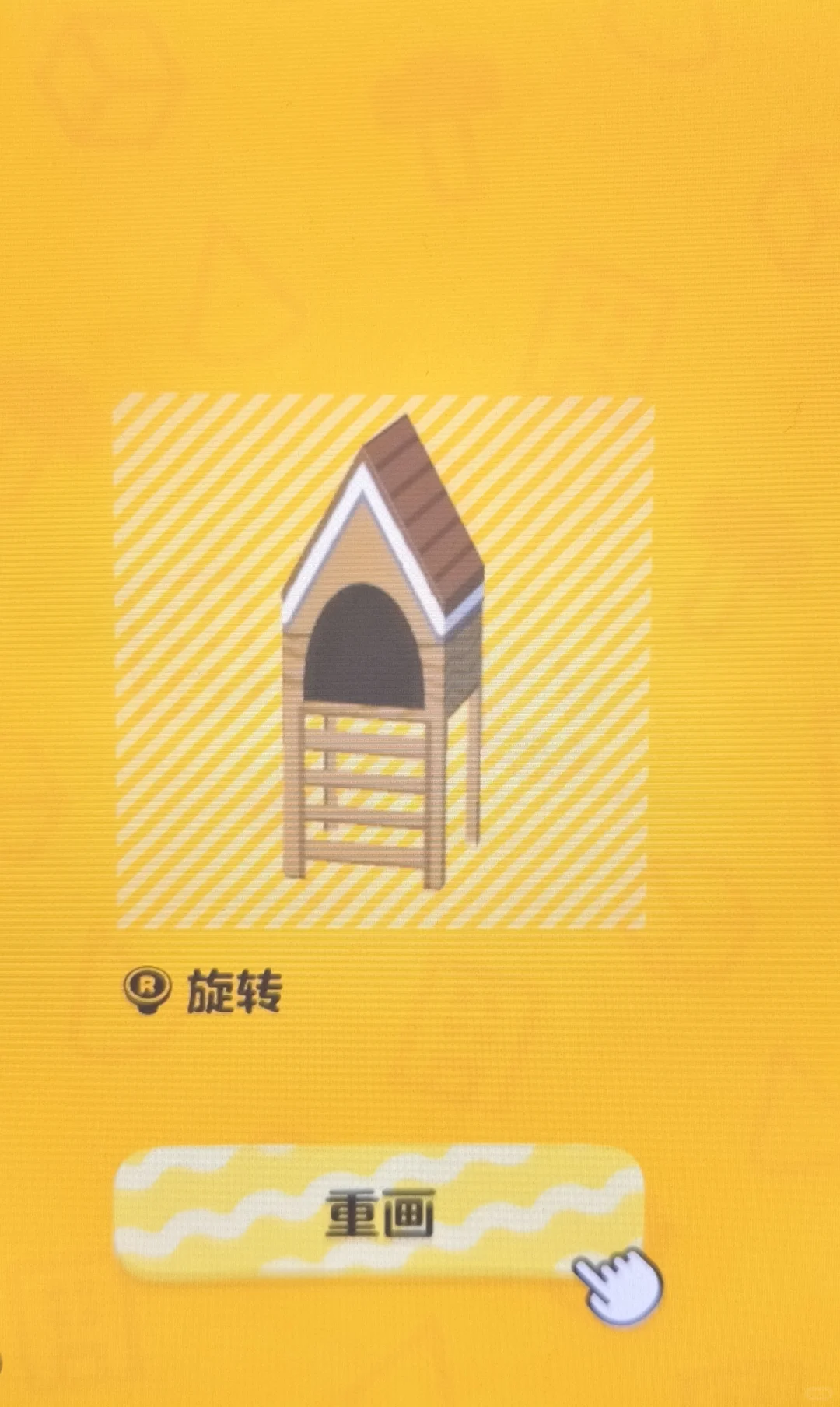
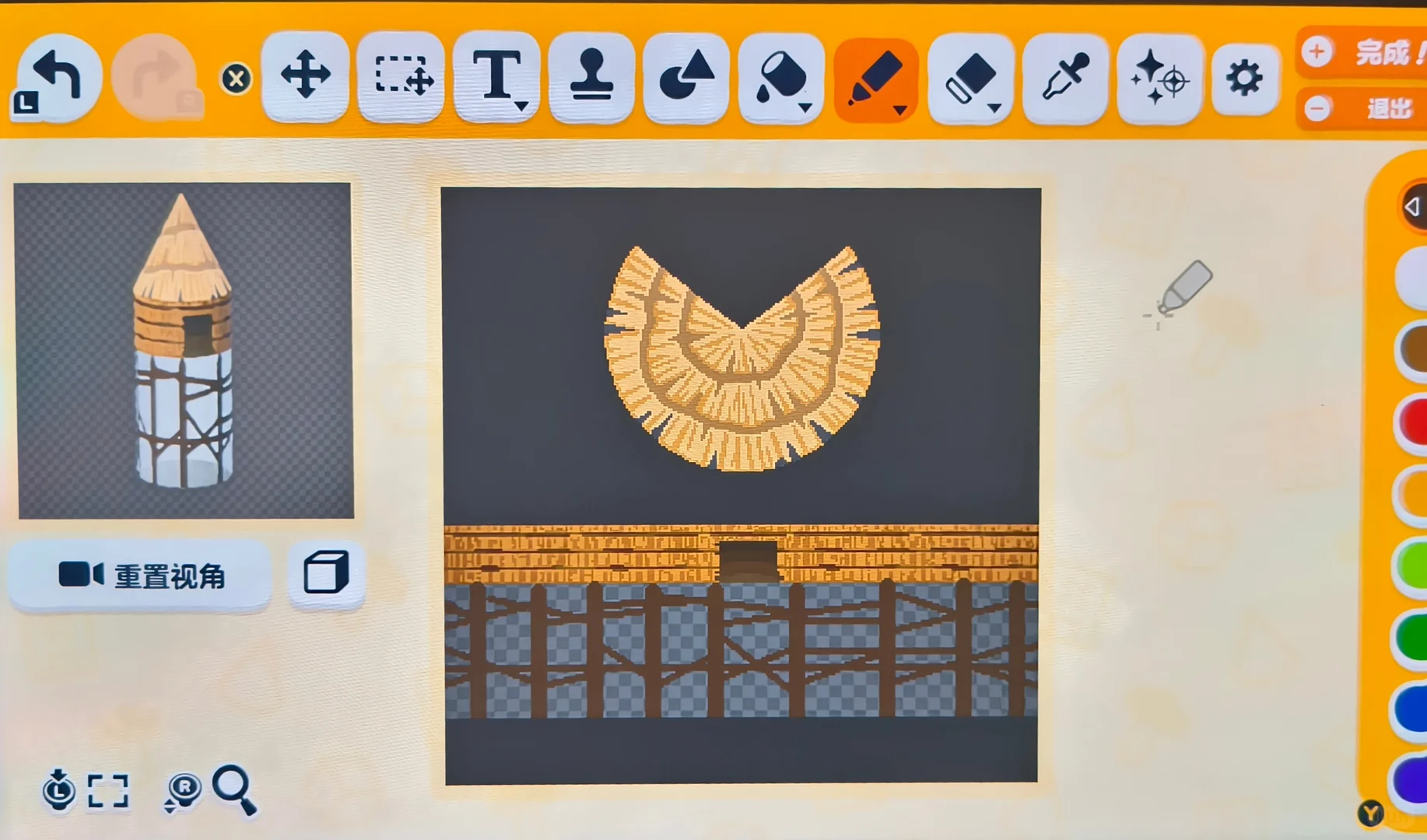
Making Steps
Editorial notes based on creator, source, or submitter information.
Editorial review: Jul 9, 2026
Recreation Notes ?
Tags
Recreation tips from the community
Share what you tried, tricky spots, unclear parts, or adjustment tips for this design.
Comment guidelines
Only share variations or links when the original creator allows copying, edits, or derivative works.
Keep comments on topic. No trading requests, attacks, harassment, spam, or inappropriate content.
Comments appear after review. Published notes are visitor experiences, not official verification.
No published comments yet.
Related patterns
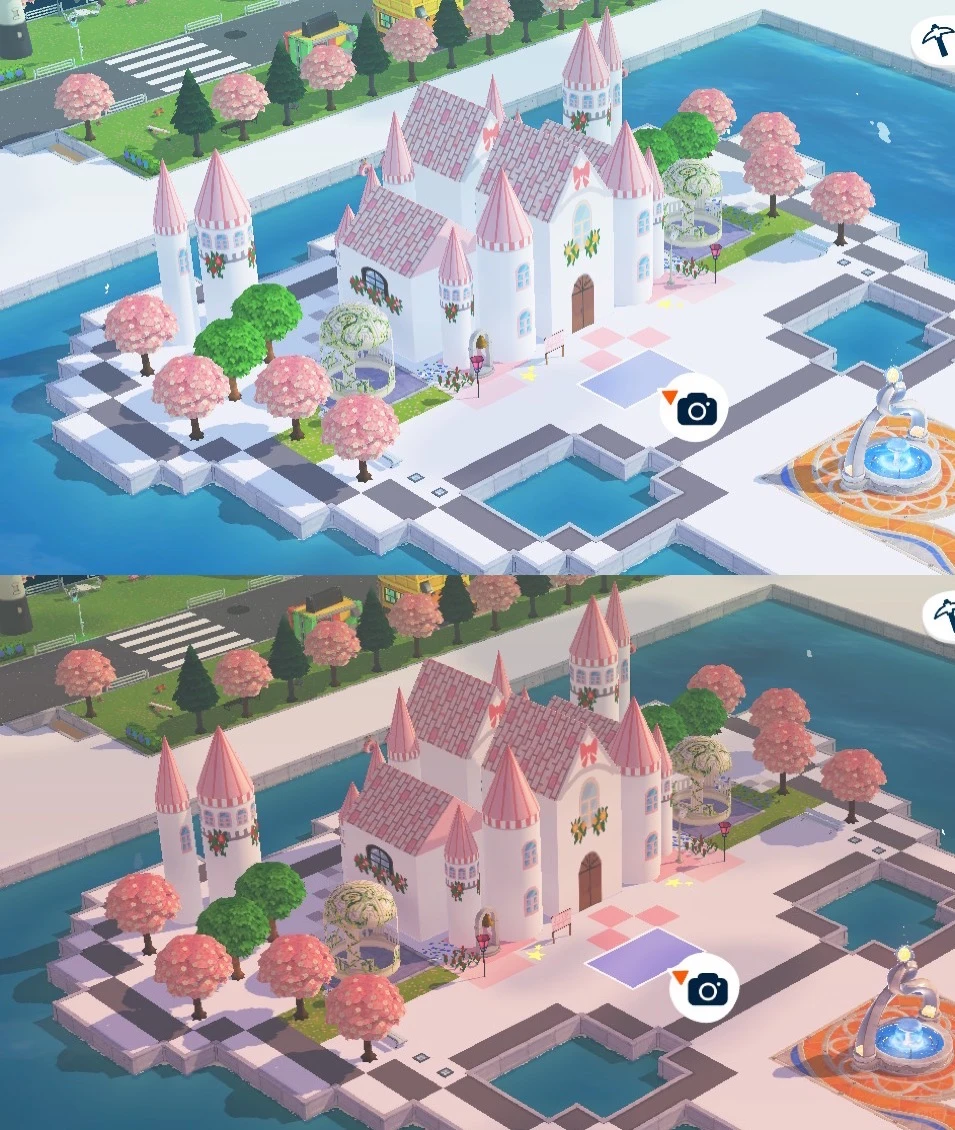
Easy No-Draw Tomodachi Life Castle Using Stamps
by 感谢每一顿饭
Build a castle using only stamp tools and paint bucket recoloring — no drawing required. Best for players who prefer low-effort builds.
View Pattern Sheet →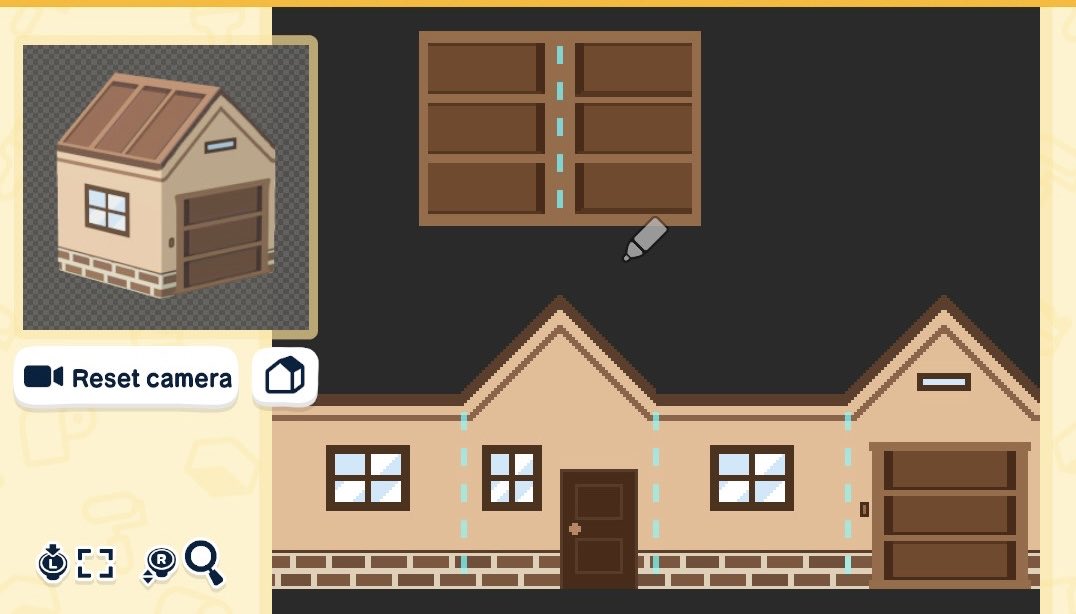
Use Bookcase Stamp as Roof or Garage Door Hack
by chandler 𖦹 living the dream
A creative hack using the bookcase stamp tool to create a roof or garage door effect.
View Pattern Sheet →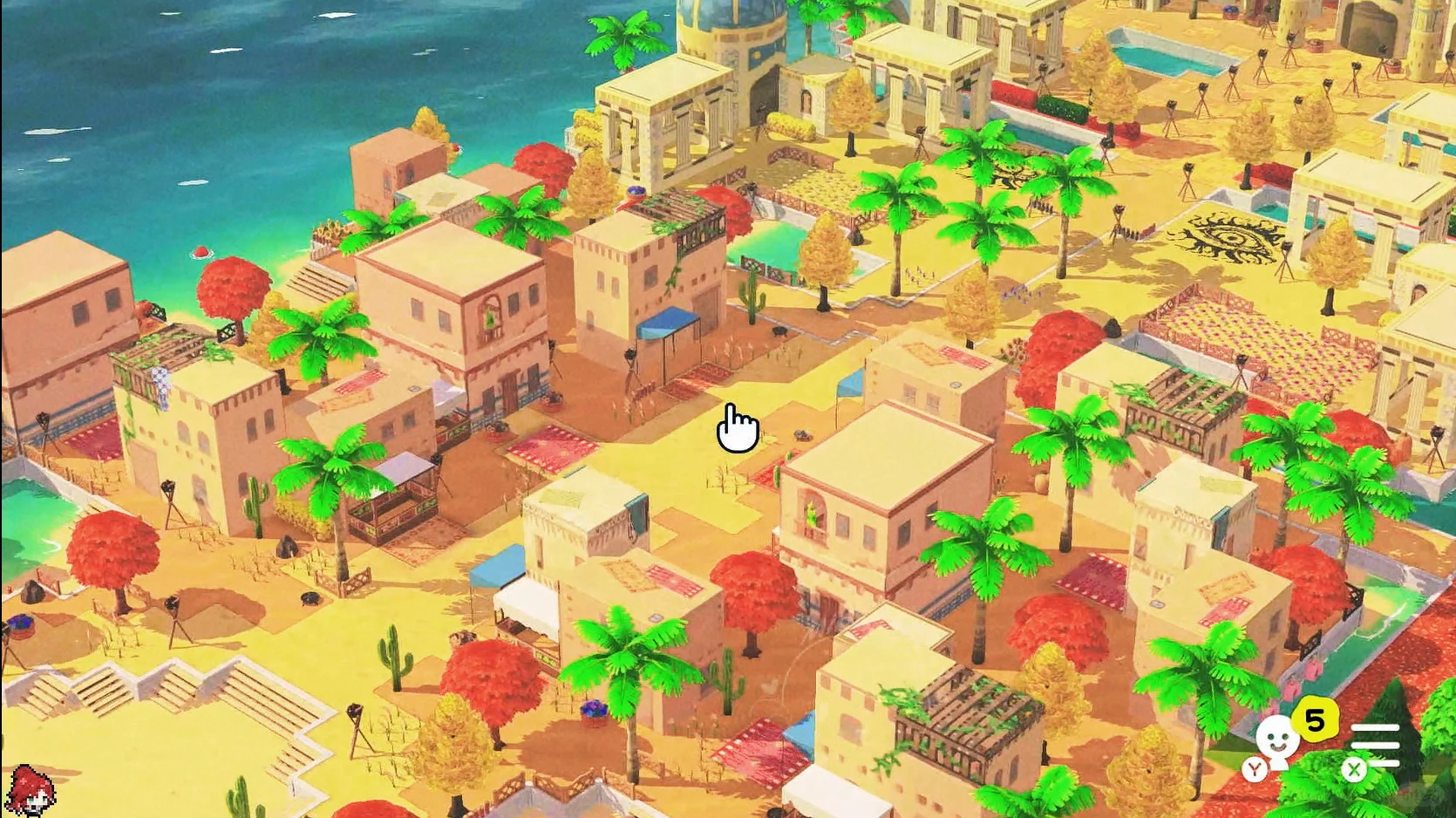
Tomodachi Life Suzhou and Middle Eastern Island Build Pattern Sheets
by 微明渺渺
Pattern sheets for a Suzhou and Middle Eastern themed island build. Video tutorial coming soon; all designs have original references.
View Pattern Sheet →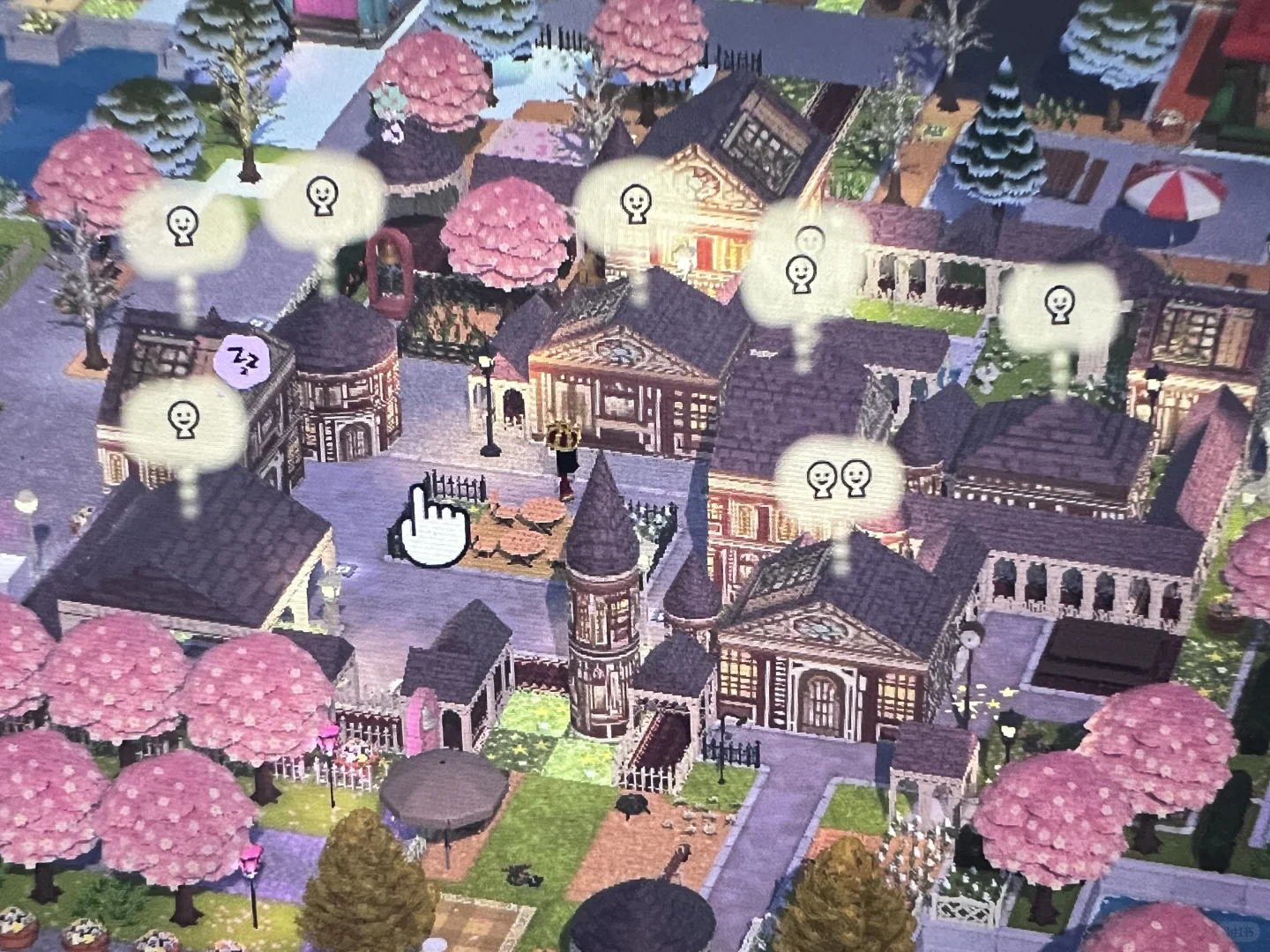
Tomodachi Life Architectural Build with Pattern Sheets Included
by 金九序
A detailed island build with 7 building types and custom glowing star floors. Pattern sheets included.
View Pattern Sheet →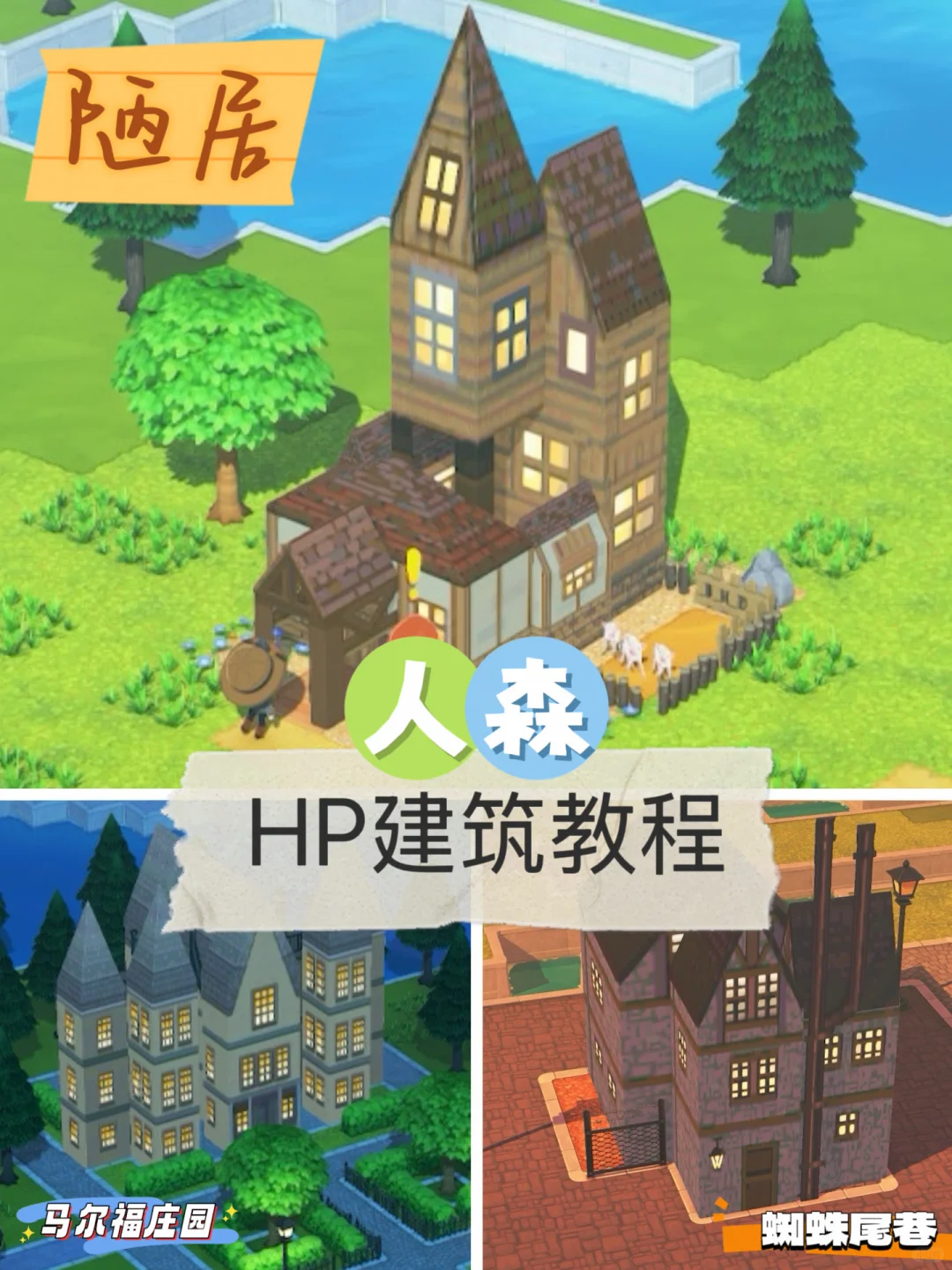
Harry Potter Location Building Pattern Sheets and Tutorial
by SKsaki
Pattern sheets for the Burrow, Malfoy Manor, and Knockturn Alley. All three glow, so colors run dark — adjust brightness via the filter's color-tuning tool.
View Pattern Sheet →