Tutorial
Doraemon Tomodachi Life Pattern Sheet Collection Part 2
Published 2026-06-12
More treasures and items added for Doraemon fans. Includes tips on converting photos to pixel pattern sheets.
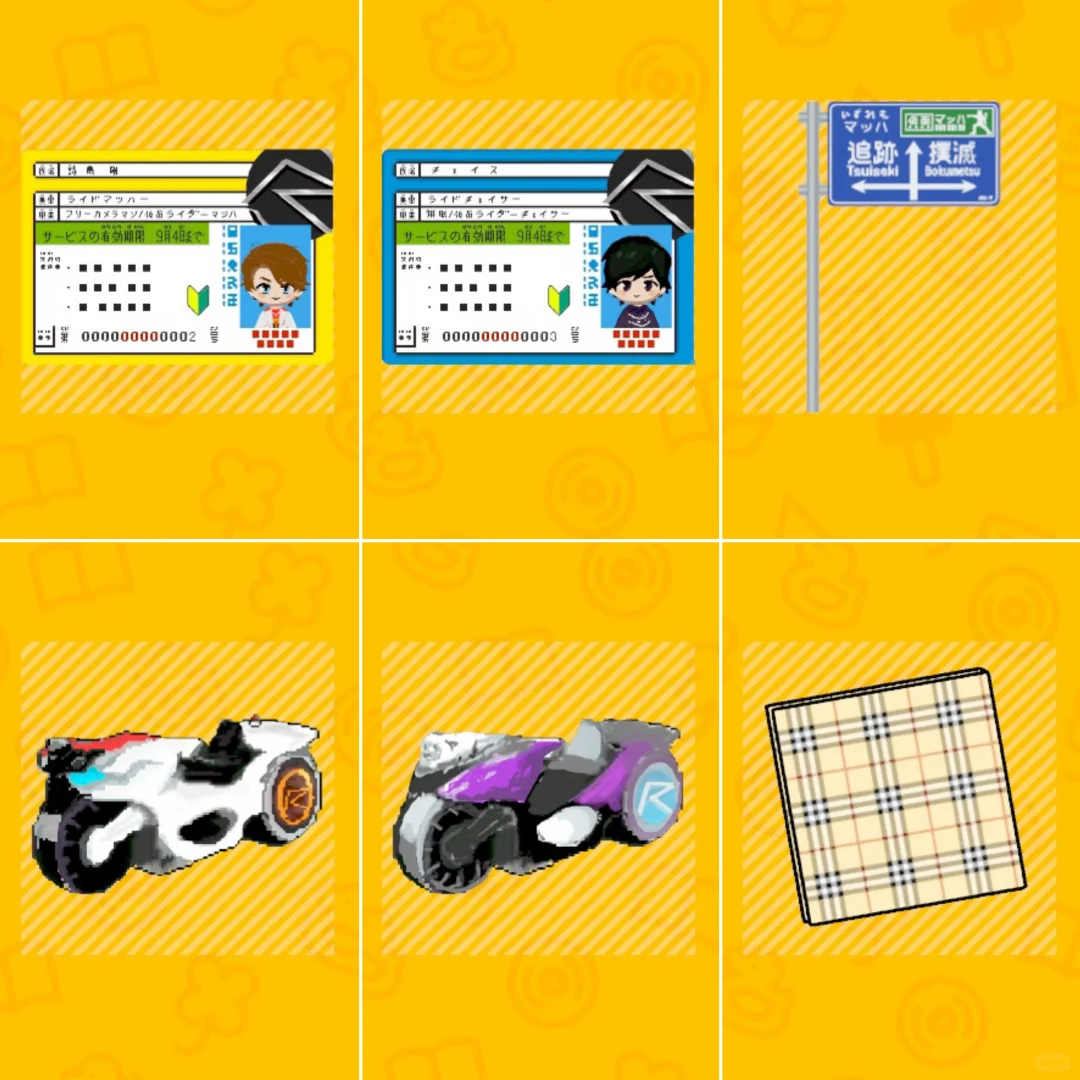
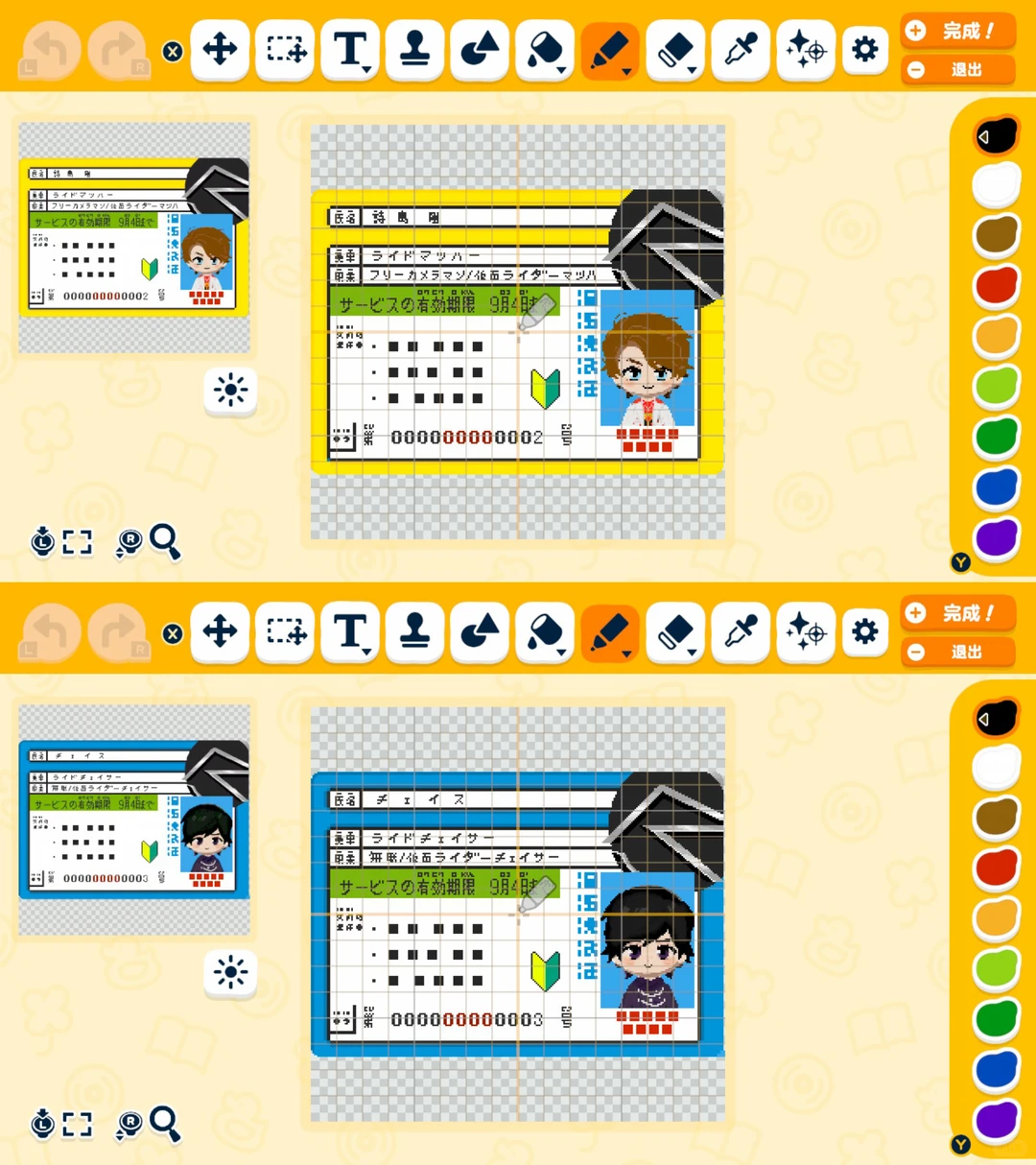
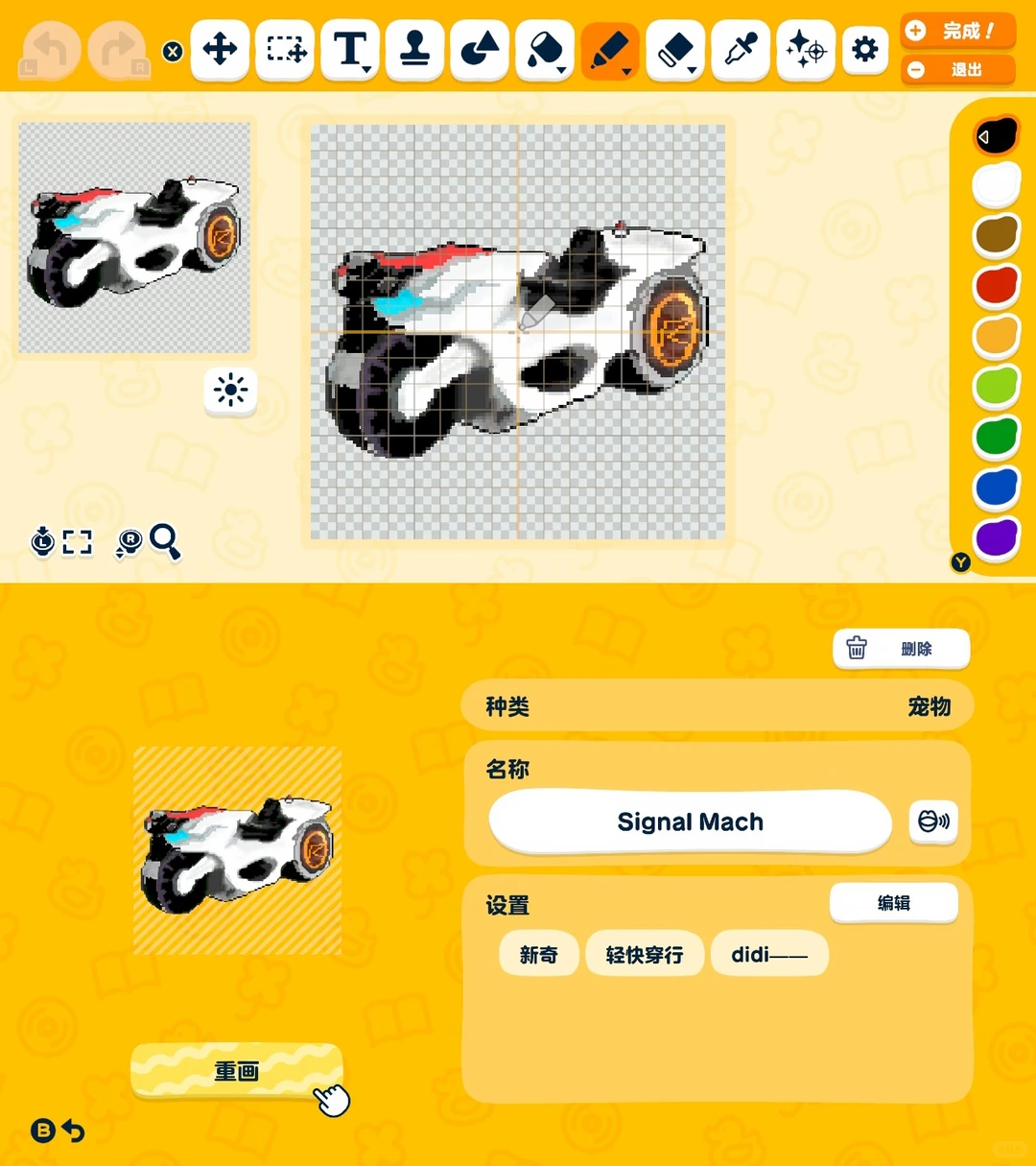
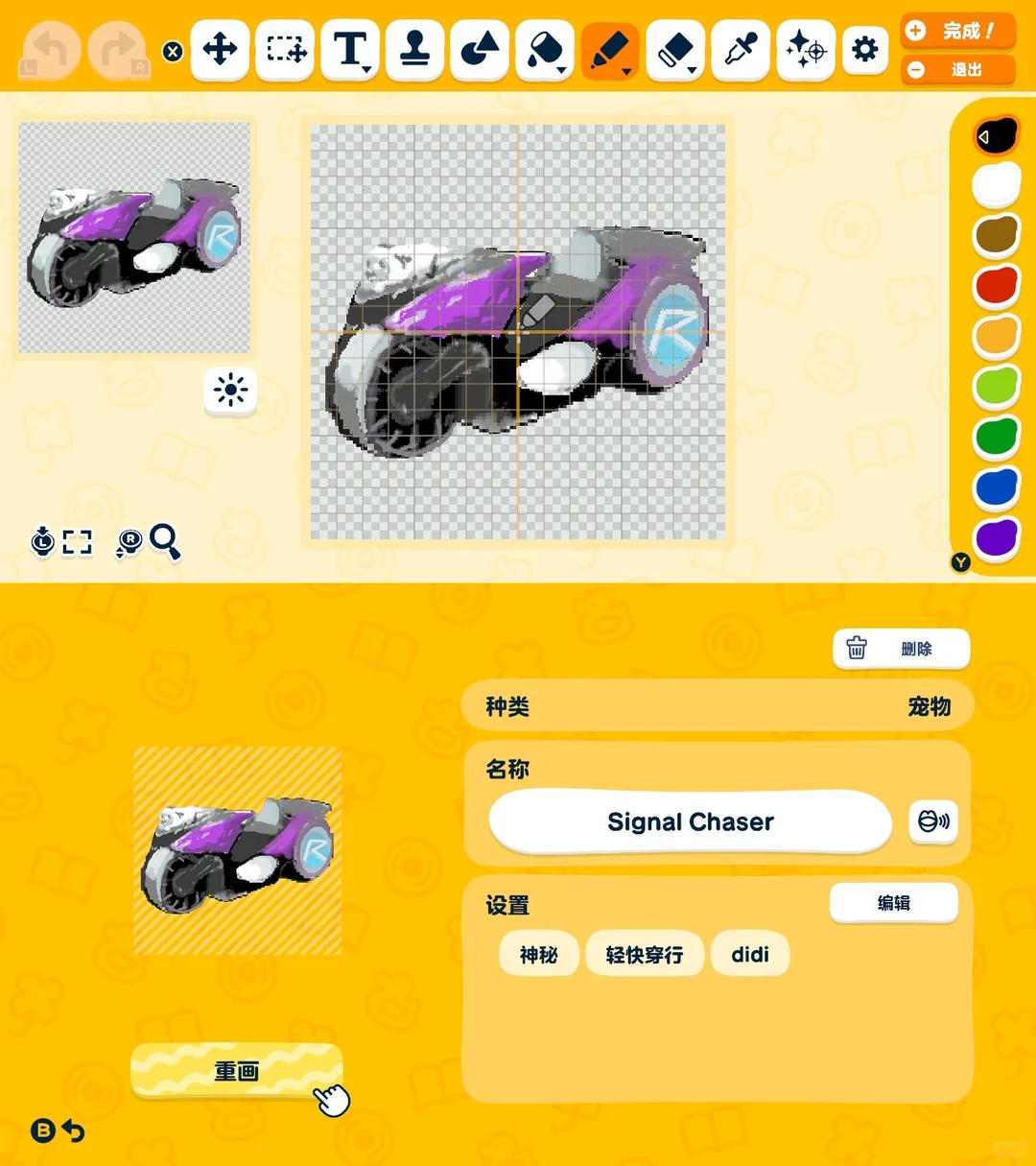
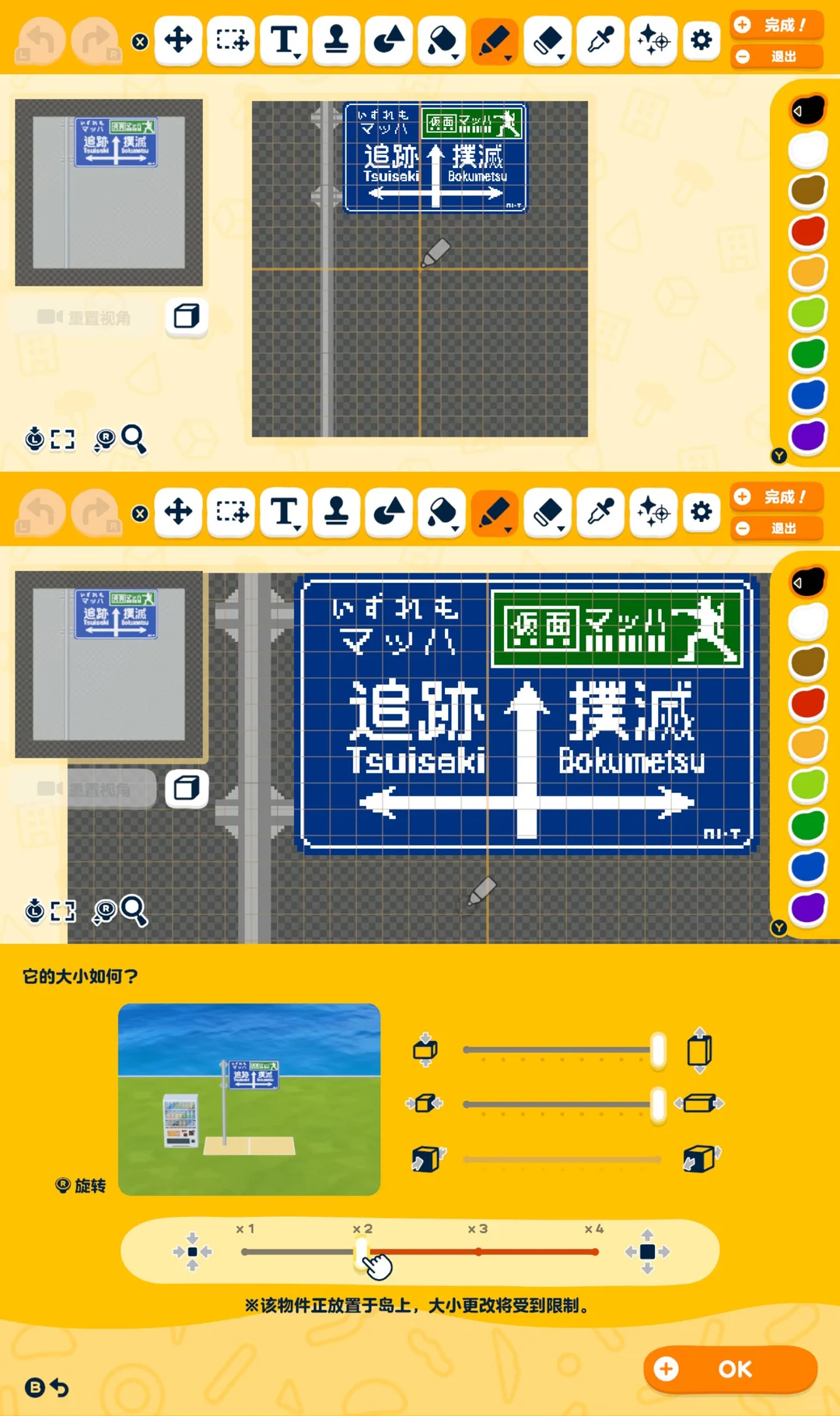
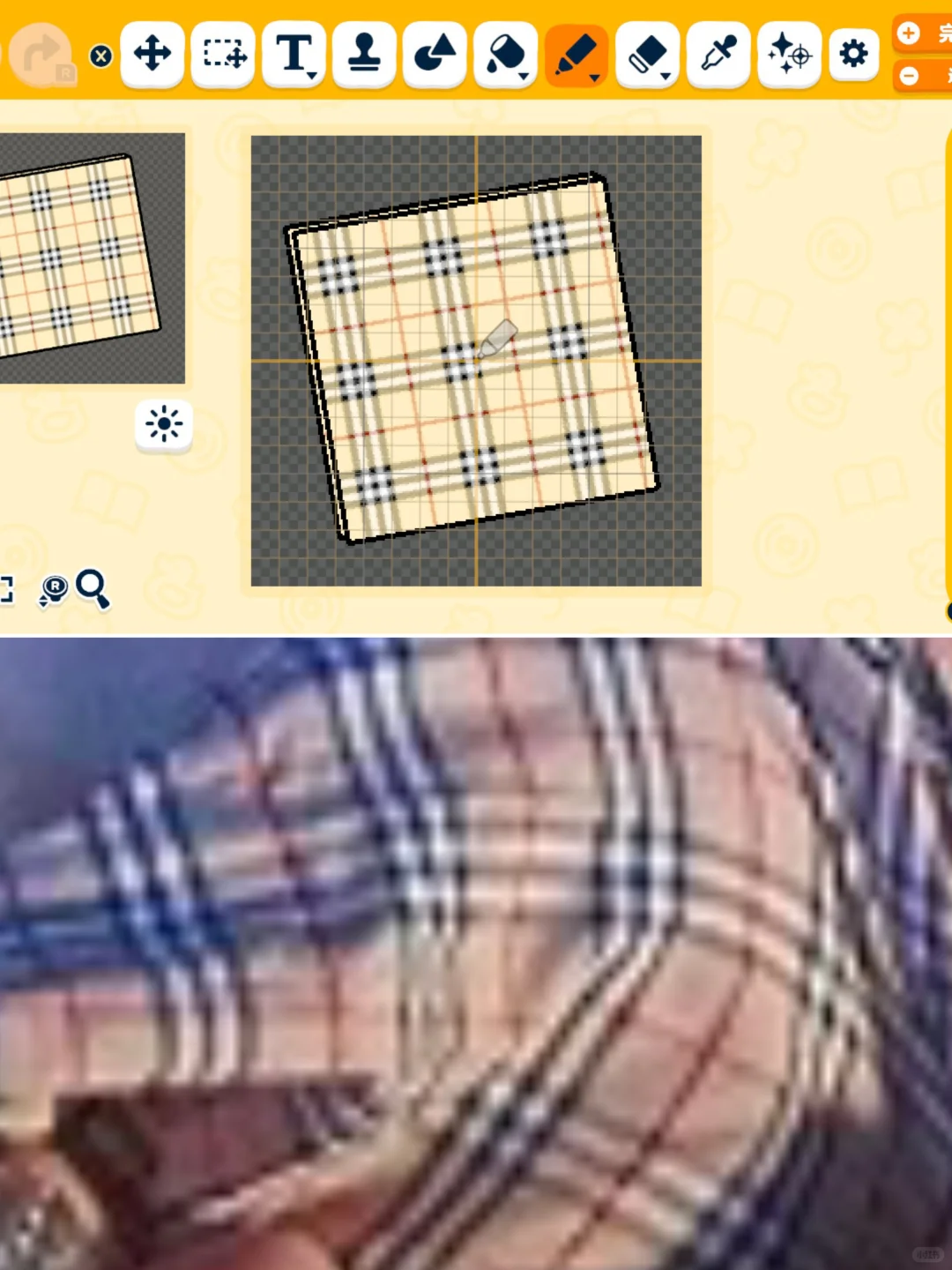
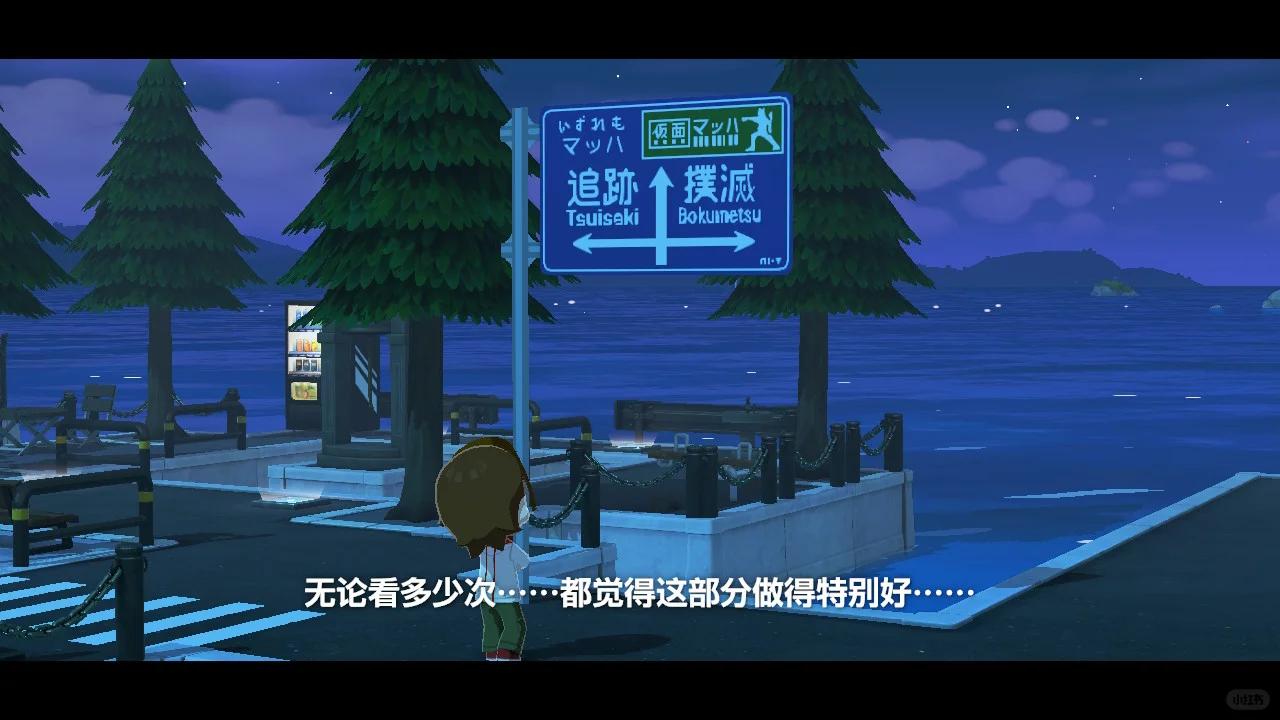
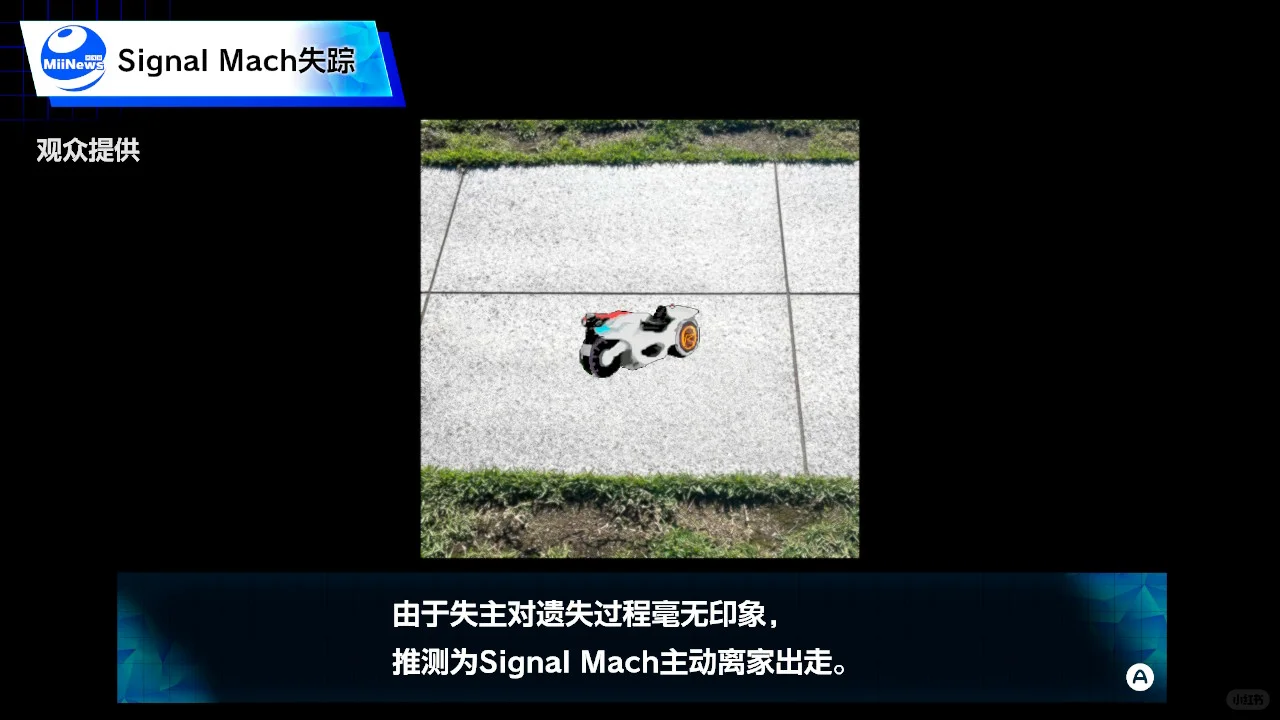
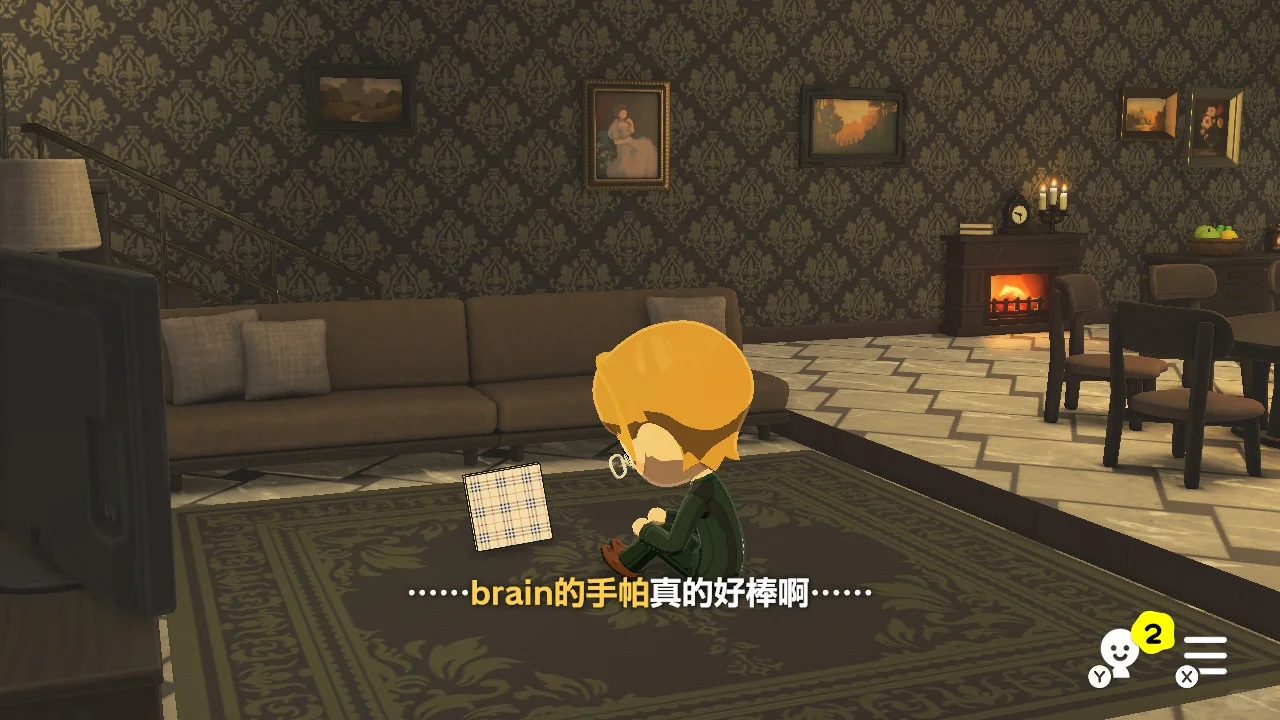
Making Steps
Editorial notes based on creator, source, or submitter information.
Editorial review: Jul 9, 2026
Recreation Notes ?
Tags
Recreation tips from the community
Share what you tried, tricky spots, unclear parts, or adjustment tips for this design.
Comment guidelines
Only share variations or links when the original creator allows copying, edits, or derivative works.
Keep comments on topic. No trading requests, attacks, harassment, spam, or inappropriate content.
Comments appear after review. Published notes are visitor experiences, not official verification.
No published comments yet.
Related patterns
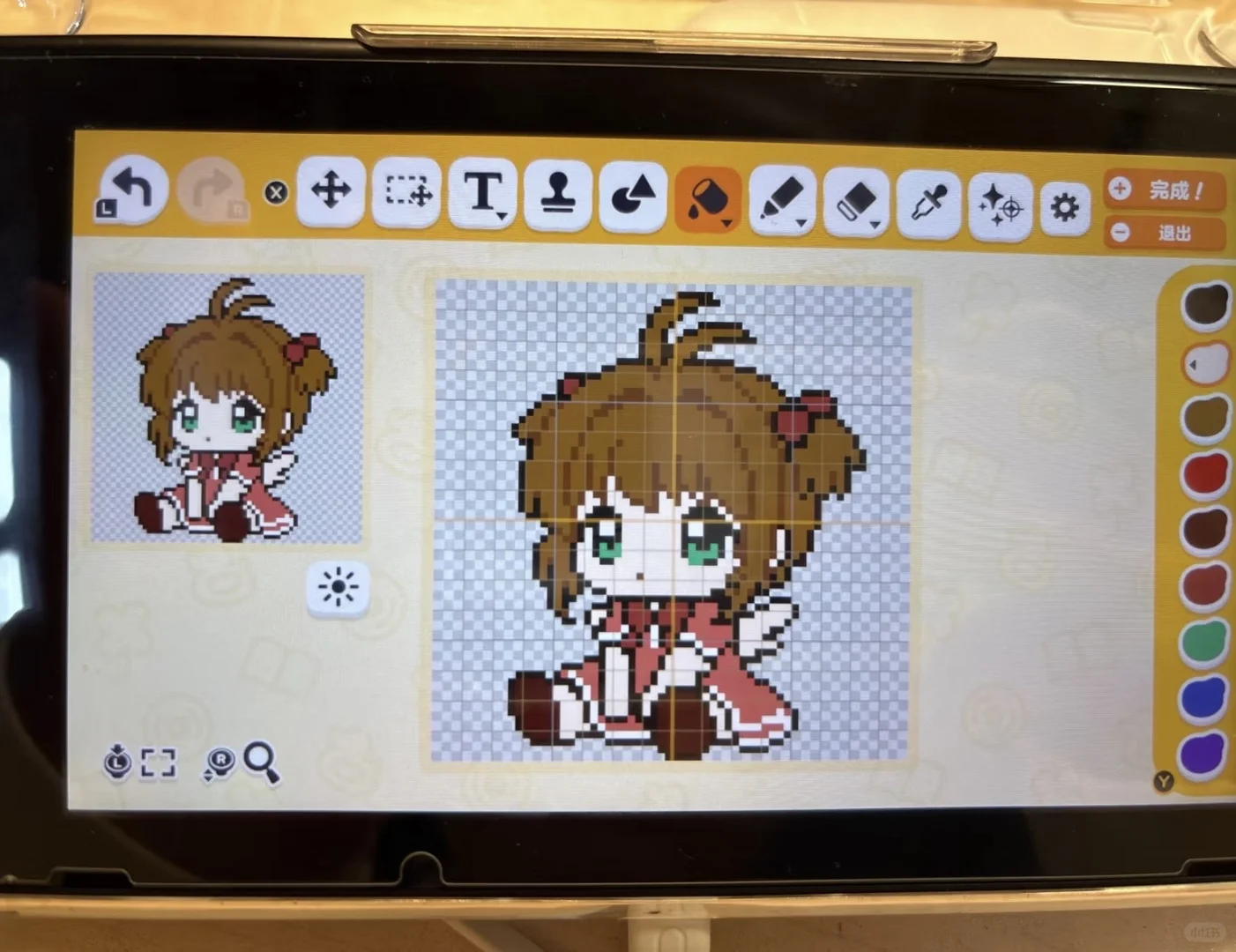
How to Make Large Perler Bead Patterns in Tomodachi Life Freehand
by 等着寿司吧恁🍣
A tutorial for creating large perler bead patterns up to 128×128 in Tomodachi Life without a stylus — fingers only.
View Pattern Sheet →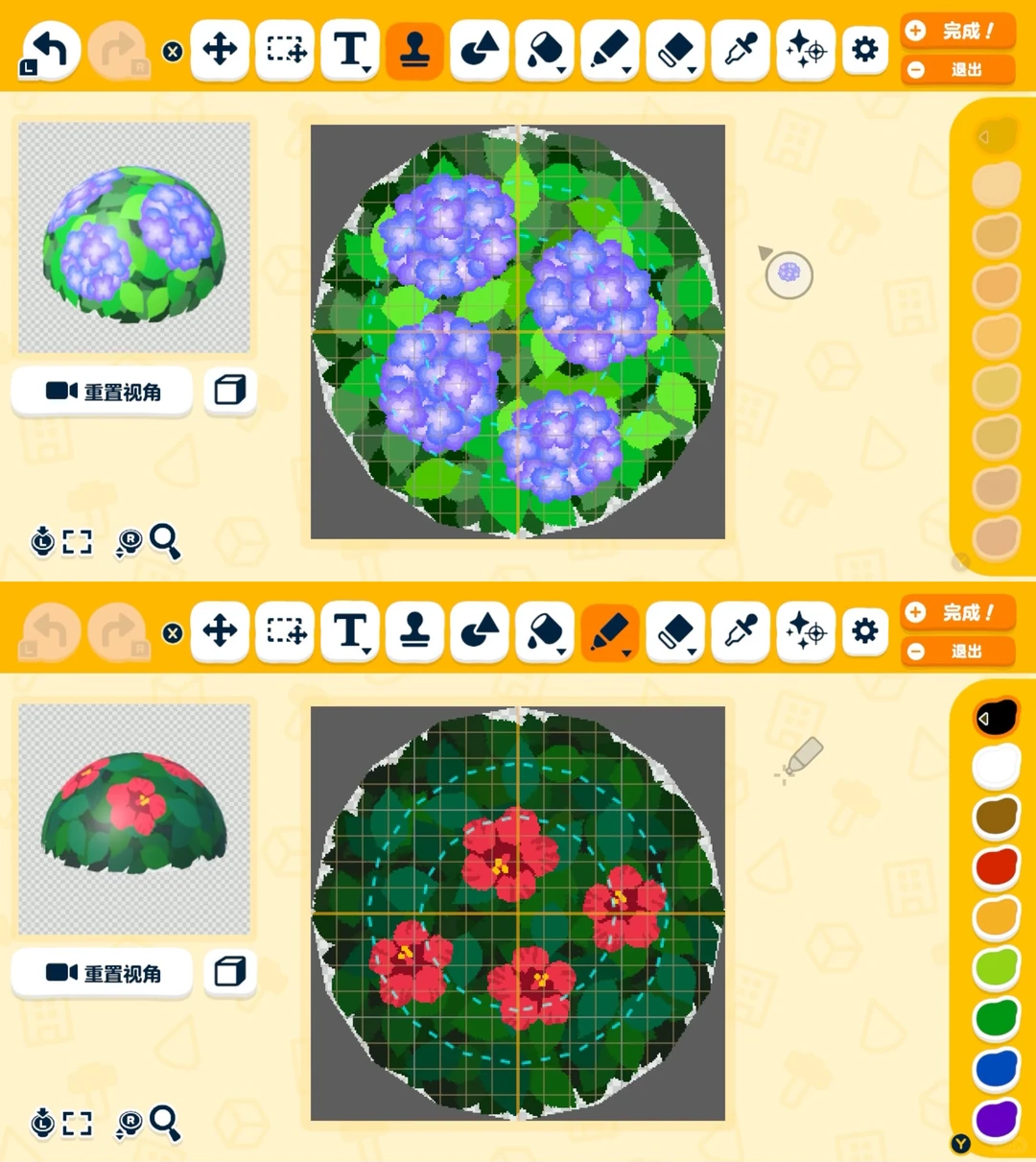
How to Draw a Simple Hydrangea Bush Stamp
by ananana
A simple hydrangea bush made by copying and scaling petals, blurring edges, then saving the whole cluster as a stamp.
View Pattern Sheet →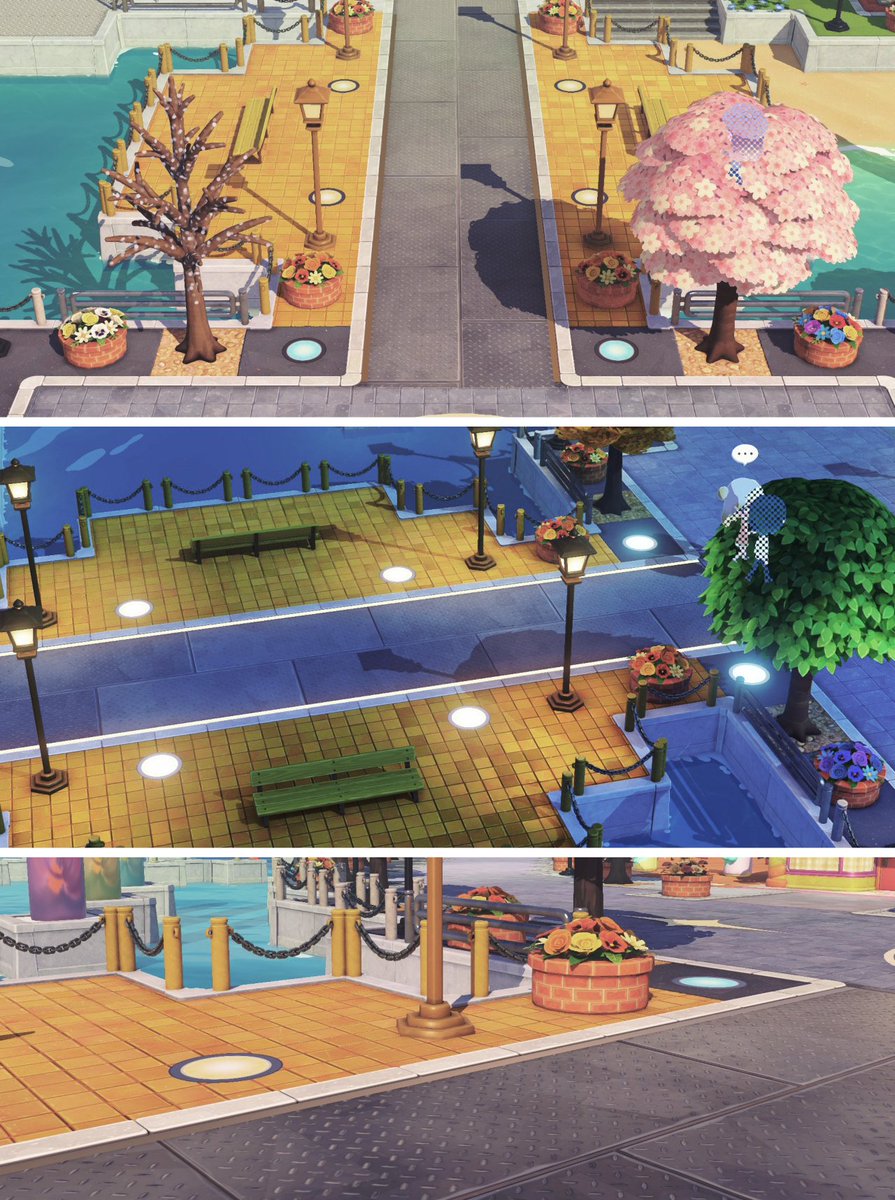
Round Light Using Spirit Stamp
by Sub Puzzle
A round light object made with the spirit stamp and circle tool for a more realistic surface.
View Pattern Sheet →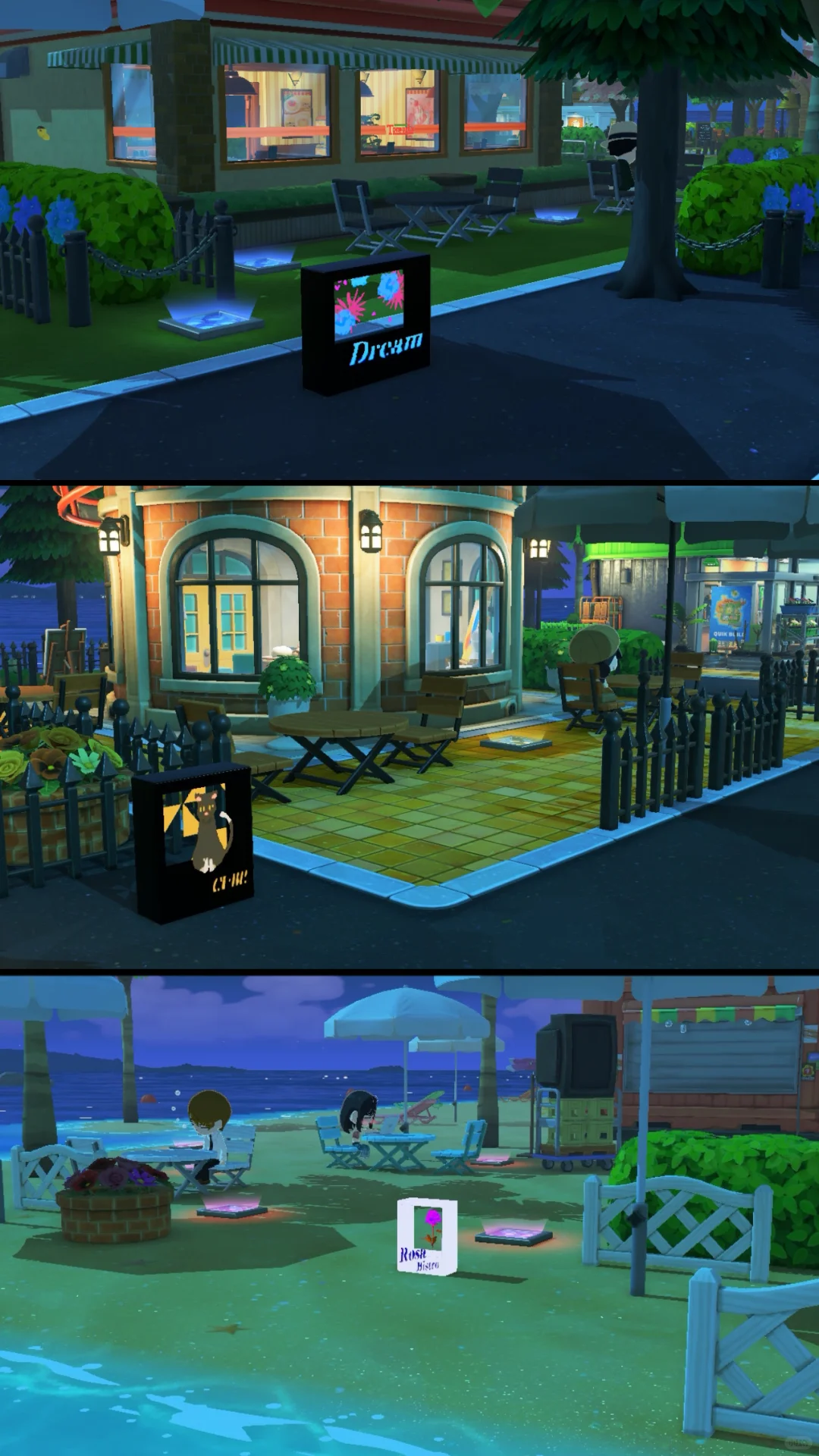
7 Light Box Designs Made with the Stamp Tool
by CATi07
A showcase of 7 light box designs using the stamp tool, each with tips and a pattern sheet included.
View Pattern Sheet →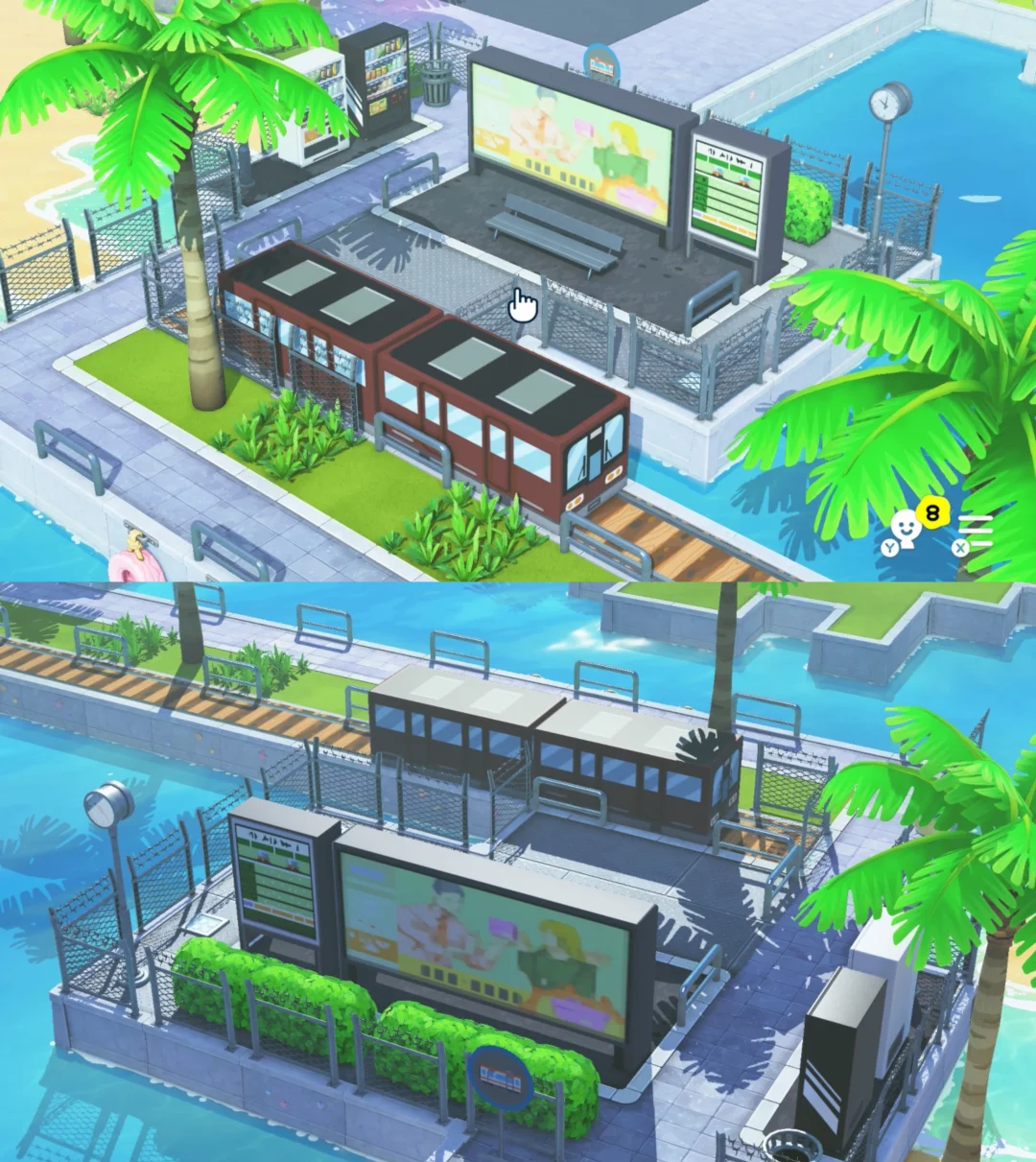
Easy Bus Stop Billboard with Pattern Sheet Tutorial
by 番長
Use the TV program stamp tool on a black 3D cube, then stretch and flatten it. That's all it takes.
View Pattern Sheet →