Tutorial

How to Make Chibi Anime-Style Mii Designs

Published 2026-05-17

Tips and techniques for creating anime-style, chibi Mii designs in Tomodachi Life: Living the Dream.
Source / creator link Open source
Back to all patterns

Making Steps

Editorial notes based on creator, source, or submitter information.

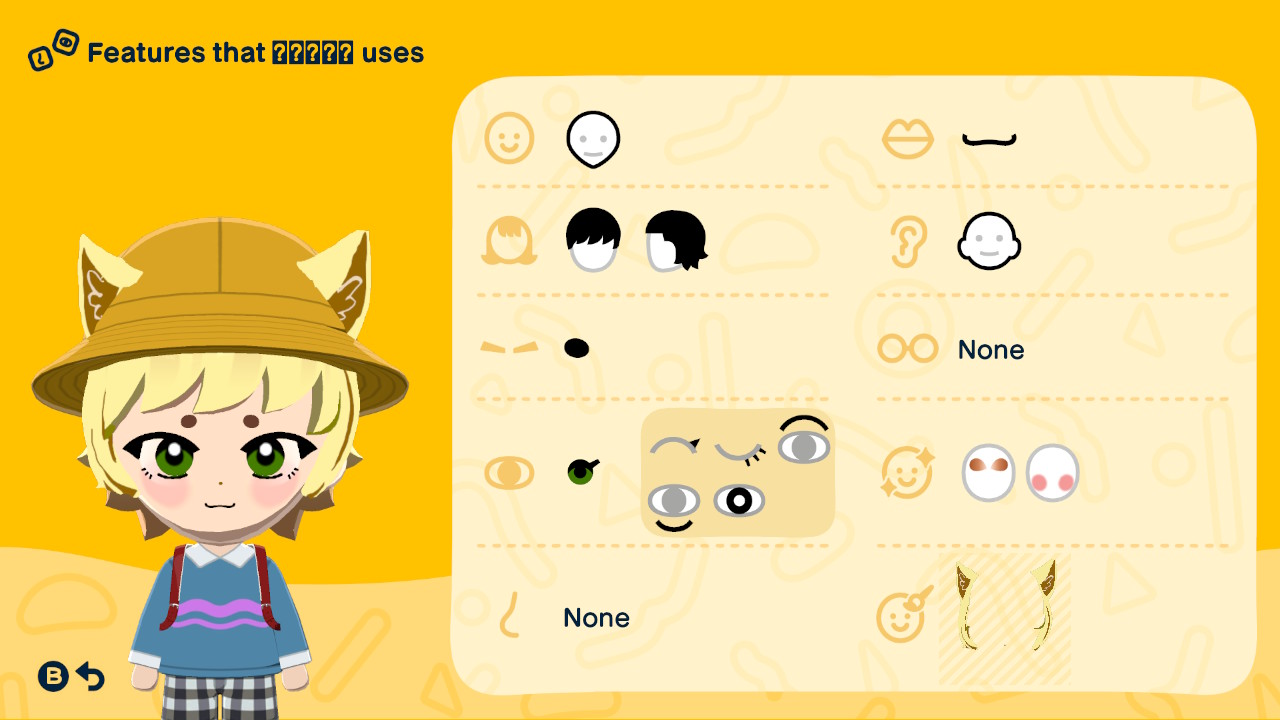
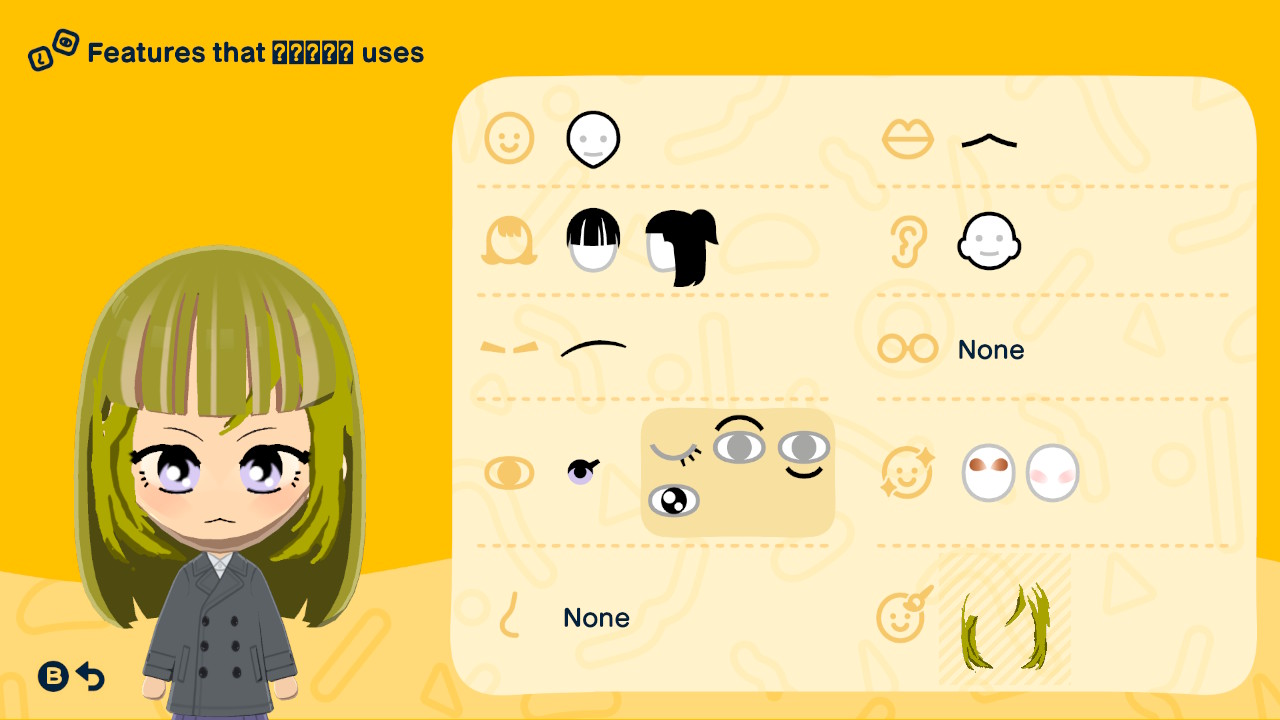
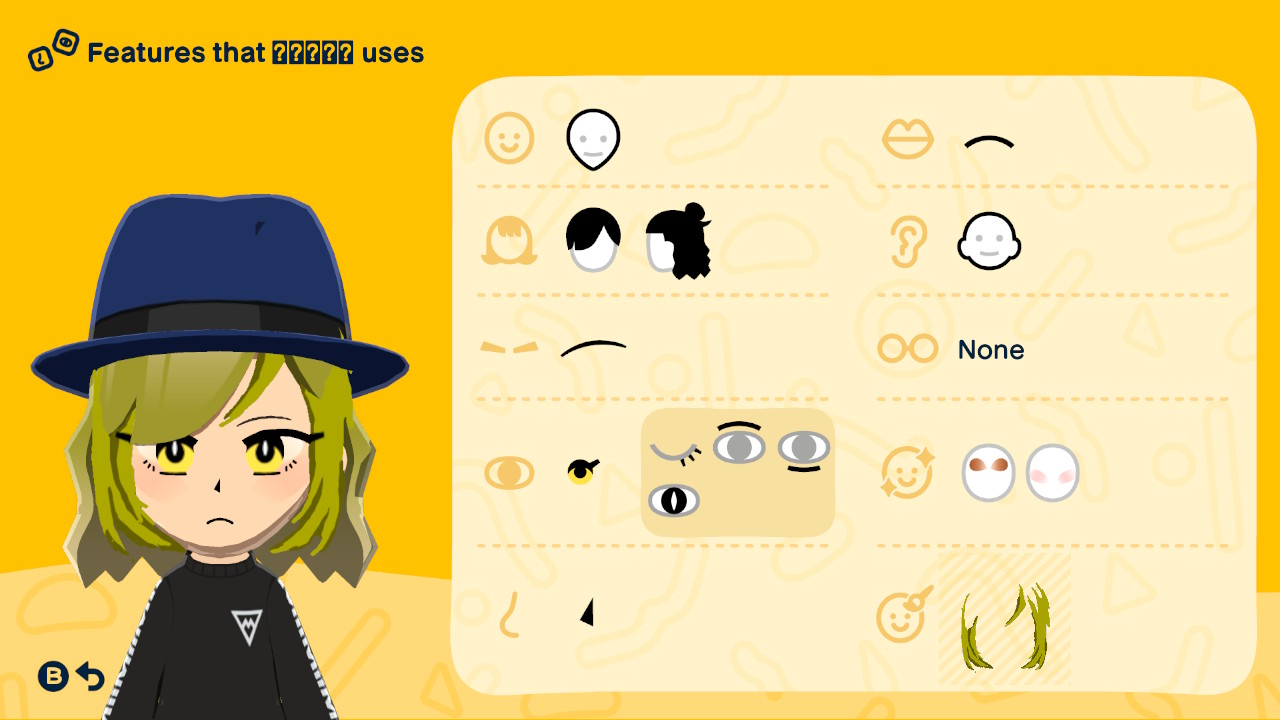
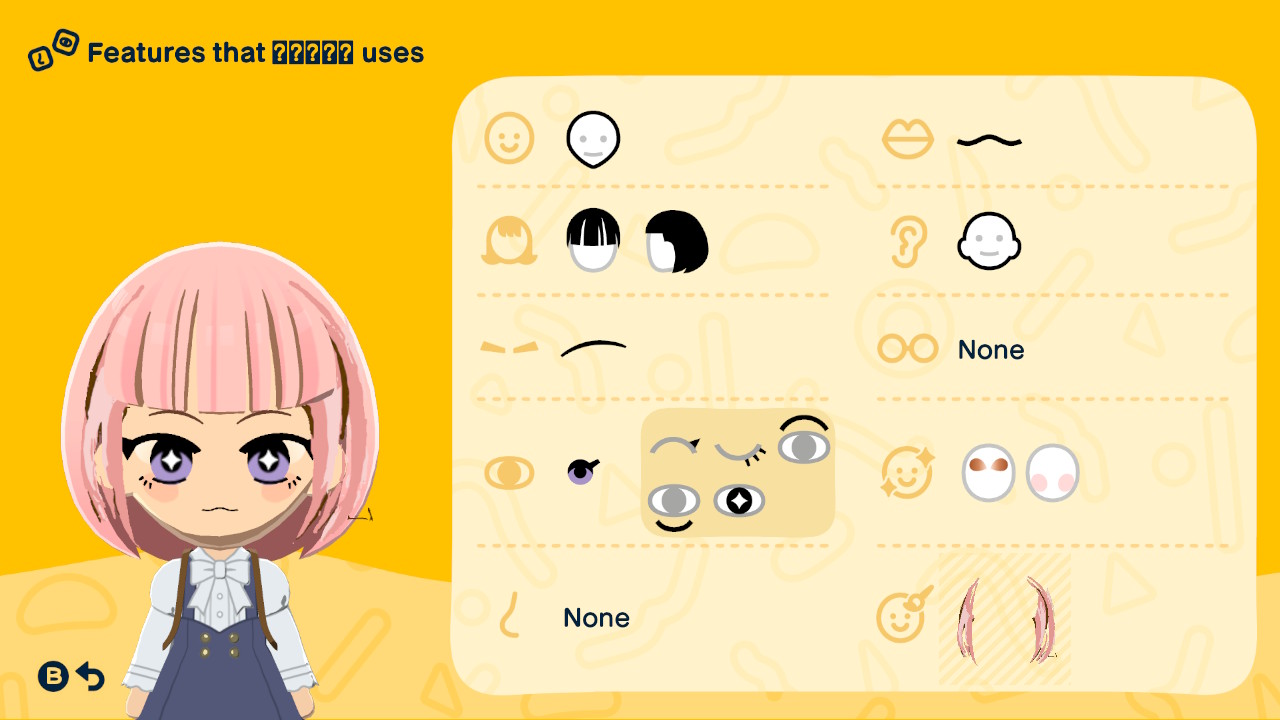
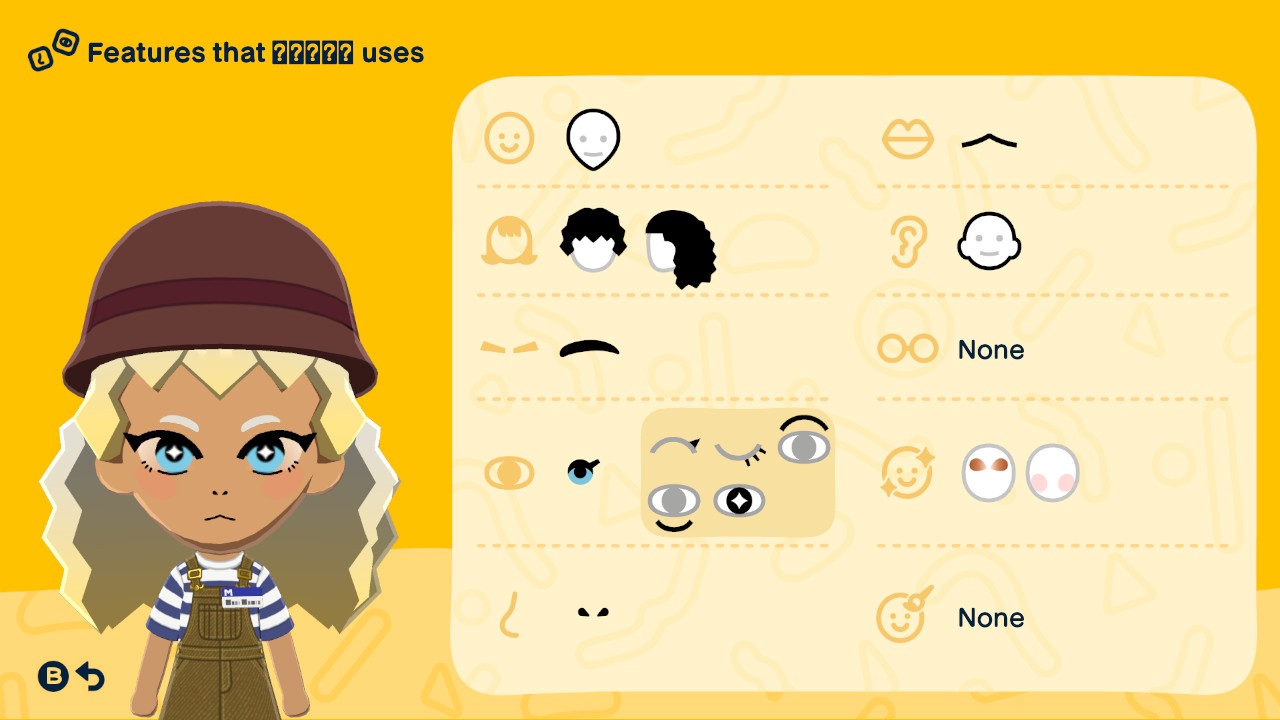
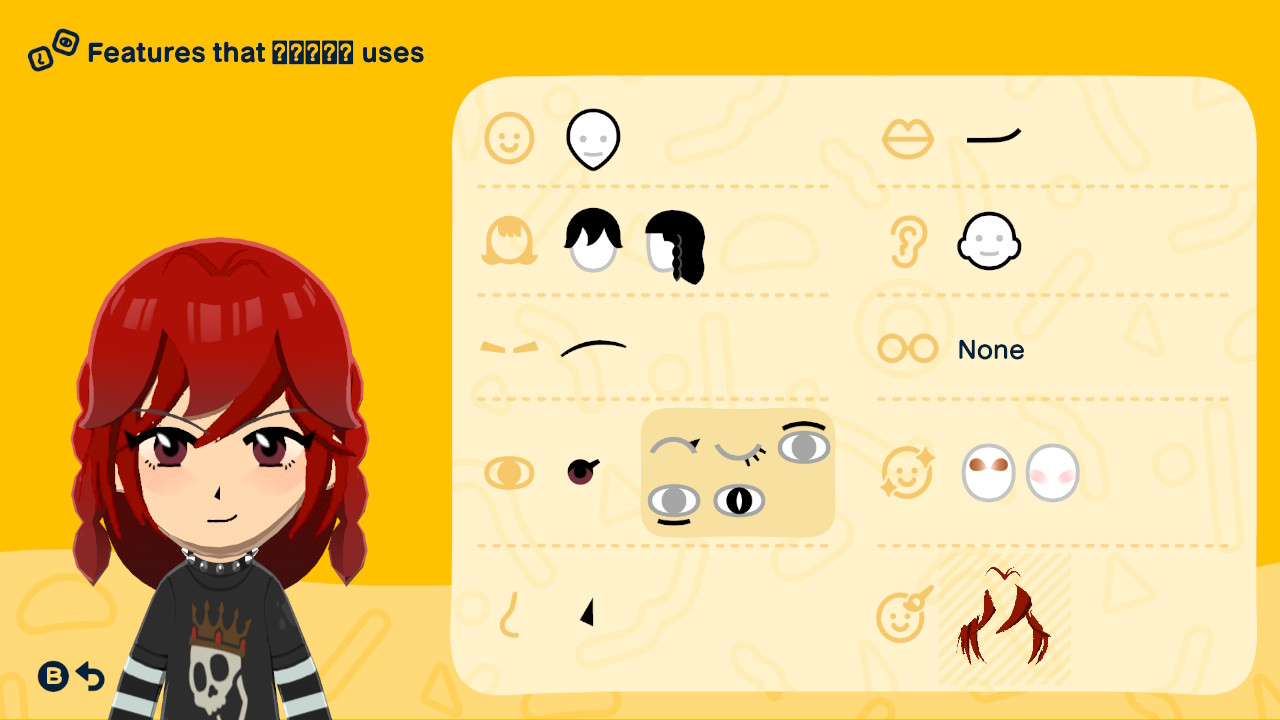
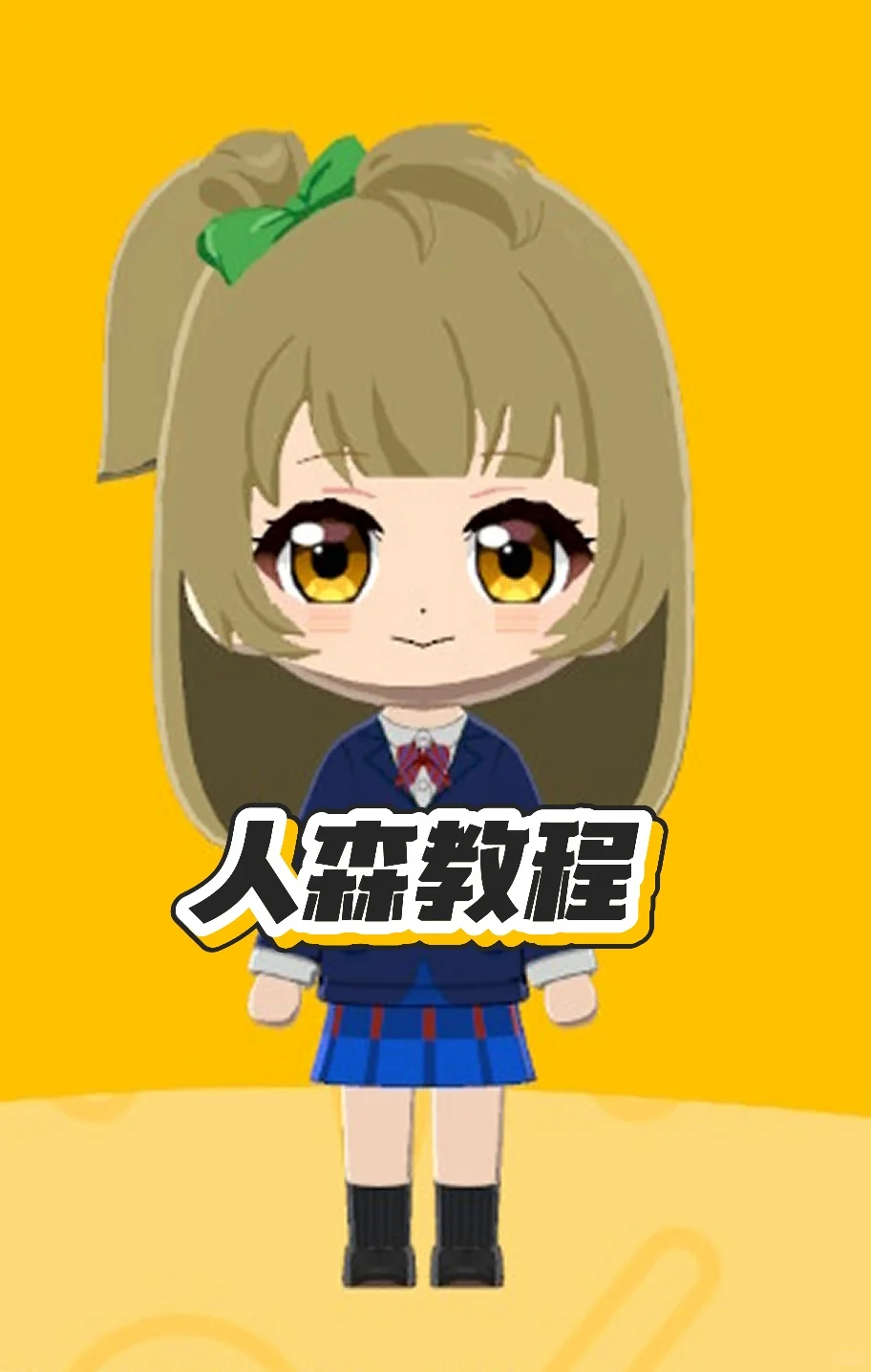
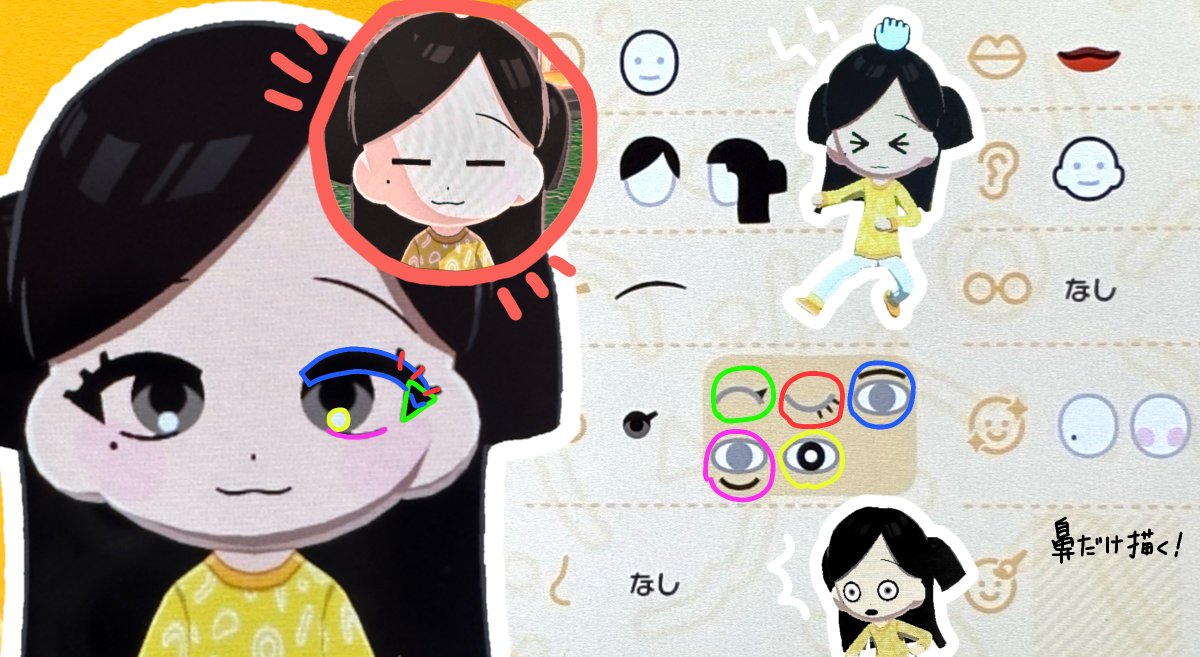
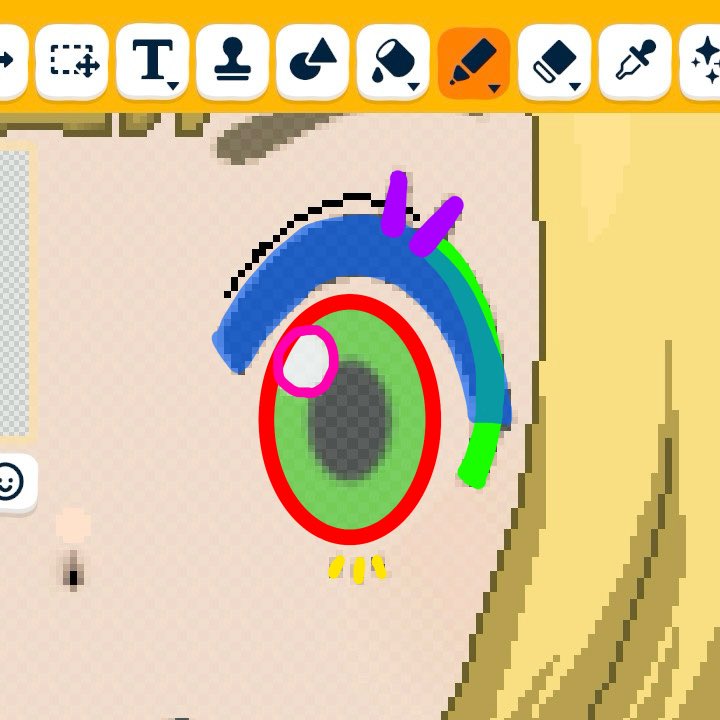
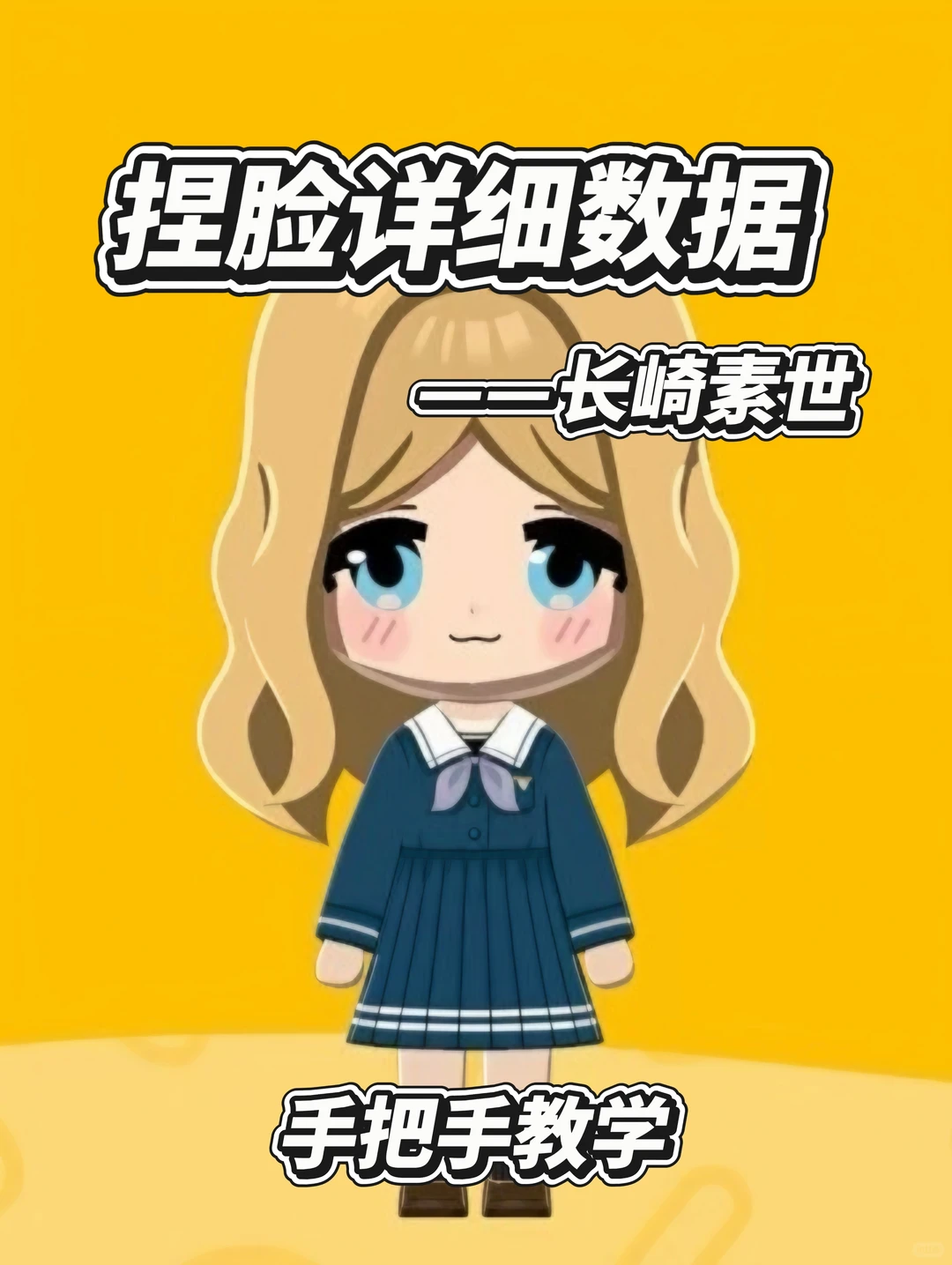
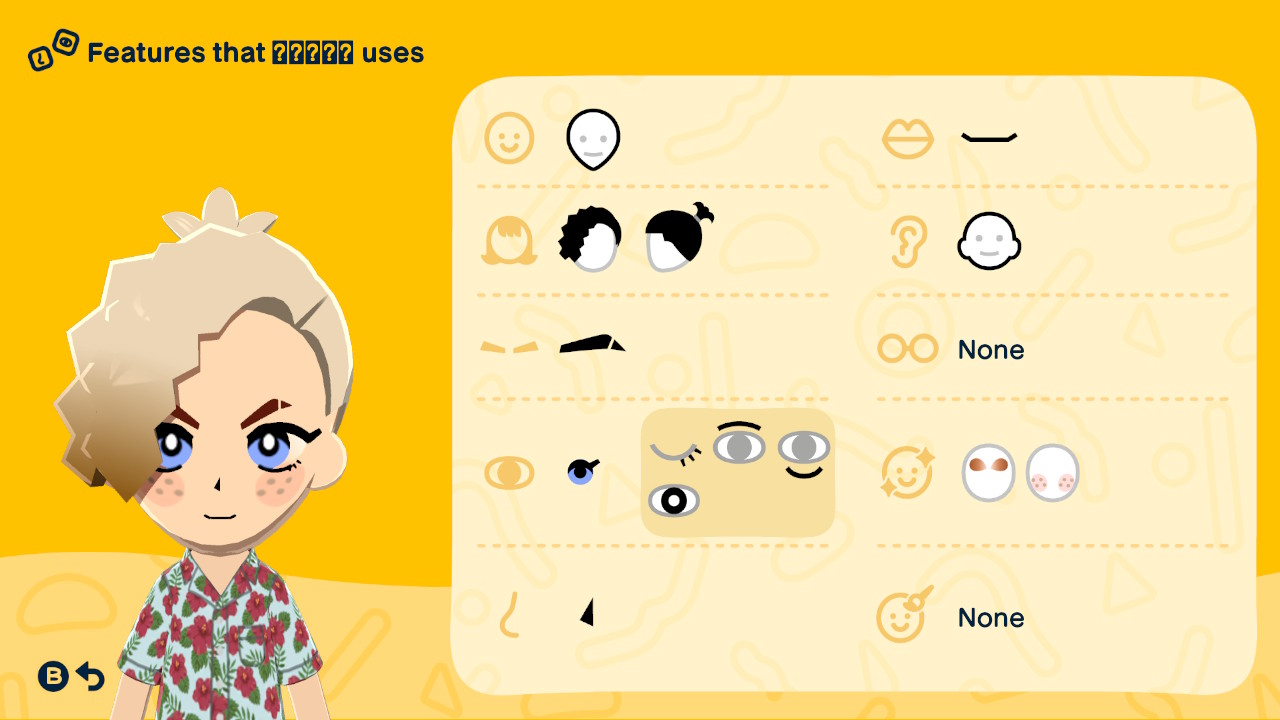
For chibi anime Miis, start with the face proportions: place the eyes a little lower for a cuter look. Use large, slightly stretched eyes for female characters, and thinner, longer eyes for male characters. Keep face paint for fixed details such as hair, noses, or accessories so expressions still move well. Zoom in and handle small details like pixel art; dithering can soften lines. A capacitive stylus makes tiny edits much easier.

Editorial review: Jul 9, 2026

Recreation Notes ?
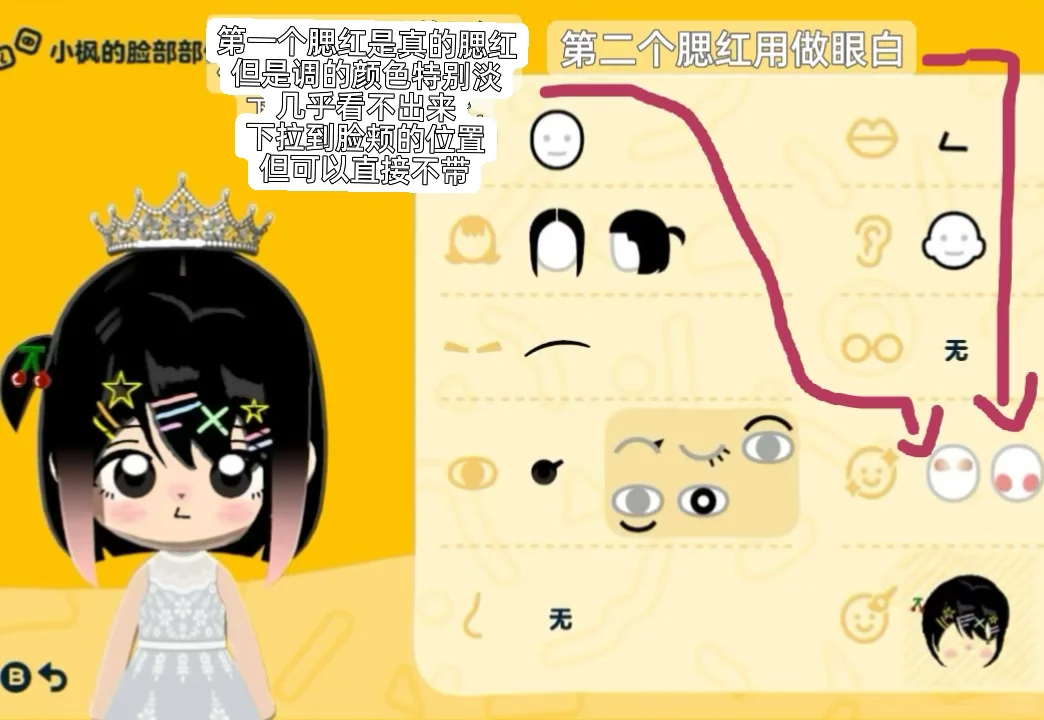
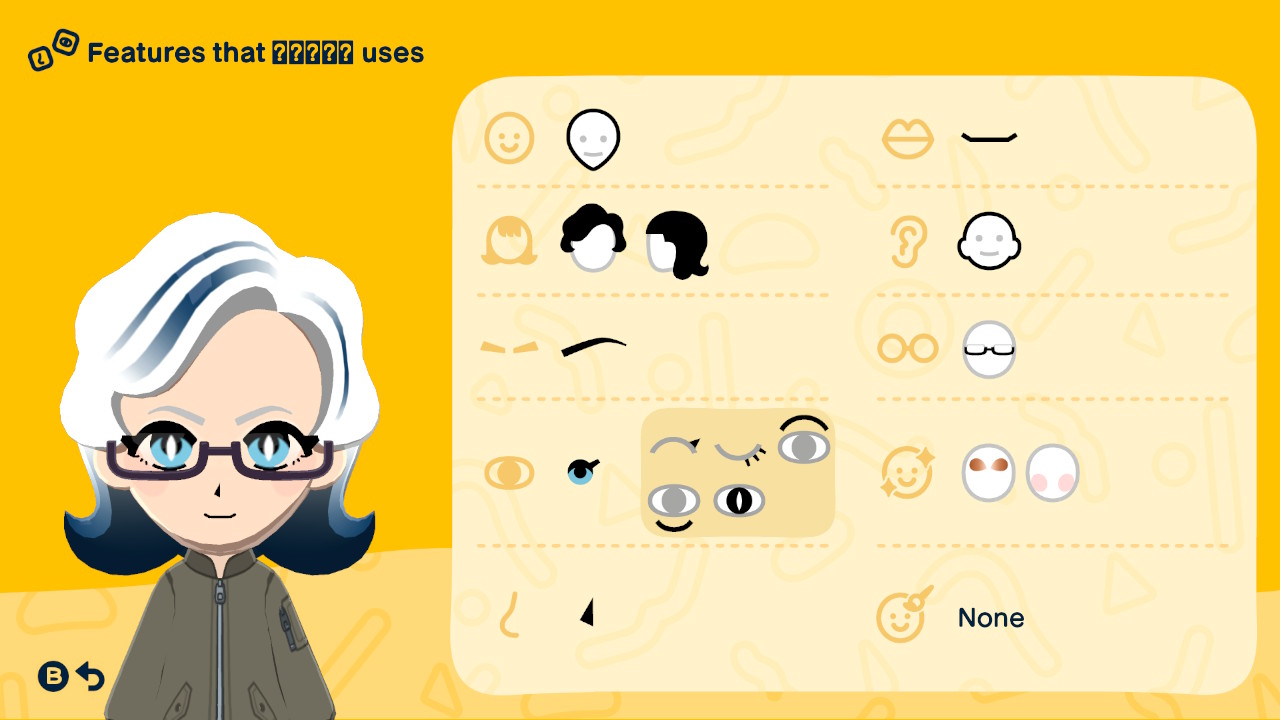
I wanted to share some anime-style, chibi Mii designs I made. Honestly I'm not very good at making custom designs, so this was mostly a lot of looking at references, messing around, failing, and trying again. I also tried to make each Mii look a little different, instead of giving everyone the exact same style. Maybe some of these ideas can help if you're also struggling with this kind of custom design XD A few random things that I learned, besides the recipes: 1. Proportions For chibi-style characters, proportions make a huge difference. I found that placing the eyes a bit lower on the face usually makes the Mii look cuter. For female characters, I usually make the eyes really big, then stretch them slightly if needed. For male characters, thinner and longer eyes tend to work better. The position of eyes also links to character's age. Here's a detailed tutorial from clip-studio: https://tips.clip-studio.com/en-us/articles/4897 there's an illustration in the HEAD section that shows the difference, not sure if I can repost it here so I'll just mention it. 2. When (and when not) to use face paint I also realized that using face paint for the whole face can make the character look closer to the reference, but it also makes their expressions less fun. So now I usually try to only use face paint for things that don't really move, like hair details, noses, accessories, etc. The key is to only use it for fixed parts of the design. 3. Techniques from pixel art help If you're good at pixel art or bead art, that probably helps a lot. Zooming in and treating it more like pixel art made things easier for me. Dithering also helps when trying to make lines look a bit softer or more natural. ke2uke's Reddit post is what I found most useful: https://www.reddit.com/r/PixelArt/comments/c4krcr/dithering_tutorial_for_beginners/ 4. Some nice tools and easier ways to make details Also, making details with my finger was painful lol. A capacitive stylus makes a huge difference. I've also seen people use things like a damp cotton swab, or very carefully wrapped tools like a needle or tweezers, but obviously be careful and do that at your own risk. Anyway, hope this helps someone a little. Have fun making your Miis!

Tags

Recreation tips from the community

Share what you tried, tricky spots, unclear parts, or adjustment tips for this design.

0 hearts 0 published comments
Comment guidelines

Only share variations or links when the original creator allows copying, edits, or derivative works.

Keep comments on topic. No trading requests, attacks, harassment, spam, or inappropriate content.

Comments appear after review. Published notes are visitor experiences, not official verification.

No published comments yet.

Please enter at least 25 characters.