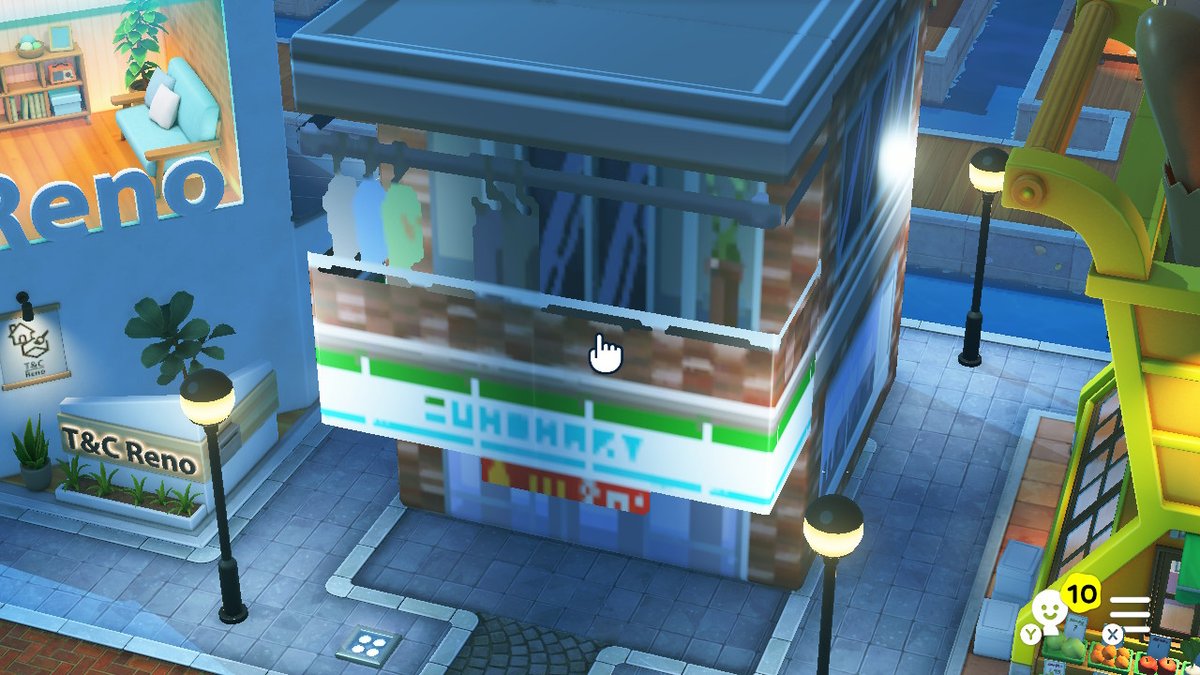
Tutorial

Suzhou Garden Island Build Tutorial with Pattern Sheets for Tomodachi Life

Published 2026-05-13

Full island build tutorial recreating a Suzhou classical garden, with reusable pattern sheets and tips for glowing roofs and lattice windows.
Source / creator link Open source
Back to all patterns

Making Steps

Editorial notes based on creator, source, or submitter information.

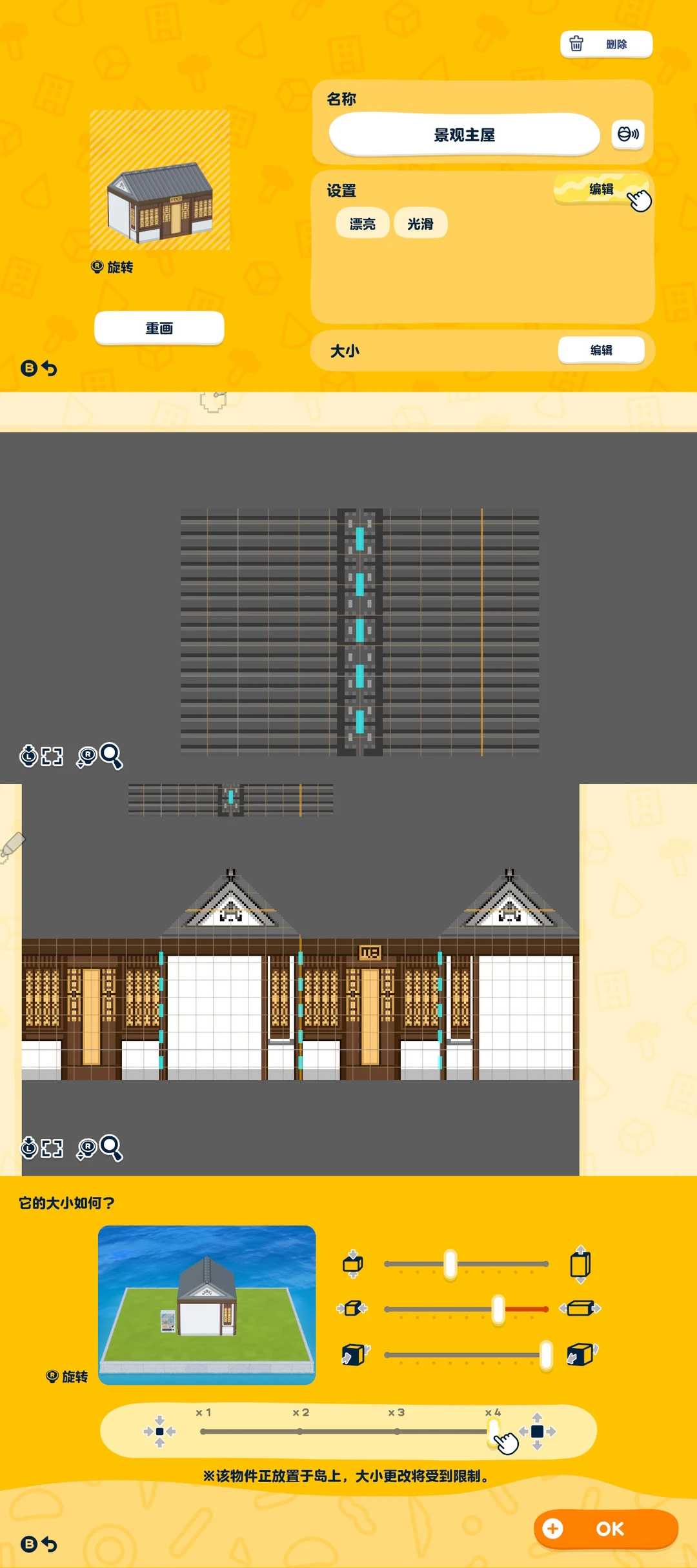
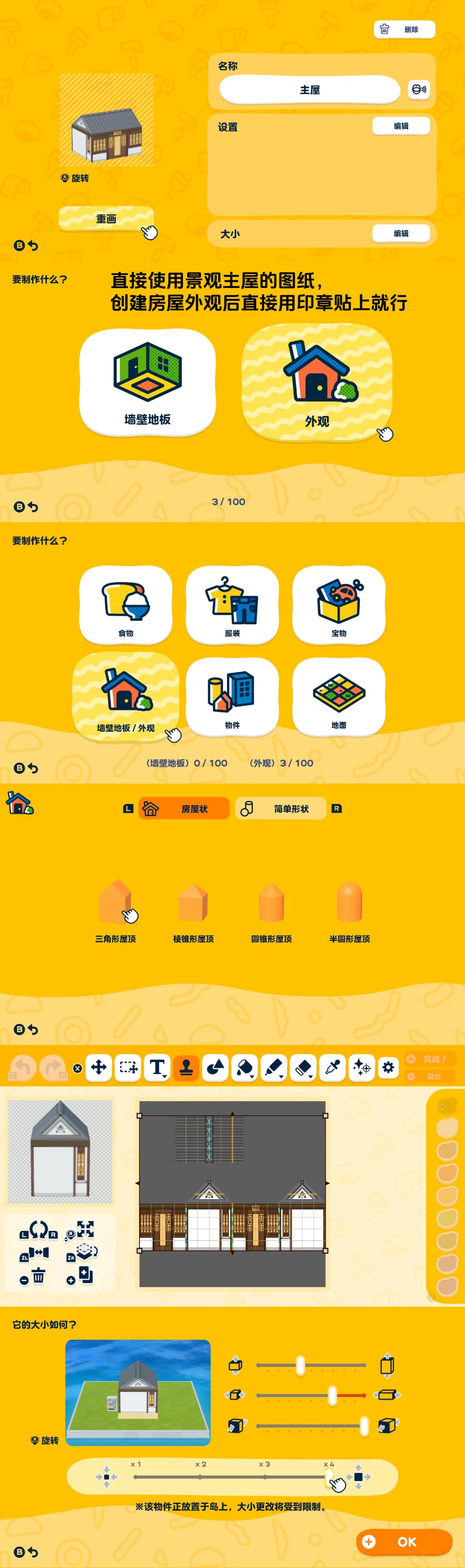
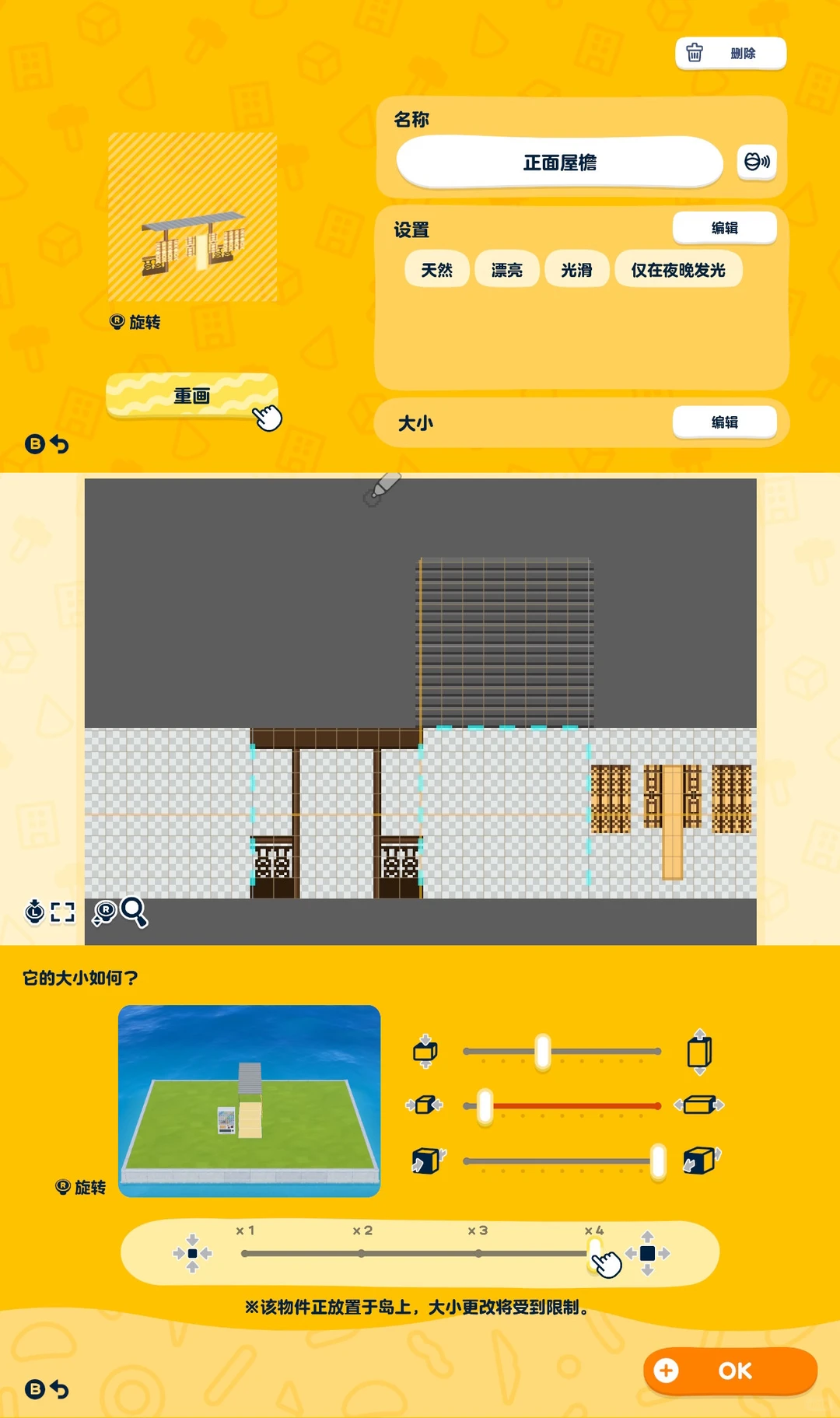
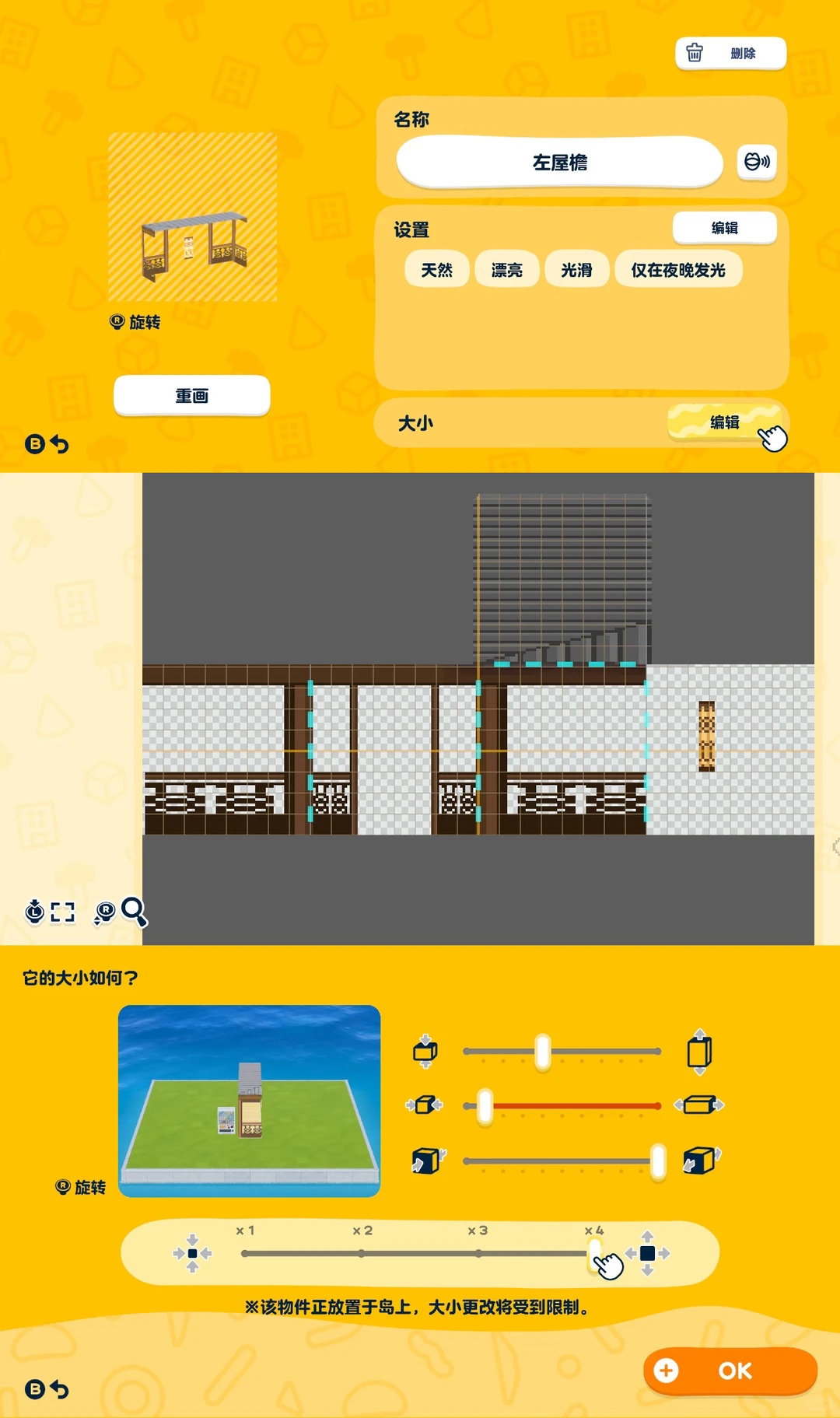
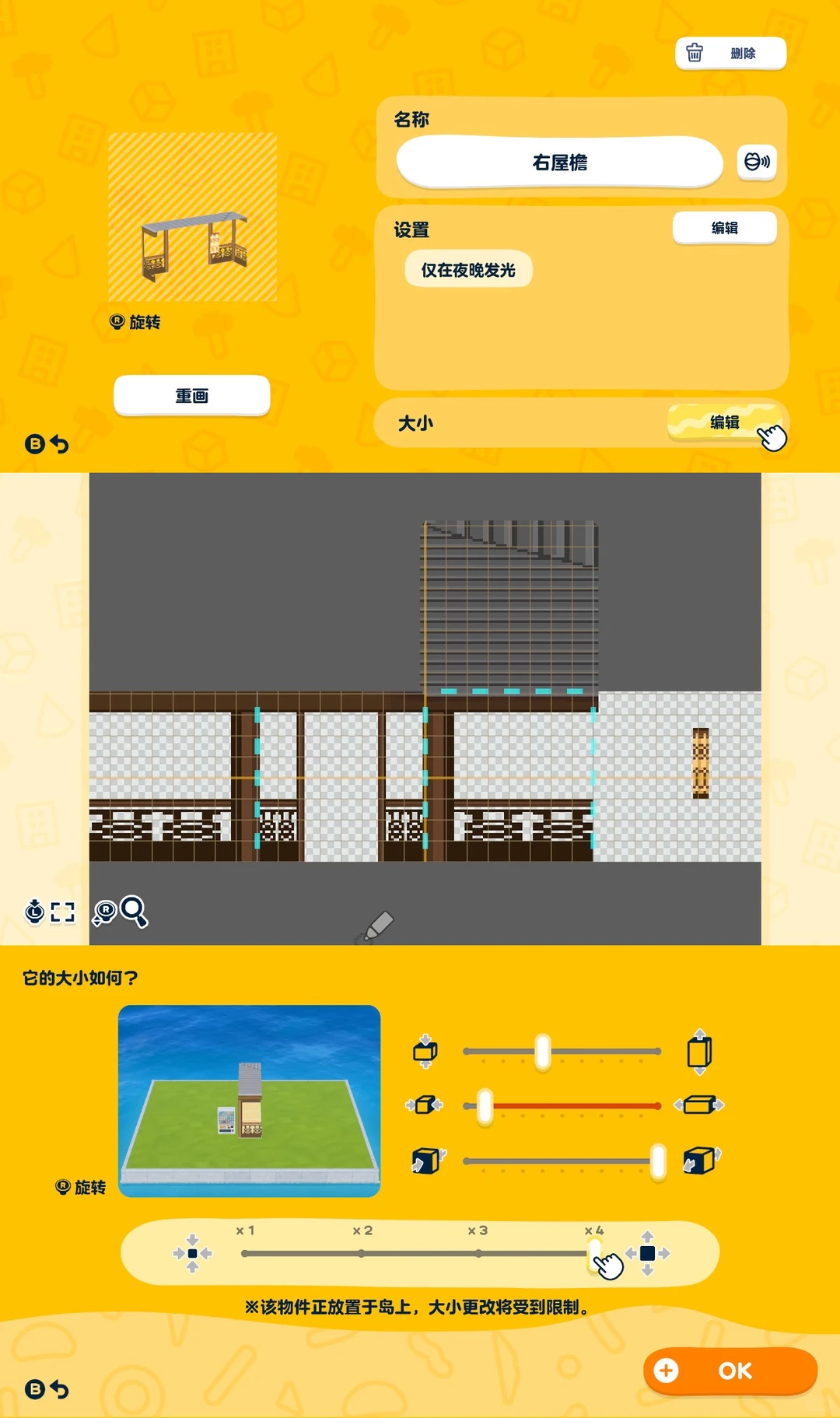
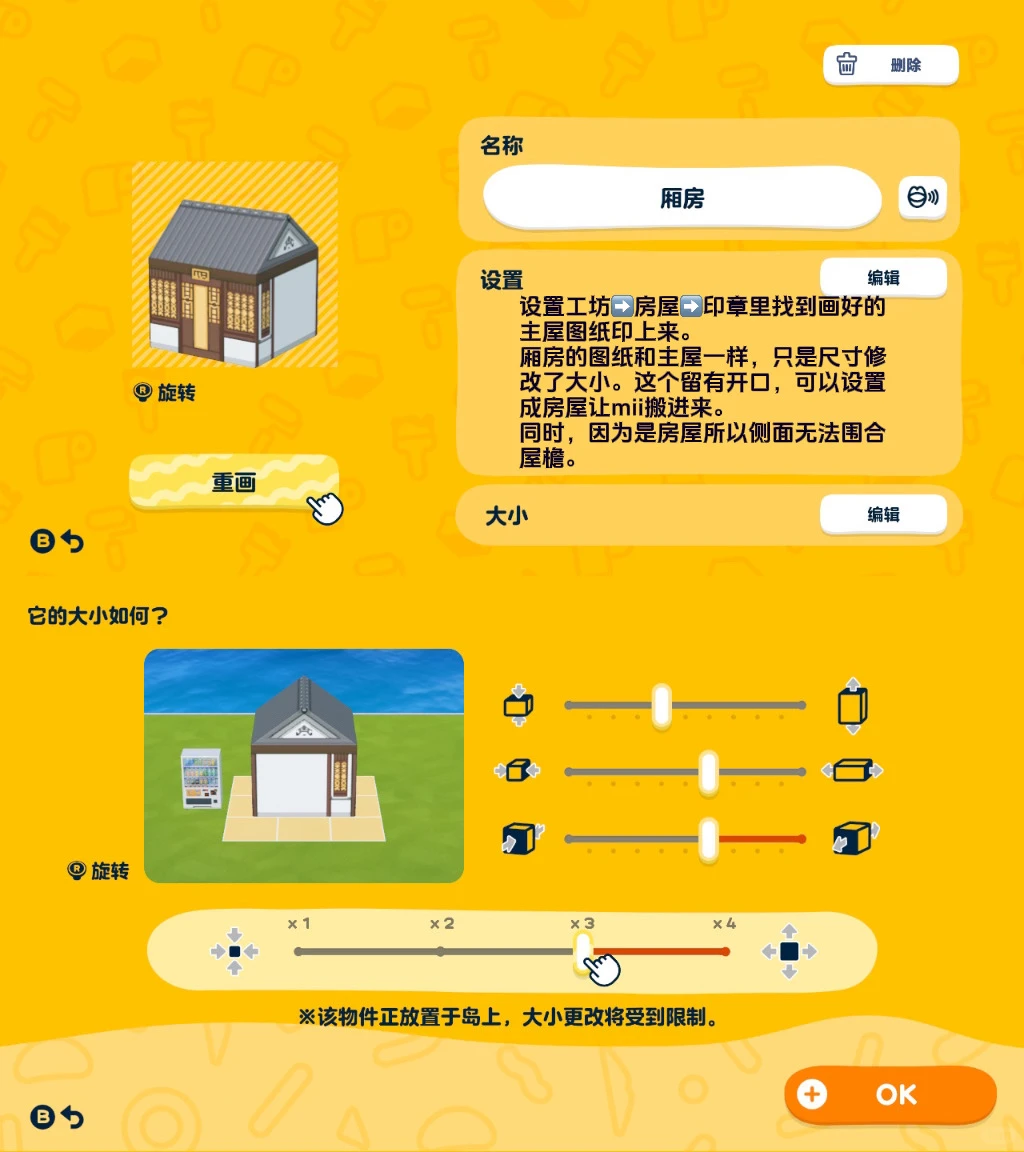
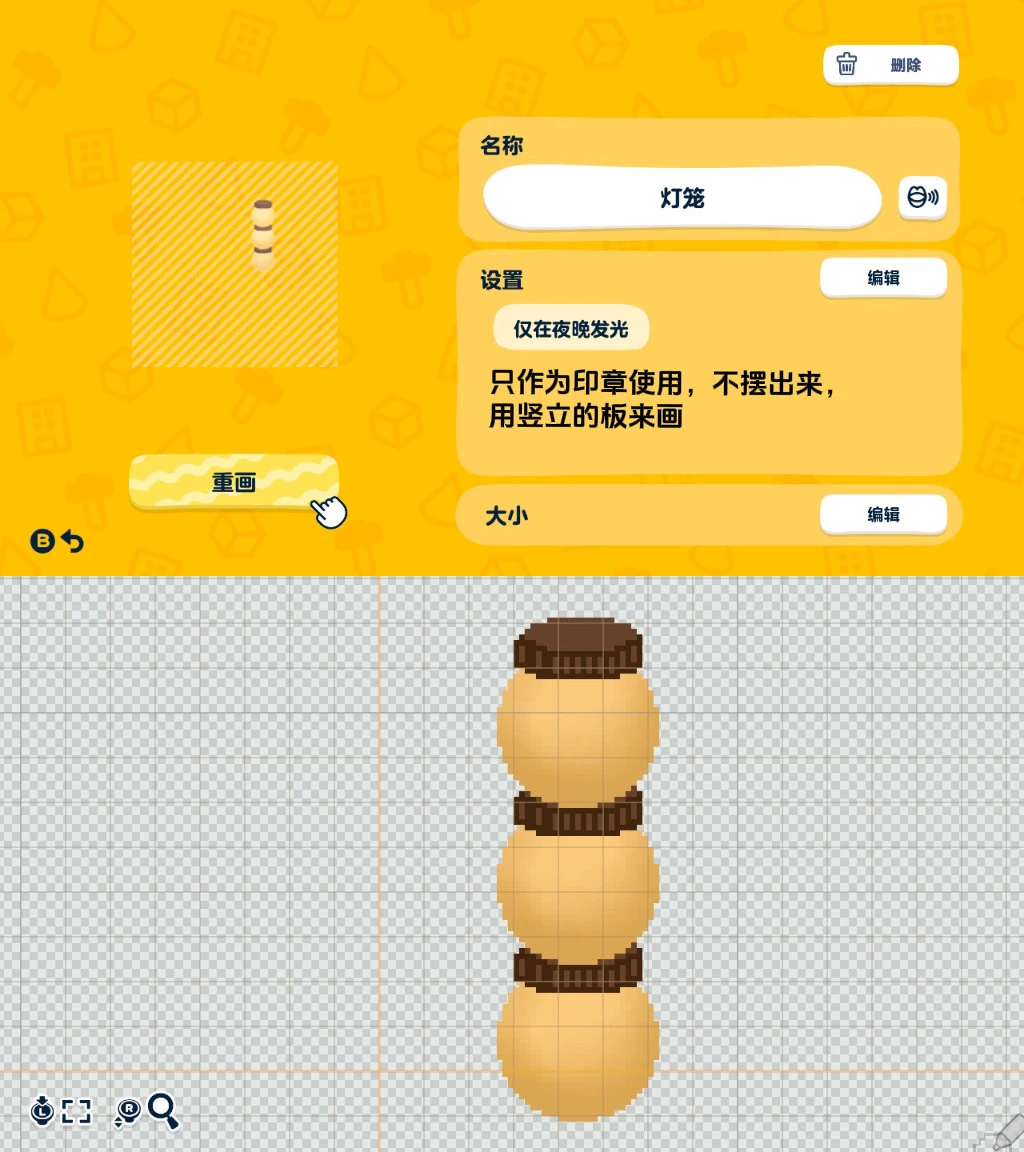
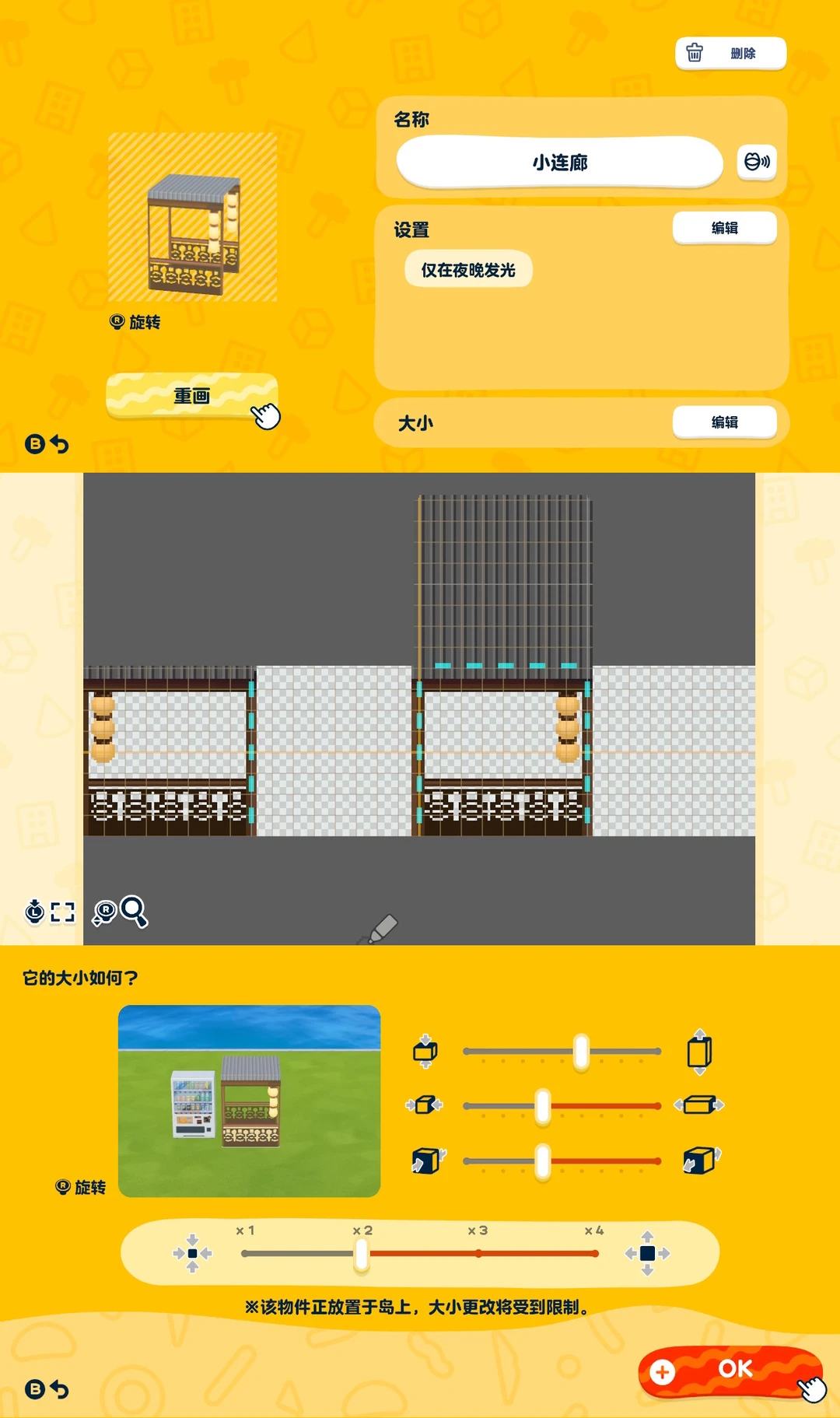
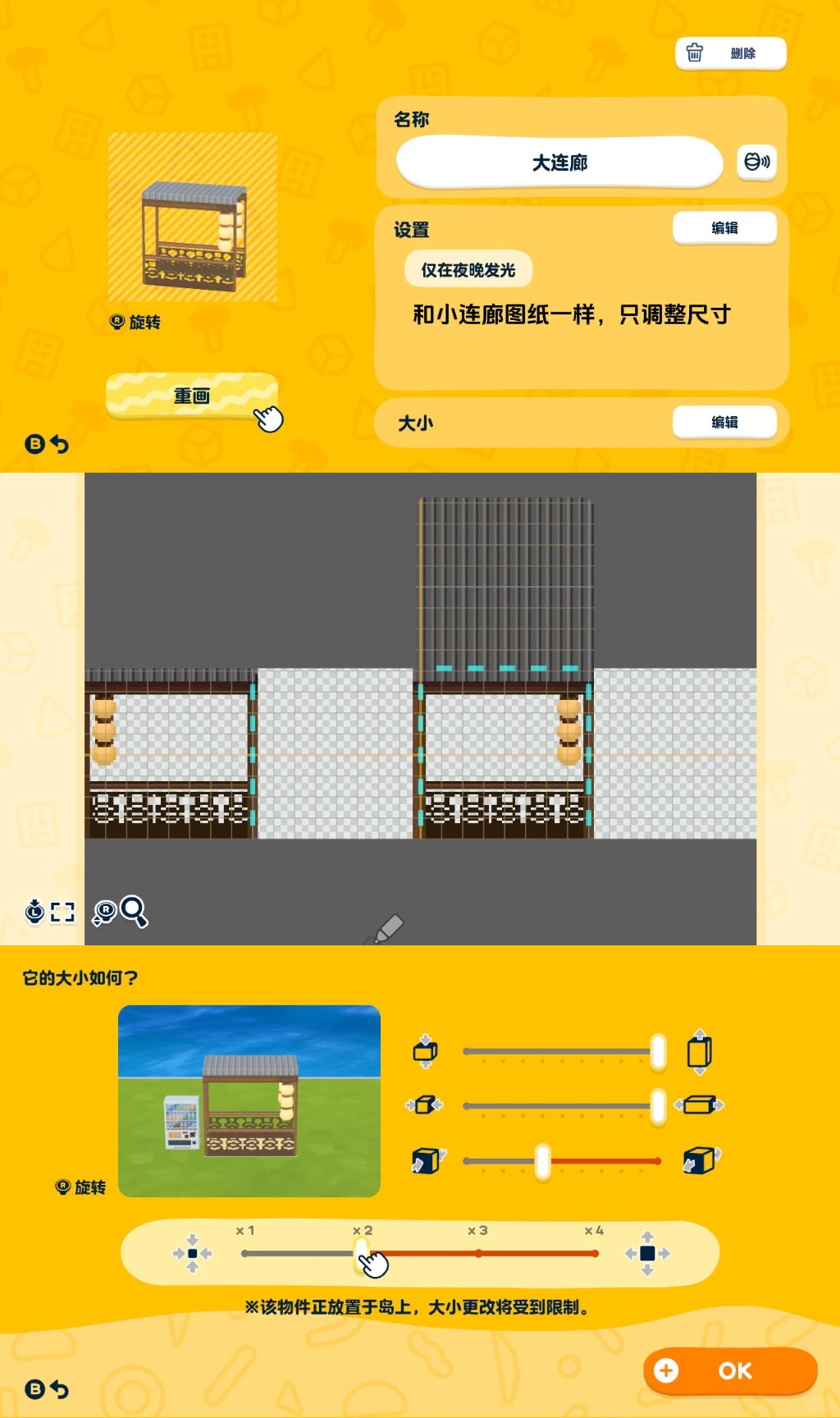
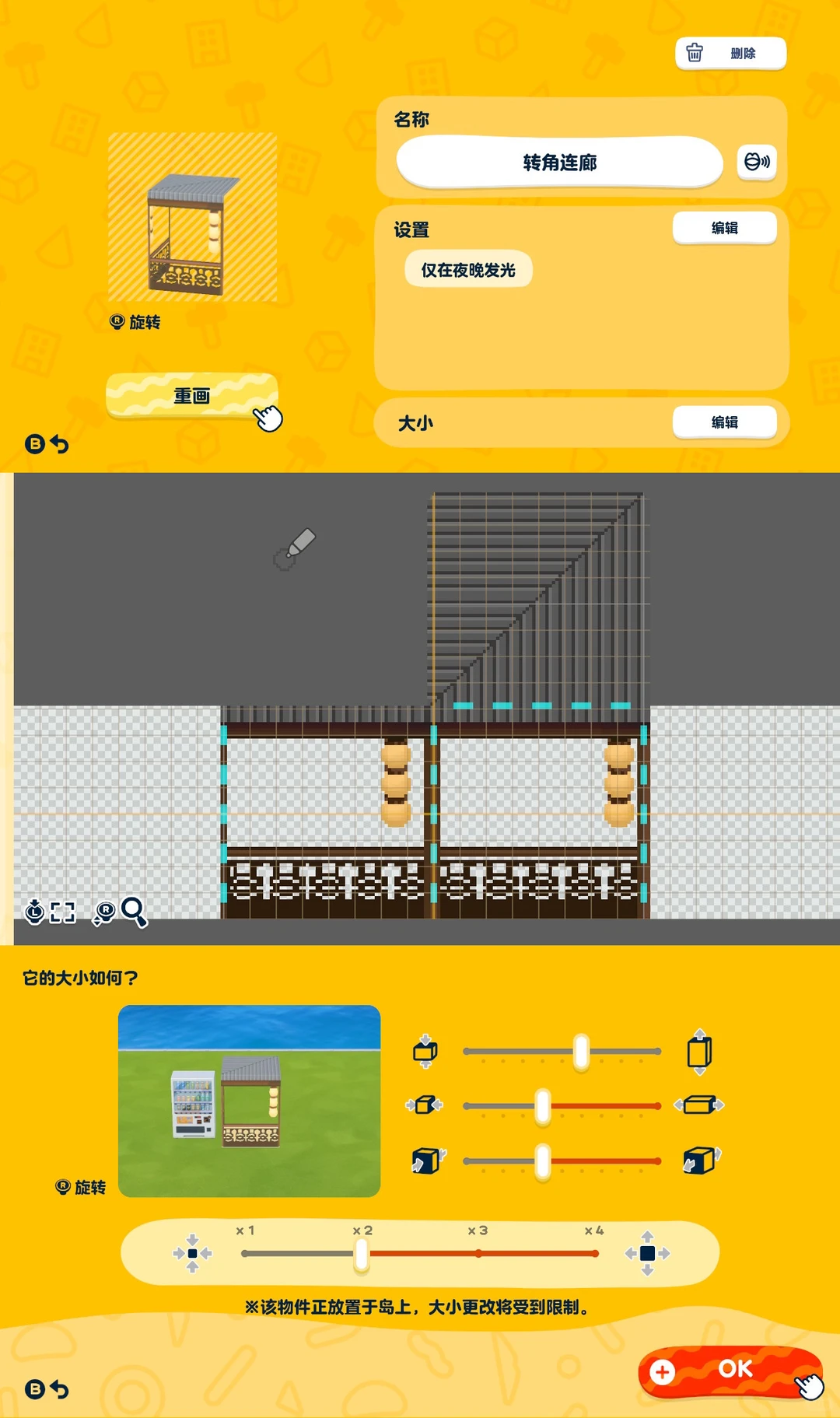
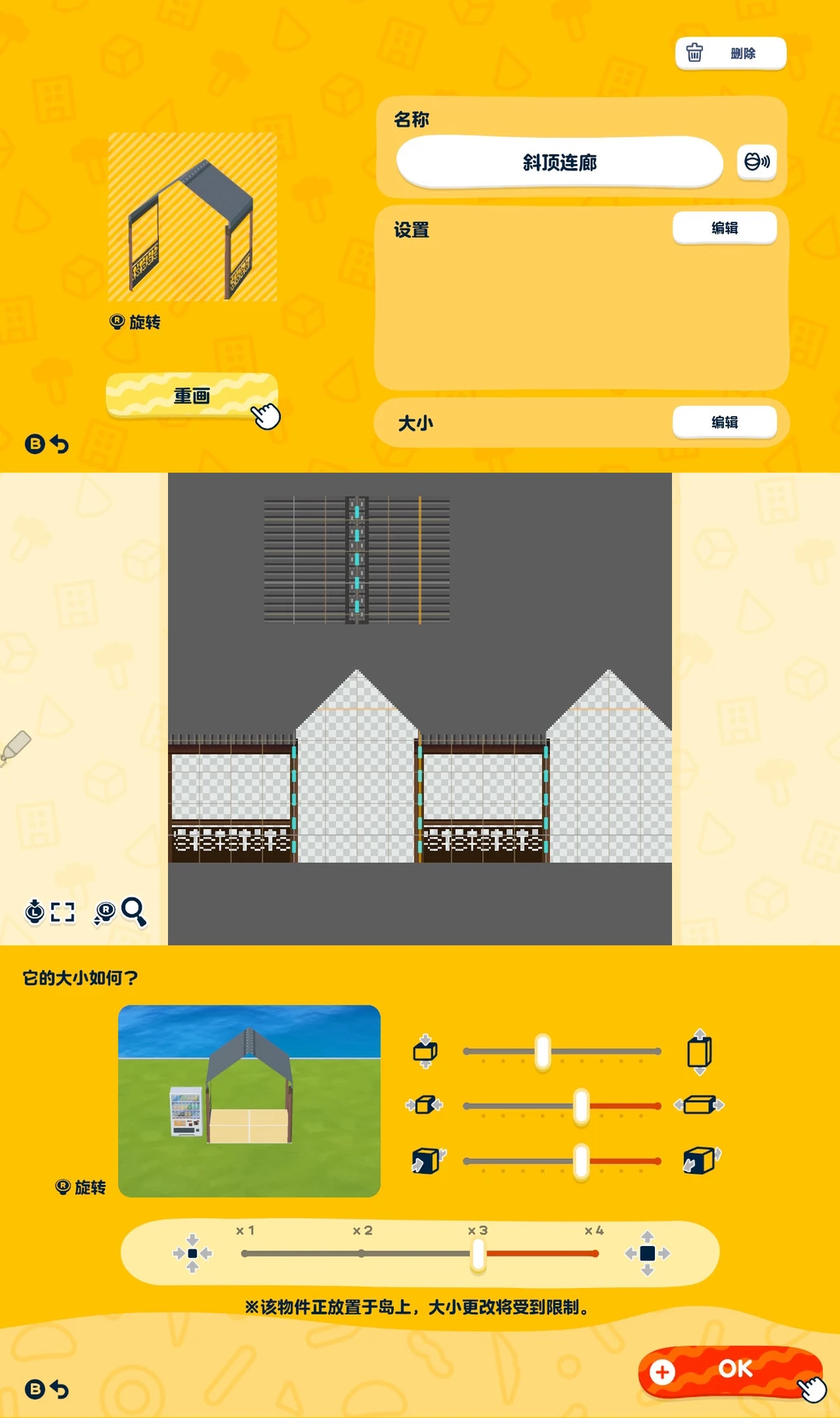
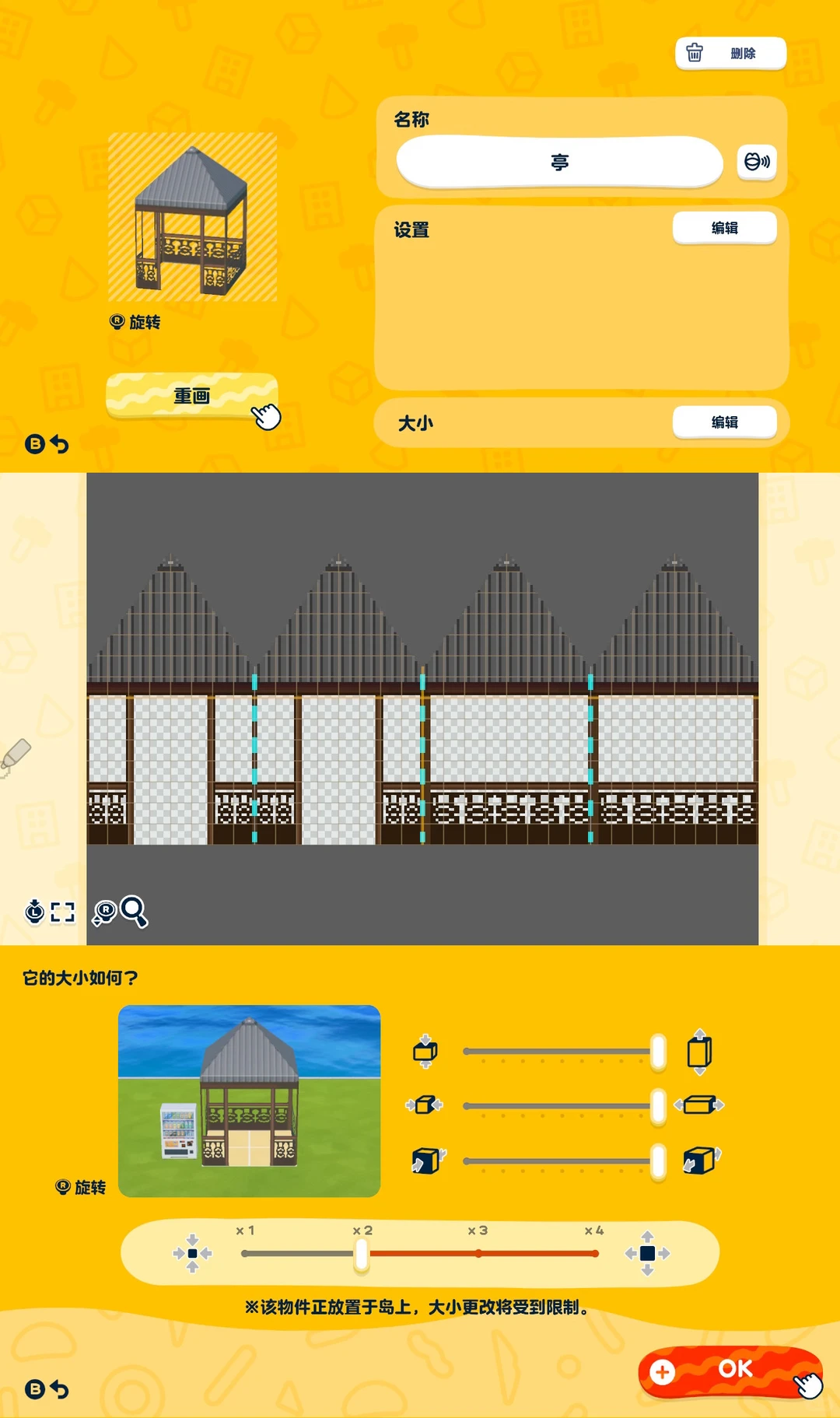
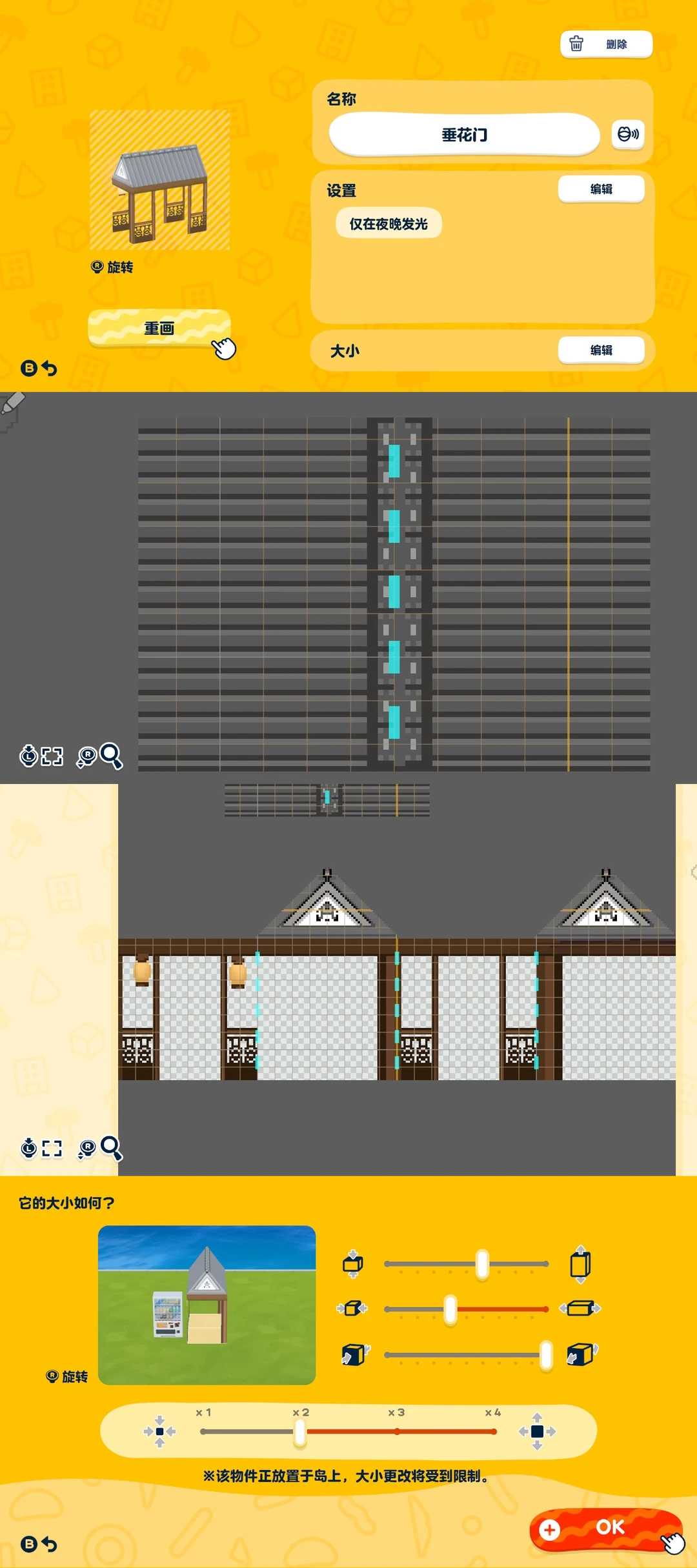
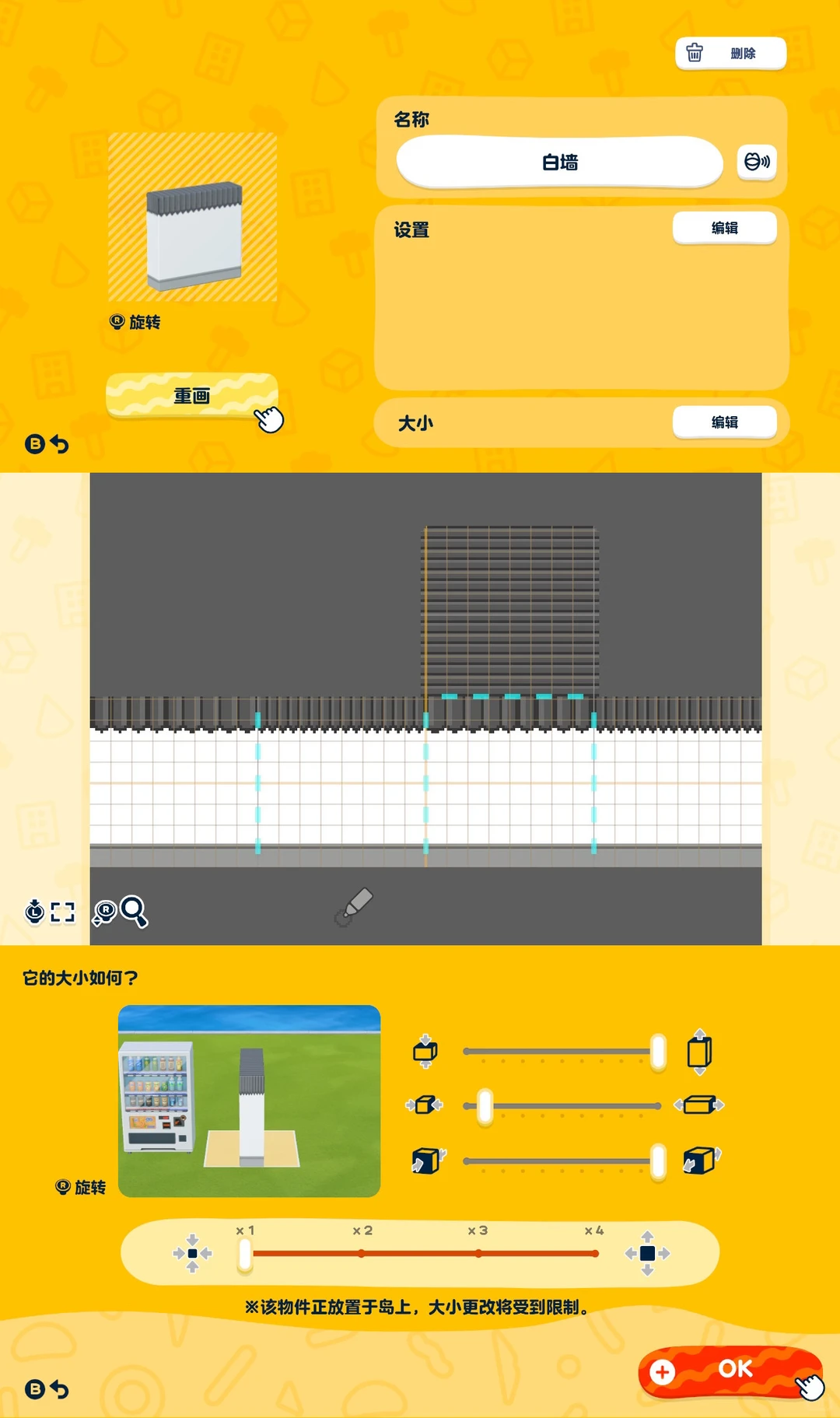
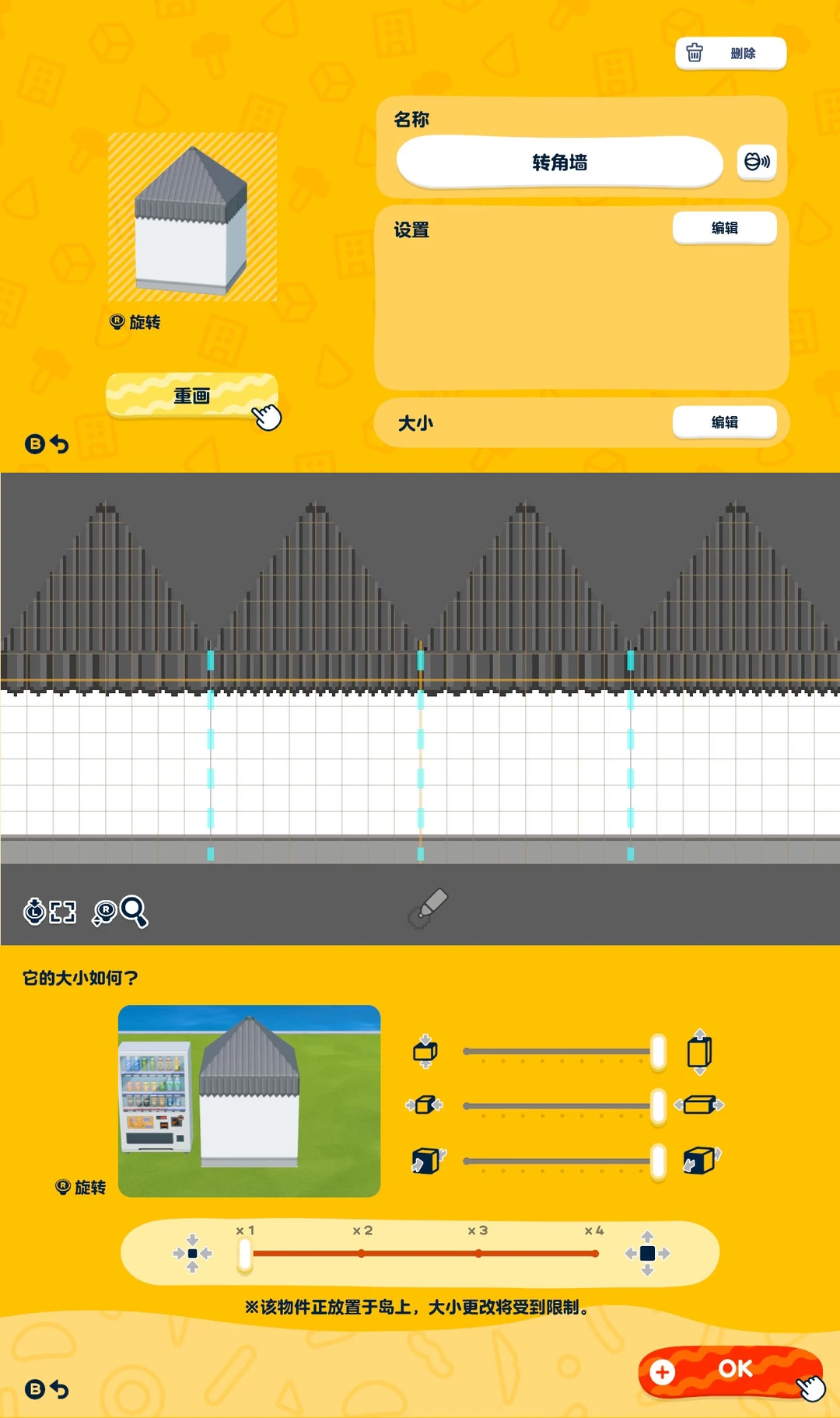
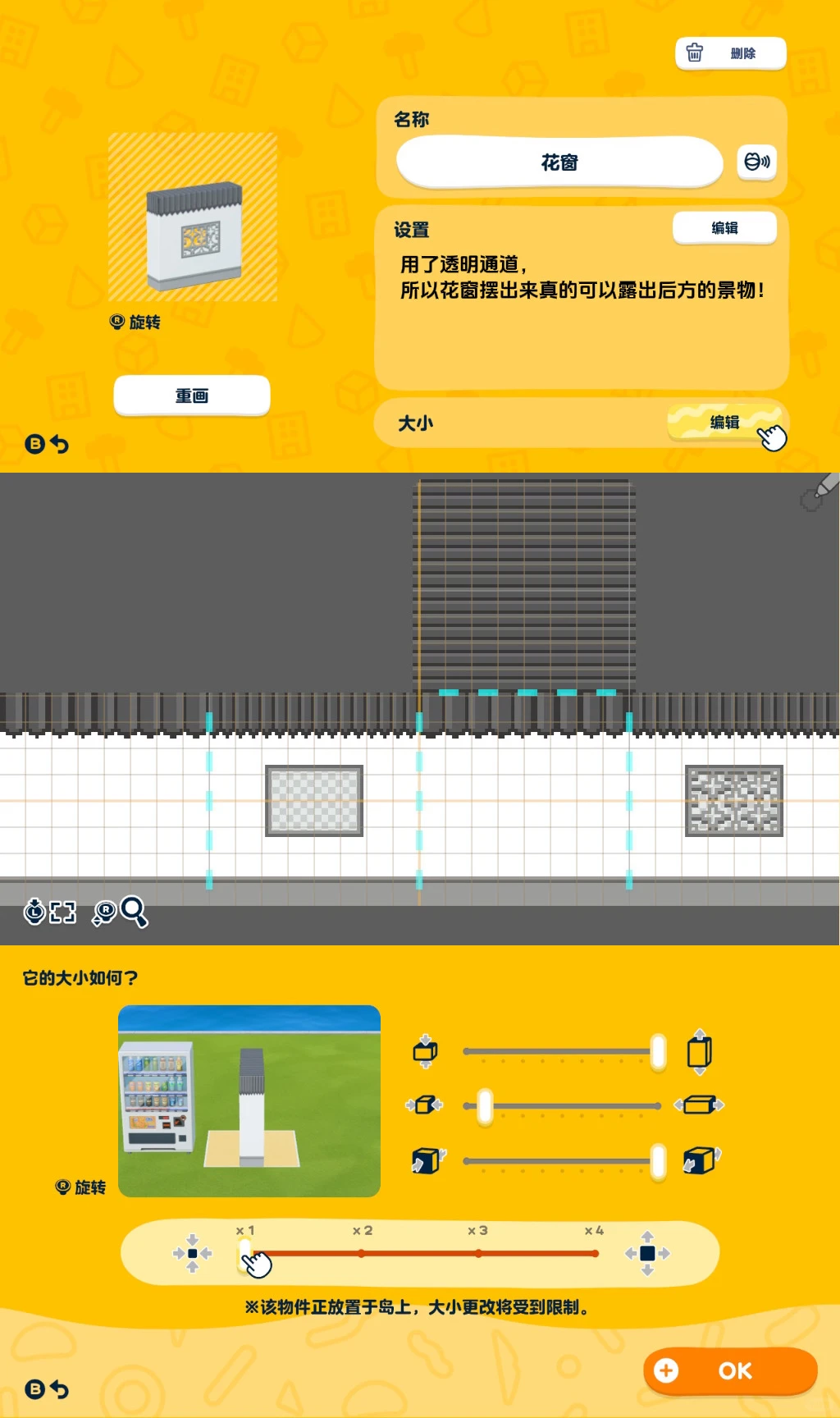
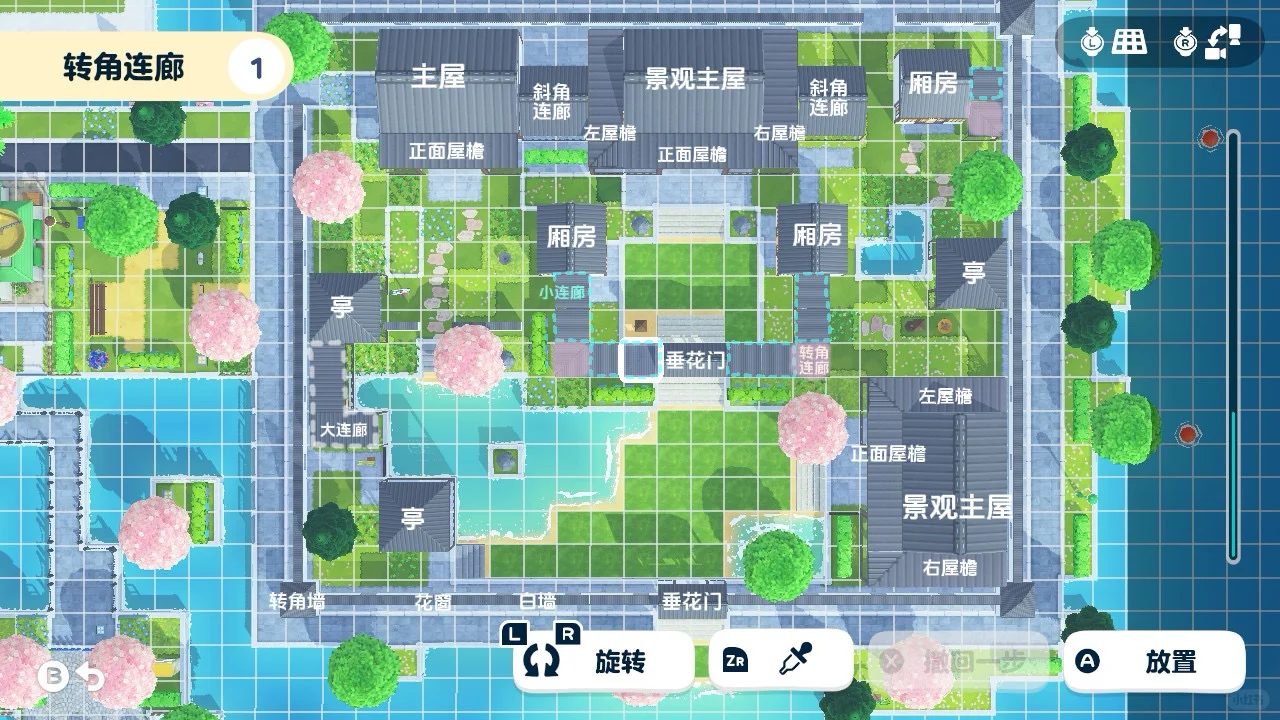
Most Suzhou garden parts use straight-line grid filling, and many motifs can be reused. Make one basic shape first, then edit it into related parts. For glowing buildings, do not set the main house and side rooms to glow; instead, use the surrounding eaves for the glow effect, and align one eave face with the main window structure. Corridors and hanging-flower gates can have lanterns and be set to glow directly. For transparent flower windows, finish the white wall, create a cube based on it, cut matching window openings on front and back with the square tool, fill with transparent base, then draw the flower-window pattern only on the front. Use stamps to reduce work on heavily changed parts. For placement, follow the plan view; if replacing the scenic main hall with a house for Mii residence, leave room for the Mii's exit path.

Editorial review: Jul 9, 2026

Recreation Notes ?
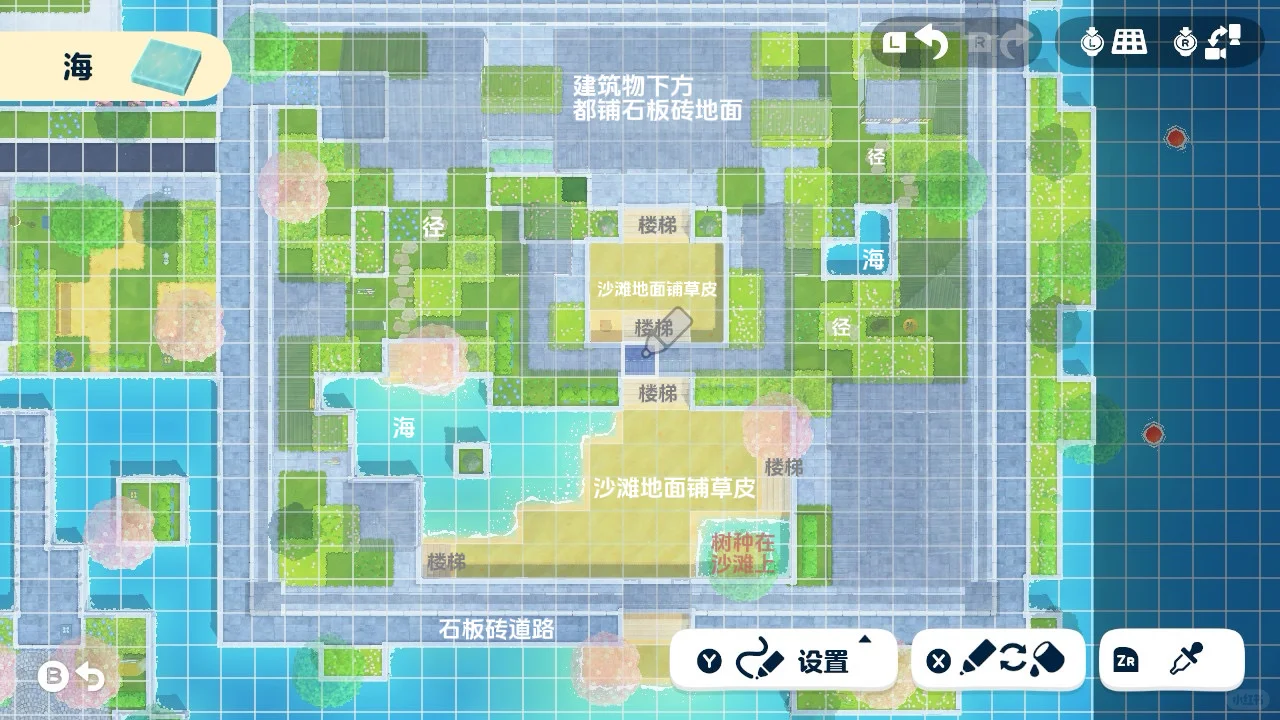
The tutorial is finally done! Thank you all for the love 🫶 The house style and glowing effect concept are from @比比拉布 — truly genius There are quite a few pattern sheets, but basically you only need to use the straight line tool to fill in the grid, and most patterns can be reused. Once you draw one base form, you can make everything else with small adjustments! Preview image is pinned on my profile 🔝 1️⃣ Glowing facilities The main house and side rooms themselves are not set to glow — instead, the glow effect is achieved through the surrounding eaves, so one face of the eaves needs to have windows drawn on it. This part needs to align with the window structure of the main body, so be patient and adjust carefully. The various covered walkways and decorative gate have lanterns drawn on them and can be set to glow directly. 2️⃣ Transparent lattice windows Draw the white wall ➡️ create new object ➡️ cube ➡️ base it on a crafted item ➡️ select the white wall ➡️ use the rectangle tool on both the front and back faces to mark out the window opening (must be the same size and aligned) ➡️ fill with transparent background ➡️ draw the lattice window pattern on the front face only, not the back! This way the lattice windows are very crisp and actually let you see the scenery behind the wall. This method also works for the main house, side rooms, left and right eaves, large covered walkway, and other parts that only need minor changes or resizing. When making parts with bigger changes, making flexible use of the stamp tool can also save a lot of work. 3️⃣ Placement The placement work after finishing the pattern sheets is actually quite simple — just follow the floor plan to recreate it easily. I recorded the process using the main building as an example, posted in the comments! My layout sacrifices some Mii foot traffic for the sake of aesthetics. If you need Miis to move around, feel free to adjust the placement of parts to create a complete path w 4️⃣ Mii move-in The scenic main house position can be swapped for a functional main house to allow Mii move-in, but setting it as a house means one side cannot have eaves placed, and the surrounding area can't be packed too full — you'll need to plan out a path for Miis to go outside. Adjust as needed! That's about everything worth noting. If you have other questions, feel free to ask in the comments! The pattern sheets for the grass and pathways didn't fit here — also posted in the comments!

Tags

Recreation tips from the community

Share what you tried, tricky spots, unclear parts, or adjustment tips for this design.

0 hearts 0 published comments
Comment guidelines

Only share variations or links when the original creator allows copying, edits, or derivative works.

Keep comments on topic. No trading requests, attacks, harassment, spam, or inappropriate content.

Comments appear after review. Published notes are visitor experiences, not official verification.

No published comments yet.

Please enter at least 25 characters.